• 4 min read
Facial smart locks finally make sense
Facial-recognition smart locks now unlock quickly and reliably, but UWB remains the smoother hands-free option and cheaper locks still have flaws.
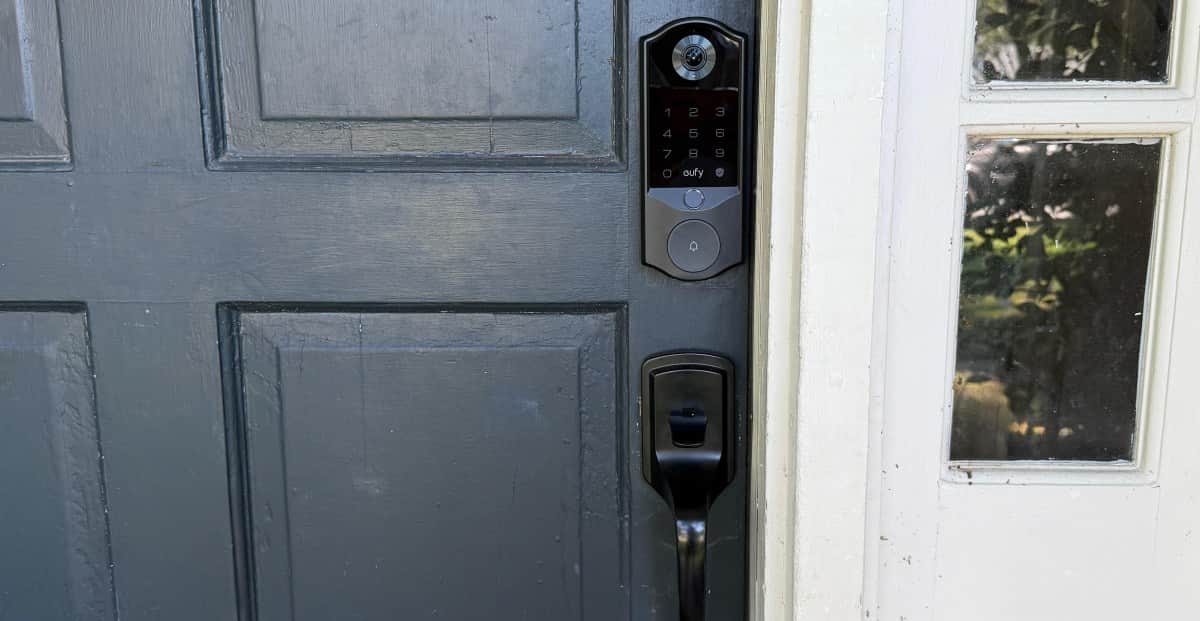
Image: The Verge
Hands-free unlocking is finally becoming practical, and facial recognition is one reason why. Unlike geofencing, which can be slow, unreliable, and dependent on a phone app running in the background, facial scanning can open the door as you approach without requiring a phone, passcode, or free hand.
The reviewer tested the four facial-recognition locks currently available: the $300 Eufy FamiLock E40, $350 Lockly Visage Zeno, Lockin’s $199 Veno Solar Face, and SwitchBot’s $230 Lock Vision Pro. A Kickstarter model is expected to launch next month, while SwitchBot has additional variations.
Facial-recognition locks use infrared sensors to build a three-dimensional map of a face. Depending on the model, that involves structured light, stereo infrared cameras, or time-of-flight sensing. The depth data is designed to prevent a simple photograph from fooling the lock.
Recommended reading
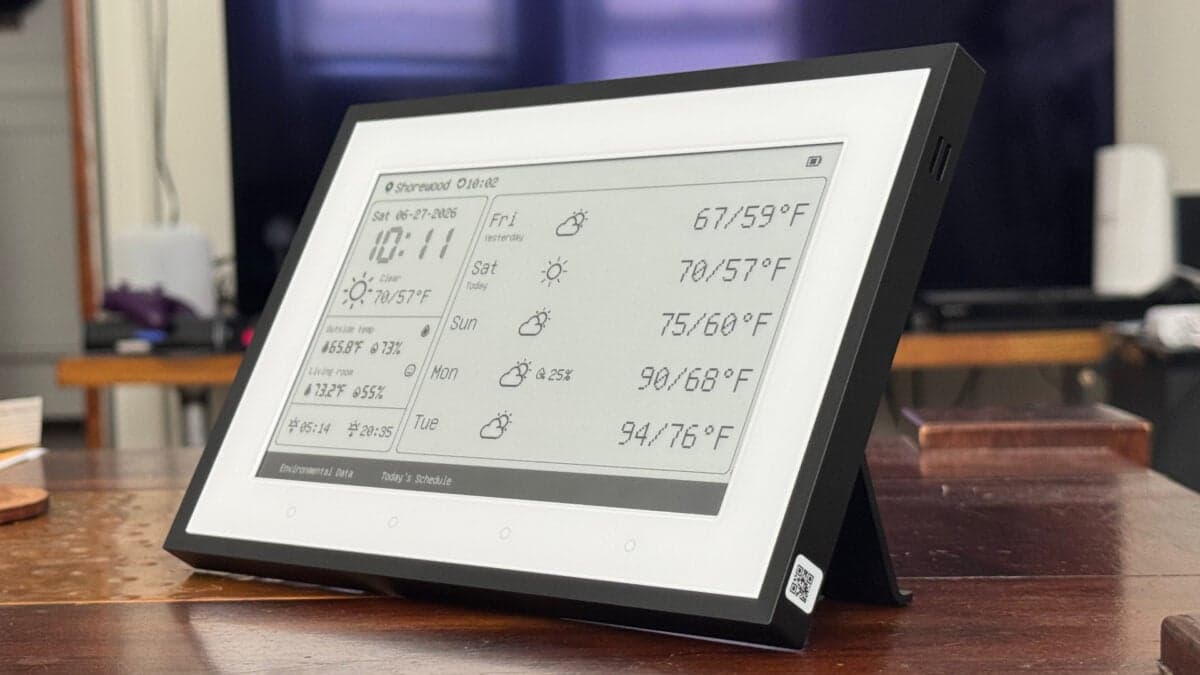
SwitchBot’s $110 E Ink Dashboard Needs Better Software
Eufy FamiLock E40 is the fastest
The Eufy FamiLock E40 was the top pick, earning a 7 Verge Score and listed at $300. It unlocked in under a second, making it the fastest of the four, and was the only model that worked consistently with sunglasses. It also handled hats well.
The E40 combines facial recognition with a fingerprint reader, keypad, physical key, and a built-in 2K video doorbell. Its lock supports Matter-over-Wi-Fi, and recorded doorbell footage is available without a subscription. A backup battery keeps the keypad active if the main battery dies and biometric unlocking stops working.
The tradeoffs are significant: the lock is large, expensive, and its lithium-ion battery took nine hours to charge fully. During testing, the main battery lost 40 percent in a week, although the lock can still be used while charging.
Lockly Visage Zeno adds Apple Home Key
The Lockly Visage Zeno was the other favorite, with a 7 Verge Score and a listed price of $349. It is the only tested lock that supports both facial recognition and Apple Home Key, allowing users to tap an iPhone or Apple Watch when face scanning is too slow. It does not support Home Key UWB unlocking; Home Key works through tap-to-unlock.
It took about two seconds to unlock and struggled with sunglasses. The reviewer praised its sleek design, compact size, and build quality, while its battery lasted around nine months. It is also the only tested model to include a spare battery.
The main flaw is Lockly’s PIN Genie keypad, which shuffles the digit layout after every use. A newer version allows users to switch to a standard layout.
Cheaper models need refinement
The Lockin Veno Solar Face earned a 6 Verge Score and is listed at $160 in the review card. Its built-in solar panel should reduce charging, and the compact lock supports Matter-over-Thread. However, facial unlocking was slower, failed with sunglasses, and the lock displays an animated emoji when opened. It is rated only IP53 and offers fewer unlocking methods: key, keypad, and face.
The SwitchBot Lock Vision Pro was the weakest performer, with a 5 Verge Score and a listed price of $168. Facial unlocking could take several seconds, while fingerprint and palm-vein recognition were more reliable. It also generated phantom voice alerts, including one that repeatedly announced, “Please stand closer to the door and try again,” while nobody was outside.
Facial recognition remains pricier and less common than keypads or fingerprint readers. It also requires every household member to register their face, and some people will not want facial biometric data stored in a door lock. All four tested locks claim to process and store that data locally rather than in the cloud.
The reviewer ultimately preferred ultrawideband (UWB), which unlocks as the user approaches with a phone or watch and can be faster than waiting for a facial scan. But UWB locks remain expensive and scarce. Until prices fall and the newer Aliro smart-lock standard helps broader adoption, facial recognition is a workable hands-free option—especially for people who do not want their unlocking experience tied to a device.
Photos by Jennifer Pattison Tuohy / The Verge

Frontier Editor
Dan is our resident futurist, covering electric mobility, space exploration, and the smart home. He's interested in atoms just as much as bits. Whether it's a new battery chemistry, a reusable rocket, or a protocol that finally makes IoT devices talk to each other, Dan breaks down the engineering that pushes humanity forward.
via The Verge