• 3 min read
World Model Optimizer targets frontier quality at lower cost
World Model Optimizer turns agent traces into cheaper routed endpoints, simulated environments, distilled models, and optimized harnesses.
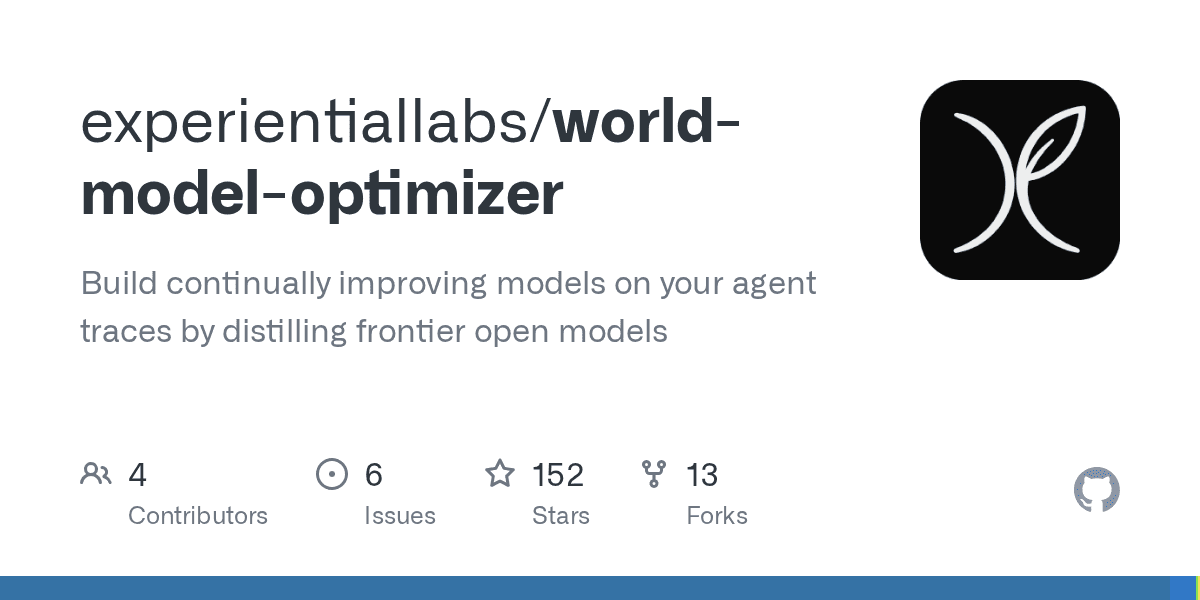
Image: Hacker News
World Model Optimizer (WMO) is an open-source toolkit for turning existing agent traces into continuously improving model endpoints. The project says its routing approach can deliver frontier-quality performance at 40%+ lower cost, then improve further through world-model simulations, harness optimization, and model distillation.
Routing and model distillation
After registering model providers, developers can build an endpoint from OpenTelemetry traces:
''bash pip install world-model-optimizer wmo providers set wmo build --file traces.jsonl --name my-endpoint ''
WMO scores registered models against held-out tasks from those traces, then fits the results into a routing policy. The toolkit supports several routing strategies, including a k-nearest neighbors (KNN) policy:
Recommended reading
Wattage puts AI-agent token costs behind a CI gate
''bash wmo optimize route sweep my-endpoint --traces traces.otel.jsonl wmo optimize route fit matrix.json --kind knn \ --out .wmo/models/my-endpoint/policy.json wmo serve --name my-endpoint ''
A reporting command compares the optimized endpoint with an existing baseline, such as gpt-5.5:
''bash wmo optimize route report matrix.json .wmo/models/my-endpoint/policy.json \ --baseline gpt-5.5 ''
Users can also distill a smaller model into the provider pool with wmo optimize model, pin a single model without routing through wmo optimize route pin, or optimize an agent harness with wmo optimize harness.
World models and hosted agents
The package includes world models that simulate agent environments for testing and optimization. A Python integration can create a session, send a tool call, and inspect the resulting observation:
'''python from wmo import Action, ActionKind from wmo.config.store import WorldModelStore from wmo.engine.loader import load_world_model
model_dir = WorldModelStore(“.wmo”).resolve(“airline”) wm, _provider = load_world_model(model_dir) session = wm.new_session(task=“check out the cart”) obs = wm.step(session.id, Action( kind=ActionKind.TOOL_CALL, name=“add_to_cart”, arguments={“sku”: “A1”}, )) print(obs.content) '''
The same functionality is available over HTTP through /world_models, /world_models/{name}/sessions, and /world_models/{name}/sessions/{id}/step.
WMO also offers a hosted platform at platform.experientiallabs.ai. After running wmo login, developers can launch a hosted world model or an agent’s current champion harness with wmo run. Hosted agents run in platform-managed E2B sandboxes, so local model API keys are not required for hosted runs.
Workspace upload is opt-in with -u. WMO live-syncs changes while preserving concurrent local edits, and long-running agents can be detached, messaged, reattached, or ended:
''bash wmo run <agent-id> -u . --detach wmo run --send “Now run the full test suite” wmo run --attach wmo run --end ''
Evaluation and telemetry
For local optimization in E2B, users install the optional dependency and provide an E2B key:
''bash pip install “world-model-optimizer[e2b]” export E2B_API_KEY=… wmo optimize harness my-agent my-environment --tasks tasks.jsonl --backend e2b ''
WMO can run the real pi worker inside isolated E2B sandboxes while the world model supplies the environment. Optimization and evaluation rollouts run in parallel, and the optimizer can modify prompts, tools, policies, skills, and runtime code. Candidates are evaluated against the same simulated tasks; only those that pass the evaluation gates become the new versioned champion harness.
The project enables anonymous usage telemetry by default, limited to metadata about usage volume. It says telemetry does not include prompts, traces, actions, observations, file paths, model names, provider credentials, or raw user content. Users can disable it per project with:
''bash uv run wmo config telemetry disable ''
The setting can be re-enabled or checked with the corresponding enable and status commands, while DO_NOT_TRACK=1 or WMO_TELEMETRY=0 disables telemetry for a process.
AI Editor
Ava covers the rapidly evolving world of artificial intelligence, from foundational models and research labs to the real-world economics of intelligence. With a background in computational linguistics, she cuts through the hype to find out what actually works. She firmly believes that benchmarks are just marketing until reproduced in the wild.
via Hacker News