• 2 min read
Signal tests Android secondary-device support
Signal’s latest beta lets users link an Android phone or tablet to an existing account, with optional synchronized chat history.
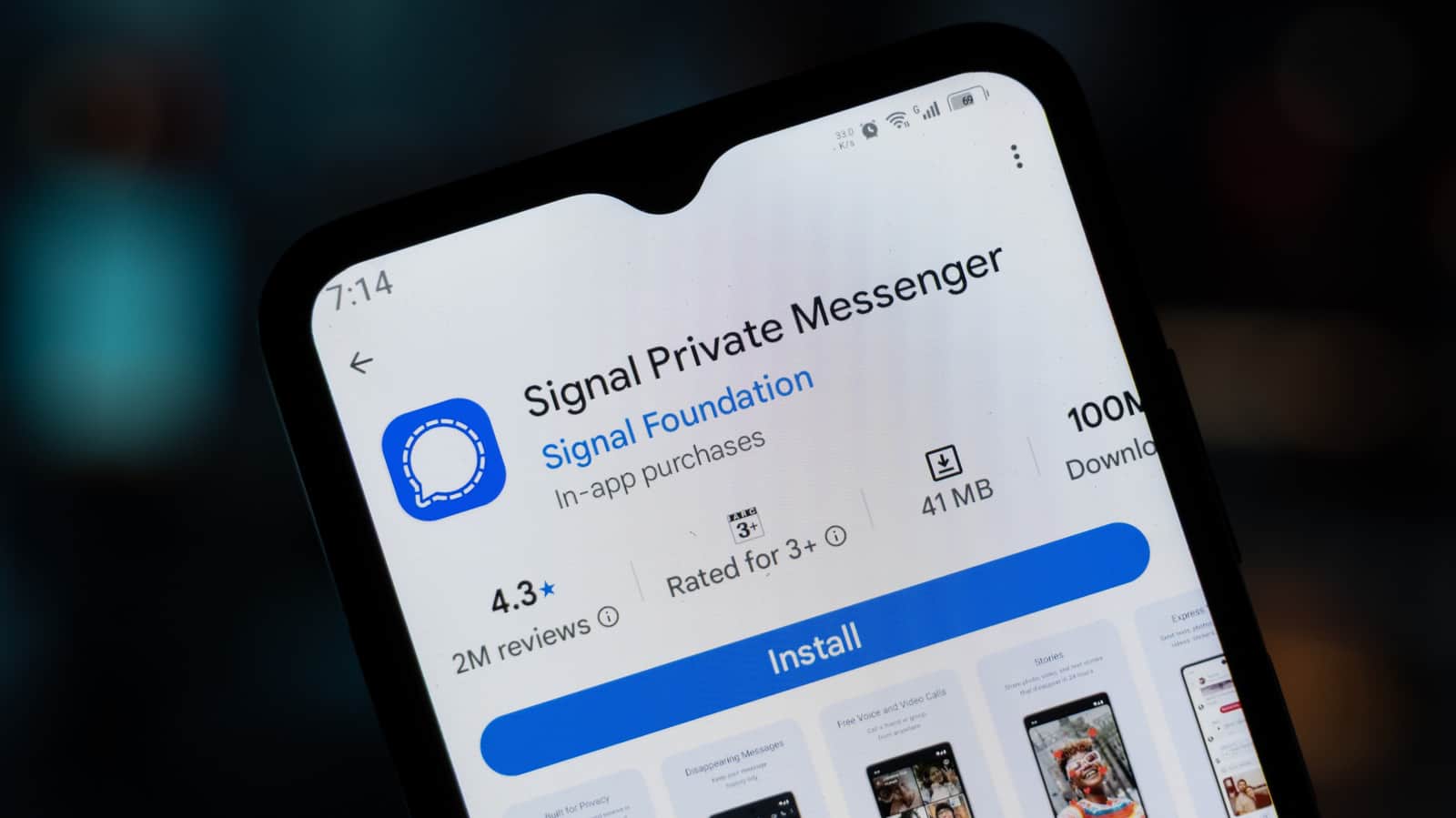
Image: Engadget
Signal is testing support for using the same account on a second Android phone or tablet, eliminating the need to register a separate number for each phone. The feature is included in the app’s latest beta and provides access to a synchronized chat history across devices.
Bangla press/Shutterstock
The testing was first reported by AboutSignal. Signal has also updated its support page with instructions for linking Android devices, although the feature remains in beta. Previously, Signal supported linking a primary phone only with iPads and computers.
How to link an Android device
Install Signal from Google Play on the phone or tablet you want to add. On an Android phone, begin the welcome process, tap the kebab menu in the upper-right corner on the phone-number screen, and select “Link device.” Android tablets show a “Link your account” button on the welcome screen.

Recommended reading
WordPress AI Was Built to Ask First
The secondary device will display a QR code. On the primary phone, go to Signal Settings > Linked devices > Link a new device and scan the code. You can then choose whether to synchronize your chat history. If you decline and later change your mind, you’ll need to reinstall Signal on the secondary device.
AboutSignal also found a split-screen tablet interface, with the chat list on the left and the open conversation on the right. It works best in landscape mode, and users can hide the chat list if they prefer. Signal has not announced when the features will become broadly available.

Computing Editor
Tomas lives in the terminal. He covers chips, laptops, and operating systems with a focus on performance and efficiency. He reads kernel changelogs the way other people read fiction, and he's always on the hunt for the perfect mechanical keyboard switch. If it processes data, Tomas has an opinion on it.
via Engadget