• 2 min read
macOS 28 adds direct encrypted HFS+ conversion
Apple now lets macOS 28 users convert encrypted HFS+ volumes directly to encrypted APFS, though encrypted Time Machine disks are excluded.
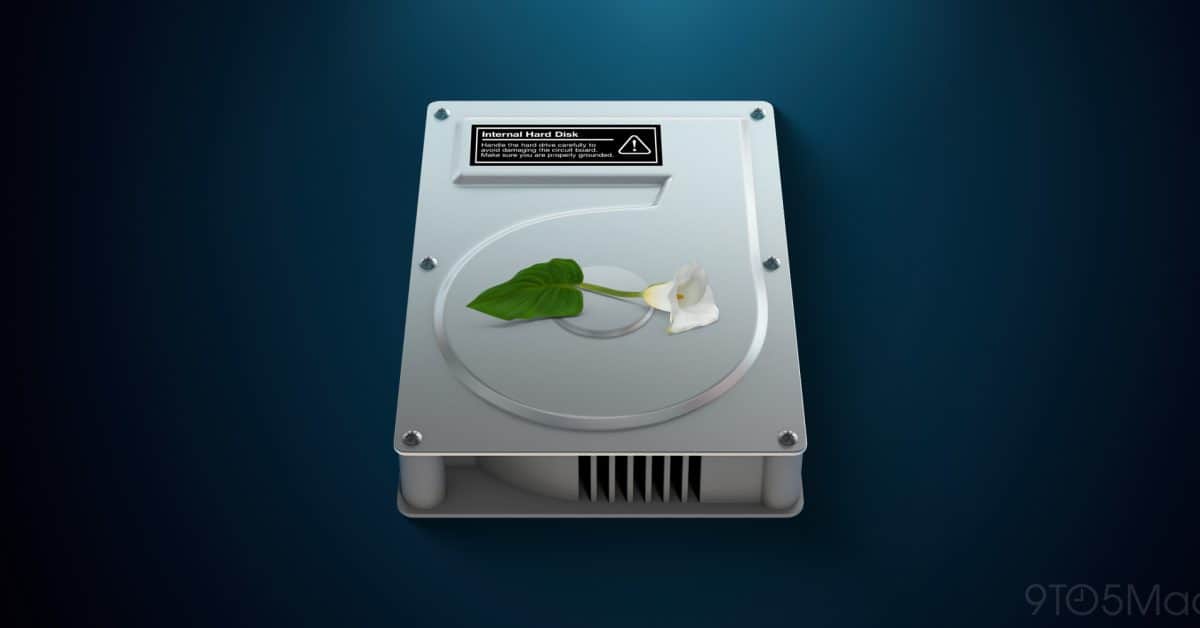
Image: 9to5Mac
Apple has updated its macOS 28 migration guidance so users can convert encrypted HFS+ (Mac OS Extended) volumes directly to encrypted APFS—without decrypting them first.
A support document published a few weeks ago said that, starting with macOS 28, Mac OS Extended would be supported only on volumes that aren’t encrypted. That guidance meant users with encrypted HFS+ external drives and other legacy Mac-formatted volumes had to “either decrypt or reformat any encrypted Mac OS Extended volumes.”

Recommended reading
MacBook Neo 2 may bring A19 Pro and more RAM
The revised document adds a third option: convert the encrypted HFS+ volume in place. Apple’s instructions are:
- Open Disk Utility from the Applications folder’s Utilities folder, or find it with Spotlight.
- From the menu bar’s View menu, select Show Only Volumes.
- Select the volume in Disk Utility’s sidebar.
- Choose Edit > Convert to APFS, then click Convert to confirm.
- Quit Disk Utility when the process is complete.
Apple warns that the new method does not apply to encrypted Time Machine backup disks. The company also removed its earlier instructions for decrypting a volume first, converting it to APFS without erasing it, and optionally encrypting it again.

Computing Editor
Tomas lives in the terminal. He covers chips, laptops, and operating systems with a focus on performance and efficiency. He reads kernel changelogs the way other people read fiction, and he's always on the hunt for the perfect mechanical keyboard switch. If it processes data, Tomas has an opinion on it.
via 9to5Mac