• 3 min read
macOS 27's Siri Stays Out of Your Way
Apple’s macOS 27 Golden Gate beta makes Siri more visible in Spotlight and right-click menus, but it remains limited, terse, and mostly useful.
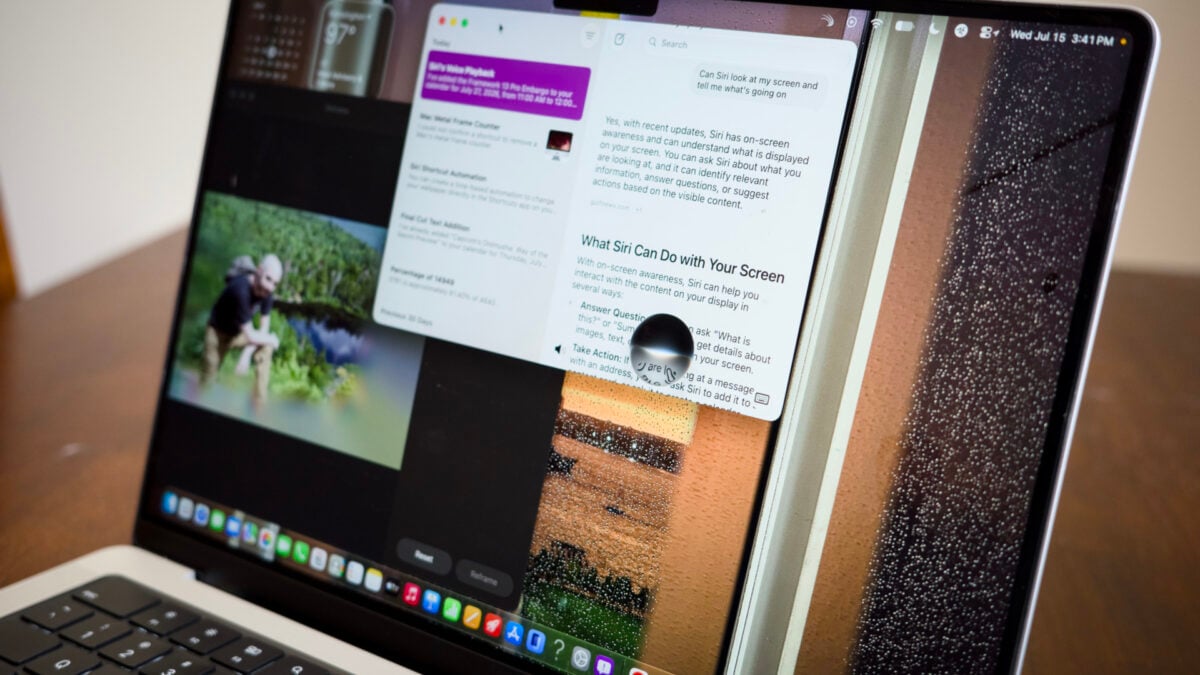
Image: Gizmodo
Apple’s macOS 27 Golden Gate public beta adds more Apple Intelligence to the Mac, but the result is far less intrusive than the company’s iOS 27 push. After more than a month on the developer beta, Gizmodo says the Mac version of Siri feels like a modest addition rather than a system takeover.
Apple has also softened some of the design choices seen in macOS 26 Tahoe. The heavier transparency and the unpopular “Liquid Glass” window corners have been toned down, and window radii now match the curve of the Mac’s screen bezels. Beyond the visual tweaks, Apple has added smaller practical changes, including a Passwords app feature that flags compromised logins, pull-to-refresh in Safari and Mail, and better support for 5K at 120Hz on external displays.
The main shift is Siri’s placement across the OS. On M-series Macs and the MacBook Neo, the assistant now appears in the right-click menu and Spotlight, making it accessible with CMD+Space without opening a separate app. Gizmodo found that Siri mostly acts like a more agentic search tool than a constant presence.
Users can type to Siri or speak to it, and as of macOS 27 beta 3, they can also enable an “expressive voice.” Gizmodo noted that the voice sometimes failed to load during longer interactions. More broadly, Siri’s tone is described as brief and factual rather than flattering or overly conversational.
Recommended reading
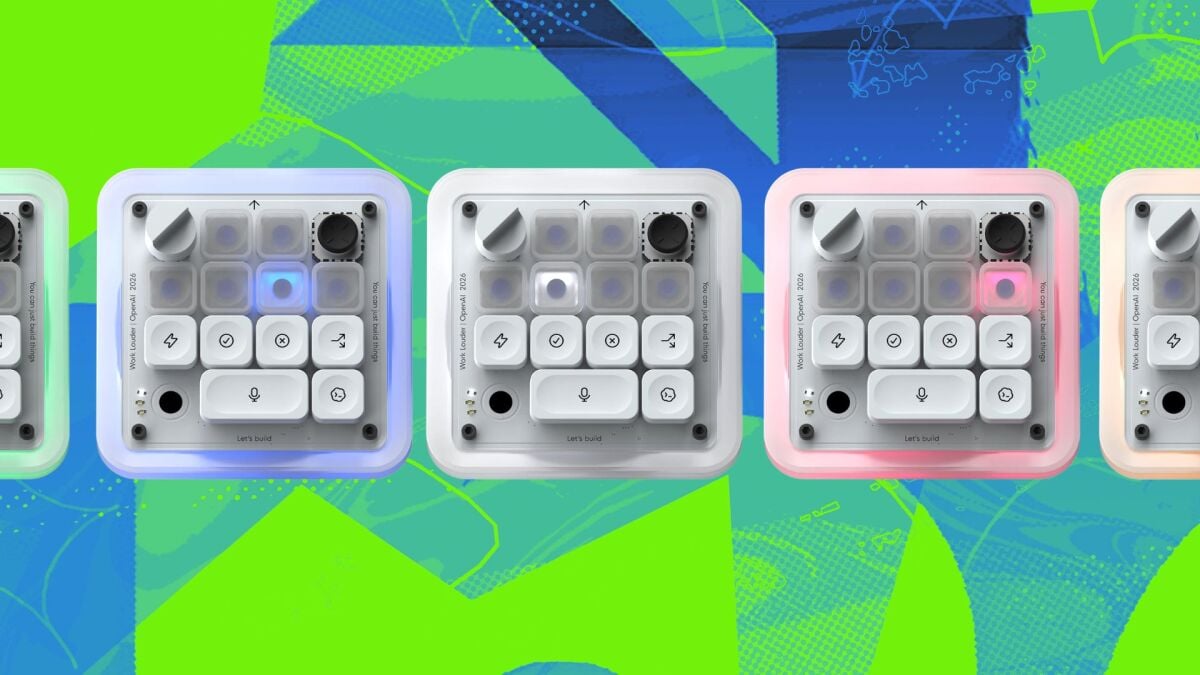
OpenAI’s first gadget is a $230 coding keypad
Its abilities are still limited. Siri can use on-screen awareness to act on what is currently open, such as pulling an event from an email and adding it to a calendar. That worked reliably enough in testing, but more complex requests still fall short. Gizmodo said Siri sometimes missed specific emails and gave a Terminal command for removing the Metal Performance HUD before overlooking the simpler shortcut: Shift+Fn+F9.
Shortcuts and Photos tools
Some of the more useful AI features are tucked into Shortcuts. Instead of manually assembling automations, users can describe what they want in plain language. Gizmodo successfully used prompts to create shortcuts that clear desktop clutter at the end of each month and switch wallpapers at 6 a.m. and 6 p.m. each day, though the feature was still buggy and occasionally failed.
The Photos app also gets AI editing tools including Clean Up, Extend, and Reframe, which Gizmodo compares to Google’s Magic Eraser-style features.
Apple says its Foundation Models were built in collaboration with Google based on Gemini models, while query processing runs on Apple’s own servers through Private Cloud Compute. Even with powerful hardware such as an M5 Max MacBook Pro, some requests still leave the device.
That leaves macOS 27's Siri in a narrow but useful role: not smart enough to trust with everything, but not aggressive enough to dominate the desktop the way Copilot did on Windows 11.

Computing Editor
Tomas lives in the terminal. He covers chips, laptops, and operating systems with a focus on performance and efficiency. He reads kernel changelogs the way other people read fiction, and he's always on the hunt for the perfect mechanical keyboard switch. If it processes data, Tomas has an opinion on it.
via Gizmodo