• 2 min read
LG monitors trigger unwanted McAfee ads on Windows
LG monitor software reportedly installs silently on Windows 11 and shows McAfee and LG pop-up ads on 31 of 32 Gamers Nexus bootups.
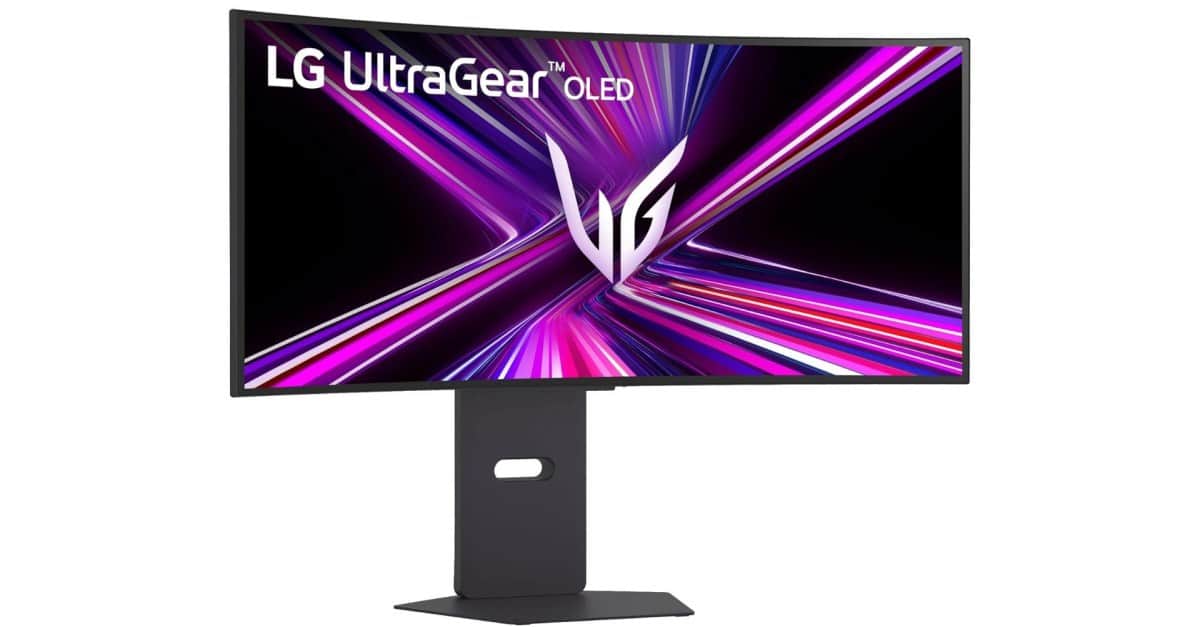
Image: The Verge
New LG UltraGear monitors are reportedly installing software on Windows 11 PCs without an explicit permission prompt—and then using it to display persistent McAfee and LG app advertisements.
A video from Gamers Nexus shows Windows Update silently installing LG driver updates and the LG Monitor App Installer after an UltraGear monitor is connected for the first time. The app appears to offer few controls of its own, instead directing users to other LG apps and McAfee antivirus.
Reports of LG’s app installing automatically date back to 2024. Recent Reddit complaints describe large pop-up ads appearing in the bottom-right corner of the Windows desktop. In Gamers Nexus' test, the ads appeared on 31 of 32 bootups.
How Windows installs the LG app
Microsoft allows developers to pair a Hardware Support App in the Windows Store with device metadata, enabling automatic installation when compatible hardware is detected. The Microsoft Store description for LG’s app warns that the process does not notify users:
Recommended reading
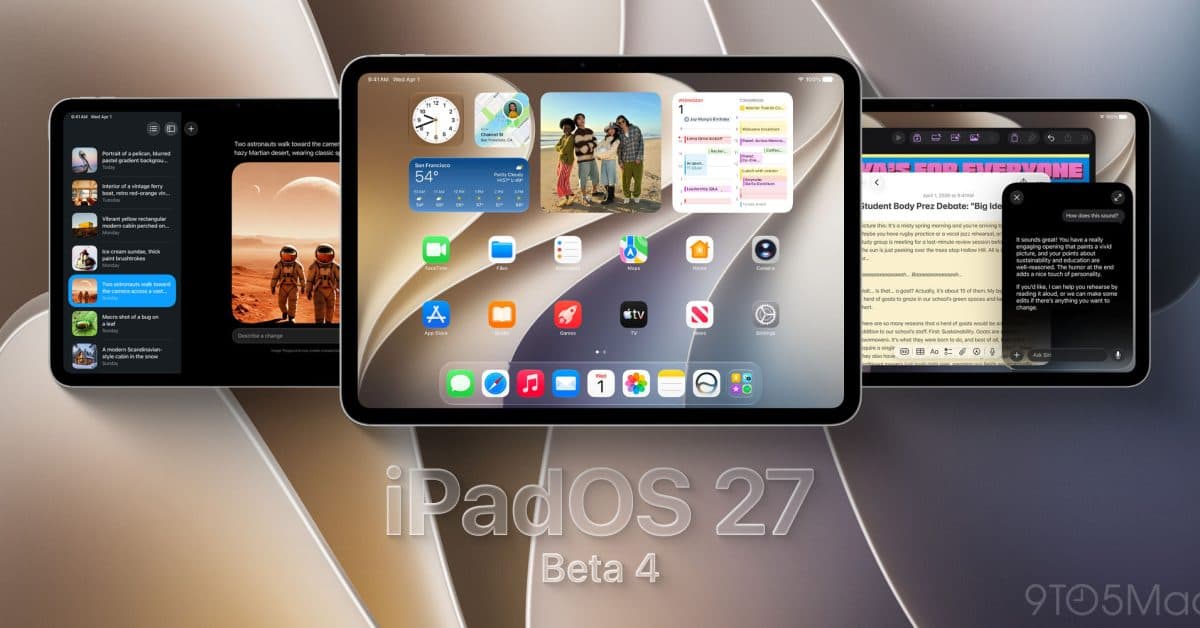
Apple releases beta 4 for its OS 27 updates
“The automatic installation feature does not provide a notification to the user when the app is installed. Some users may find this experience confusing and frustrating, and give your app a bad rating.”
As The Verge’s Tom Warren has previously reported, Dell also automatically installs its Alienware Command Center when an Alienware monitor is connected. LG’s frequent advertising adds another layer to that behavior.
Users have reported that Pro editions of Windows can block the installation through a Group Policy setting. On Windows Home, selecting “No” for the option to automatically download manufacturers' apps and custom icons—found in Advanced system settings—may prevent it.
The LG Monitor App Installer’s Microsoft Store listing requests permission to “use all system resources” and “access your Internet connection.” LG’s linked privacy policy also mentions automatic collection of device data, internet activity, and geolocation information—despite the app installing without explicit user consent.

Computing Editor
Tomas lives in the terminal. He covers chips, laptops, and operating systems with a focus on performance and efficiency. He reads kernel changelogs the way other people read fiction, and he's always on the hunt for the perfect mechanical keyboard switch. If it processes data, Tomas has an opinion on it.
via The Verge