• 2 min read
HWMonitor restores hidden Hotspot readings on RTX 50
HWMonitor 1.65 restores Hotspot readings on GeForce RTX 50 cards, exposing local overheating that average GPU temperatures can miss.
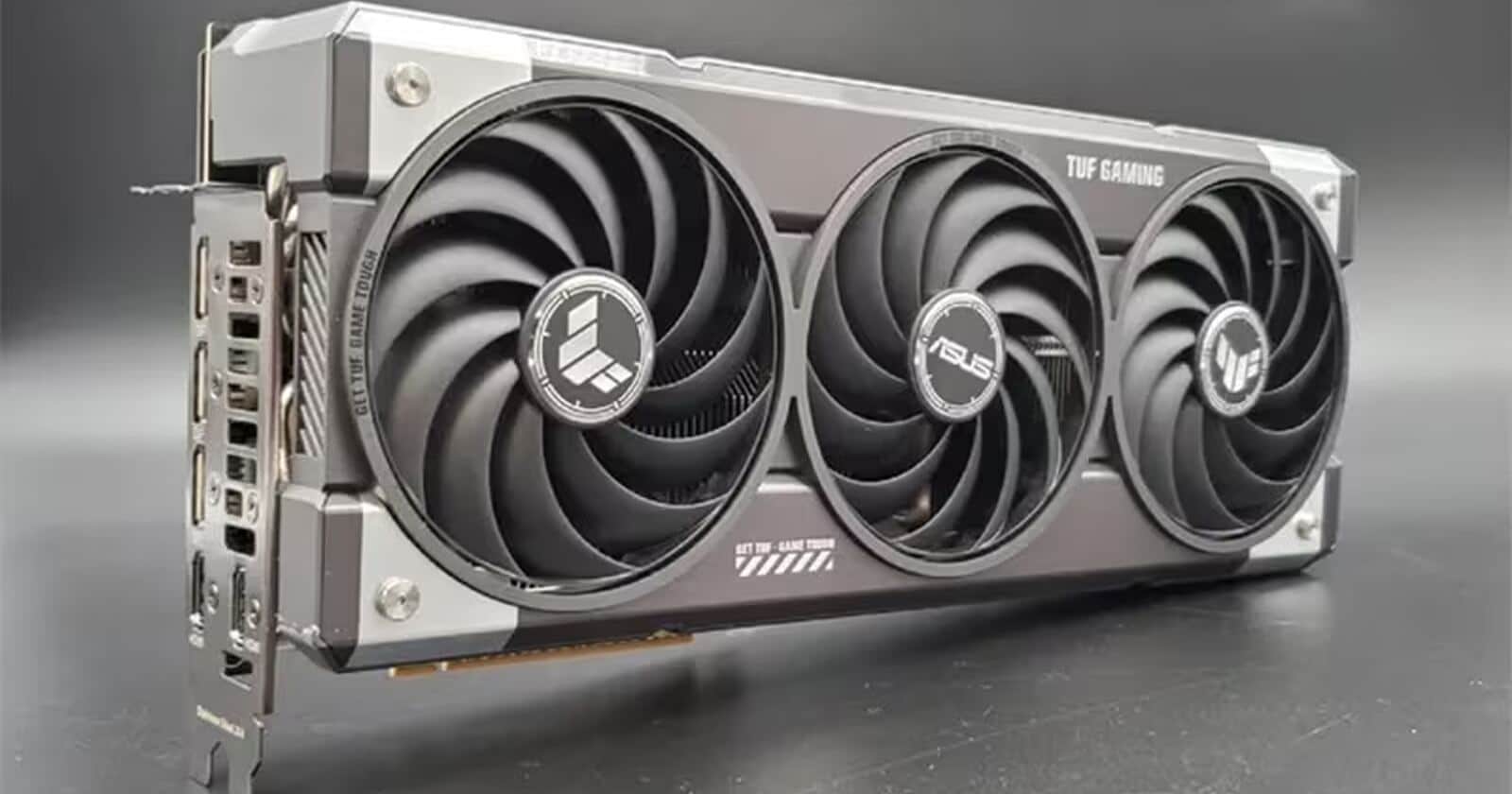
Image: 3dnews
HWMonitor 1.65 has restored the Hotspot reading for GeForce RTX 50 graphics cards. The sensor reports the hottest point on the GPU die rather than its average temperature—a key metric because throttling usually starts there.
When Nvidia’s Blackwell cards launched, users found that GPU-Z, MSI Afterburner and HWiNFO could no longer read Hotspot, even though the value had been available on earlier generations. The sensor itself had not disappeared: Brazilian graphics-card repair specialist Paulo Gomes used Nvidia’s internal MODS diagnostic package to access the hidden readings, showing that the restriction was at the driver level.
Image credit: 3DNews

Recommended reading
Rostelecom fiber reaches 80% of homes in major cities
Why Hotspot matters on GeForce RTX 50
The issue became especially visible with a GeForce RTX 5070 Ti. Its reported GPU temperature stayed below 68°C, yet the fans ran harder than expected and performance periodically dropped. MODS showed that the Hotspot had reached 107°C, the point at which the GPU begins reducing clock speeds to prevent overheating.
The cause was the cooler, not the chip: the heatsink made poor contact with the die and the thermal paste was unevenly applied. Replacing the thermal interface reduced Hotspot to about 100°C and eliminated throttling.
CPUID added support in HWMonitor 1.65, followed by similar functionality in CapFrameX. Beta versions of HWiNFO can also use the new telemetry-reading method. Early checks have not indicated a widespread defect: one GeForce RTX 5070 Ti recorded a Hotspot of 75–85°C with a GPU temperature of about 62–63°C, which is considered normal for modern GPUs.
The episode nevertheless raises a straightforward question for Nvidia: if Hotspot is useful for internal diagnostics, owners reasonably expect to see it in standard monitoring tools, as they already can with AMD and Intel cards.

Computing Editor
Tomas lives in the terminal. He covers chips, laptops, and operating systems with a focus on performance and efficiency. He reads kernel changelogs the way other people read fiction, and he's always on the hunt for the perfect mechanical keyboard switch. If it processes data, Tomas has an opinion on it.
via ITzine