• 6 min read
Aorus Master 16 Gen 2 pushes RTX 5090 to the limit
Gigabyte’s Aorus Master 16 Gen 2 delivers full-fat RTX 5090 and Ryzen 9 9955HX3D performance in a slim 16-inch chassis, but with loud fans and weak battery life.
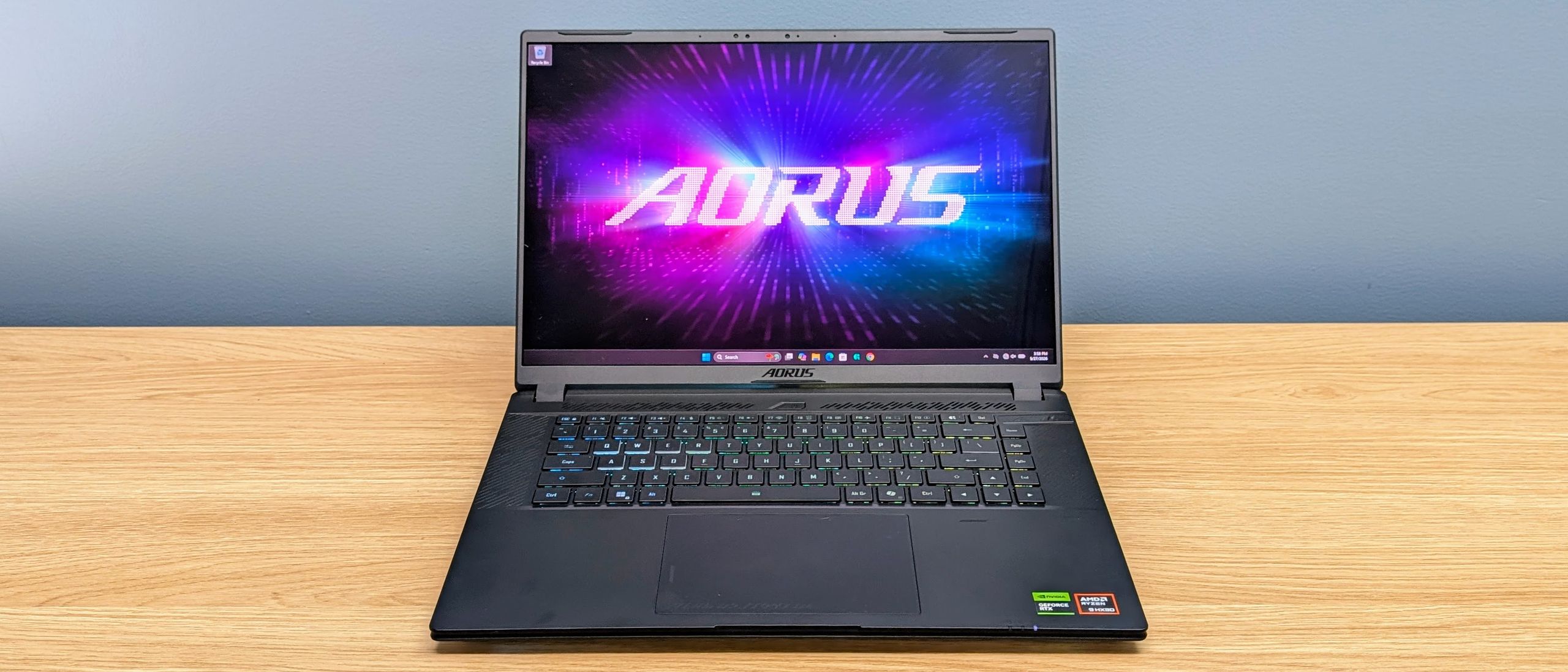
Image: TechRadar
A 16-inch rig built for full-power RTX 5090
The Gigabyte Aorus Master 16 Gen 2 is a rare combo: a 16-inch notebook that runs a 175W GeForce RTX 5090 laptop GPU at full tilt, alongside AMD’s Ryzen 9 9955HX3D, 32GB of RAM and a 1TB SSD.
TechRadar’s test unit targets buyers who want near-desktop performance without jumping to a bulkier 18-inch chassis. The machine is clearly tuned for fast 2560 x 1600 gaming, and it broadly delivers the performance its spec sheet promises.
Pricing and availability
TechRadar reviewed the top-end RTX 5090 configuration, priced at $4,299 / AU$6,599. It’s:
- Available now in the US and Australia
- Not yet on sale in the UK at the time of writing
There are cheaper RTX 5080 and RTX 5070 Ti variants, but CPU/GPU power limits can vary by model and region. TechRadar gives value a 3.5 / 5.
Recommended reading
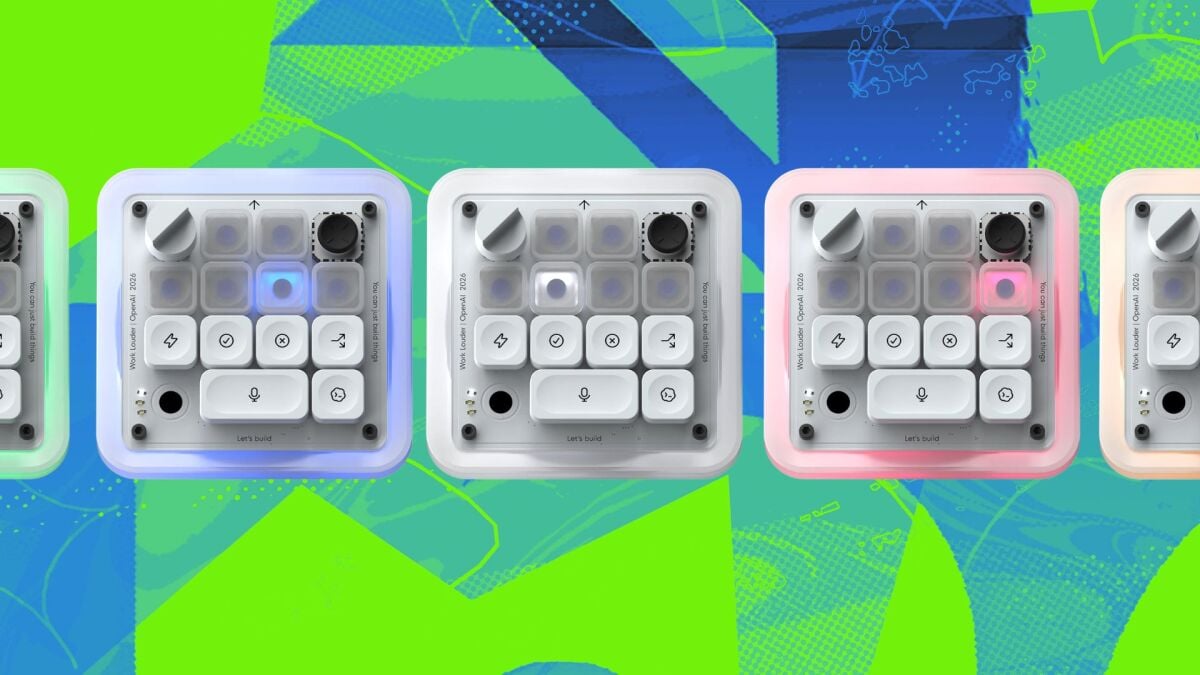
OpenAI’s first gadget is a $230 coding keypad
OLED display and portability
One of the strongest arguments for this system is its 16-inch OLED panel: 2560 x 1600, 240Hz, 100% DCI-P3, 1,000,000:1 contrast, and HDR 1000 support. Text is sharp, colour and contrast are “excellent,” and the finish is not so glossy that reflections are a major problem.
TechRadar calls it a great fit for fast games, high-quality video and creative work, and the hardware is fast enough to actually exploit the refresh rate and resolution.
For its class, the chassis is relatively portable. It measures 35.7 x 25.5 x 1.9–2.4cm (14.1 x 10.0 x 0.7–0.9in) and weighs 2.39kg (5.27lb). The 330W adapter adds another 750g (1.65lb), taking the travel bundle past 3kg, but the brick is “fairly compact for its output.”
You can charge and run off USB-C for light work (documents, browsing, calls), though the system is then limited to Balanced or lower modes and gaming performance drops to about 10% of maximum. Serious gaming still demands the main 330W adapter.
Design, ports and input
The Aorus Master 16 Gen 2 is slim for a system with a 175W RTX 5090 and high-end AMD CPU, but build quality is described as “functional rather than feeling truly premium.” The lid is thin metal and rigid, while the plastic main chassis has some flex and picks up fingerprints, though they clean off easily.
Cooling dominates the rear edge, with large vents across the back and exhausts on the sides. That design keeps the silicon running hard in a slimmer body, but it shapes the port layout.
You get USB4, a second USB-C, two USB-A ports, HDMI 2.1, 1Gb Ethernet, microSD and 3.5mm audio. The flaw is placement: with the rear reserved for cooling, cables plug in further forward on the sides, where they can intrude on desk space and mouse movement. The chunky side-mounted power connector is called out as especially annoying.
The keyboard offers 1.7mm travel and plenty of room, with a sensible layout for typing and WASD gaming, though TechRadar found it “a little bouncy in vigorous use.” The touchpad is large and responsive.
RGB runs across the keyboard, a colour-changing Aorus logo on the lid, and front/rear underside lighting that creates a desk glow in darker rooms. There’s also a small light that projects the Aorus symbol onto the desk, though the reviewer notes its focus “seemed a touch soft.”
The Full HD IR webcam handles Windows Hello well, but image quality is only average. Speakers are louder and cleaner than typical laptop audio, with very little distortion at high volume but limited bass.
Gigabyte’s GiMate utility controls lighting, performance modes and fan behaviour. TechRadar found it laggy at times, which makes quick tweaks more annoying than they should be. Automatic 'AI' modes left the laptop running hotter and noisier than desired when not gaming. Design earns a 4.5 / 5.
Performance: RTX 5090 unleashed, at a cost
TechRadar reports that the Aorus Master 16 Gen 2 maintains the RTX 5090 at up to 175W for extended periods, avoiding the common thin-and-light trap of underpowered flagship GPUs.
Compared with an RTX 5080 laptop, the Aorus is up to 35% faster for gaming, with the biggest uplift in heavier ray-tracing scenarios where the extra GPU headroom and 24GB of VRAM keep frame rates higher. That makes it a strong option for demanding 1600p gaming with high textures, ray tracing and high-refresh OLED play.
On the CPU side, the Ryzen 9 9955HX3D delivers very good multicore performance, with no obvious throttling under heavy loads. TechRadar notes this matters for creator workloads, video editing and heavier productivity, not just games.
Noise and battery: the major compromises
The big trade-off for that sustained performance is fan noise. TechRadar calls it “one of the loudest laptops I’ve tested at full load”, with a high-pitched note at both low and high speeds and fans that ramp quickly even under lighter workloads.
“Even the power-saving quiet mode isn’t as quiet as I’d like, so this is not the right laptop if you need near-silent performance when not gaming.”
Battery life is the other weak point. Despite a 99Wh battery, TechRadar measured:
- Under 2.5 hours of web browsing
- 3 hours 46 minutes of video playback
Those numbers were recorded in power-saving mode with the RTX 5090 disabled and only the Radeon iGPU active. The reviewer notes it is much more power hungry than comparable Intel-based gaming laptops. Gaming on battery is “much shorter again,” which they consider normal, but overall battery performance is described as “disappointing.”
The verdict: the Aorus Master 16 Gen 2 absolutely delivers the speed its high-end hardware promises, and the 240Hz OLED is good enough to showcase those frame rates. It’s a compelling 16-inch option for people who want desktop-class gaming and creator performance in a slimmer chassis, and who are willing to accept loud fans, poor battery life and merely decent build quality at a premium price.
Pros:
- High-end 1600p gaming performance
- Excellent 240Hz OLED display
- Compact for the hardware inside
Cons:
- Loud fan noise
- Poor battery life
- Cramped port layout
TechRadar’s scores: Value 3.5 / 5, Specs 4.5 / 5, Design 4.5 / 5.

Computing Editor
Tomas lives in the terminal. He covers chips, laptops, and operating systems with a focus on performance and efficiency. He reads kernel changelogs the way other people read fiction, and he's always on the hunt for the perfect mechanical keyboard switch. If it processes data, Tomas has an opinion on it.
via TechRadar