• 3 min read
ClickLock malware freezes Macs to steal passwords
New macOS malware dubbed ClickLock kills visible apps and traps victims in password prompts. Group-IB says at least 100 systems in 33 countries were hit.
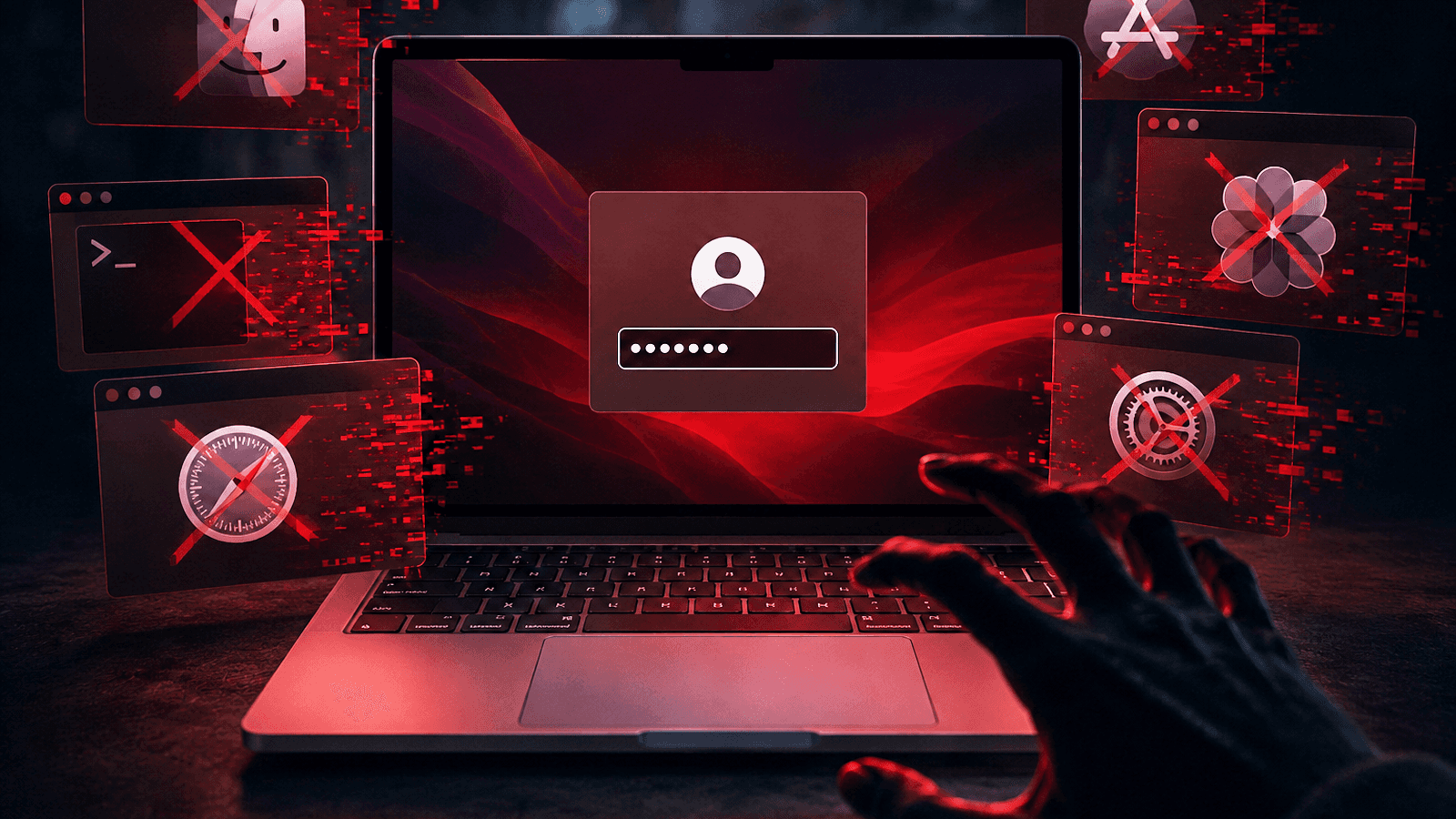
Image: BleepingComputer
A newly identified macOS infostealer called ClickLock is built around a simple tactic: make a Mac unusable until the victim types in their system login password. According to Group-IB, the malware has infected at least 100 systems across 33 countries since May.
The researchers found the ClickLock shell script on VirusTotal, where it was first submitted on June 9. At the time of the report, it was still undetected by all security vendors on the platform.
The attack likely starts with a ClickFix-style lure. Victims are tricked into pasting a malicious command into Terminal, which then launches a fake Cloudflare “human verification” sequence with an animated progress bar. While that runs, the malware disables keyboard interrupts, hides the Terminal cursor, downloads its payloads in the background, and suppresses NotificationCenter for about six hours.
How ClickLock forces password entry
Group-IB says ClickLock does not use exploits or elevated privileges. Instead, it relies on social engineering and repeated coercion.
The script first shows a fake macOS password dialog using the victim’s real username and a downloaded Apple icon. If the victim enters the password, the malware verifies it and sends it to the attacker through Telegram.

Recommended reading
FortiSandbox bug hits CISA KEV as attacks spread
If the prompt is canceled, ClickLock installs persistence through two LaunchAgents — com.authirity.plist and com.chromer.plist — and tries again after the next login. One module then runs a kill loop every 210 milliseconds, terminating apps including Finder, Dock, Terminal, Activity Monitor, Console, System Settings, Spotlight, and web browsers, leaving only the password dialog visible. Group-IB says this loop can continue for 300,000 seconds, or about 83 hours, unless the victim enters the correct password.
A second LaunchAgent uses a different prompt: a legitimate Keychain authorization request to access Chrome’s Safe Storage key. That key could be used to decrypt locally stored Chromium passwords, cookies, and autofill data. This loop runs every 200 milliseconds and is configured to last 3 million seconds, or nearly 35 days.
Data theft and persistence
ClickLock’s harvesting module targets a wide swath of data, including:
- Data from eight browsers: Chrome, Firefox, Brave, Edge, Opera, Vivaldi, Arc, and Chromium
- Saved logins, cookies, autofill data, bookmarks, local storage, and session storage
- Crypto wallet extensions and desktop wallet files
- Encrypted wallet vault material for offline cracking
- Password-manager extension data
- Cached cryptocurrency addresses across EVM, Bitcoin, Solana, TRON, TON, and Stacks
- Shell histories
- FileZilla configuration and recent-server data
- Basic system information and the public IP address
The malware compresses the stolen data and a summary log into a ZIP archive and uploads it through the Telegram Bot API. Files larger than 40 MB are split into smaller parts, and the upload process includes retry logic.
The final component is a modified version of the open-source GSocket tool, used as a persistent backdoor. It maintains access through a LaunchAgent, crontab entries, and changes to shell configuration files, then connects through a GSocket relay to provide the attacker with a reverse shell. Group-IB says this is the only ClickLock component that remains on infected systems after execution.
Group-IB warns that the malware leaves defenders with a narrow detection window because its payloads are hosted on compromised legitimate domains, its modules self-delete, and the script is not flagged on VirusTotal. Still, the researchers say defenders can look for osascript launching password dialogs, repeated process termination, large-scale access to browser profile directories, and outbound connections to Telegram’s API.
“Any page that instructs you to open Terminal, regardless of how professional it looks, is attempting to compromise your system.”
For users, the advice is blunt: do not paste Terminal commands you do not fully understand. If a Mac suddenly becomes unresponsive and asks for a login password, Group-IB recommends holding the power button to force shutdown, then booting into Safe Mode.

Security Editor
Sophia unpacks the invisible wars happening on our networks. Covering cybersecurity, privacy legislation, and cryptography, she exposes how our data is weaponized and defended. Before joining for(geeks), she spent years as a penetration tester. She's the reason the rest of the team uses physical security keys.
via BleepingComputer