• 4 min read
Samsung Galaxy XR’s head strap spoils a great headset
Samsung’s Galaxy XR excels at virtual workspaces and OLED visuals, but its head strap becomes uncomfortable during all-day use.
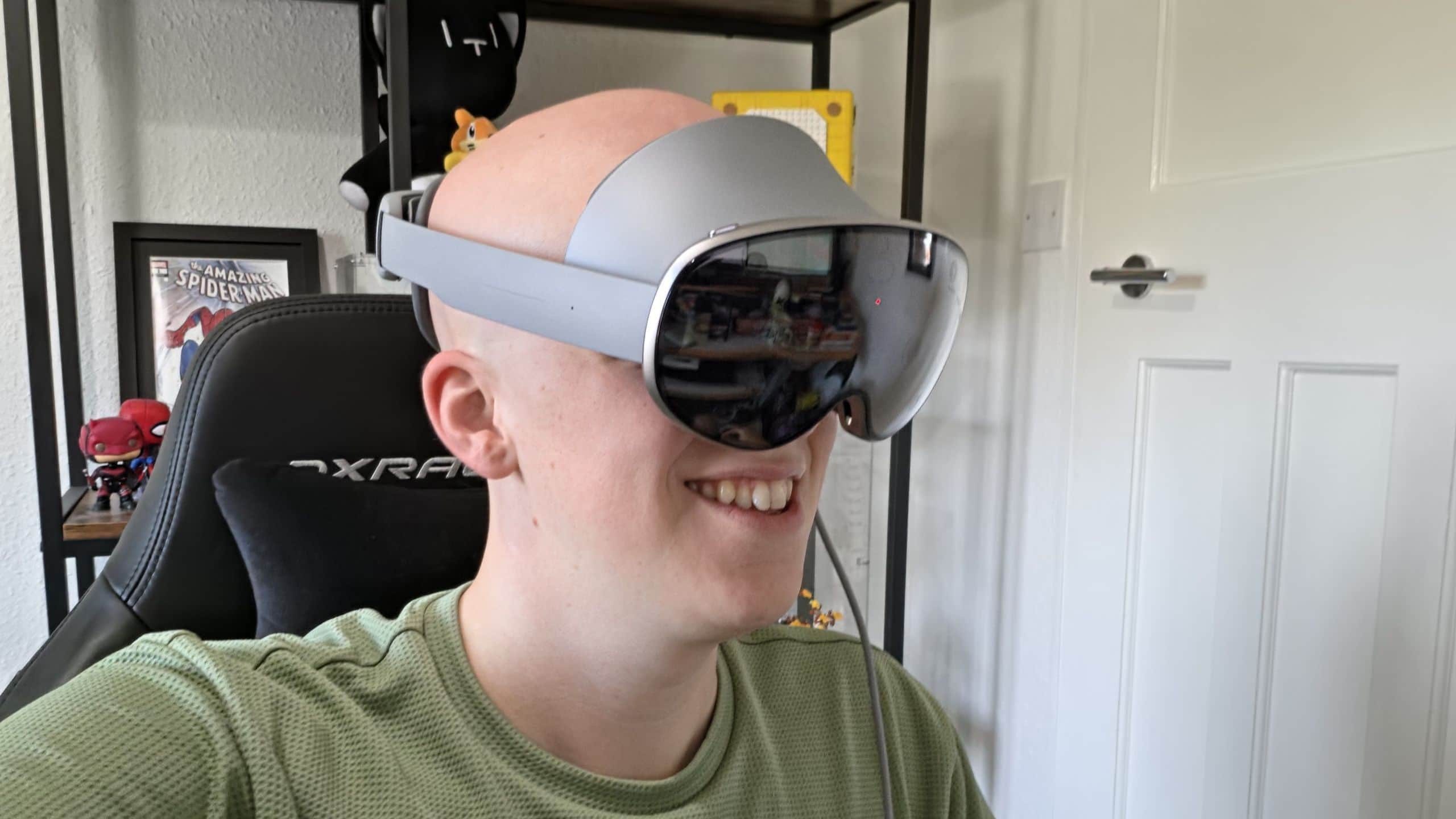
Image: TechRadar
Samsung’s Galaxy XR headset has finally reached the UK, becoming available outside the US and Korea for the first time since its launch in October last year. After spending a full working week with it, I found a device that is excellent for virtual screens and XR multitasking—but undermined by a head strap that cannot handle long sessions.
A full work week in Android XR
I did not wear the Galaxy XR around the clock. Each day, I used it throughout working hours, removing it for lunch and bathroom breaks, then spent another couple of hours with it in the evening for movies or games. I also spent at least one day relying only on the headset and the hardware included in its box.
The headset’s XR multitasking made routine work surprisingly effective. I placed large floating Slack and YouTube windows around a Google Docs page, then typed using a virtual keyboard that responds to finger movements. Chrome tabs could be opened and rearranged with eye tracking: I looked at a button and pinched my fingers to select it.
The software also supports virtual meetings with digital avatars. They were usable, but neither my Galaxy avatar nor my Google avatar looked particularly convincing. The former was too cartoonish for professional meetings, while the latter appeared permanently distressed and did not include my glasses—an odd omission since I always wear them.
For basic operations, the Galaxy XR was more than capable. The problem was speed. Its virtual keyboard is much slower and less responsive than even a basic physical keyboard, reducing typing to a crawl when deadlines were involved.
Recommended reading
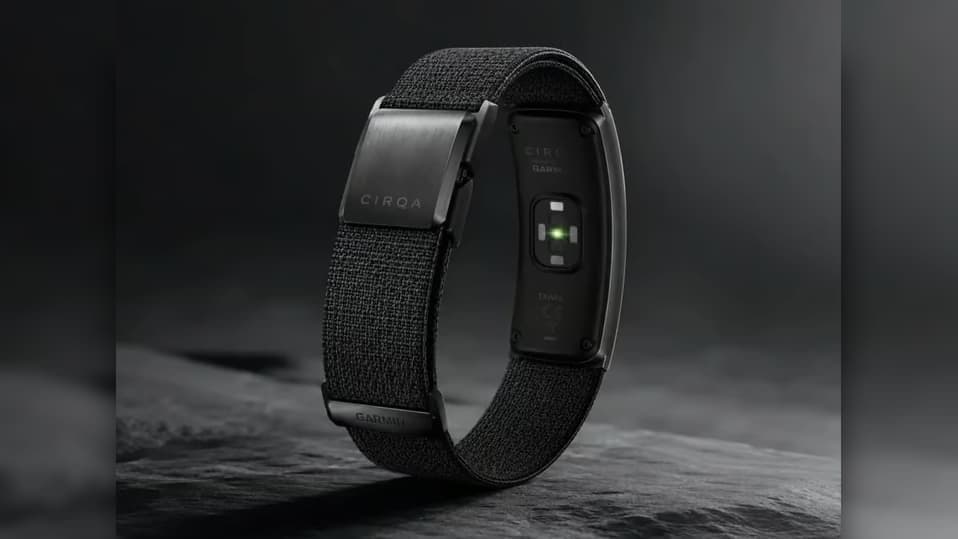
Garmin Cirqa price leak points to a $199 wearable
A standard Bluetooth keyboard fixed much of that problem. Once paired, it removed the pauses between virtual key presses and made the headset considerably more practical for productivity.
PC streaming adds displays but costs features
Pairing the headset with a PC offered a better compromise: the expansive virtual workspace of XR combined with a full desktop computer. A Samsung Galaxy Book would likely provide the smoothest experience, but without one, I used Virtual Desktop.
The connection was seamless even from a room a few meters away from my router, with almost no visible delay. I could drag and resize displays to create a convincing multi-monitor setup. The catch is that Virtual Desktop does not expose the Galaxy XR’s full multitasking capabilities.
Other options were limited during testing. Google’s PC Connect was not available in the UK, and it supports only a single streamed monitor rather than multiple displays. That compatibility friction with non-Samsung PCs is the biggest software issue Samsung needs to address.
Comfort breaks down after two days
The headset’s 545g weight is easier to manage because Samsung moves the bulky battery to an external puck. But the fabric facial interface became uncomfortable during recent UK heat waves, especially in homes without air conditioning. Sweat is absorbed into the material, making it less hygienic and less suitable for sharing.
A swappable silicone facial interface, silicone cover, or included alternative would be a straightforward improvement. I would also like to see a top strap that distributes the headset’s weight across the crown of the head.
Day one was manageable. By the middle of day two, discomfort had appeared; by day four, I was ready to abandon the test, and the end of day five could not arrive soon enough. The current headband works for a few hours, but not for extreme all-day sessions.
That is frustrating because the Galaxy XR gets so much else right. Its OLED display delivers a major visual upgrade over my previous extended VR test with the Meta Quest Pro, while eye tracking feels genuinely useful rather than gimmicky. The Play Store’s broad app library also strengthens its multitasking capabilities.
I still plan to use the Galaxy XR for casual sessions—and take it on a flight when I get the chance. Its greatest weakness is not the XR software or the display, but the simple strap holding the headset to my head.

Gadgets Editor
Eli is obsessed with the tangible future. He reviews phones, wearables, and everything with a battery. Known for his rigorous testing protocols and unabashed teardowns, Eli has broken more review units than he cares to admit, all in the name of discovering the truth about durability and repairability.
via TechRadar