• 3 min read
iOS 27's best upgrades that aren’t Apple Intelligence
iOS 27 public beta adds useful iPhone tweaks beyond Apple Intelligence, from better widgets and Photos tools to smarter Apple Pay and Find My.
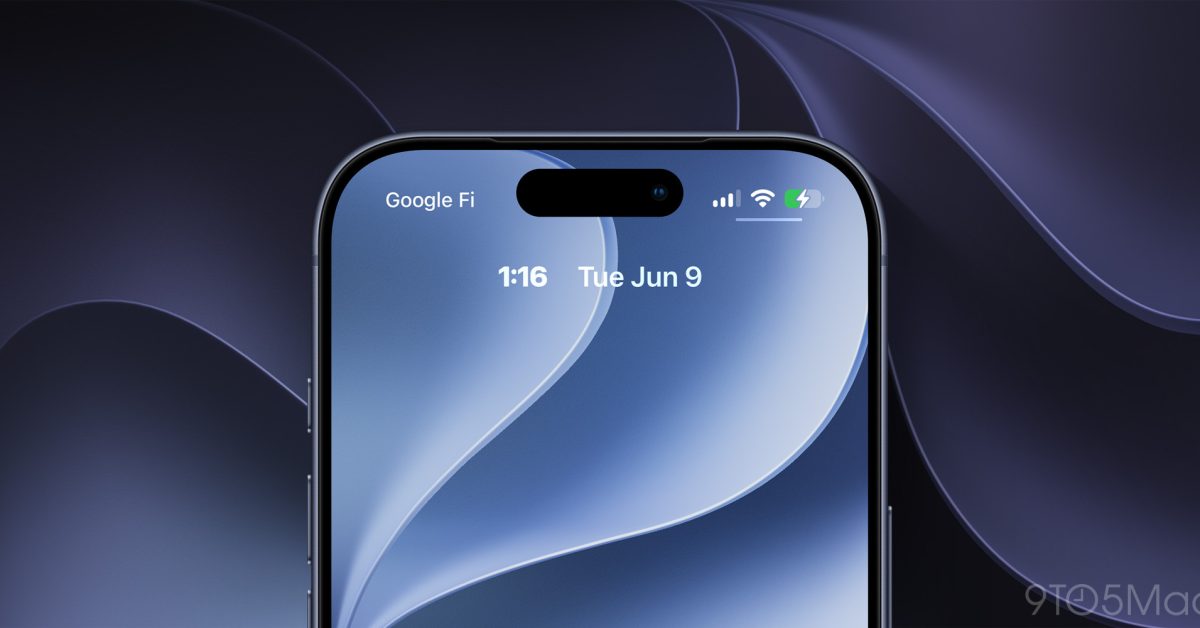
Image: 9to5Mac
iOS 27 public beta: useful upgrades beyond Siri and Apple Intelligence
iOS 27's public beta is out, and most of the buzz is around Siri AI and Apple Intelligence. But the release quietly ships a stack of quality-of-life changes that make everyday iPhone use smoother, even if you never touch the new AI features.
Here’s a rundown of the standout non-AI tweaks.
Music and CarPlay improvements
In the Music app, Apple has upgraded AutoMix with new transitions. The initial AutoMix, which debuted in iOS 26, already worked well, but the new transitions in iOS 27 are described as “noticeably better and more immersive.”

Recommended reading
Mira Murati’s lab unveils Inkling, a 975B open model
For drivers, CarPlay now includes an audio scrubber. You can skip to different parts of a song or podcast directly from your car’s display instead of relying on your iPhone.
Photos gets smarter sharing and frame capture
The Photos app picks up two highly practical changes:
- iCloud Shared Albums now support full‑resolution sharing, so you can share photos and videos without sacrificing image quality.
- You can save a specific video frame as a photo, eliminating the old screenshot workaround when you want a single perfect frame from a clip.
More control over sound and widgets
The Clock app finally gets its own volume control. Under Settings → Sounds & Haptics, you can now set an independent volume for alarms, so alarms and timers no longer have to track your ringtone level.
On the Home Screen, iOS 27 introduces an extra‑large widget size. There are full‑screen widgets for apps including Music, Photos, Weather, and Calendar, giving you a dashboard-style view without opening the app.
Lock Screen tweaks
Two small but welcome Lock Screen changes ship with this beta:
- You can swipe away the Now Playing widget from the Lock Screen.
- You can move the clock to the top widget row, so it doesn’t block your wallpaper.
A better Apple Pay checkout experience
Apple has significantly overhauled the Apple Pay checkout flow in iOS 27. The new design makes it much easier to switch between payment cards, reducing friction during online and in‑app purchases.
Landscape support for more apps
Apple is extending landscape support to more first‑party apps, a win if you keep your iPhone docked at your desk or use it in stand mode. Apps like Music, Reminders, Weather, and others now behave better when the phone is on its side.
Find My redesign and sharing options
The Find My app gets a new design plus more flexible sharing options. One notable improvement: the updated UI shows more specific location information at a glance, without needing to tap into an individual person’s entry.
Faster copy and paste
When you copy something to the clipboard in iOS 27, the next text field you tap will show a built-in paste shortcut above the keyboard. That makes it quicker to move text, links, photos, and more between apps without hunting for the paste command.
Small changes that add up
None of these features will grab headlines like Siri AI, but together they fundamentally smooth out daily iPhone friction—whether you’re sharing full‑res photos, running your phone in a desk dock, or just trying not to sleep through an alarm that was tied to your ringtone volume.

AI Editor
Ava covers the rapidly evolving world of artificial intelligence, from foundational models and research labs to the real-world economics of intelligence. With a background in computational linguistics, she cuts through the hype to find out what actually works. She firmly believes that benchmarks are just marketing until reproduced in the wild.
via 9to5Mac