• 3 min read
iOS 27's five best upgrades aren’t Siri AI
iOS 27's best upgrades may not involve Siri AI. Five practical changes improve Control Center, Photos, dictation, keyboard pasting, and volume controls.
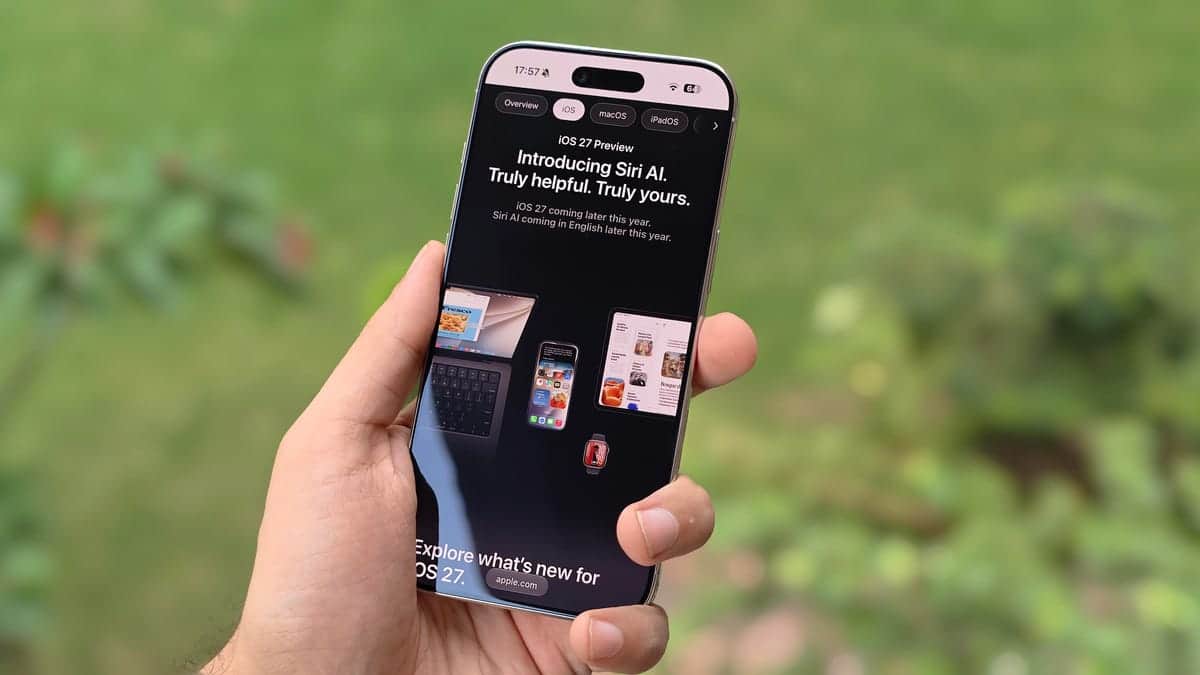
Image: ZDNET
Prakhar Khanna/ZDNET
iOS 27 may be best known for Siri AI and new photo-editing tools, but a month of testing the developer beta revealed five less conspicuous changes that could have a bigger effect on everyday iPhone use. The update is now available in public beta following Apple’s announcement at its Worldwide Developers Conference in June.
Unlike iOS 26, iOS 27 is not a major visual overhaul. Instead, it focuses on bug fixes and practical refinements, including better controls, more useful keyboard suggestions, and expanded volume settings.
Control Center and Photos improvements
Apple has made two notable changes to Control Center. The Connectivity widget now offers a middle-size layout that occupies half the page and provides one-tap access to Airplane Mode, Wi-Fi, AirDrop, Mobile Data, Bluetooth, Personal Hotspot, and VPN. The toggles cannot be rearranged inside the widget, but they can still be added separately for more customization.
Control Center is also better optimized for landscape orientation. Brightness and volume controls remain in more predictable positions when the iPhone is held horizontally for activities such as watching movies or YouTube videos.
Recommended reading
Realme and OnePlus shift markets for ColorOS
The Photos app gets a new Captured by Me folder under Utilities. It collects photos and videos taken with the iPhone, separating them from saved media from iMessage, Instagram, WhatsApp, and other sources.
To find it, go to Collections > Utilities > Captured by Me. The folder can also be pinned so it appears below the Memories section in Collections.
Keyboard, dictation, and volume controls
The iOS keyboard already detects one-time passwords and places them above the keyboard for quick access. In iOS 27, the suggestion bar can also surface copied text, addresses, and screenshots, allowing users to paste them without long-pressing a text field and waiting for the copy-and-paste menu.
Apple has also improved on-device dictation. The system is designed to understand context more accurately, recognize complex words, and remove filler terms such as “umm” and “ahh.” During testing, it inserted commas appropriately in an email reply, although full stops still required manual editing.
The feature is not enabled by default in the beta. Users can activate it at Settings > General > Keyboard by turning on Advanced Dictation Preview. It runs on Apple’s AFM Core Advanced model, which also powers expressive Siri voices, and works on-device.
Finally, iOS 27 separates ringer, alarm, and system volumes. Under Settings > Sounds & Haptics, users can choose whether alarms, timers, and system tones follow the ringer volume or use independent levels. That means lowering the ringer should no longer reduce alarm volume by default.
The public beta is available now. The stable release is expected in September alongside the iPhone 18 Pro and iPhone Ultra models. During testing, the iPhone Air running iOS 27 already felt faster than an iPhone 17 Pro Max running iOS 26, according to ZDNET’s report.

Gadgets Editor
Eli is obsessed with the tangible future. He reviews phones, wearables, and everything with a battery. Known for his rigorous testing protocols and unabashed teardowns, Eli has broken more review units than he cares to admit, all in the name of discovering the truth about durability and repairability.
via ZDNET