• 2 min read
HyperOS 3 lands on Xiaomi 13T with HyperIsland and AI tools
Xiaomi has started rolling out the stable HyperOS 3 update for the Xiaomi 13T, and it is a chunky one: about 6.5 GB, built on Android 16, and packed with the company’s new HyperIsland interface, AI features, and broader
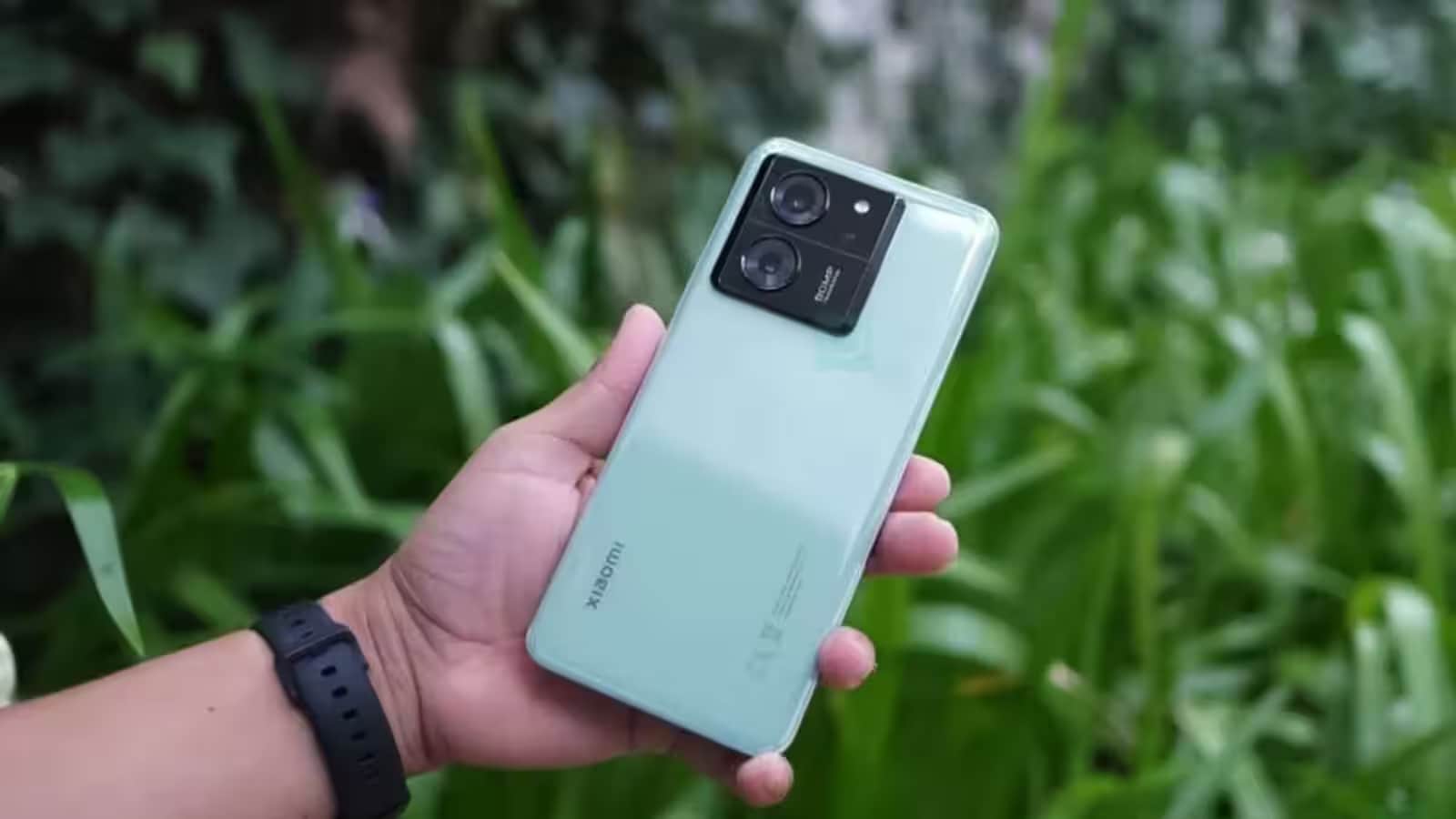
Image: ixbt.com
Xiaomi has started rolling out the stable HyperOS 3 update for the Xiaomi 13T, and it is a chunky one: about 6.5 GB, built on Android 16, and packed with the company’s new HyperIsland interface, AI features, and broader cross-device sharing. The first wave is going to users in Indonesia, with more regions expected to follow in the next few days.
The Xiaomi 13T is one of the earlier phones to get HyperOS 3, which suggests Xiaomi is using the model as an early test bed before the update spreads more widely across its lineup. That is the usual playbook in Android land: start with a relatively recent model, then fan out once the first bugs are shaken out.
What HyperOS 3 changes on the Xiaomi 13T
Once installed, the phone gets a refreshed interface, new visual effects, and a different way of handling notifications and live activities. Xiaomi is also adding new dynamic wallpapers and smoother lock-screen animations, which is the kind of detail that sounds cosmetic until you compare it with older software and realize how much time you spend staring at your lock screen.
The headline feature is HyperIsland, an interactive strip at the top of the display for live app events. It is Xiaomi’s answer to the now-familiar floating notification area idea, and like most features in this category, the success will depend less on the demo and more on whether app makers bother to use it properly.
Recommended reading
PyTorch Monarch brings fault-tolerant training to AMD GPUs
AI tools and faster cross-device sharing
HyperOS 3 also brings AI tools for text, speech recognition, search, and translation. That puts Xiaomi in the same crowded race as Samsung, Google, and other Android rivals that are trying to make on-device AI feel useful instead of like a marketing badge glued onto a settings menu.
Another addition is wider compatibility with devices from other ecosystems, including a faster way to transfer data between gadgets. That kind of cross-device convenience is where software updates can actually change habits, because the less friction there is between phones, tablets, and laptops, the harder it becomes to leave a brand once you are locked into its ecosystem.
For Xiaomi 13T owners, the practical advice is simple: wait for the OTA prompt, and when it appears, use a stable Wi-Fi connection. A 6.5 GB download is not something you casually pull over mobile data unless you enjoy surprise bills and regret.
AI Editor
Ava covers the rapidly evolving world of artificial intelligence, from foundational models and research labs to the real-world economics of intelligence. With a background in computational linguistics, she cuts through the hype to find out what actually works. She firmly believes that benchmarks are just marketing until reproduced in the wild.
via ixbt.com