• 2 min read
Why Android Auto needs Bluetooth and Wi-Fi
Wireless Android Auto uses Bluetooth for pairing and calls, then switches to 5GHz Wi-Fi Direct for the heavy data load.
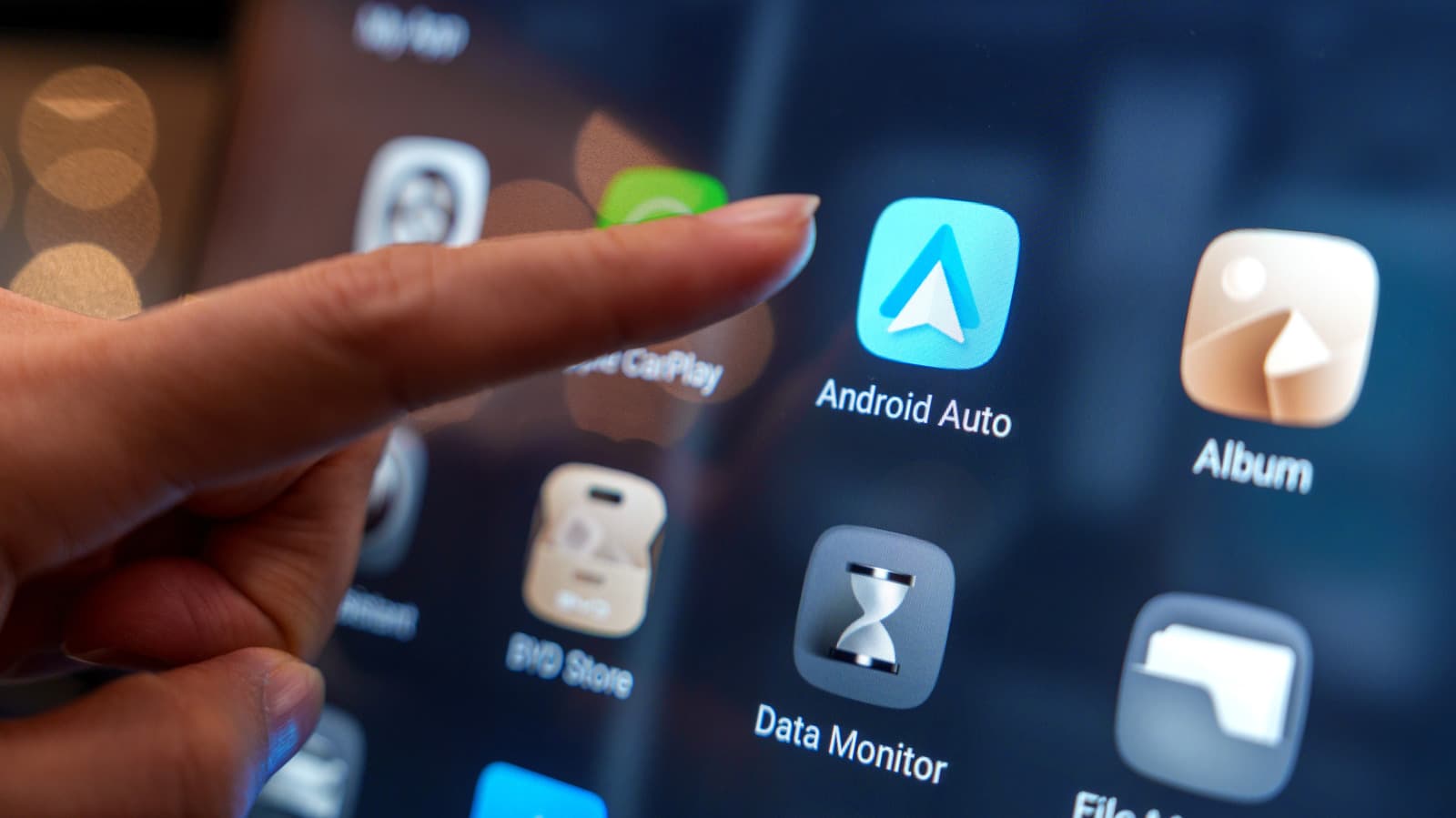
Image: Engadget
Wireless Android Auto depends on two connections at once: Bluetooth and Wi-Fi. That may sound redundant, but the two radios do different jobs, and neither can handle the full experience alone.
Bluetooth handles the initial pairing between a phone and the car, letting the devices discover each other in the background and exchange the credentials needed to start a Wi-Fi link. It also manages hands-free calling through the car’s audio system. Turn Bluetooth off mid-drive, and the connection drops.
That still leaves the bigger workload. Bluetooth typically tops out at around 2-3 Mbps, which is enough for audio, but not for a full Android Auto session with maps, music, touch input and other live data.
Why Android Auto switches to 5GHz Wi-Fi Direct
After the Bluetooth handshake, the phone connects over a local peer-to-peer 5GHz Wi-Fi Direct network. According to Google’s Android Auto developer documentation, that 5GHz requirement is strict because Bluetooth does not have enough bandwidth for continuous video projection.
Recommended reading
XPeng’s €35,600 L03 takes its budget EV global
Wi-Fi Direct carries the rest of the session, including:
- the user interface
- high-quality audio from streaming services
- sensor data such as GPS details, odometer, touch inputs, voice commands and ambient light
That is also why older phone models without 5GHz Wi-Fi support cannot run wireless Android Auto.
Dongles for cars that only support wired Android Auto
Cars that only support wired Android Auto can still go wireless with adapters such as Carlinkit, AAWireless and Motorola MA1. These dongles plug into the car’s USB port, pair with the phone over Bluetooth, then move the data link to 5GHz Wi-Fi Direct and translate that stream back into a USB signal so the car thinks it is talking to a wired phone.
There are trade-offs. Both Bluetooth and Wi-Fi have to stay enabled, 5GHz Wi-Fi plus GPS and Bluetooth can drain battery life, and a dongle can introduce some connection delay. You’ll also need a phone with 5G capabilities running Android 11 or newer.

Frontier Editor
Dan is our resident futurist, covering electric mobility, space exploration, and the smart home. He's interested in atoms just as much as bits. Whether it's a new battery chemistry, a reusable rocket, or a protocol that finally makes IoT devices talk to each other, Dan breaks down the engineering that pushes humanity forward.
via Engadget