

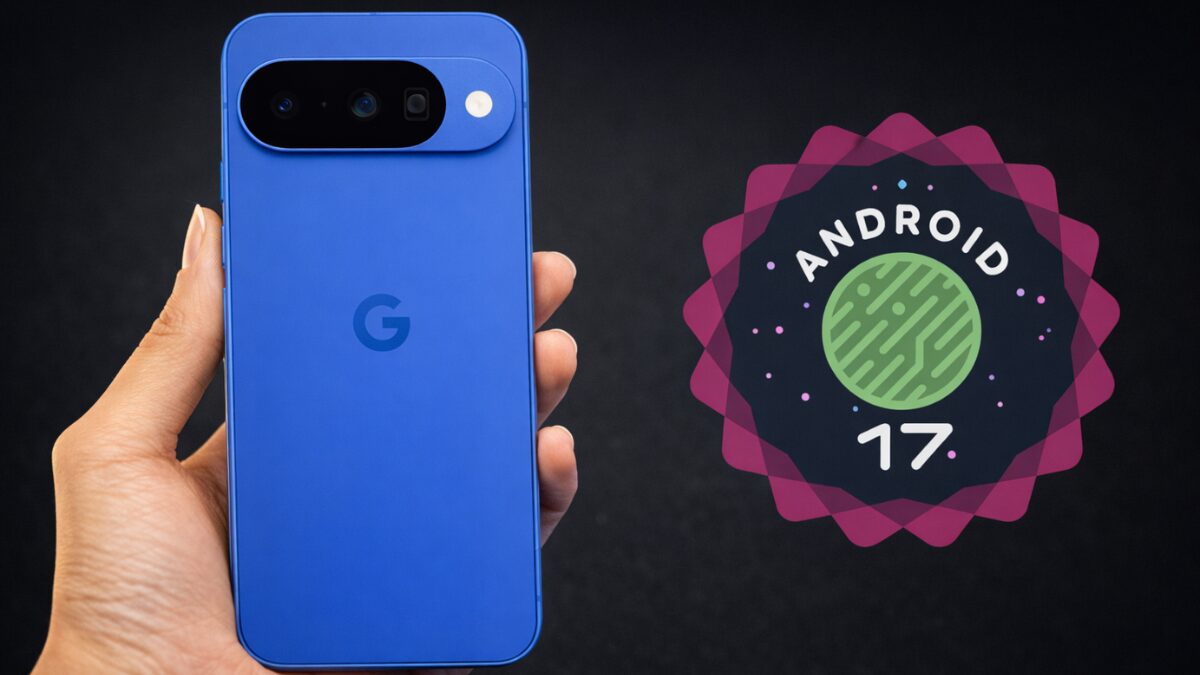
Google has started pushing the stable Android 17 update to eligible Pixel phones, and this release includes the June 2026 Pixel Feature Drop. The rollout covers devices back to the Pixel 6, which is generous by Android standards and a quiet reminder that Google still treats its own phones as the platform’s preferred test bed.
For non-beta users, the download is a few gigabytes; people already on the beta track get a much smaller package because much of Android 17 is already sitting on their phones.
Which Pixel phones get Android 17
Google is rolling out Android 17 to a long list of devices, from the latest Pixel 10 family down to the Pixel 6 series. That includes the Pixel 10, Pixel 10 Pro, Pixel 10 Pro XL, Pixel 10 Pro Fold, Pixel 10a, Pixel 9 lineup, Pixel 8 lineup, Pixel Tablet, Pixel Fold, Pixel 7 lineup, and Pixel 6 lineup.
- Pixel 10, Pixel 10 Pro, Pixel 10 Pro XL, Pixel 10 Pro Fold, Pixel 10a
- Pixel 9, Pixel 9 Pro, Pixel 9 Pro XL, Pixel 9 Pro Fold, Pixel 9a
- Pixel 8, Pixel 8 Pro, Pixel 8a, Pixel Tablet, Pixel Fold
- Pixel 7, Pixel 7 Pro, Pixel 7a, Pixel 6, Pixel 6 Pro, Pixel 6a
Availability can still vary by region, which is standard Google behavior: ”rolling out” often means ”not quite on your phone yet.” Users can check manually through Settings > System > System Update.
The biggest Android 17 features
The headline additions lean hard into AI, but there are a few genuinely useful quality-of-life changes too. Google is adding Lyria 3 for text- and image-based music generation, while Gemini Omni can turn a text prompt into a custom video clip if you pay for Gemini Pro.
- Voice Translate is now on the Pixel 10a.
- Manual Call Screen is expanding to India.
- Quick Share compatibility with AirDrop now reaches Pixel 9a and Pixel 8a.
- Pixel 10 series devices get Magic Cue.
The AI pitch is obvious enough, but the cross-platform sharing and call tools are the parts most people are likely to notice in daily use. That’s usually how these updates age: the flashy demo feature gets the attention, while the mundane utility quietly earns the praise.
Bubbles now works with every app
Android 17 gives Bubbles its biggest upgrade yet by extending it beyond messaging apps. Any app can now be turned into a floating bubble by long-pressing its icon and choosing the Bubble option, which is the kind of multitasking feature Android should have had years ago.
On tablets and foldables, Google adds a Bubble Bar in the bottom-right corner to organize those floating apps. That makes the feature much easier to live with on larger screens, where juggling several apps at once is supposed to be the whole point.
Screen Reactions, foldable gaming mode, and security
Android 17 also adds Screen Reactions, which records your selfie camera feed while you capture the screen. That should be handy for tutorials, reaction videos, and gameplay clips without messing around with a green screen.
Foldables get a gaming mode that splits the screen 50/50, with the game on top and a dynamic gamepad underneath. Native controller remapping is also supported for external controllers, which should make Android gaming feel a little less improvised.
On the security side, Android 17 lets users give apps temporary access to precise location and specific contacts. Find Hub also gets a ”Mark as lost” option that locks a missing phone behind biometrics, so knowing a passcode alone is no longer enough for a thief to walk away smiling.
Continue On moves app state across Android devices
One of the more practical additions is Continue On, which lets users move a task from one Android device to another without losing their place. Google says the tablet taskbar can suggest the most recently opened mobile app, and tapping it opens the app with its state intact.
That kind of handoff is exactly where Google can still outmaneuver rivals: Apple has made cross-device continuity feel polished, but Android has often looked more fragmented than flexible. If Continue On works well across phones and tablets, it could become one of those features people stop noticing only because they rely on it every day.
The bigger question now is how fast Google pushes Android 17 beyond Pixels, because the best Android features often spend too long living inside Google’s own garden. If this release is any guide, the company is finally trying to make that gap harder to defend.