

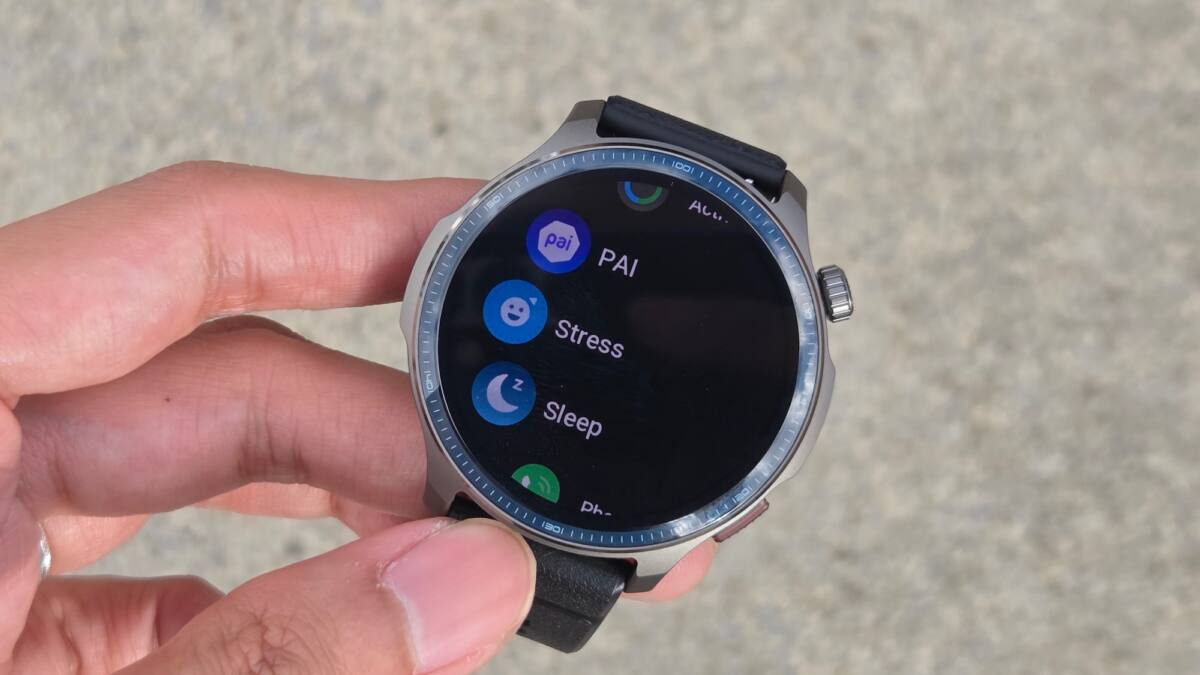
Amazfit has started rolling out iOS Notification Forwarding for a handful of its smartwatches, giving iPhone owners something Apple has long made awkward on third-party wearables: the ability to do more than just glance at an alert. The beta feature lets eligible users in the EU reply to some messages, tap actions like ”Mark as Read” or ”Call Back,” and even see images from supported doorbells and security cameras right on the wrist.
That puts Amazfit closer to the more interactive experience people already expect from the Apple Watch, even if this first pass is narrow and clearly experimental. The company says the feature depends on Apple’s ongoing support, which is a polite way of saying the experience may be inconsistent depending on the app, notification type, and whatever Cupertino decides to allow next.
Which Amazfit watches get iOS notification replies
For now, support is limited to the Amazfit Cheetah 2 Ultra, Amazfit Balance Ultra, and Amazfit Balance 3. Amazfit says more models are coming, including the Bip Max, Active 3 Premium, Cheetah 2 Pro, T-Rex 3, T-Rex 3 Pro, T-Rex Ultra 2, and Balance 2. That staged rollout suggests the company is testing the waters carefully rather than flipping the switch for its entire lineup at once.
Users need the latest Zepp App and the latest device firmware before the feature will appear. Setup can happen through an automated prompt in the app, or manually through the Feature Checklist or App Notifications menu if the prompt never shows up, which feels very on brand for smartwatch software: part convenience, part scavenger hunt.
What iOS Notification Forwarding can actually do
- Reply directly to some apps, including WhatsApp.
- Take quick actions such as ”Mark as Read” and ”Call Back.”
- View notification images from smart doorbells and security cameras.
The small print matters here. Because this is still a beta, not every notification will support the same buttons or reply options. That limits the wow factor a bit, but it also reflects the messy reality of iPhone integration outside Apple’s own ecosystem: getting partial interactivity is still better than a wrist full of dead-end alerts.
A small but telling step for iPhone compatibility
For Amazfit, the move is less about one feature than about trust. Wearables live or die on whether they feel useful every day, and notification handling is one of the few features people notice immediately after the novelty fades. If Amazfit can keep widening support across its lineup, it may chip away at the old assumption that iPhone users should simply buy an Apple Watch and be done with it.
The bigger question is how far Apple’s support will let this go. If the company keeps the leash short, Amazfit’s rollout will stay more impressive in theory than in practice. If Apple opens things up even a little more, these watches suddenly become far more interesting to people who want fitness-first hardware without giving up useful phone alerts.