

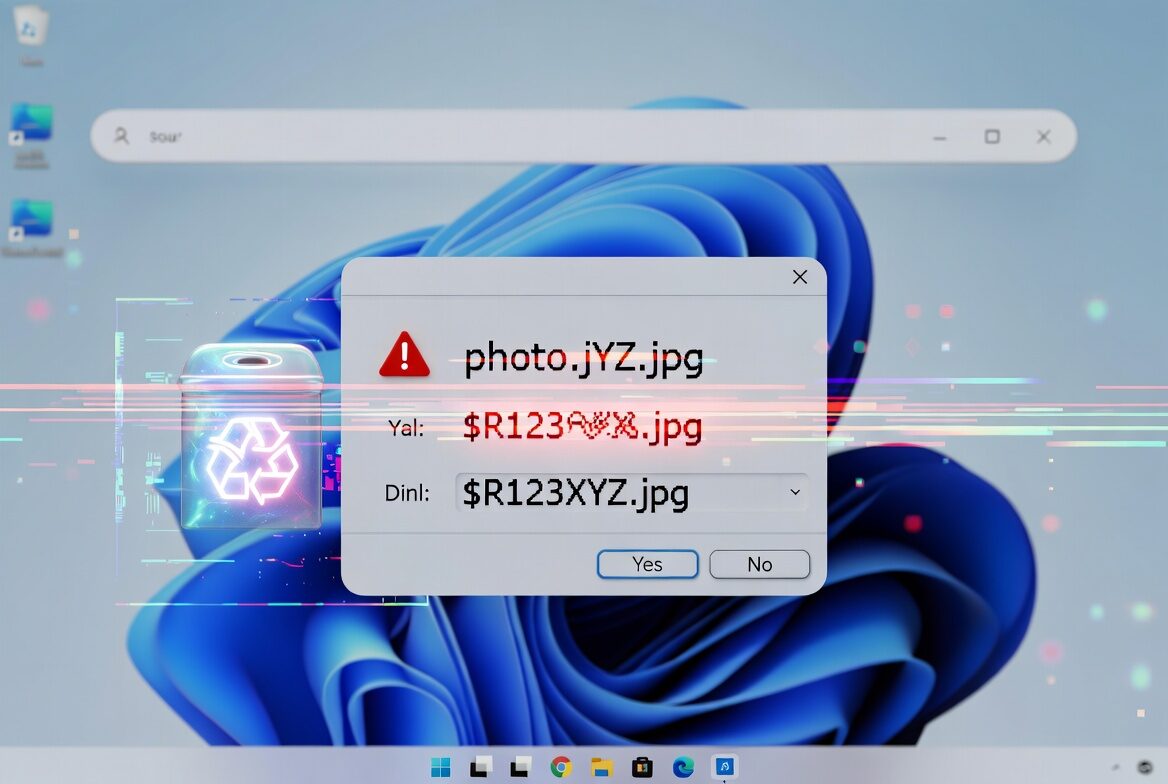
Microsoft has confirmed a new Windows Recycle Bin bug that changes the way delete prompts label files after the June update KB5094126. The problem is not destructive, but it is sloppy enough to make a familiar action look broken: instead of a human-friendly filename, Windows can show the file’s internal system name in the confirmation dialog.
That means ”report.docx” may appear as something like ”$R12345.docx” when you try to send it to the bin. The good news is that the glitch is only visual. Files still show up correctly inside the Recycle Bin, and restoring one brings it back under its original name with its contents intact.
What the Recycle Bin bug changes
The issue affects the confirmation window shown during deletion, not the Recycle Bin itself. That distinction matters: Microsoft says the actual file handling is unchanged, which is why this is annoying rather than dangerous. Users are seeing the plumbing instead of the polished UI, and Windows rarely looks heroic when that happens.
The bug reaches across supported client and server versions of Windows, which explains why Microsoft treated it as a platform-wide issue rather than a one-off desktop annoyance. That also hints at a broader pattern: even small visual regressions can spread quickly once they land in a shared component shipped through cumulative updates.
Microsoft’s temporary fix for business customers
Microsoft says it is working on a permanent fix and plans to include it in a future cumulative update for Windows. For enterprise customers who cannot wait, the company is offering a temporary workaround, but only through Microsoft business support. Regular users, for now, get the least satisfying patch of all: patience.
Why this feels bigger than a cosmetic glitch
This is the kind of bug that does not break data but does break trust in the little things, and those little things are Windows’ daily bread. Microsoft has spent years trying to make the desktop feel less brittle, yet every cumulative update still risks resurfacing oddities in core UI flows. Expect this one to disappear quietly in a later update, which is exactly how Microsoft likes to retire embarrassment.