

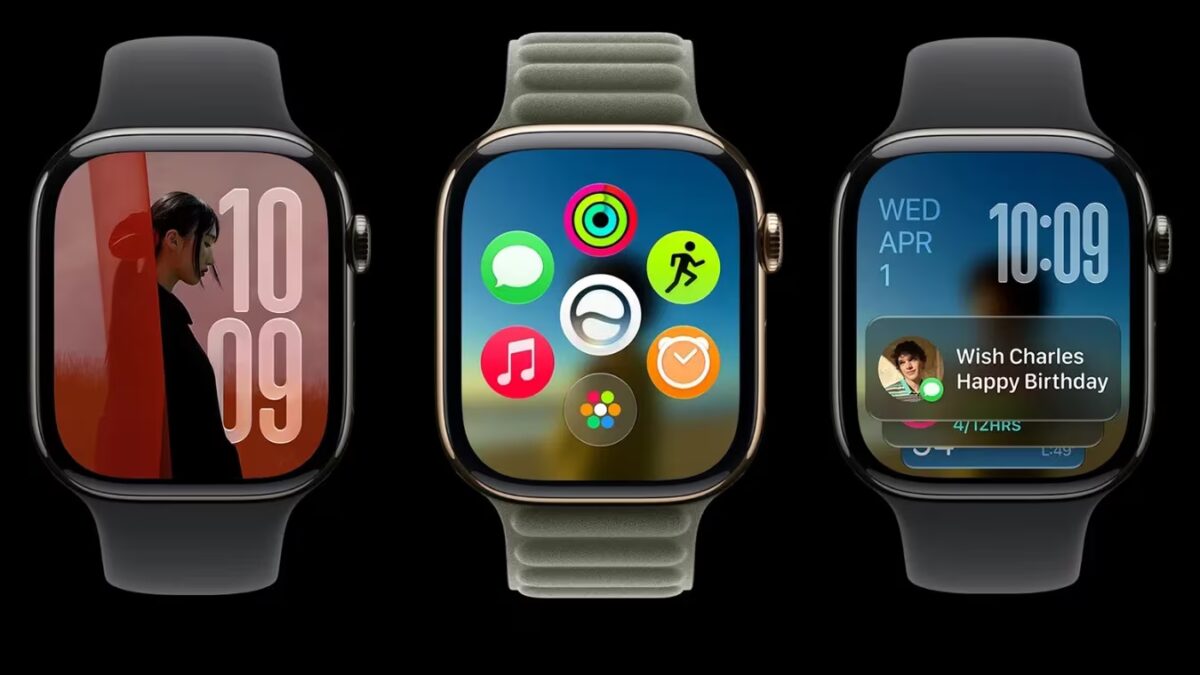
At WWDC 2026, Apple unveiled watchOS 27, packed with ambitious upgrades including a next-gen Siri AI assistant, a dedicated Siri app, dynamic app grid, smarter Smart Stack widgets, enhanced fitness tools, and expanded health tracking features. These updates aim to make Apple Watch even more independent from the iPhone, letting users tackle everyday tasks quickly from their wrist.
Siri AI brings smarter, context-aware assistance to Apple Watch
Siri AI is the headline addition in watchOS 27-a powerful new assistant powered by Apple Intelligence. It better understands personal context, answers complex queries, and interacts across multiple apps. This matters especially on the Apple Watch, where typing and navigating can be cumbersome. Siri AI lets you ask natural questions, get tailored workout advice, access health data, and chat-all straight from your wrist.
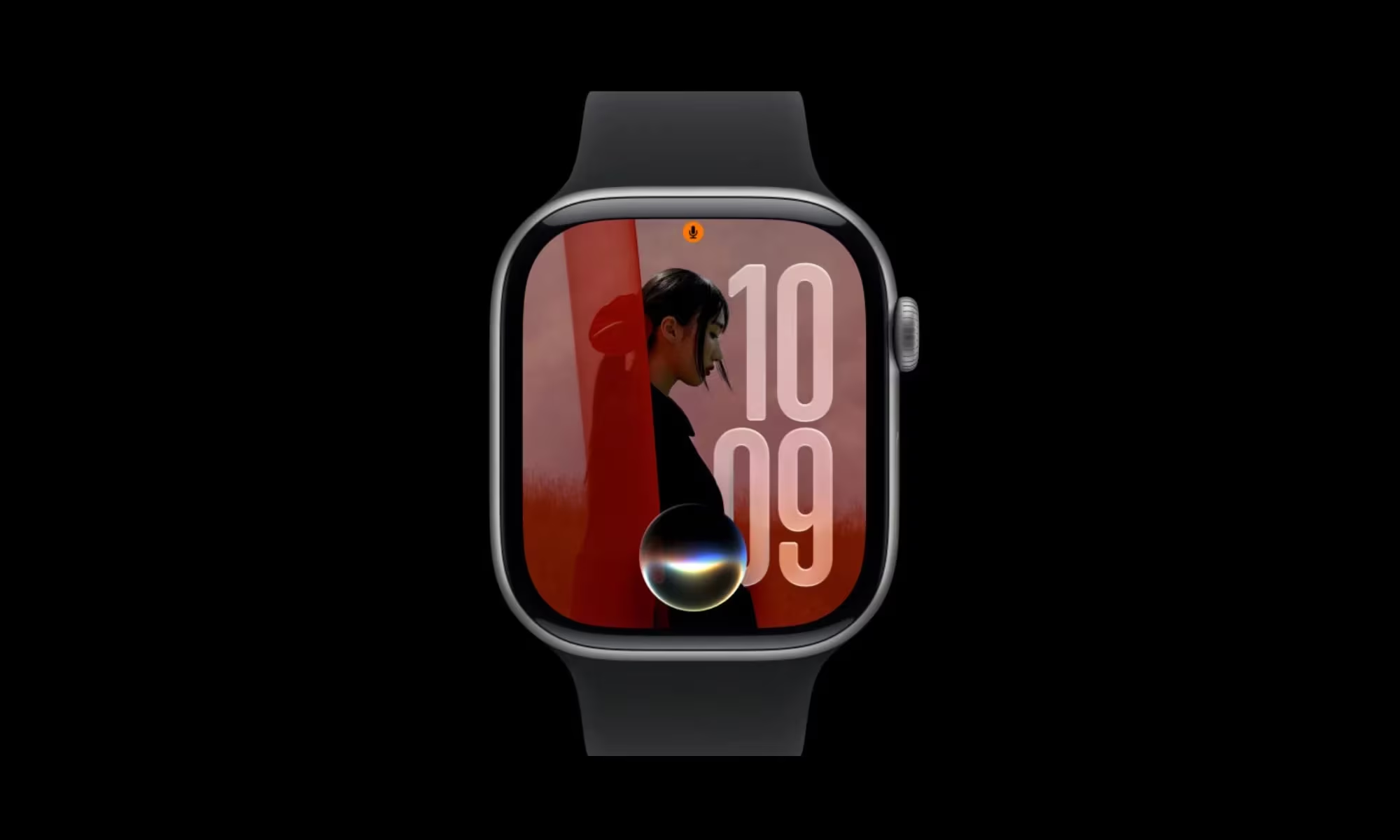
Beyond conversation, Siri AI pulls from your private info-whether that’s a saved driver’s license number, door entry codes stored in notes, or other personal data-making it a genuine wrist-based assistant. Apple also introduced a new standalone Siri app that lets you start, continue, or revisit conversations initiated on your iPhone, with the option to pin important chats for quick access.
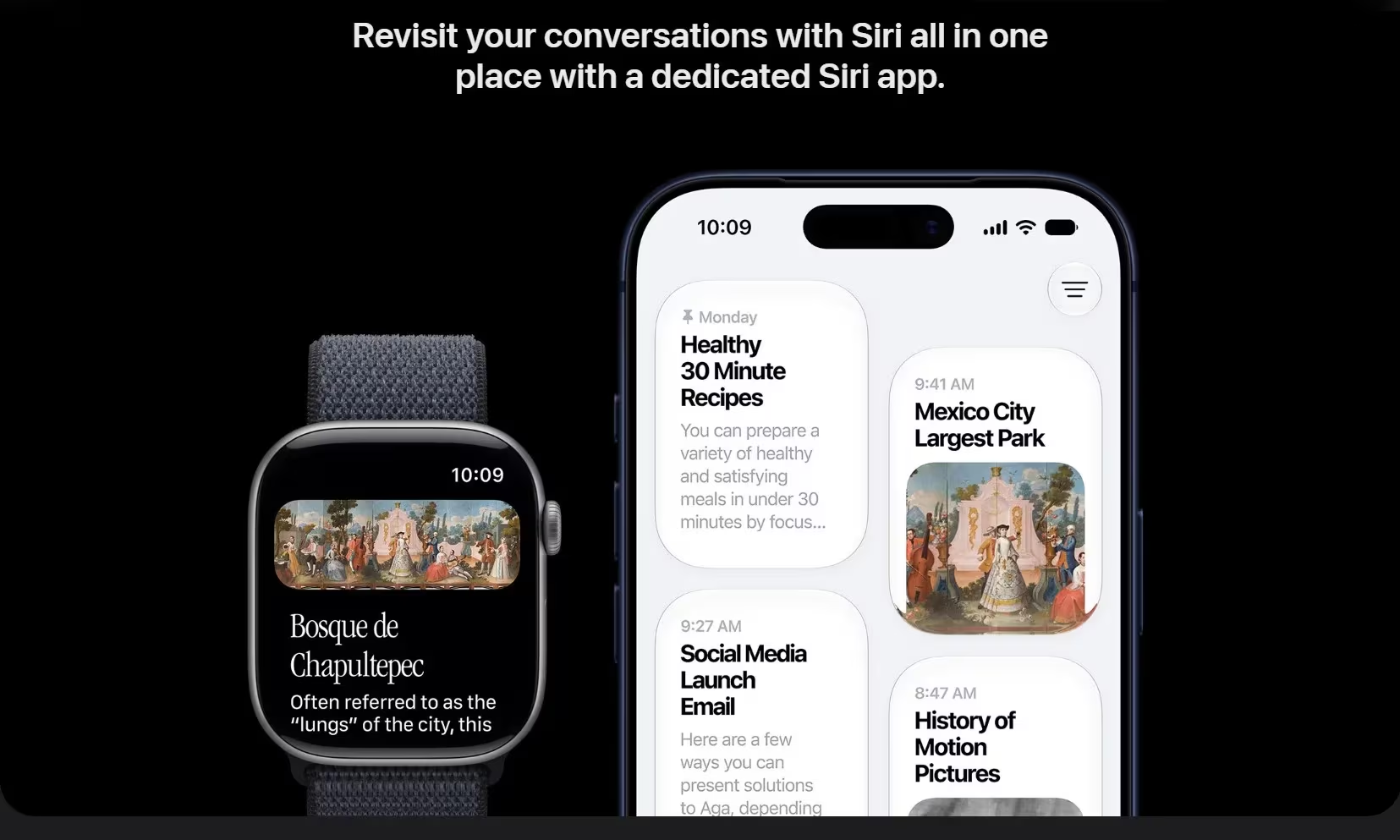
The assistant can handle tasks like sharing flight info, playing trainer-recommended songs, adjusting workout goals, sending emails, resuming podcasts, or adding music directly to your workout playlist. However, Siri AI is absent in the first beta release and is expected only in a future beta update.
Note that Apple Intelligence features won’t be available at launch in the European Union, and Siri AI will not initially roll out in China.
Dynamic app grid and smarter Smart Stack widgets in watchOS 27
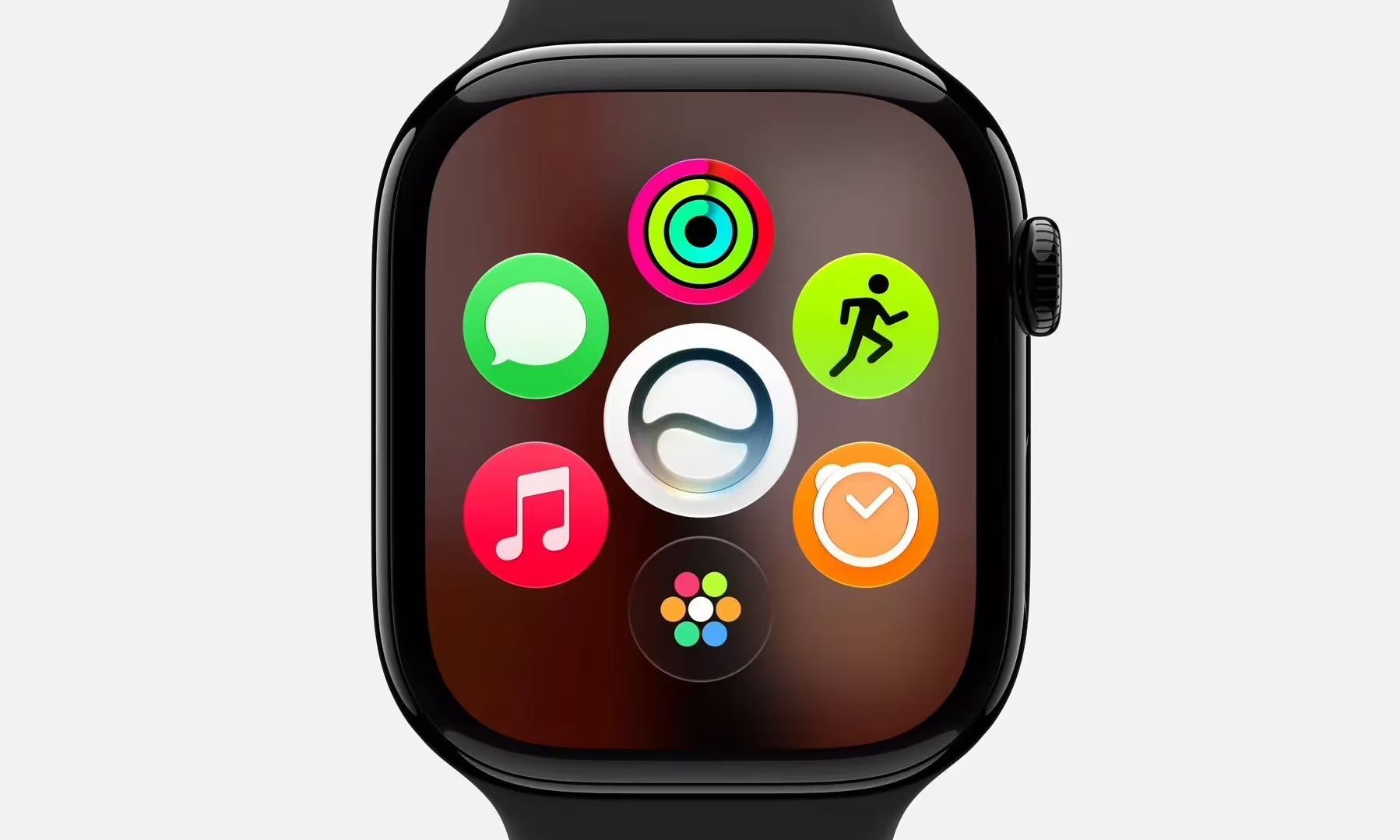
Finding apps on Apple Watch gets easier with a dynamic app grid that highlights Siri-recommended apps-those you use frequently or recently opened. This makes it simpler to access relevant apps in the moment, especially if your watch is loaded with many apps. A minor trade-off: accessing the full app grid now requires two steps instead of a single press of the Digital Crown.
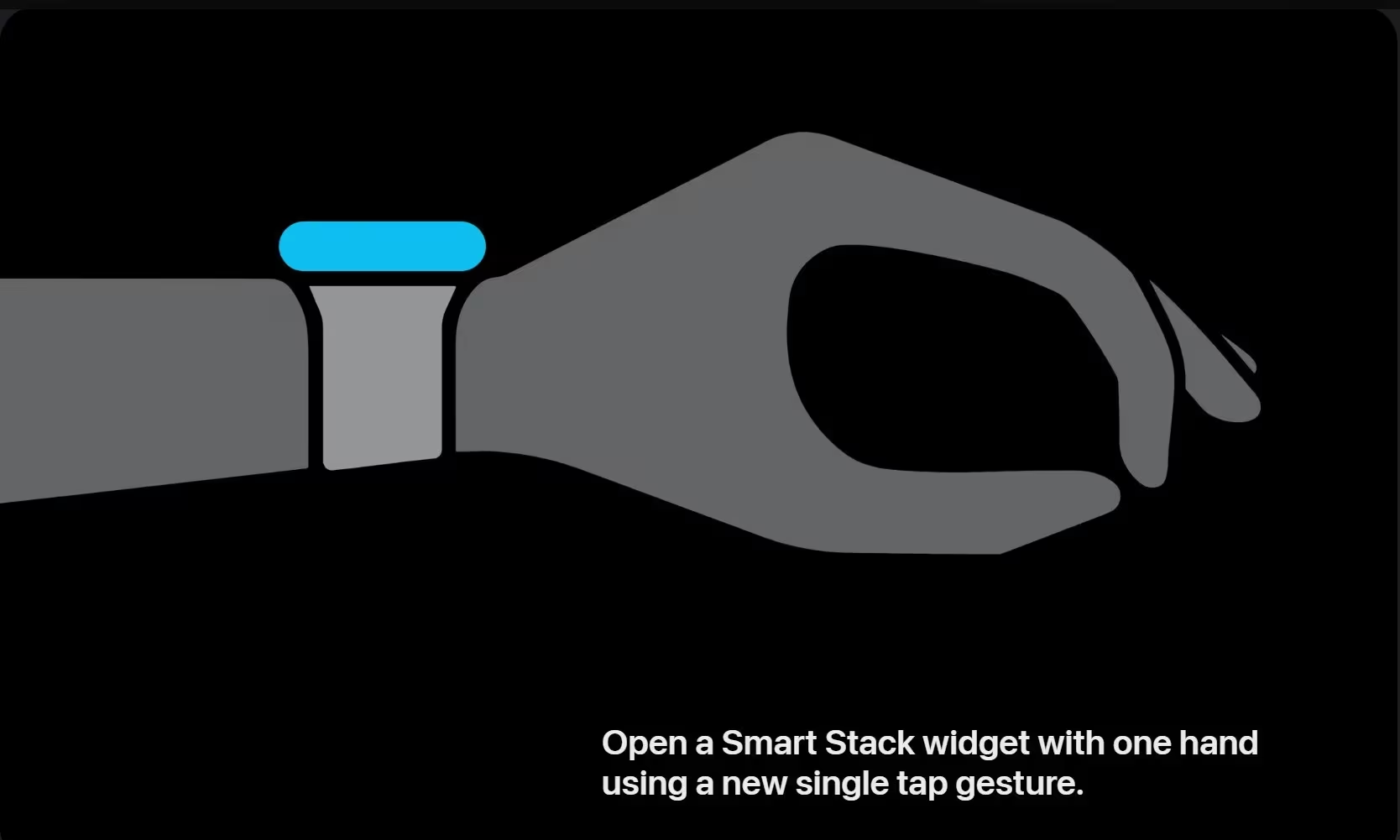
The Smart Stack widget is now context-aware, surfacing widgets based on your current needs such as birthday reminders, parked car location, alarm suggestions before holidays, and transit card info. It adds a new gesture: pinch your index finger and thumb twice to open Smart Stack, continue the double tap to scroll through widgets, and tap once to open the selected widget.
Workout Buddy offers personalized motivation on Apple Watch
Workout Buddy in watchOS 27 taps your workout history to deliver tailored motivation during exercise. Instead of generic cheers, it gives updates tied to your pace, distance, duration, and performance metrics. Plus, it no longer requires keeping your iPhone nearby; it runs independently on the watch while still needing an iPhone with Apple Intelligence support and Bluetooth audio devices.
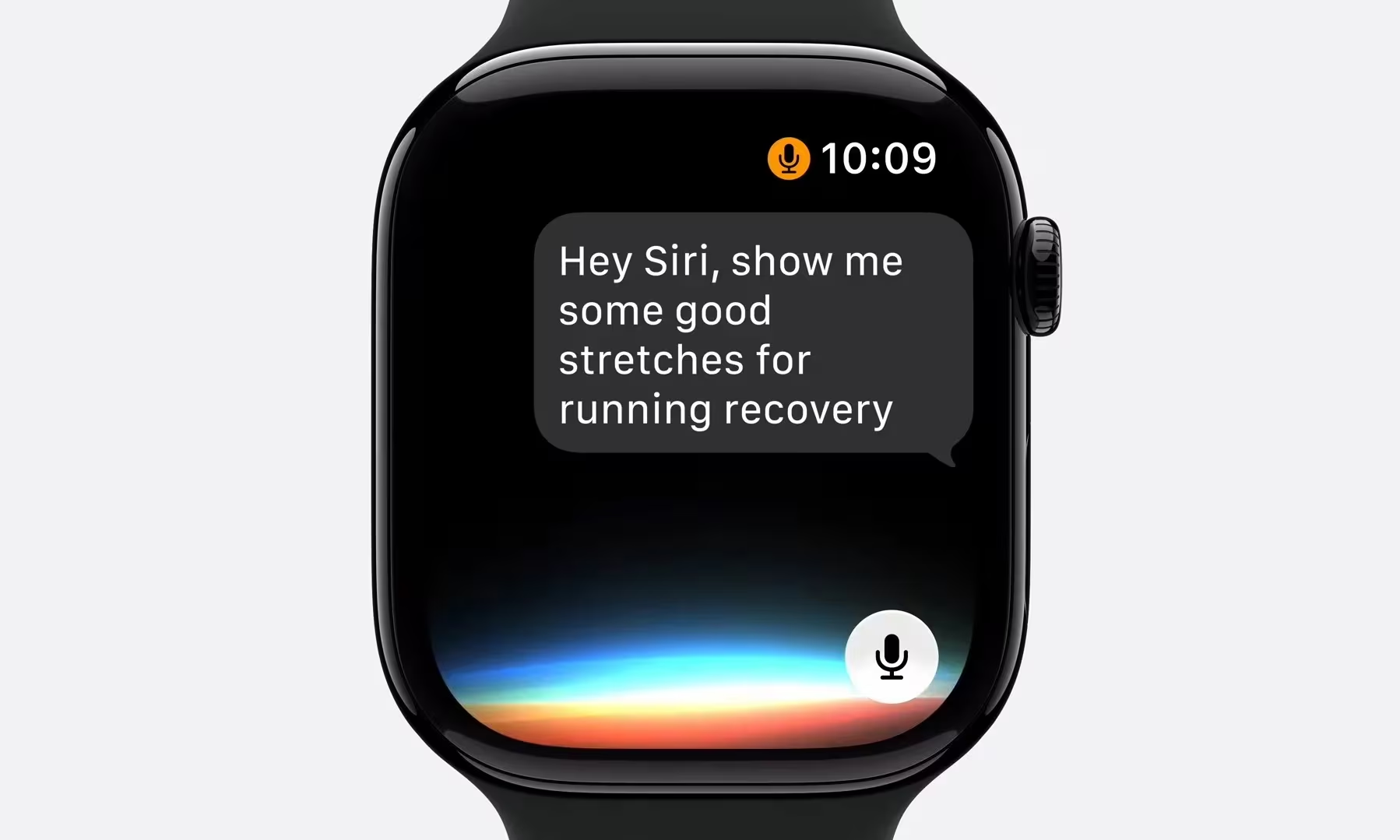
Additionally, Workout Buddy now supports Spanish, broadening its language reach for users.
Improved indoor running and walking tracking in watchOS 27
Indoor runs and treadmill workouts have always challenged smartwatches due to the lack of GPS data. watchOS 27 tackles this with better motion algorithms that analyze wrist movement to more accurately estimate distances covered on treadmills.
Expanded health tracking with menopause and perimenopause support
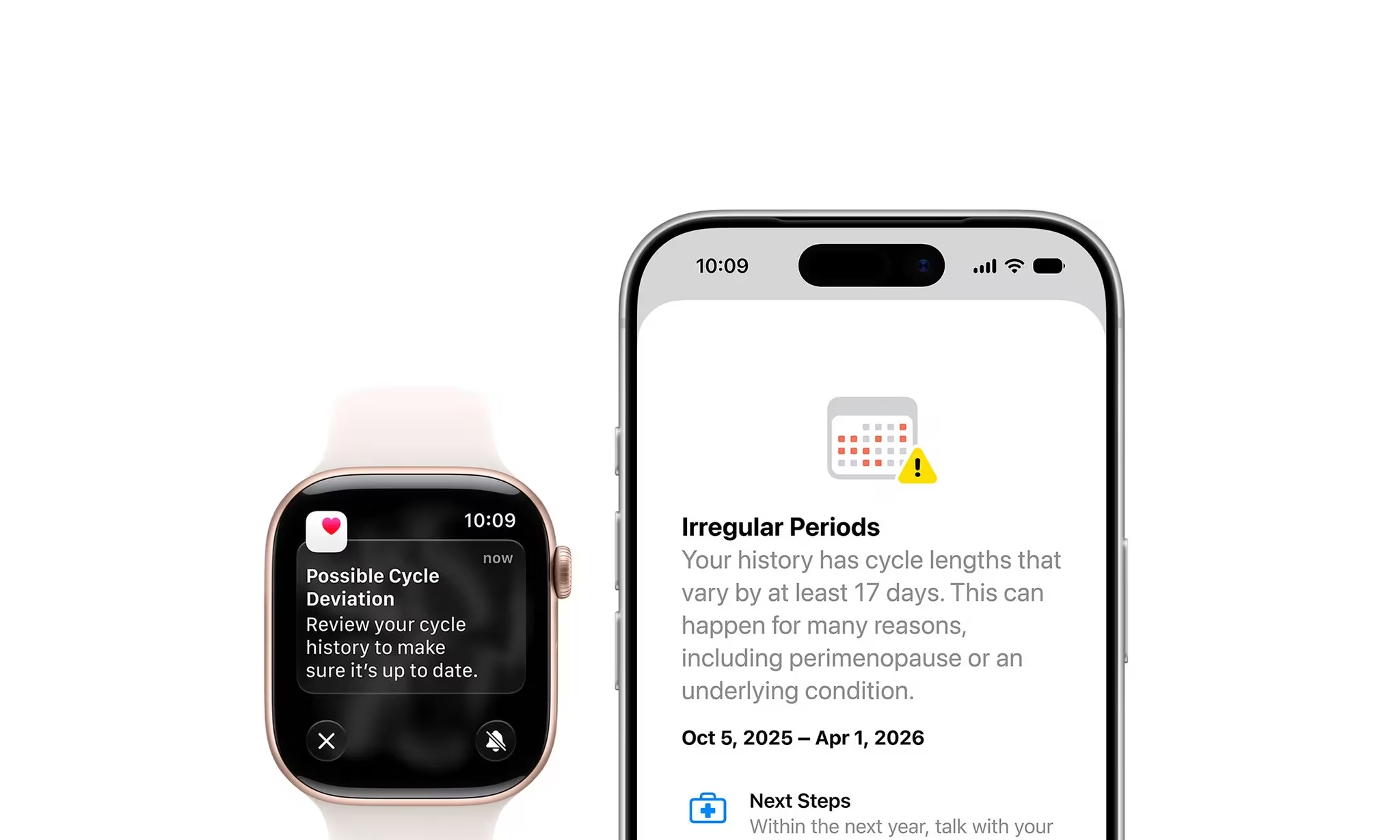
Apple’s Health and Apple Watch apps have long tracked menstrual cycles, symptoms, and fertility forecasts to help users understand their reproductive health. Now, watchOS 27 adds support for perimenopause and menopause. The Health app can notify users if recorded cycles suggest possible perimenopause and provides symptom tracking tools alongside educational content.
Find My app consolidation on Apple Watch in watchOS 27
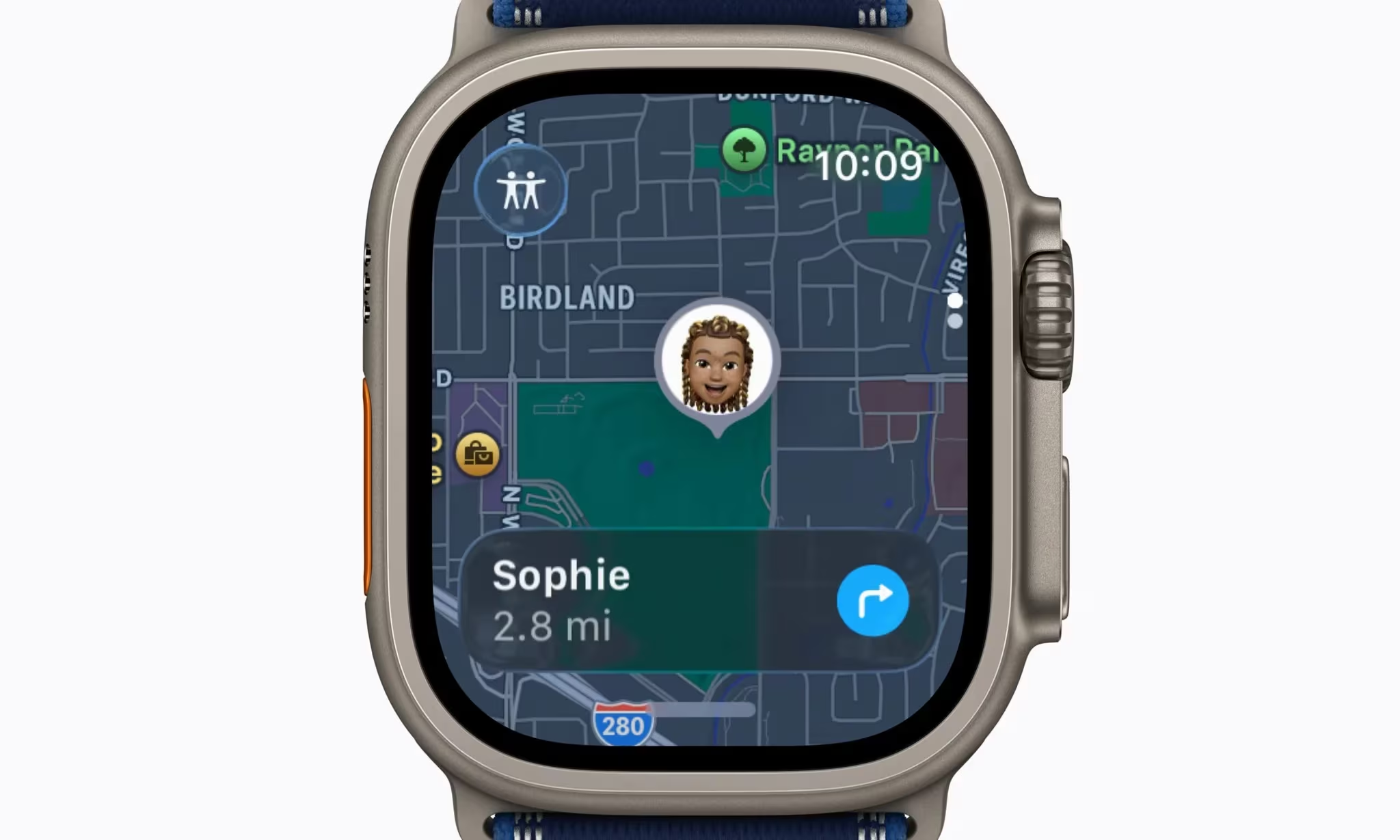
The updated Find My app consolidates tracking of people, Apple devices, and AirTags into a single, map-focused interface on Apple Watch. This replaces separate apps for each category, simplifying device and location management right from the wrist.
Custom passes support added to Wallet on watchOS 27
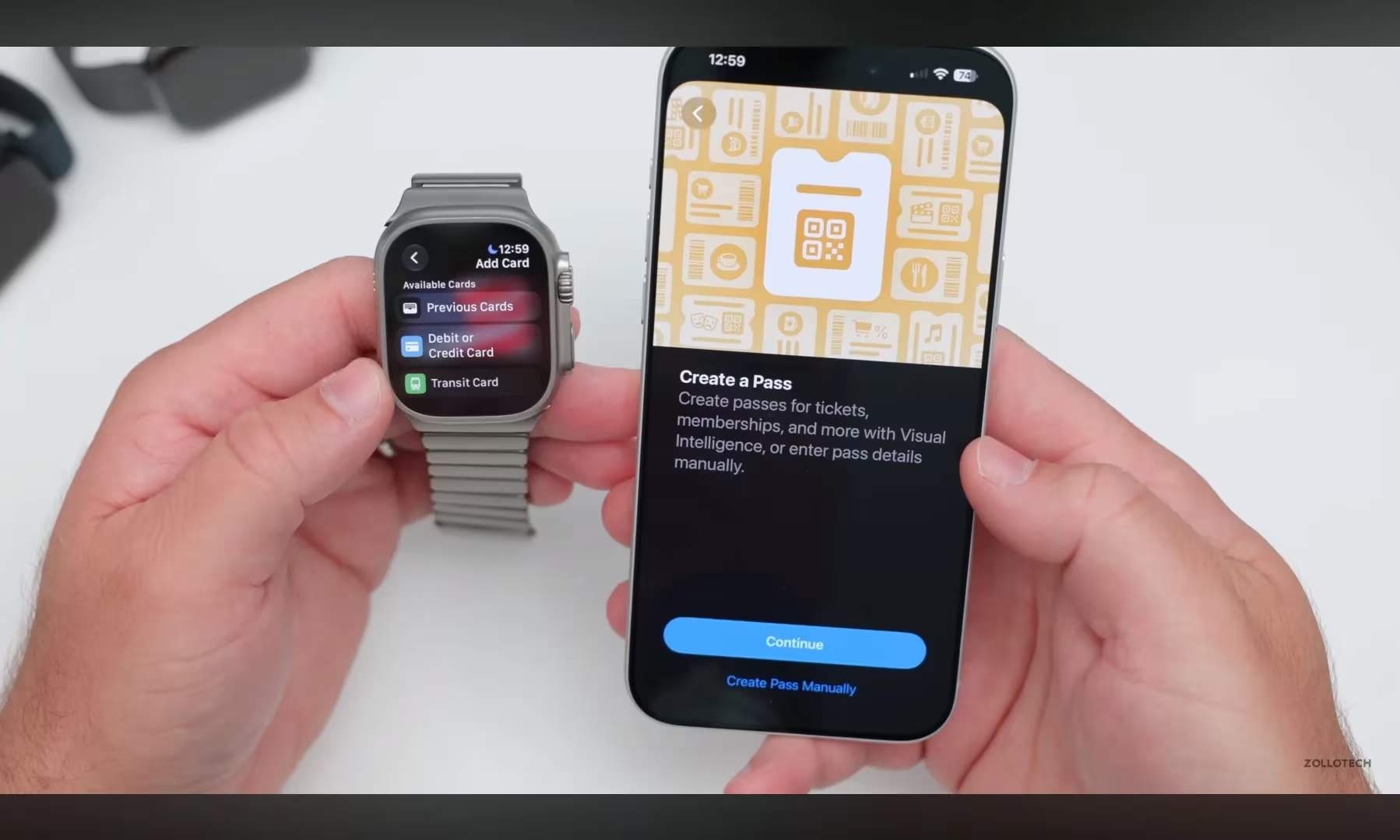
Apple Wallet is getting better support for everyday cards that don’t officially integrate with it yet. Users can create custom passes on iOS 27 devices and sync them to Apple Watch. This includes gym memberships, library cards, or QR and barcode passes, making Wallet more versatile. These passes can be pinned in Smart Stack for quick access.
Call Context feature shows relevant info during calls
Calls to companies often require booking codes, confirmation numbers, or sensitive details hidden in mail or messages. Call Context in watchOS 27 surfaces relevant info during such calls-like automatically showing your flight confirmation code on screen when talking to an airline.
Liquid Glass display effects and interface improvements
Apple made several visual improvements to enhance readability on the small Apple Watch screen. The new Liquid Glass effect introduces consistent refraction and better contrast for notifications, widgets, controls, and apps.
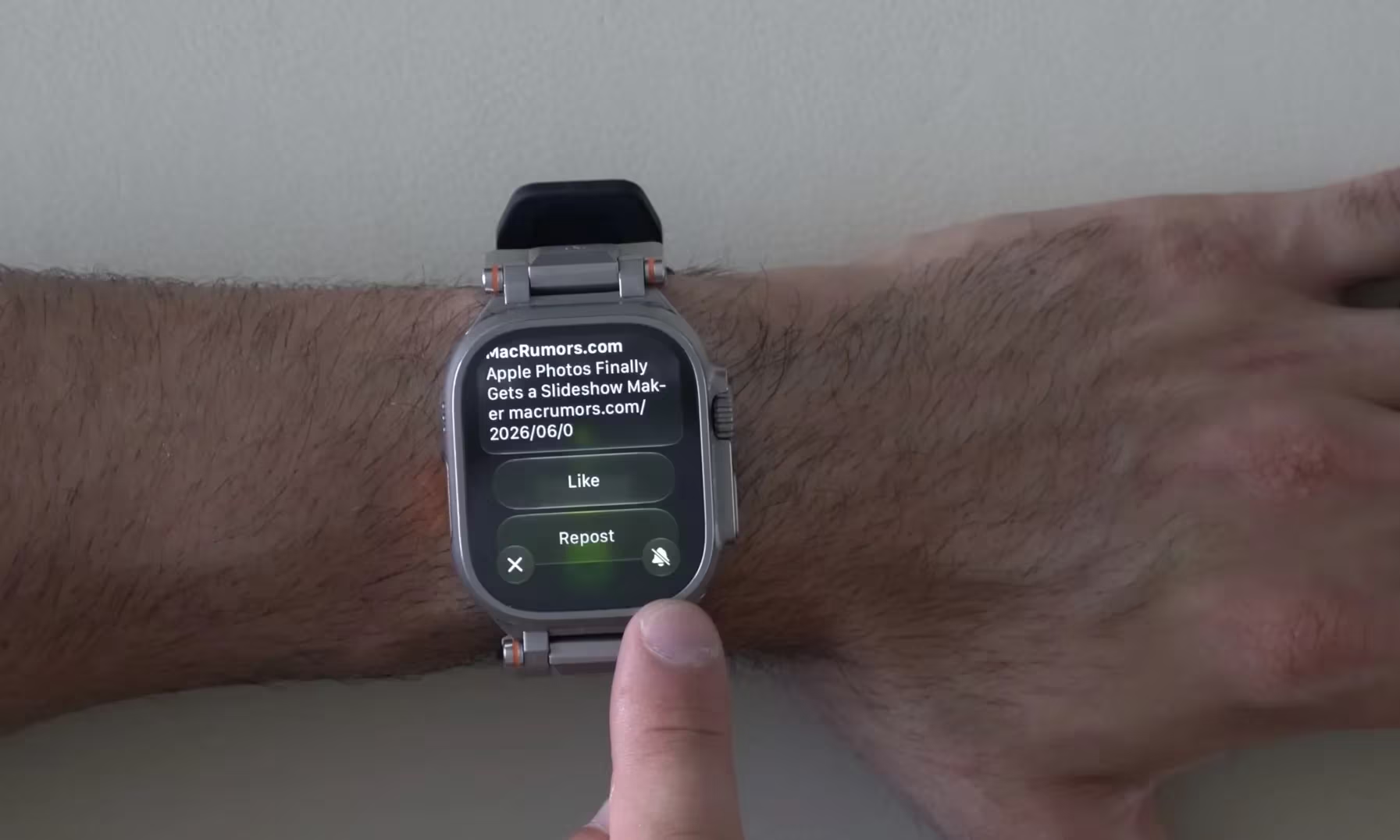
Other subtle but welcome changes include faster music playback, more accurate step counting synced with the Health app, and smarter battery-saving suggestions. Notifications are easier to silence now with a mute option accessible at the bottom-right of the screen. Sleep tracking also reportedly improves-though Apple hasn’t detailed exactly how.
Apple is also pushing deeper child safety features. Parents can now set up Apple Watch for kids without iPhones, enabling communication and location tracking through child-specific Apple accounts.
Compatible Apple Watch models for watchOS 27 update
watchOS 27 requires an iPhone 11 or later-or iPhone SE (2nd generation) or later-running iOS 27. Compatible Apple Watch models include:
- Apple Watch SE 3
- Apple Watch Series 9
- Apple Watch Series 10
- Apple Watch Series 11
- Apple Watch Ultra 2
- Apple Watch Ultra 3
Notably, Apple Watch Series 8, original Ultra, and Apple Watch SE (2nd generation) are dropped from this update, despite supporting the previous major watchOS upgrade. This marks a stricter cutoff, focusing watchOS 27 compatibility only on watches with the S9 chip or newer.
watchOS 27 release date and beta availability
watchOS 27 will launch publicly this fall. The developer beta is available now, but Siri AI will not appear until a future beta before its wider release later in the year. A public beta is also expected before the final version.
Installing developer beta software on a primary Apple Watch carries risks. Rolling back watchOS is more complicated than on iPhone or iPad, so regular users should wait for the public beta or official release to avoid issues.
Overall, watchOS 27 looks set to deepen Apple Watch’s independence from the iPhone, boost AI-driven convenience, and refine health and fitness tracking in meaningful ways. It also tightens device support, signaling Apple’s shift to more advanced hardware with the S9 chip. We’ll be watching closely how Siri AI performs in real-world use and whether these enhancements push wearable interaction forward.