• 3 min read
Opera One adds 500% tab volume and better PiP controls
Opera is giving Opera One a sharper focus on video, and that is probably overdue for a browser that wants to be more than a place where tabs go to die. The latest update adds sidebar shortcuts for YouTube and Twitch, a r
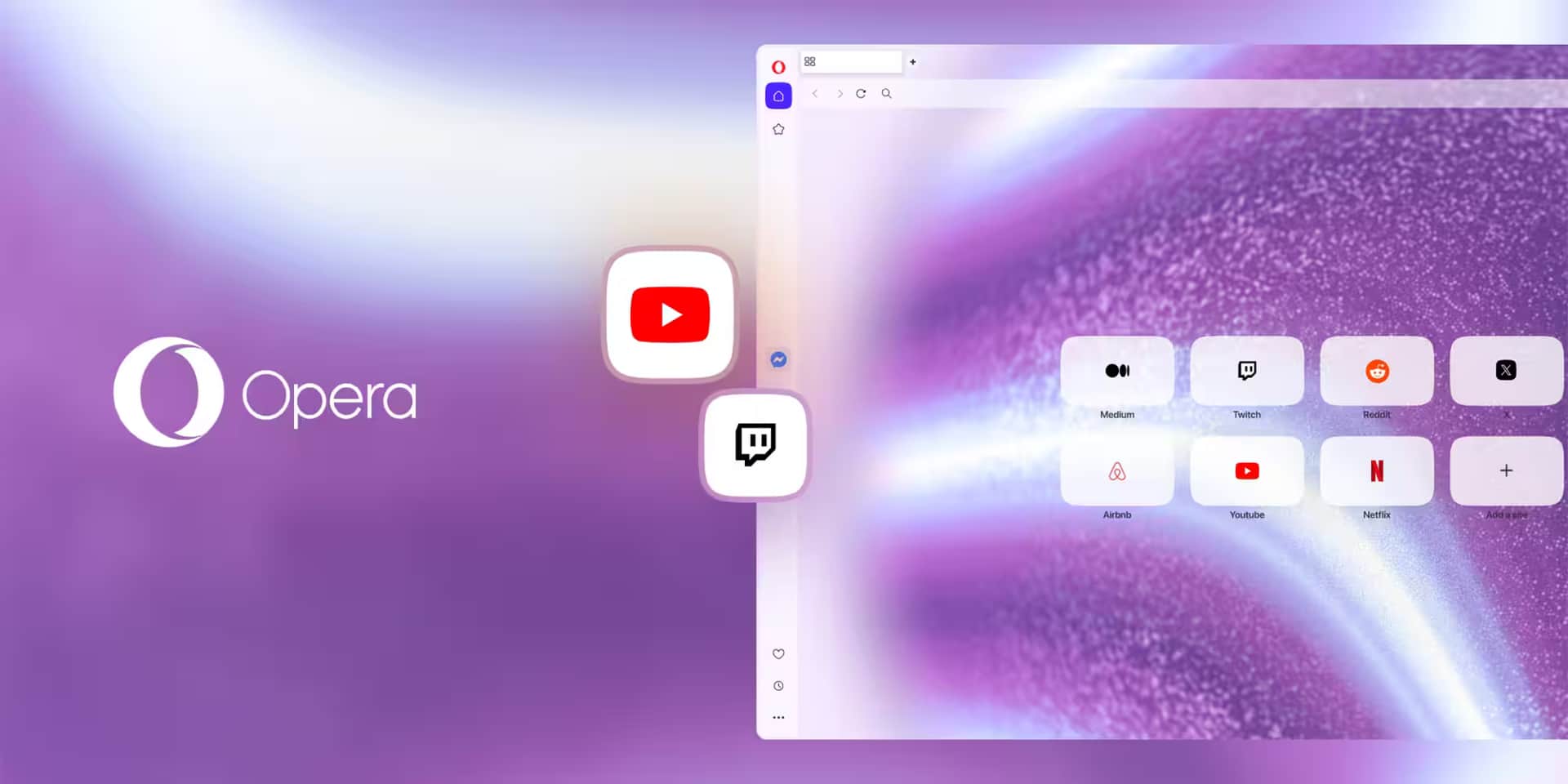
Image: 9to5Mac
Opera is giving Opera One a sharper focus on video, and that is probably overdue for a browser that wants to be more than a place where tabs go to die. The latest update adds sidebar shortcuts for YouTube and Twitch, a revamped Video Popout mode for conferencing, and a native per-tab volume booster that can crank audio up to 500% without leaning on extensions.
The pitch is simple: fewer tab hops, less fiddling, and a better way to keep one stream or meeting visible while the rest of the browser keeps doing its thing. Browsers have spent years borrowing features from media players and meeting apps; Opera is now pushing that idea a bit harder than most.
YouTube and Twitch get sidebar shortcuts
Opera One users can now add YouTube and Twitch buttons to the sidebar for one-click access. Opera says that makes it easier to watch streams or videos without constantly switching tabs, and users can pin those panels for a side-by-side layout if they want a more persistent setup.
Recommended reading
560,000 AI apps hit Apple’s App Store in six months
There is also a Video Popout option for tossing a video into a floating window. That is not exactly a new browser trick, but Opera is clearly trying to make it feel less bolted on and more like part of the browser’s core workflow.
Video Popout now supports more conferencing sites
Opera says the floating video window has been “completely revamped” for smoother multitasking during meetings. The biggest change is broader app coverage: any video conferencing site that supports PiP is now supported, including full compatibility with Zoom.
That broader compatibility matters because browser-based meetings have become routine enough that people notice when Picture-in-Picture breaks on the one service they actually use. Opera is also moving to per-site Auto-PiP controls instead of a single global toggle, which is the sort of small usability fix that should have arrived years ago.
The floating window also picks up a visual tweak: it now matches the user’s chosen Opera One Theme automatically. It is a cosmetic detail, sure, but at least one browser vendor remembered that utility software does not have to look like a punishment.
Opera One’s 500% volume boost
The headline feature is probably the most obvious crowd-pleaser: a native volume booster that lets users raise audio from a specific tab up to 500%. That is the kind of tool many people have been getting through extensions, except now it is built in and paired with per-tab volume control.
- Boost one tab’s audio up to 500%
- Keep background audio low in another tab
- Use built-in per-tab control instead of third-party extensions
That combination should be handy for anyone juggling a quiet livestream, a too-loud conference call, and whatever else the internet is currently yelling about. Opera is not trying to reinvent browsing here; it is trying to make the browser slightly less annoying, which may be the more realistic ambition.
If this sounds familiar, that is because browser makers keep circling the same idea from different angles: less tab chaos, more media control, tighter multitasking. Opera’s bet is that enough people now live inside video tabs that audio and PiP controls are no longer niche extras, but part of the browser’s basic job description.
Computing Editor
Tomas lives in the terminal. He covers chips, laptops, and operating systems with a focus on performance and efficiency. He reads kernel changelogs the way other people read fiction, and he's always on the hunt for the perfect mechanical keyboard switch. If it processes data, Tomas has an opinion on it.
via 9to5Mac