

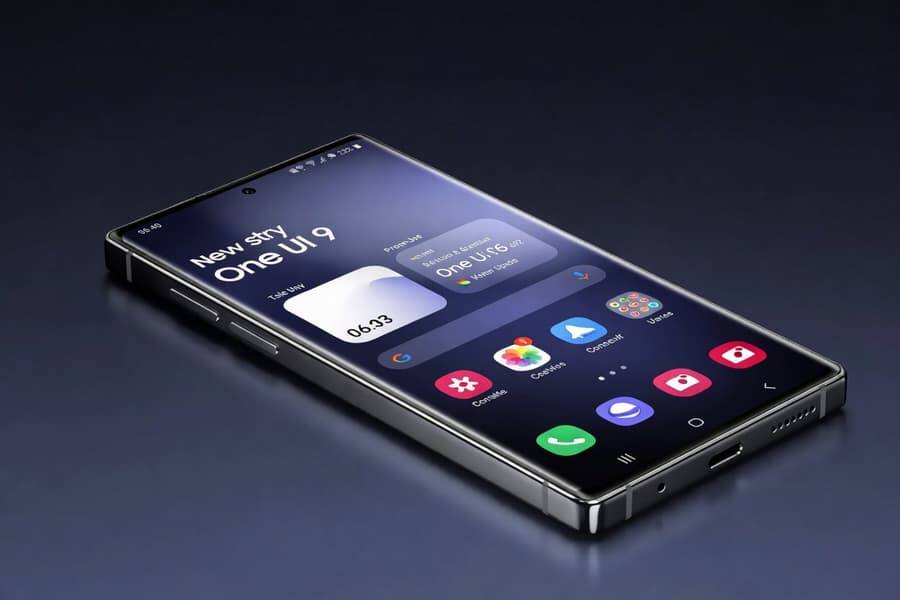
Samsung has pulled back the curtain on One UI 9, and the headline is not a flashy visual overhaul so much as a practical cleanup. The update is set to make the interface easier to tweak, safer to use, and less annoying for people who actually read, write, and listen on their phones instead of just admiring the wallpaper. The redesigned quick panel is the biggest user-facing change.
The most visible changes land in Samsung Notes and the quick settings panel. Notes gets decorative ribbons for note styling and more pen style options, while Contacts adds direct access to Creative Studio for building personalized profile cards without bouncing between apps.
Samsung is also taking a swing at one of the most fiddly parts of Android skins: the quick panel. Brightness, volume, and media controls can now be adjusted independently, and the size of each block can be changed to suit the user. That is the sort of change that sounds small until you realize how many times a day you poke at those controls.
Samsung Notes and Contacts get practical upgrades
Samsung Notes is becoming more than a place to dump reminders and grocery lists. The decorative ribbons and extra pen styles point to a stronger push for handwriting, markup, and presentation-style note taking, which is exactly where Samsung likes to differentiate its software from more generic Android builds.
The Contacts app change is more interesting than it looks. By putting Creative Studio inside the flow for profile cards, Samsung removes friction that usually kills these features before they get used. Apple and Google have spent years nudging people toward richer identity cards and social-facing profiles; Samsung is now making the path shorter, which usually means more people will actually bother.
One UI 9 quick panel redesign
The redesigned panel is the kind of software polish that separates a beta-worthy interface from a phone people keep for years. Independent controls for brightness, volume, and media playback should make One UI 9 feel less crowded, while resizable blocks give Samsung another way to sell customization without forcing users into theme-store cosplay.
- Brightness, volume, and media controls can be adjusted separately
- Panel blocks can be resized to user preference
- The layout is meant to feel more flexible and less cramped
Accessibility and security get real attention
Samsung is also making the software friendlier for users who rely on accessibility tools. Mouse Key cursor speed becomes more adjustable, and TalkBack now combines capabilities that were previously split between Google and Samsung. That kind of consolidation matters because accessibility features tend to be easier to use when they are not scattered across two different playbooks.
One UI 9 will also introduce Text Spotlight, which can show a selected passage larger or sharper in a pop-up window. On the security side, Samsung says the shell will be able to warn about potentially dangerous apps, block them from launching or installing, and recommend removal through updated security policies. With shady app distribution still a live problem on Android, that is the least glamorous and most useful part of the update.
The bigger question is how much of this lands as a meaningful day-to-day improvement versus another round of feature creep. Samsung has the hardware base to make these tools matter; if it keeps the interface tidy and the protections aggressive, One UI 9 could be one of those updates that users notice for the right reasons instead of because something broke.