

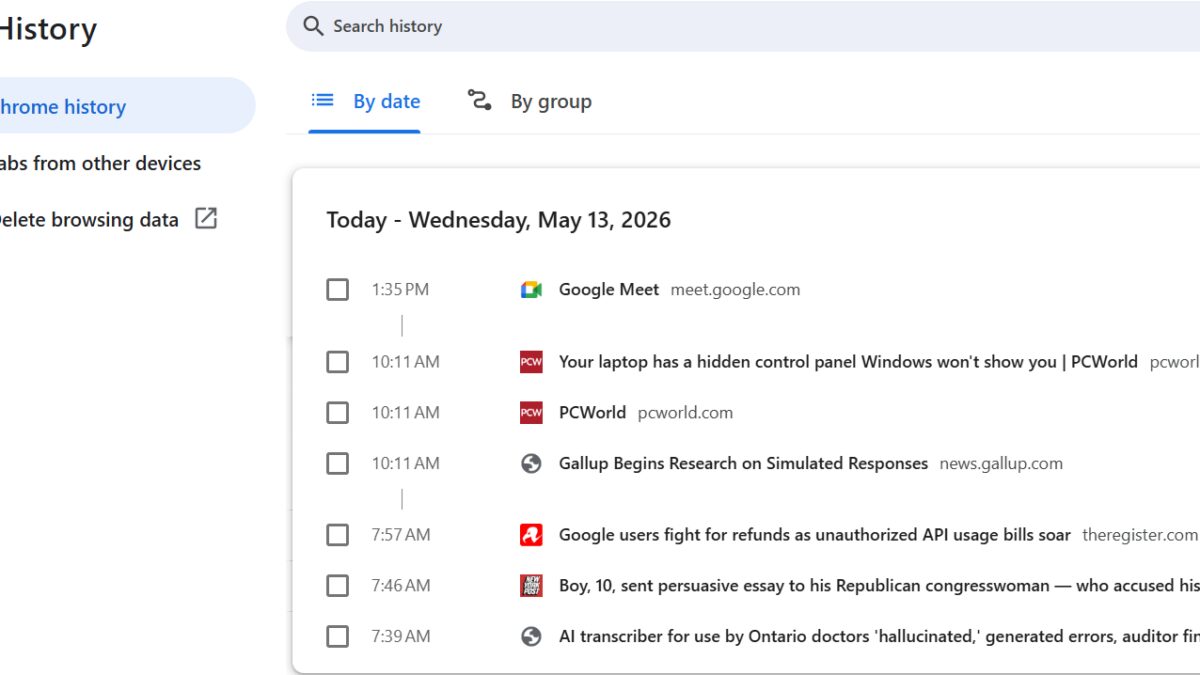
Microsoft Edge is swapping a familiar browser chore for something much more opaque: AI-generated ”Journeys” that summarize your browsing history instead of simply showing it. The pitch is convenience, but the trade-off is obvious – you lose the direct link trail that helps you get back to the exact page you saw five minutes ago, and Microsoft is also phasing out Collections, the one feature that actually organized tabs instead of narrating them.
That matters because browsers already solved this problem in basic, boring ways that work. Chrome lets you search history. Edge used to let you group pages in Collections. Now Microsoft wants Copilot to interpret what you visited, then decide what should surface next, which is a neat demo and a less neat way to find a single site buried in the past.
What Edge Journeys does
Journeys is meant to help you ”pick up where you left off,” but the implementation changes the game. Instead of aggregating the tabs or pages themselves, Edge can feed your browsing trail into Copilot and produce an AI summary, sometimes with no obvious link back to the source pages. Microsoft says the feature can use browsing history with permission to produce more relevant answers, which sounds friendlier than ”we are now the middleman between you and your own history.”
There is a practical use case here, though Microsoft buries it under the AI gloss. If you have already narrowed down a few tabs and want Copilot to help compare them, AI can save time. That is very different from replacing history with a summary, and it is the difference between a helper and a hall monitor.
Why Edge Collections is going away
The odd part is that Microsoft already had a better answer. Collections, introduced in 2019, let people save and group tabs for later in a sidebar. Microsoft indicated in January that it would discontinue the feature later this year, even though it is still present for now. Killing a useful, low-drama organizing tool while pushing AI summaries feels like a very Microsoft move: replace precision with prose and call it progress.
- Chrome history: searchable timeline with direct links
- Edge Collections: grouped tabs for later use
- Edge Journeys: AI summaries that can skip the links
Microsoft is also rolling out Copilot Vision and Voice to Edge on mobile, plus quizzes and podcasts generated from web pages. Those features borrow heavily from ideas Google shipped earlier, which makes the timing awkward for Microsoft and the payoff even less clear. The company is betting that people want fewer tools to manage and more AI to interpret, but browser users tend to appreciate control when they are trying to find something specific.
The problem with AI taking the wheel
Microsoft’s broader push is easy to spot: the new tab page is being turned into a Copilot-fed feed of synthesized topics instead of a simple launcher. That may suit casual browsing, but it also means Edge is drifting from a utility into a recommendation engine, with all the usual risks of AI making confident claims from shaky sources. If the browser cannot reliably point you back to the page you already visited, it is doing less browsing and more improvising.
The sharper question is whether users will tolerate losing autonomy for the sake of a cleaner Copilot prompt. My guess: power users will hate it, casual users may never notice, and Microsoft will keep nudging the browser toward AI-first behavior anyway. The real test is whether Edge becomes smarter at helping people find things – or just better at talking around them.