


Qualcomm’s Snapdragon chips have shaken up laptop battery life in 2026, challenging Apple’s MacBooks and Intel/AMD-powered Windows PCs. With the emergence of a third processor architecture based on ARM, along with Intel’s big leap in efficiency, long-lasting laptops are more diverse and accessible than ever.
Here’s our rundown of the best laptops with the longest battery life in 2026 that deliver excellent endurance without sacrificing performance or portability.
Top laptops ranked by battery endurance
| Model | Processor | Battery life |
|---|---|---|
| HP OmniBook 3 16 | Qualcomm Snapdragon X X1-26-100 | 34 hr 5 min |
| HP OmniBook 5 14 | Qualcomm Snapdragon X Plus X1P-42-100 | 28 hr 19 min |
| Lenovo Yoga 9i 2-in-1 Aura Edition | Intel Core Ultra 7 258V | 25 hr 45 min |
| MSI Prestige 14 Flip AI Plus | Intel Core Ultra X7 358H | 25 hr 18 min |
| HP OmniBook X 14 | Qualcomm Snapdragon X Elite X1E-78-100 | 25 hr 12 min |
| Microsoft Surface Laptop 13″ | Qualcomm Snapdragon X Plus X1P-42-100 | 24 hr 20 min |
| Asus Zenbook A14 | Qualcomm Snapdragon X X1-26-100 | 24 hr 7 min |
| Acer Swift Go 14 AI | Qualcomm Snapdragon X Plus X1P-42-100 | 23 hr 13 min |
| Apple MacBook Pro 14 (M5, 2025) | Apple M5 | 22 hr 59 min |
| Microsoft Surface Pro 12″ | Qualcomm Snapdragon X Plus X1P-42-100 | 22 hr 29 min |
| Acer Swift 14 AI | Intel Core Ultra 7 258V | 22 hr 13 min |
| Lenovo Yoga Slim 7x Gen 11 | Qualcomm Snapdragon X2 Elite X2E-88-100 | 22 hr 10 min |
| Acer Aspire 16 AI | Qualcomm Snapdragon X X1-26-100 | 21 hr 9 min |
| Dell XPS 14 | Intel Core Ultra 7 355 | 21 hr 7 min |
| Lenovo IdeaPad Slim 5x Gen 11 | Qualcomm Snapdragon X2 Plus X2P-42-100 | 20 hr 37 min |
| HP OmniBook Ultra 14 (Snapdragon) | Qualcomm Snapdragon X2 Elite X2E-90-100 | 19 hr 34 min |
| Microsoft Surface Laptop 7 | Qualcomm Snapdragon X Elite X1E-80-100 | 19 hr 50 min |
| Acer Aspire 14 AI | Intel Core Ultra 5 226V | 18 hr 56 min |
| Lenovo ThinkPad X1 2-in-1 Gen 10 Aura Edition | Intel Core Ultra 7 258V | 17 hr 40 min |
| HP OmniBook Ultra 14 (Intel) | Intel Core Ultra X9 388H | 17 hr 37 min |
| Apple MacBook Air 13 (M5, 2026) | Apple M5 | 17 hr 2 min |
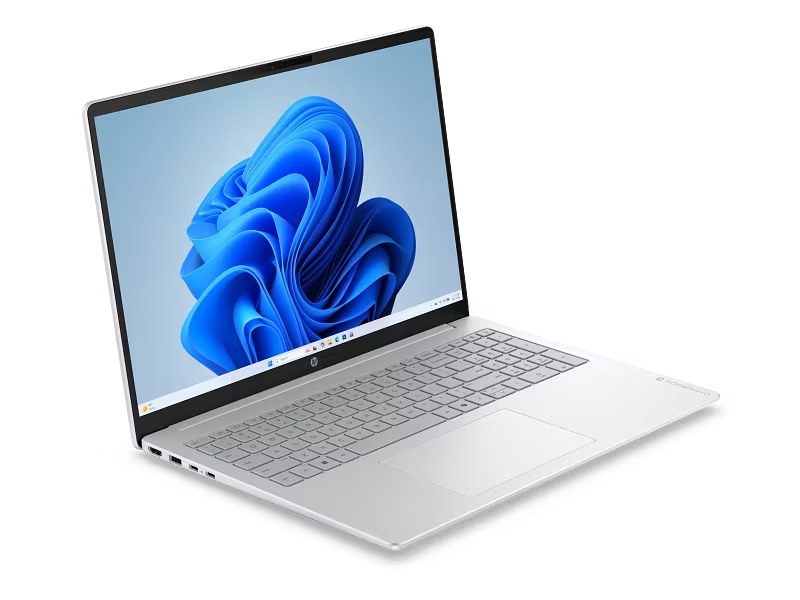
HP OmniBook 3 16 – battery life champion
Pros: jaw-dropping 34-hour runtime, sleek minimalist design, highly portable.
Cons: Snapdragon X1 chip isn’t the latest generation, distracting keyboard backlight, and the OmniBook 5 14 offers an OLED panel at a similar price.
Thanks to an ultra-efficient Snapdragon X1 processor, a large battery, and a straightforward LCD screen, the HP OmniBook 3 16 clocks an astonishing 34 hours and 5 minutes on a single charge.
Despite its budget positioning and greater use of plastic compared to the pricier OmniBook 5 series, build quality is solid. The textured bottom panel makes it comfortable to carry. Its standard 2K IPS display handles everyday tasks well and offers decent color accuracy.
Who it’s for: users who want a large work laptop they can unplug for days.
Who should look elsewhere: users needing advanced local AI processing-the newer Snapdragon X2 models are better suited here.
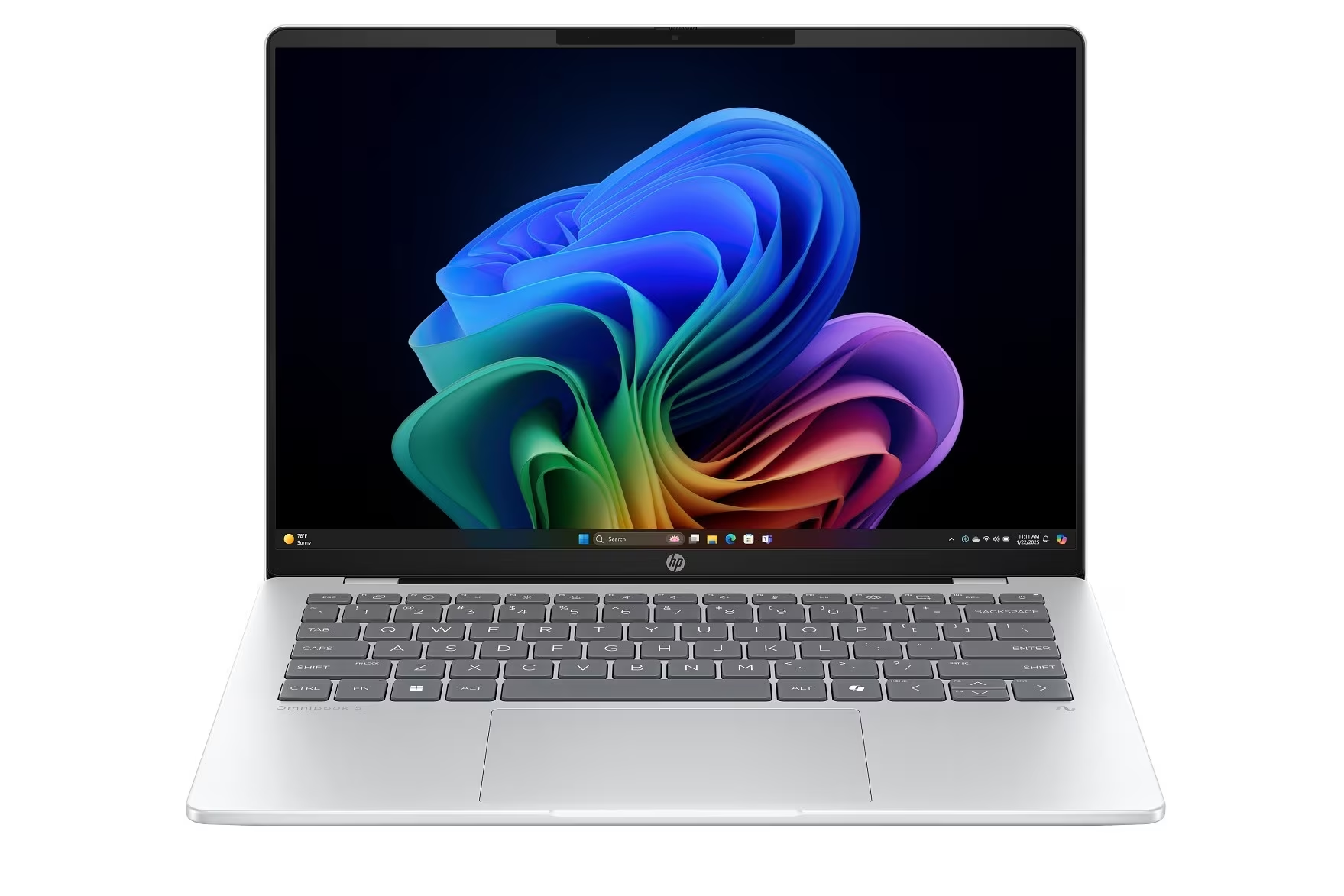
HP OmniBook 5 14 – former battery life leader with OLED
Pros: incredible battery life, stylish compact chassis, vibrant OLED display with deep blacks, generous 32GB RAM and 1TB SSD at a bargain price.
Cons: OLED brightness is modest, USB-C ports are slow.
Before the OmniBook 3 16 took the crown, this was the battery life leader at 28 hours and 19 minutes. Along with a sleek design and lightweight build, it sports a gorgeous OLED panel. Having 32GB RAM and a 1TB SSD in a $1100 laptop is a rare value, and regular HP discounts can make it even more affordable.
Who it’s for: students and on-the-go professionals seeking excellent value.
Who should avoid: anyone concerned about Windows-on-ARM app compatibility-Intel or AMD laptops might be safer bets.
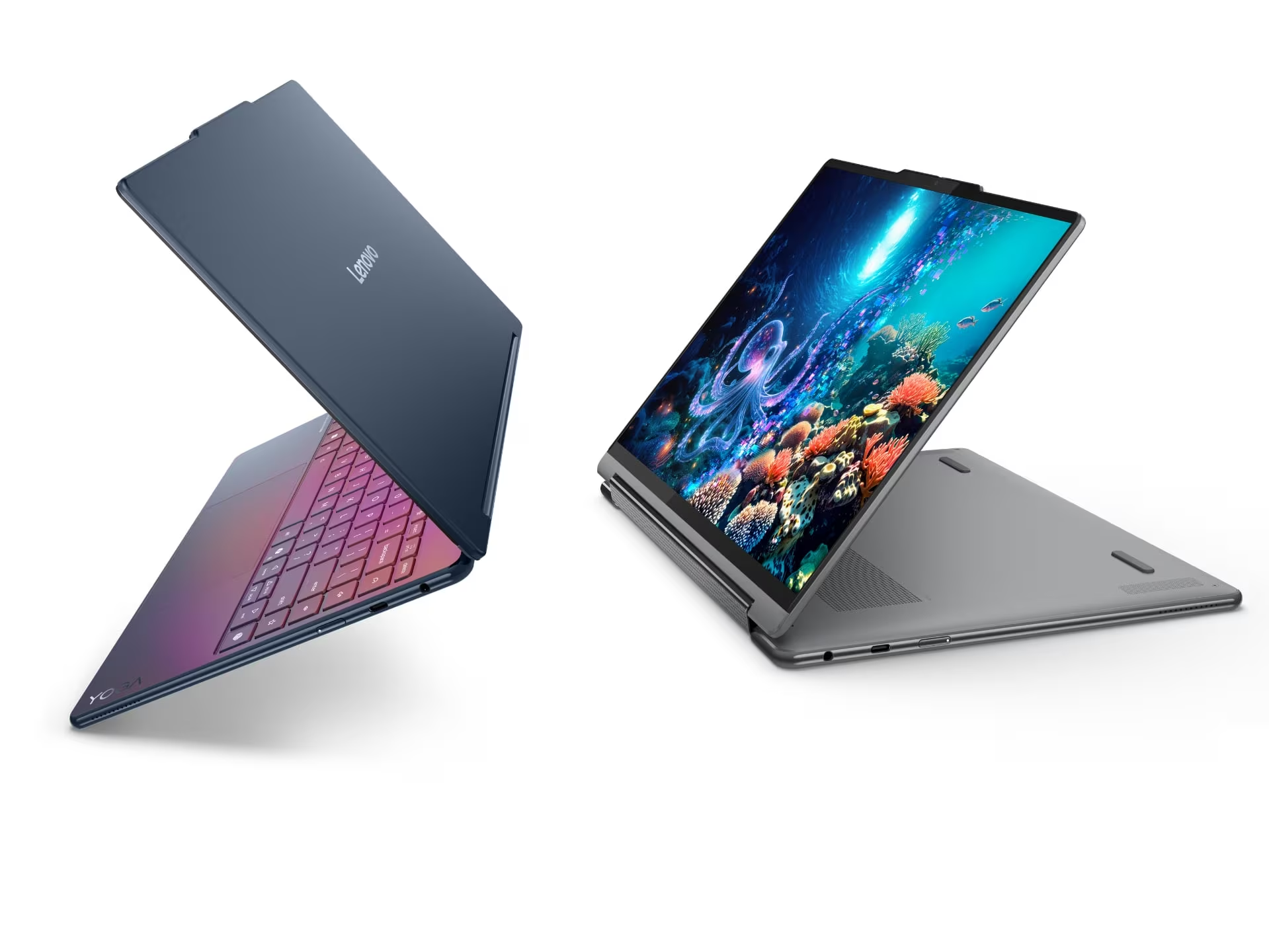
Lenovo Yoga 9i 2-in-1 Aura Edition – top convertible for battery life
Pros: stunning 2.8K OLED display, elegant compact design, outstanding endurance, impressive speakers and webcam.
Cons: regular (non-haptic) touchpad, missing HDMI port and SIM slot.
The Yoga 9i Aura Edition shows how thoughtful hardware choices elevate a laptop. Paired with Intel’s Core Ultra Series 2 processor, its 2.8K OLED panel shines, delivering an impressive 25 hours and 45 minutes battery life without compromising image quality.
A highlight is its rotating soundbar that pumps out surprisingly powerful audio for a slim convertible.
Who it’s for: remote and office workers needing a modern laptop with versatile tablet modes.
Who shouldn’t buy: users wanting haptic feedback touchpads or those on tighter budgets-Lenovo’s Yoga 7 series offers similar features at a lower cost.
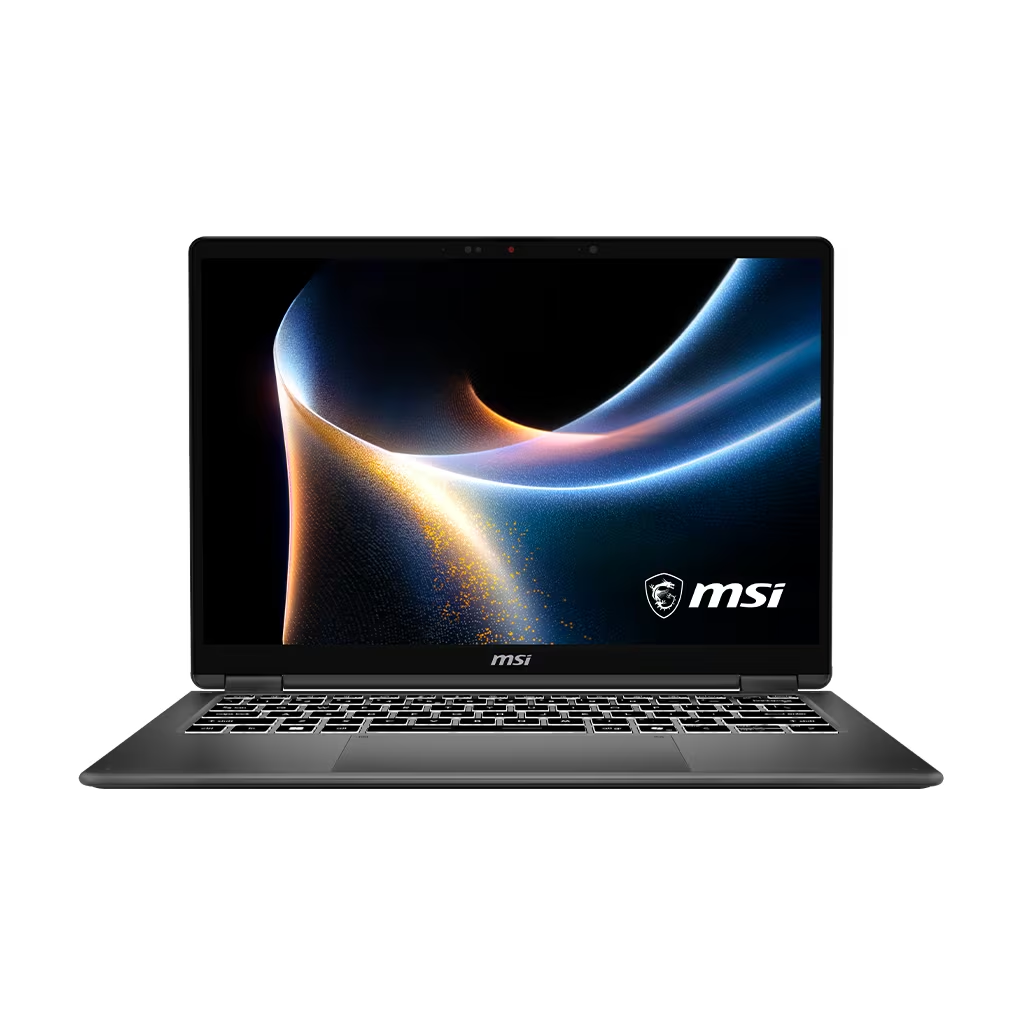
MSI Prestige 14 Flip AI Plus – day-long gaming and work laptop
Pros: solid AAA gaming performance on Intel Arc B390 graphics, battery lasts over 24 hours, slim and light chassis, major design improvements over previous MSI models.
Cons: 60 Hz display refresh rate, bottom panel heats up during gaming, awkward ”trampoline” touchpad feel.
Powered by Intel’s new Panther Lake CPU and integrated Intel Arc B390 GPU, the Prestige 14 Flip AI Plus breaks the mold for integrated graphics laptops by delivering playable frame rates in modern games-while still lasting more than a day unplugged.
Who it’s for: users wanting a versatile machine for work and casual gaming in a compact form.
Who shouldn’t buy: hardcore gamers-this laptop’s integrated graphics and 60 Hz panel won’t satisfy their needs.
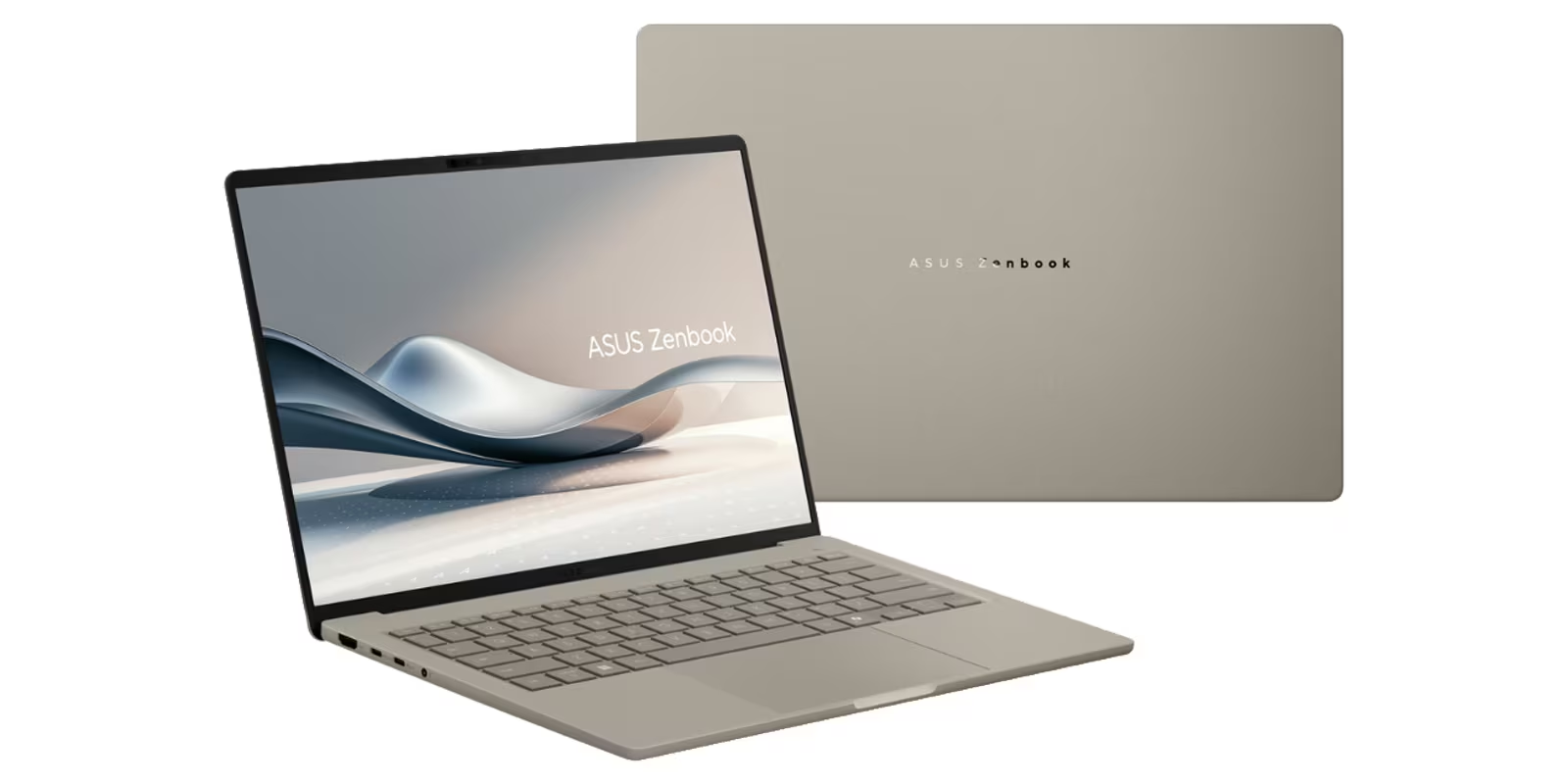
Asus Zenbook A14 – lightest Qualcomm Snapdragon Plus PC
Pros: ultra-lightweight without feeling fragile, solid day-plus battery life, bright OLED panel, ample RAM and SSD.
Cons: modest Snapdragon X CPU performance, average touchpad, weak speakers.
At under 1 kilogram, the Zenbook A14 is one of the lightest Windows ARM laptops. Its Ceraluminum chassis is impressively rigid despite its lightness. The 14-inch OLED screen plus generous memory and storage round out a compelling package.
Who it’s for: travelers and students prioritizing portability.
Who shouldn’t buy: users worried about app compatibility on Windows-on-ARM.
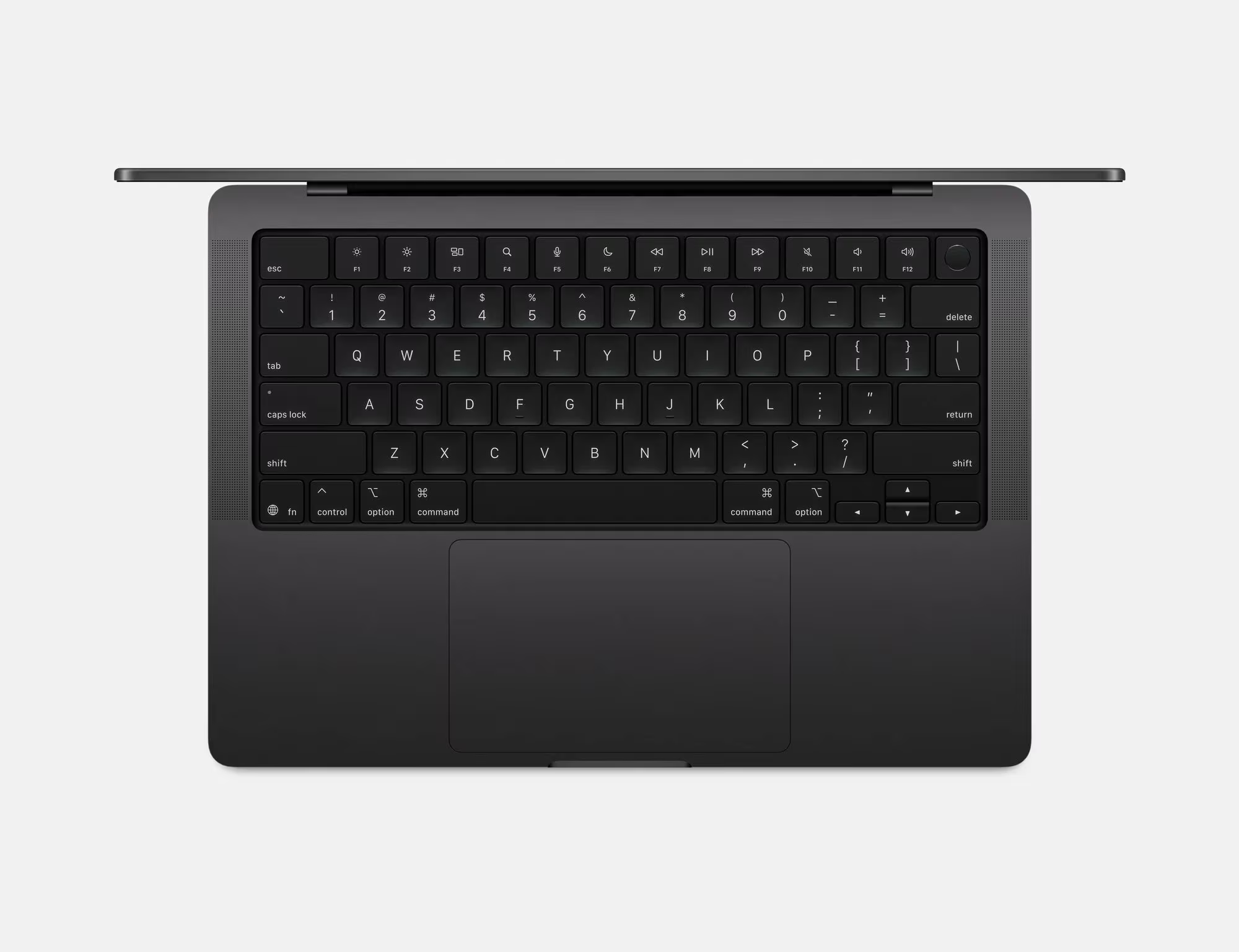
Apple MacBook Pro 14 (M5, 2025) – power and endurance combined
Pros: balanced power/portability ratio, stunning mini-LED display with nano-texture option, smooth 120 Hz ProMotion support.
Cons: notch remains distracting, noticeable slowdown in low-power mode, prone to fingerprint smudges, 70W adapter lacks fast charging.
The MacBook Pro 14 with Apple’s M5 chip rates near the top for battery life at 22 hours 59 minutes. The new GPU architecture significantly boosts AI image generation and ray tracing performance. Its mini-LED screen with ProMotion remains among the best in the business.
Who it’s for: users needing more muscle than the MacBook Air but unwilling to carry the 16-inch Pro.
Who shouldn’t buy: budget buyers-the MacBook Air offers sufficient power for most. Professionals wanting maximum GPU cores should opt for the 16-inch MacBook Pro M5 Pro or Max instead.
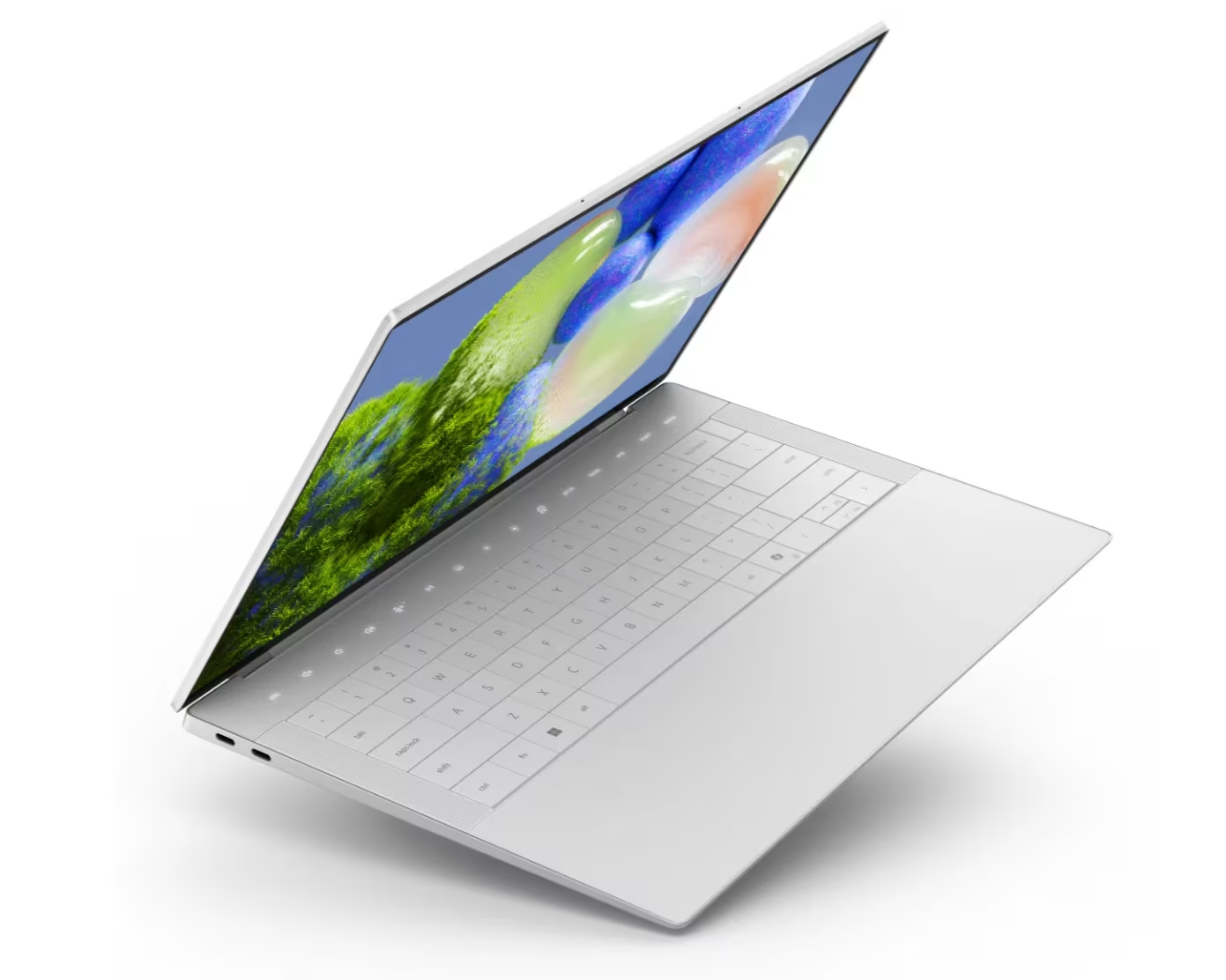
Dell XPS 14 – the legendary return with long battery life
Pros: elegant, sturdy design at a reasonable weight, strong performance and long battery life, quiet operation, physical function keys make a comeback, huge tactile touchpad, four speakers with excellent sound.
Cons: pricier than MacBook Pro with less performance, chassis joints collect dust, limited ports with no included adapter, no fingerprint sensor.
Dell brought back the XPS series in 2026 after a year off-and it was worth the wait. The Intel Panther Lake-powered XPS 14 fixes previous issues by restoring physical keys, refining the chassis, and delivering solid performance plus battery life.
Who it’s for: creatives and professionals who want MacBook Pro-style power and style but prefer Windows.
Who shouldn’t buy: those indifferent to OS choice-the MacBook Pro offers better performance and endurance at the same price point.
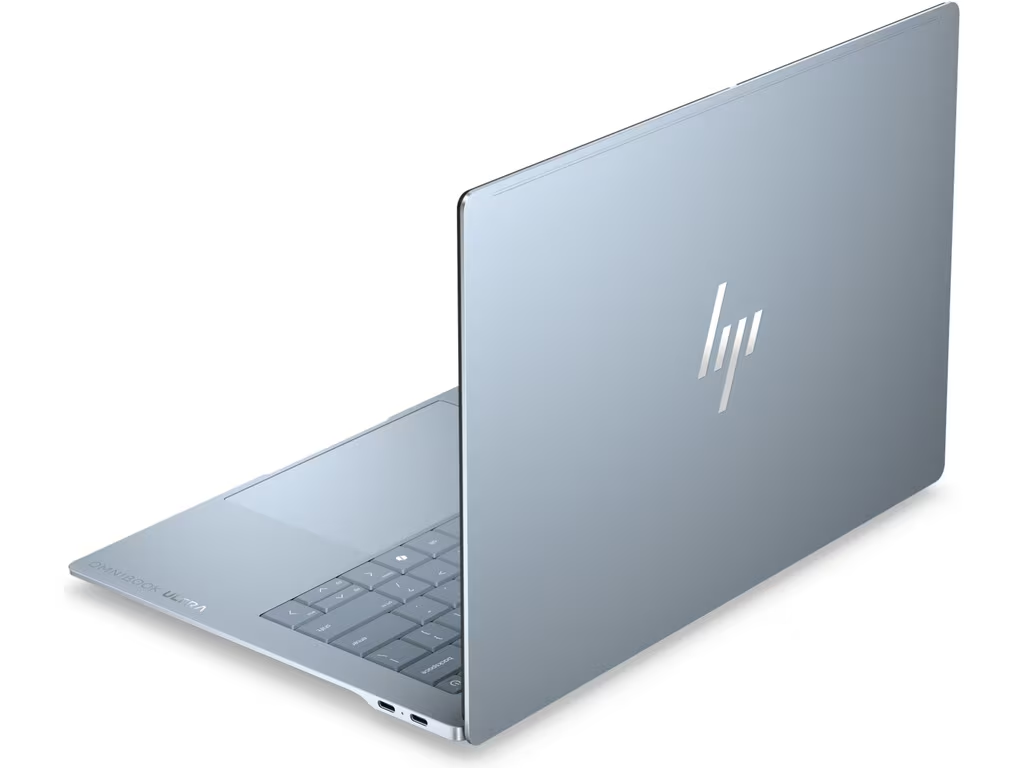
HP OmniBook Ultra 14 – best MacBook Pro alternative on Windows
Pros: choice of Intel or Qualcomm processors, high speed and long battery life, compact rigid chassis, great keyboard and touchpad.
Cons: HP pricing fluctuates-watch for discounts, polished sharp edges can scratch and feel uncomfortable, limited port selection.
The OmniBook Ultra 14 stands out as a formidable MacBook Pro rival. It combines a striking design, powerful performance, and excellent battery longevity. Available with Intel Core Ultra or Qualcomm Snapdragon X2, both options strike a solid balance between speed and runtime.
Who it’s for: those craving MacBook Pro’s style, power, and endurance in a Windows machine. Paying around $2000 covers most needs; opting for the $3000 top-tier configuration isn’t essential.
Who shouldn’t buy: gamers and 3D/video pros needing serious GPU horsepower-this laptop’s integrated graphics can’t handle heavy loads.
Apple MacBook Air 15 – large screen without Pro pricing
Pros: balanced screen size and weight, improved M5 chip performance.
Cons: $500 pricier than the 13-inch MacBook Air, ProMotion remains exclusive to Pro models.
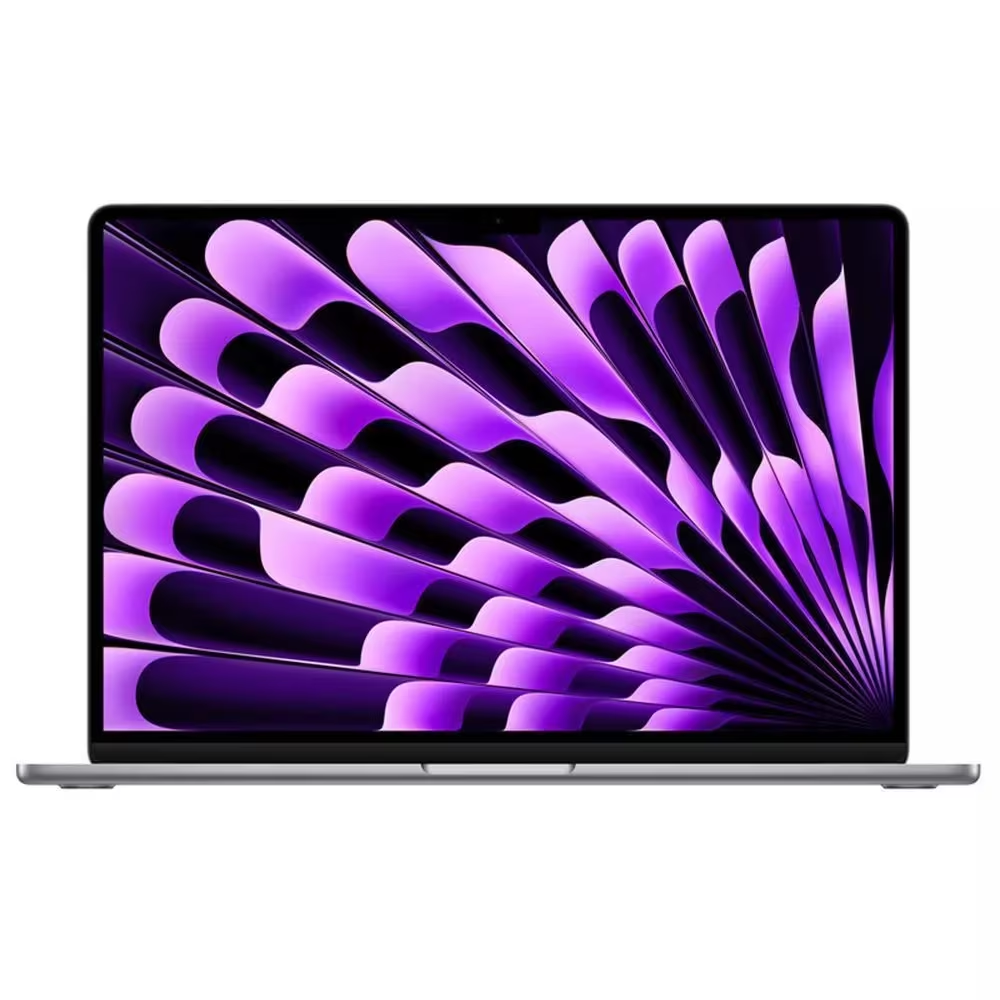
The 15.3-inch MacBook Air proves that a bigger screen doesn’t have to come at Pro pricing. Powered by the M5 chip with 16GB RAM and a reduced entry price, this model is now the default MacBook Air pick for most users. The 13-inch remains a solid budget-friendly option.
Who it’s for: those wanting a large MacBook display without paying for the Pro lineup.
Who shouldn’t buy: budget-conscious students better off with the smaller Air; creative pros with heavy workloads should opt for the MacBook Pro.
Why do Qualcomm Snapdragon laptops last longer than Intel and AMD?
It all comes down to architecture. Snapdragon chips use ARM architecture, originally designed with energy efficiency in mind. Intel and AMD primarily use x86 architecture, which prioritizes raw power but is less power efficient. That’s why most battery life leaders in this list run on Qualcomm Snapdragon processors, though Intel’s new Panther Lake series has narrowed the gap significantly.
Should you choose OLED if battery life is crucial?
OLED delivers far better image quality-true blacks, vivid colors, and high contrast-than LCD. However, it consumes more power, especially with bright backgrounds. For the longest battery runtime, LCD remains more economical. Yet if visual experience is a priority, OLED justifies the extra battery draw, particularly when paired with larger batteries.
Is it worth paying extra for Qualcomm when some apps don’t support Windows-on-ARM?
Windows-on-ARM compatibility has improved significantly-most popular apps are now native or run well under emulation. However, niche professional software in 3D, development, or enterprise sectors may still run poorly or not at all. Check your daily apps’ compatibility before choosing a Snapdragon laptop.
With ARM chips gaining traction alongside traditional x86 processors, 2026’s laptop lineup offers more reliable battery performance across the board. Qualcomm’s Snapdragon-powered ultraportables excel in endurance, while Intel’s latest chips close the gap with better power management and integrated graphics. Apple’s M5 family continues to deliver balanced power and long runtimes with superior displays.
Looking ahead, expect a growing variety of ARM-based Windows laptops with broader software compatibility and competitive GPUs, challenging Apple’s dominance beyond just battery life. Meanwhile, Intel and AMD will keep pushing performance per watt, making your choice boil down to your preferred ecosystem and specific workloads.