

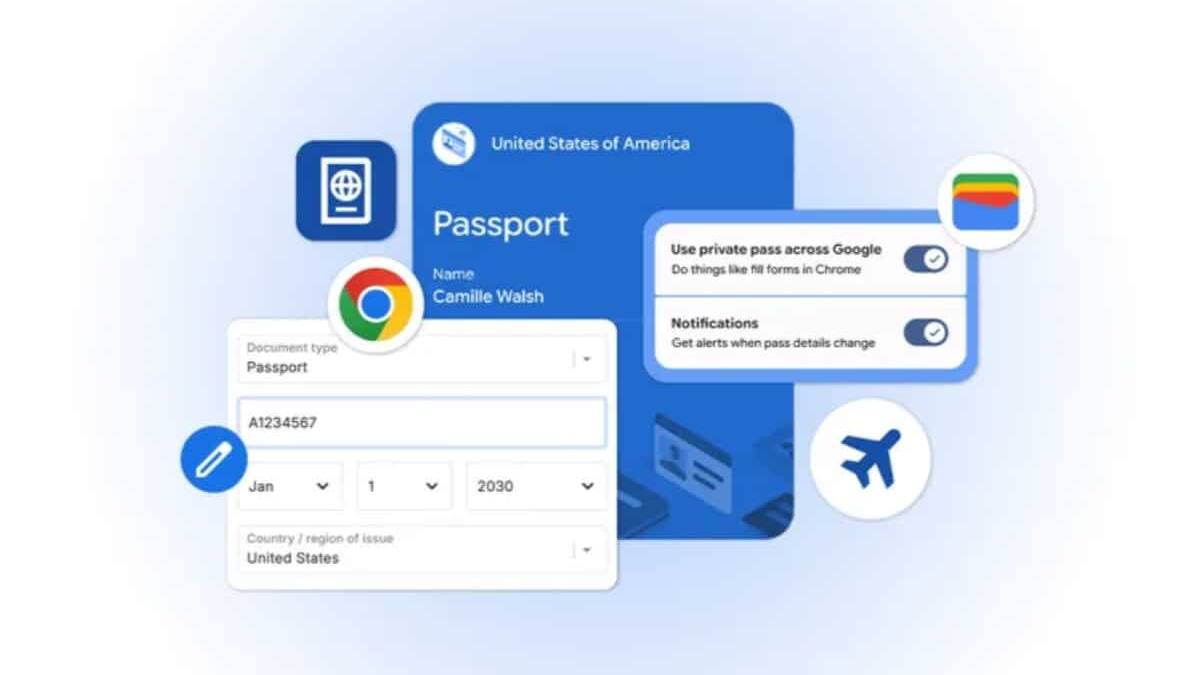
Google is pushing Chrome deeper into the kind of autofill that actually saves time, adding support for travel and identity details stored in Google Wallet across Android, iOS, and desktop. The browser can now pull in things like passport information, a driver’s license, and a Known Traveler Number for flight check-ins and similar forms, which is the sort of tiny convenience that feels boring right up until you need it at 3 a.m. in an airport queue.
If those details are not already in Wallet, Chrome can store them the first time you enter them, then reuse them later with permission. Google says the data is encrypted, and users can review or change it in Chrome’s ”Autofill and passwords” settings, which is the right place for this kind of control if the company wants people to trust the feature instead of side-eyeing it.
What Chrome can now autofill from Google Wallet
- Driver’s license details
- Passport information
- Known Traveler Number
- Other details entered during travel and payment flows
This also fits a broader pattern: browsers are turning into identity managers, not just form fillers. Apple has spent years tying Safari into iCloud Keychain, while Google has been steadily folding Wallet, passwords, and autofill into a single flow. The appeal is obvious here – anyone tired of retyping the same details – but the real competition is over who becomes the default layer between your data and every checkout or check-in page.
Why the Google Wallet tie-in matters
There is a practical upside for Google too. The more useful Wallet becomes outside payments, the harder it is for users to treat it as just another app they occasionally open to find a boarding pass. If Chrome starts surfacing travel credentials at the moment they are needed, Google gets a stronger claim on the whole journey from booking to boarding.
The obvious question is how far this goes next. Travel documents are a neat start, but once a browser is trusted to handle sensitive identity data, the pressure to expand into other high-friction forms – loyalty numbers, shipping info, maybe more government-linked credentials – will be hard to resist. And that is where convenience stops being a feature and starts becoming strategy.