

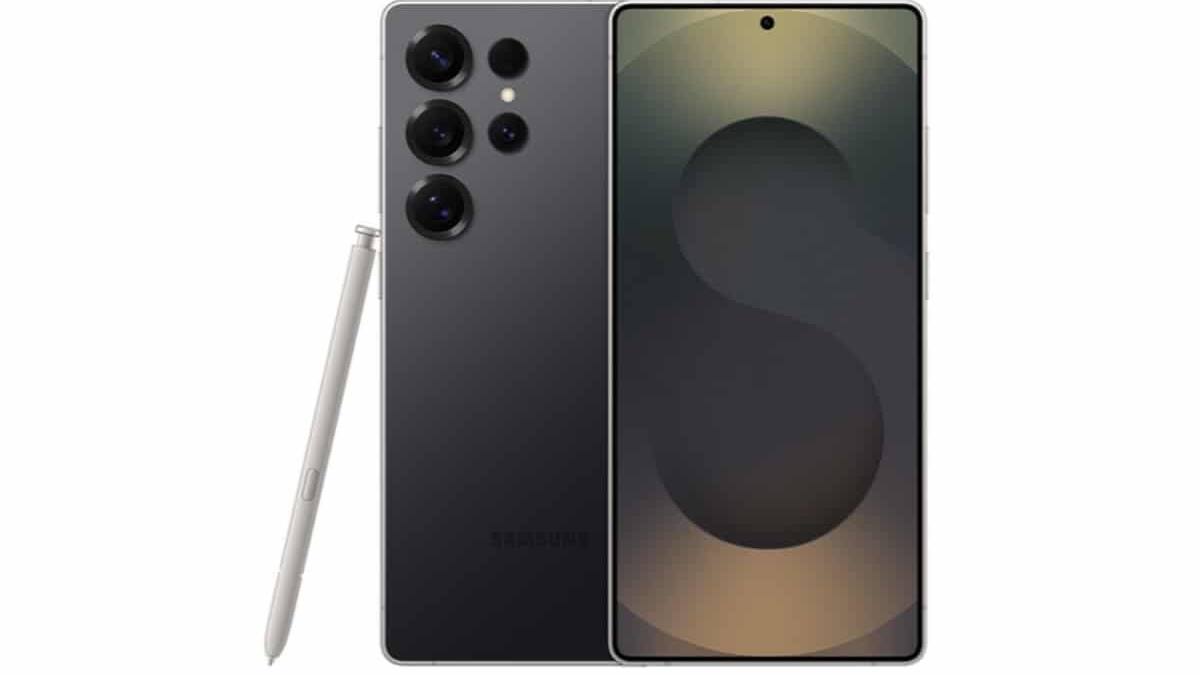
Samsung Galaxy phones are starting to pick up the June Google Play System update, but the rollout is clearly selective so far. The update has already landed on the Galaxy S26 Ultra running One UI 9.0 beta, while the Galaxy S25 on One UI 8.5 is still waiting for its turn. That suggests Google’s monthly system fixes are being tied, at least for now, to Samsung’s newest software builds rather than every Galaxy device at once.
That staggered approach is familiar. Major Android updates often reach the newest devices first, then drift down the lineup as testing settles and carrier certification stops acting like a hallway bouncer. Samsung is doing the same thing with One UI 8.5 and the June 2026 security patch, which are also rolling out separately to Galaxy smartphones.
How to check the Google Play System update on a Galaxy phone
If your phone is eligible, the path is buried in settings as usual: Settings > About phone > Software information > Google Play System update. After the device checks for an update, you should see ”Download and install.” Once the package finishes downloading, the phone will prompt ”Restart now” to complete the process.
- Open Settings
- Tap About phone
- Go to Software information
- Select Google Play System update
- Download, install, then restart
One UI 9.0 beta appears to be first in line
The interesting bit here is not the update itself – it is the order. Samsung seems to be prioritizing phones on the latest Android UI, which is a neat way to limit risk while it keeps polishing One UI 8.5. That also means owners of older builds may be waiting a bit longer for the same Google Play System package, even though the fix is meant to work across Android devices.
For Galaxy users, the practical takeaway is simple: check both menus. One controls the Google Play System update, the other handles Samsung’s own software and security patch delivery. The company is juggling both at once, which is standard Android behavior, but it can feel like a scavenger hunt if you just want the phone to stop nagging you.
One UI 8.5 and the June 2026 security patch
Samsung is also pushing One UI 8.5 and the June 2026 security patch to Galaxy smartphones. If you want to check those separately, go to Settings > Software update > Download and install. The combined rollout means some users may see one update before the other, which is annoying, but hardly unusual for Galaxy software.
Expect the Google Play System update to spread beyond the newest models later on. The early appearance on the Galaxy S26 Ultra is the giveaway: Samsung is starting at the front of the queue, and the rest of the lineup should follow once the rollout widens.