

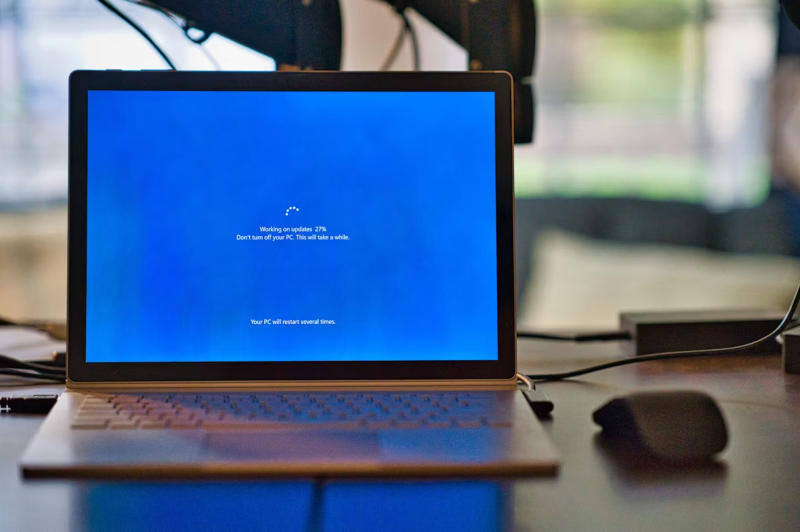
Microsoft is warning that its latest monthly Windows update may refuse to install on a small slice of PCs, leaving affected machines stuck without future monthly patches until the problem package is removed. The issue affects some systems that started on Windows 10 22H2 or 21H2, or Windows 11 23H2, and were later moved to Windows 11 24H2 or 25H2.
The failure shows up as error ”0x80073712” or ”0x800f0993.” That is awkward timing for Windows users, because cumulative updates are supposed to be the boring part of the month: install, reboot, move on. Instead, Microsoft has had to ship a patch path for some devices while telling others to uninstall a conflicting package first.
Which PCs are affected
According to Microsoft, the bug does not hit every machine. The company says only a ”small percentage” of computers are affected, but once the issue appears, the device may stop accepting monthly Windows updates altogether. That makes this less of a cosmetic install failure and more of a maintenance headache.
- Windows 10 22H2 or 21H2 upgraded to Windows 11 24H2 or 25H2
- Windows 11 23H2 upgraded to Windows 11 24H2 or 25H2
- Install attempts that end with ”0x80073712” or ”0x800f0993”
Microsoft’s fix and the reboot catch
For unmanaged corporate PCs and home edition Windows 11 devices, Microsoft says it has already released a patch that triggers during a restart. The company said the problem should not affect new devices in those categories starting from 19 May 2026 at 18:30 Pacific time, or 20 May 04:30 msk. The catch, of course, is that the fix may make the restart take longer than usual.
For everyone else, Microsoft has pushed a June update that should install automatically. If the system was upgraded to Windows 11 24H2 or 25H2 and that does not work, the company says users need to remove the incompatible package manually from an elevated command prompt. If even that fails, the fallback is a repair install of Windows 11 using an official image over the existing system, preserving apps and data.
The command Microsoft says to use
The uninstall step is blunt, but at least it is specific. Microsoft says administrators should run this command:
dism /online /remove-package /packagename:Package_for_RollupFix~31bf3856ad364e35~amd64~~26100.1742.1.10
This is the sort of thing that separates regular Windows users from the brave souls who keep a command prompt handy. For Microsoft, though, the larger story is familiar: the company keeps tightening upgrade paths across Windows 10 and Windows 11, and the more transitions a machine has lived through, the more likely a monthly update can trip over leftover baggage.
What happens next for affected machines
If Microsoft’s workaround works, the device should return to the normal update rhythm after a reboot or package removal. If not, the repair install remains the last resort. The open question is whether more users running upgraded Windows 11 systems will keep seeing these patch conflicts as Microsoft pushes newer builds into the same ecosystem with less room for error.