

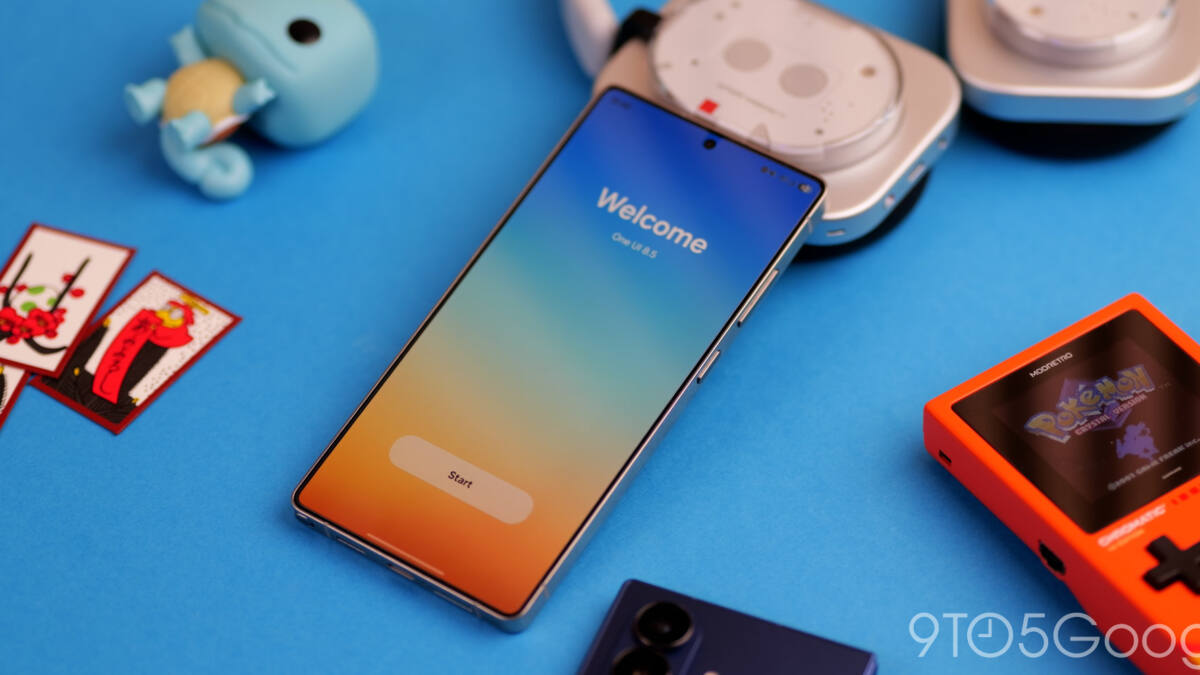
Samsung has started the stable rollout of One UI 8.5 for Galaxy phones and tablets, turning a long beta cycle into an actual release for devices that make up much of its current lineup. The update is based on Android 16 and brings a mix of visual tweaks, Galaxy AI additions, and a few features that are more useful than flashy – which is usually how the good stuff sneaks in.
The headline feature for many users is support for AirDrop over Quick Share, a move that gives Samsung a better story for cross-platform file sharing than it has had in years. There are also smaller changes across the system, including a fully customizable Quick Panel, Auracast broadcasts over Bluetooth, a lockscreen that adjusts its layout to your wallpaper, weather app and widget upgrades, a temporary disable option for Auto Blocker, improvements to power saving mode, partial screen recording, and DeX window-size memory.
One UI 8.5 rollout starts in Korea
Samsung says the update is rolling out globally to supported Galaxy devices, beginning in Korea, with other markets set to follow in the days ahead. That staggered approach is classic Samsung: announce broadly, ship selectively, then let the rest of the world refresh Settings until the update finally appears.
The first wave covers the newest Galaxy smartphones and tablets, and Samsung specifically lists the Galaxy S25 series, Galaxy S25 FE, Galaxy S24 series, Galaxy S24 FE, Galaxy Z Fold 7, Galaxy Z Flip 7, Galaxy Z Fold 6, Galaxy Z Flip 6, Galaxy Tab S11 series, and Galaxy Tab S10 series.
- Galaxy S25 series
- Galaxy S25 FE
- Galaxy S24 series
- Galaxy S24 FE
- Galaxy Z Fold 7
- Galaxy Z Flip 7
- Galaxy Z Fold 6
- Galaxy Z Flip 6
- Galaxy Tab S11 series
- Galaxy Tab S10 series
Galaxy AI gets a few more tricks
One UI 8.5 also adds more Galaxy AI functionality, including ”Now Nudge” inside Samsung Keyboard. Samsung has been layering AI into more corners of the software, and this is the sensible version of that strategy: small tools in places where people actually type, swipe, or share, instead of giant demo-stage promises no one remembers after the keynote.
For most owners, though, the real story is not the AI branding. It is the unusually broad set of practical changes, plus the fact that the rollout begins with flagship phones and foldables rather than being trapped in a slow drip across the product range.
How to check for the One UI 8.5 update
If your device is on the supported list, Samsung says you can check for One UI 8.5 in the Settings menu. Given the company’s phased rollout, some users will see it first and others will spend a little time staring at the update screen like it owes them money.
The bigger question is how quickly Samsung extends One UI 8.5 beyond this initial group. If the company keeps moving at this pace, the update could become one of those rare Android software releases that feels substantial without pretending to reinvent the phone.