

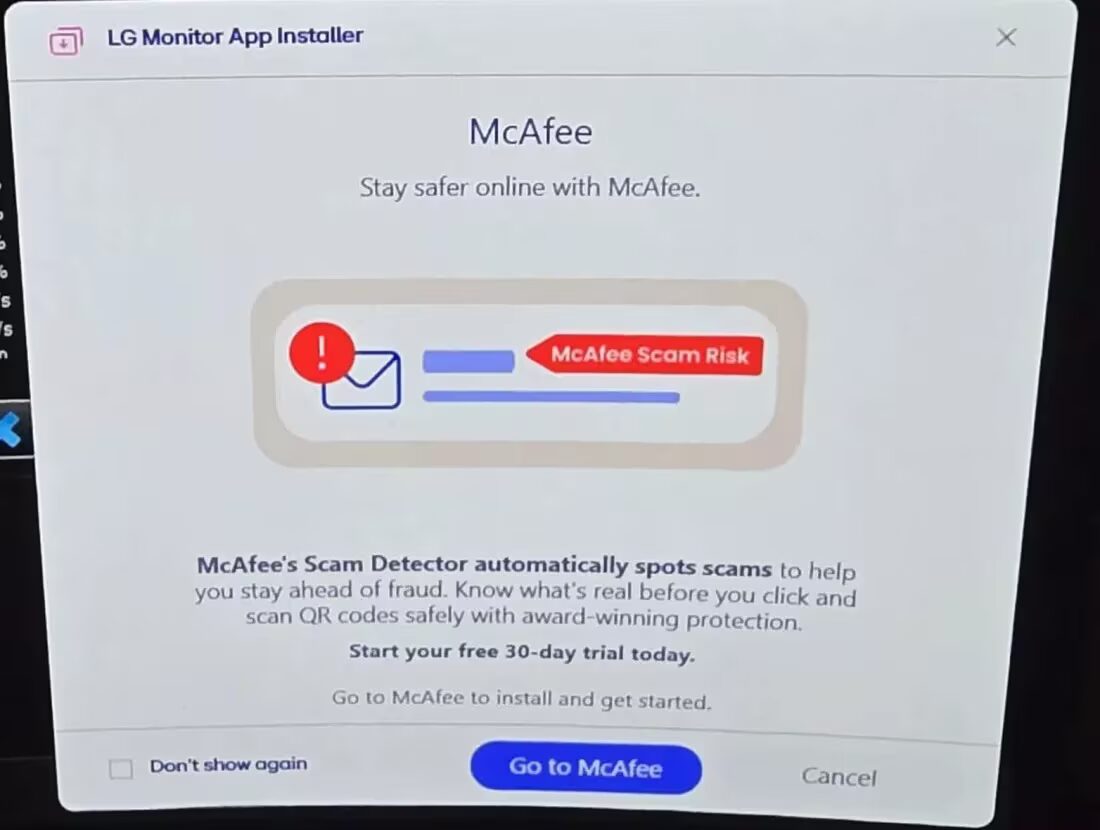
Owners of LG and Alienware monitors have reported that their Windows PCs automatically install monitor-related apps without their permission, with some users even receiving advertising notifications as a result.
A Reddit user known as Mags_Smash shared a clear example: after connecting an LG UltraGear 27GP83B and two LG UltraGear 27GN800 monitors, his PC silently installed the ”LG Monitor App Installer” (ID: 9PM9N6F47JB8-LGElectronics.LGMonitorApp) via Microsoft Store and Windows Update. The installation was documented in Windows’ Reliability Monitor and Event Viewer logs.
Initially, users noticed unsolicited McAfee notifications appearing, despite never having installed the antivirus software themselves. As discussions grew, others with LG, Dell, and Alienware monitors noticed similar background app installations-sometimes only uncovered after manually checking system app lists and event logs.
This raises two main issues for users. First, the app installs happen without any clear consent prompt. Second, uninstalling the LG Monitor App via the Microsoft Store reportedly doesn’t always work as expected. The simplest workaround is to disable the app’s automatic startup in Windows settings. For more persistent cases, users resort to Group Policy edits to block automatic device app downloads or, in extreme cases, disable Microsoft Store entirely at the system level.
Windows has long supported automatically pulling drivers, control panels, and utilities for connected hardware to improve functionality-brightness controls, preset profiles, and firmware updates are typical examples. However, there is a significant difference between essential drivers and apps that also push ads. That is the key friction point: users effectively have no choice about receiving these apps and their notifications.
This pattern is not new. Asus has faced criticism for its Armory Crate software, which aggressively installs on some motherboards and laptops at first boot. Dell promoted SupportAssist similarly, and Lenovo suffered backlash over bundled adware and service apps in prior years. As Dell remains one of the world’s largest monitor suppliers and LG holds a strong position in consumer displays, these localized annoyances quickly become widespread frustrations among users.
For users outside these brands’ traditional markets, this reveals a broader challenge: balancing convenient hardware support with respecting user control and privacy. Rival makers like Apple tightly regulate software installs, and Google is pushing more transparent app management on Chromebooks. Microsoft’s approach here is starting to look blunt, especially when advertising creeps into system apps without clear consent.
Going forward, it will be interesting to see whether Microsoft or the hardware vendors respond to user backlash by offering more granular app consent options-or if this just becomes the norm for peripheral support on Windows. Until then, savvy users will need to dig into system policies and settings to keep unwanted software-and ads-off their screens.