

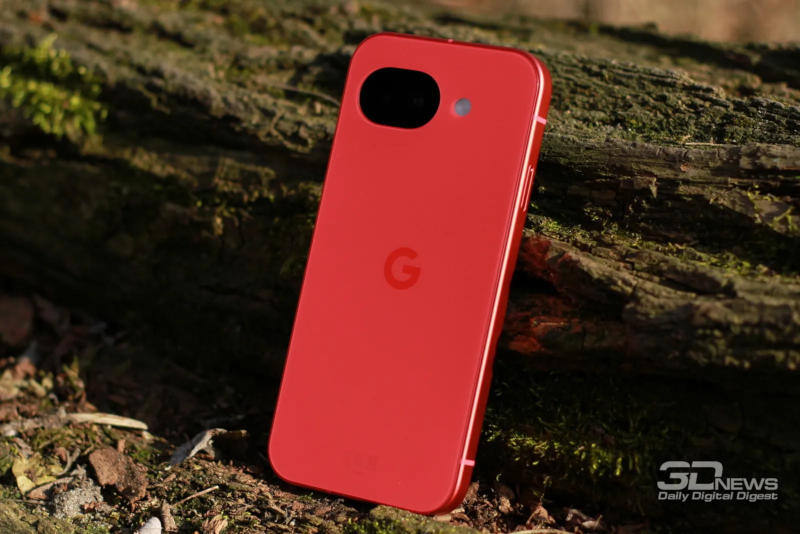
Some Google Pixel owners are reporting a strange and annoying bug: incoming calls arrive, but the phone does not vibrate. Google has not publicly confirmed the problem, yet users are already trading workarounds, from digging through sound settings to poking at more obscure power and notification modes.
The complaint is simple enough. A call comes in, the handset stays silent, and the owner only finds out later via a missed-call alert. That kind of failure is small in theory and infuriating in practice, because it breaks one of the most basic expectations of a phone. If Pixel software is indeed slipping here, it joins a long line of Android quirks that look minor until they make you miss an actual call.
Google Pixel call vibration settings users are checking
The most obvious fix is also the first thing people are being told to inspect: whether vibration for incoming calls is enabled in the device settings. Another common tip is to avoid setting the vibration intensity slider all the way to 100%, which one user said was recommended by Google support.
Support advice reported by users goes further than that. It includes turning adaptive vibration for alerts off, toggling ”Sleep” and ”Do Not Disturb” on and off to clear what were described as phantom states, and checking that the ringtone is not set to ”None”. In other words: the usual ”reboot it and pray” routine has been upgraded into a more elaborate ritual.
Google has not confirmed a fix
On Reddit, the official Pixel account has reportedly been directing affected owners toward support, and in at least one case suggested a factory reset. That is a familiar move in consumer tech: if the software behaves badly and the company does not want to admit fault, the burden quietly shifts to the user.
For now, there is no guaranteed fix and no public acknowledgment from Google that the bug exists. The interesting part is not just the missing vibration itself, but how quickly owners start cross-checking settings that should have nothing to do with call alerts. That usually means the problem is either buried deep in software state, or annoying enough that every workaround starts sounding plausible.
What happens next for Pixel owners
If this is a software issue, Google will likely need to push a patch rather than keep relying on support scripts and factory resets. Until then, Pixel users will keep doing the same unglamorous troubleshooting dance: verify call vibration, check sound profiles, and hope the next incoming call behaves like a phone call should.