

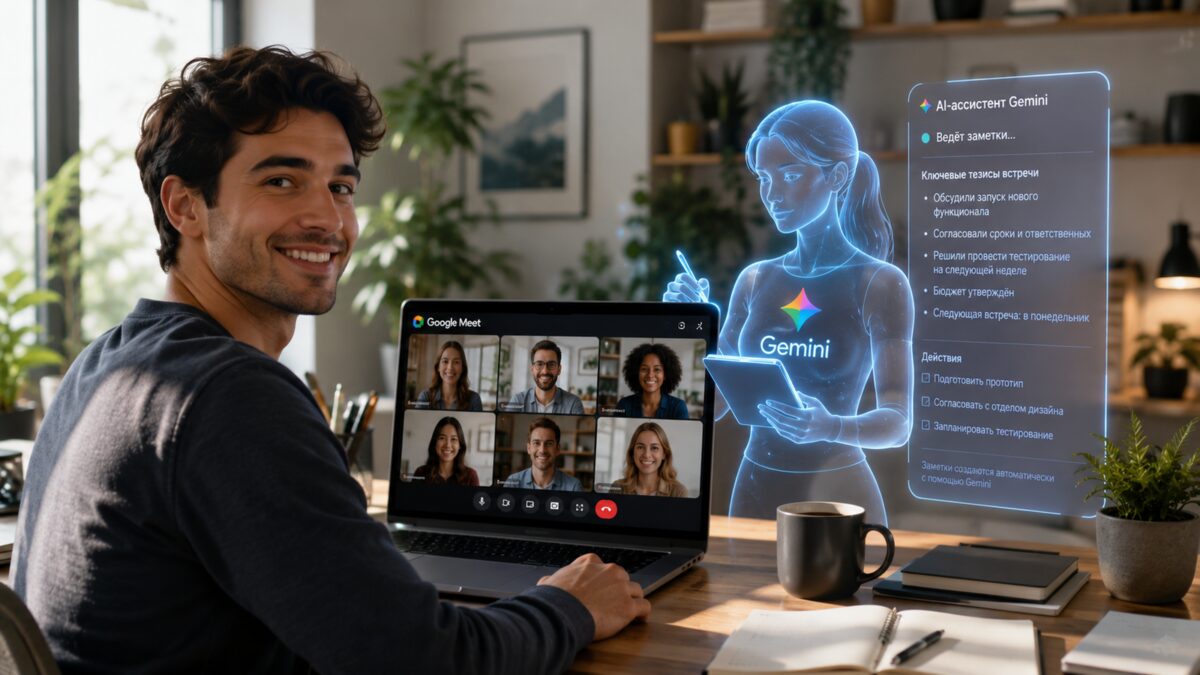
Google Meet AI notes are moving beyond classrooms and corporate accounts and into consumer subscriptions, giving individual users a built-in way to turn meetings into transcripts, summaries, and action items. To use ”Take notes for me,” you need Google AI Pro or AI Ultra, and the feature runs during a call on the web and in the mobile app with user permission.
The notes are saved as a Google Docs file in Google Drive, and everyone in the meeting is notified that automated recording and transcription are active. Google is clearly betting that busy people would rather let Gemini do the clerical work than play stenographer.
What Google Meet’s AI notes do
Under the hood, Gemini handles three jobs at once: real-time transcription, a short meeting summary, and a list of key tasks. That is useful not just because it saves time, but because meeting notes are one of those tasks that always sound minor until nobody can remember who promised what.
- Real-time speech-to-text transcription during the call
- Automatic summary with main points and action items
- Saved notes exported to Google Docs in Google Drive
- Email recap sent after the meeting
How to turn on Google Meet AI notes
Google gives subscribers two ways to enable it. During an active call, users can tap the pencil icon at the top of the Meet window. They can also switch on automatic note-taking for future meetings in Google Meet settings under ”Meeting recordings”.
That consumer rollout follows the familiar Google pattern: launch the shiny thing where the paying power users live first, then widen the gate. Zoom and Microsoft Teams have already pushed heavily into AI meeting summaries, so Google is late to the party, but at least it arrives with a native Docs-and-Drive workflow instead of another export maze.
Language support and the single-language limit
Google’s help documentation says the feature currently supports English, French, German, Italian, Japanese, Korean, Portuguese, and Spanish. Only one language can be used at a time, which is the sort of limitation that looks tidy on paper and slightly annoying in the real world, especially for multilingual meetings.
For now, the real question is how quickly Google expands this from a premium perk into something broader. If AI note-taking becomes as ordinary as calendar invites, the companies that bundle it cleanly into the tools people already use will have a very easy pitch.