• 3 min read
Google Home adds smarter Gemini voice controls for music and notes
Google Home is pushing another round of Gemini for Home updates, and this one targets the annoying stuff: bad music recognition, clumsy note edits, and Google Home voice controls that feel a little too brittle for a smar
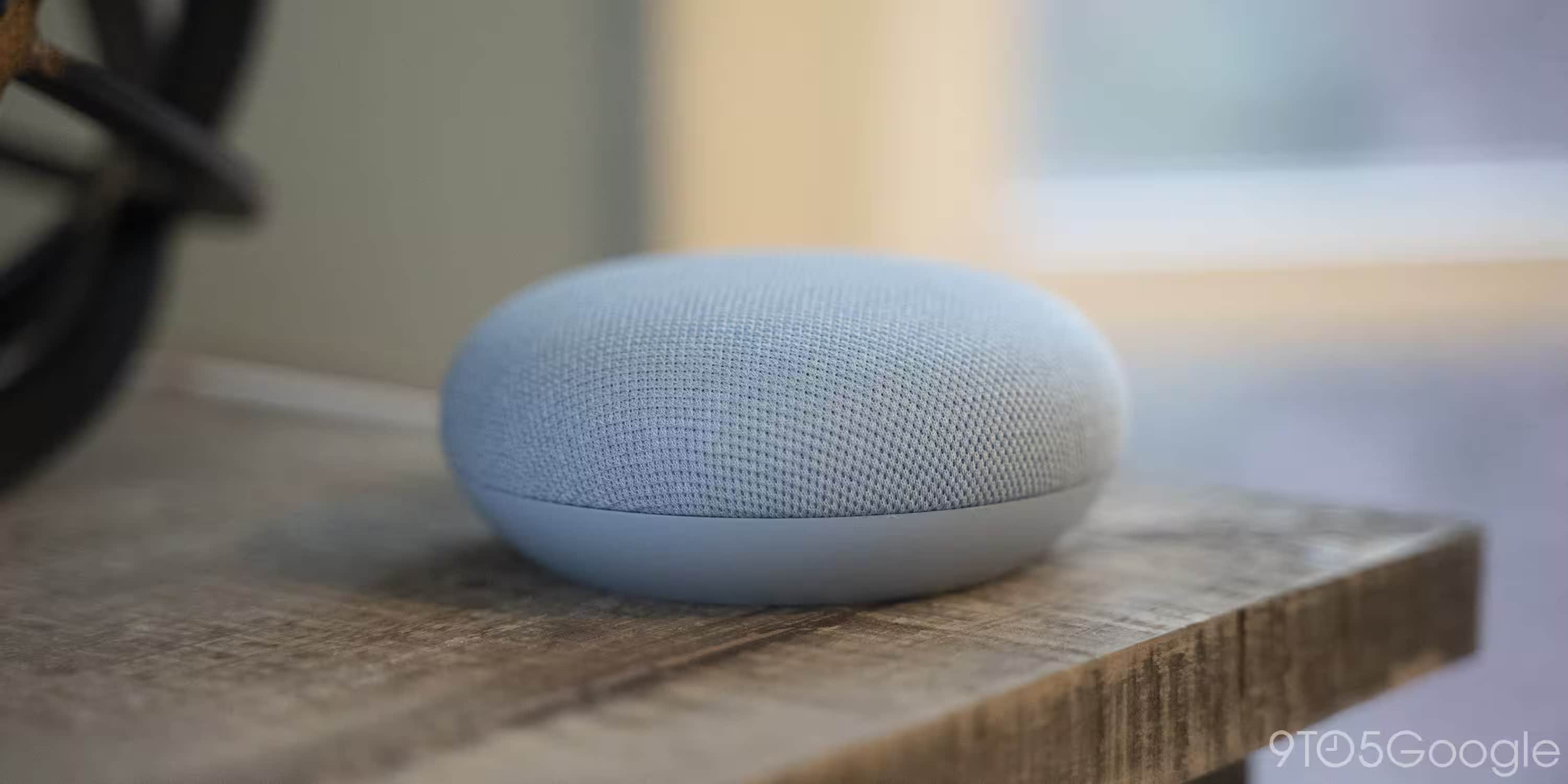
Image: 9to5Google
Google Home is pushing another round of Gemini for Home updates, and this one targets the annoying stuff: bad music recognition, clumsy note edits, and Google Home voice controls that feel a little too brittle for a smart speaker in 2026. The changes are rolling out now through the Google Home app, with Google leaning harder on its new assistant replacement to handle messier requests and shorter, more natural speech.
The biggest user-facing fix is in media playback. Google says Gemini is now better at identifying personal playlists even when you do not name them exactly right, and it should also make fewer mistakes with artists. That matters because voice music control has always looked easier in demos than in kitchens with fan noise, kids, or a speaker that heard “Workout” and decided you meant something else entirely.
Google Home voice controls for music playback
Google is also improving basic playback controls, with Gemini becoming more responsive when you say “pause.” That sounds tiny, but a voice assistant that misses simple commands quickly stops feeling smart. The company says the update should help with both exact and slightly off playlist names, plus “incorrect artist” mix-ups that can send the wrong track blasting across the room.
- Better playlist recognition for personal playlists
- Fewer incorrect artist errors
- More responsive pause handling
Notes and lists get more flexible
Gemini is also getting more useful for notes and shopping lists, which is the kind of boring upgrade that tends to matter most. Google says it can better identify which list or note you want, update existing entries, and even handle more advanced requests in one step, such as turning a note into a list or moving items between lists. In practice, that cuts down on the back-and-forth that makes smart speakers feel like they were trained by a committee.
- “Remove all vegetables from my shopping list”
- “Add 'Meeting went well' to my Journal note”
- “Change this note to a list”
Faster answers and parental controls
Google is still pushing the same core Gemini pitch: better understanding through context clues, quicker responses to date and time questions, and fewer interruptions when the assistant figures out you’re done speaking. It also continues to lean on speech cadence, which is a polite way of saying the system is trying harder to guess intent without making you repeat yourself.

Recommended reading
OpenAI admits GPT-5.6 deleted user files
Parents get a new knob to turn too. Through Digital wellbeing and parental controls in the Home app, supervised accounts and guests can be limited with content filters, screen-time controls, pauses, and quiet periods. Google also bundled in a few fixes for Nest Camera live streams and history on iOS, plus thermostat polish for installers. That laundry list is a sign of where Google Home is heading: less flashy AI theater, more attempts to make everyday commands behave like everyday commands.
The open question is whether these incremental upgrades make Gemini for Home feel dependable enough to replace the old Assistant for people who mostly want their lights, music, and lists to just work. Google keeps adding coverage, but the real test is whether the assistant stops sounding clever and starts sounding consistent.

AI Editor
Ava covers the rapidly evolving world of artificial intelligence, from foundational models and research labs to the real-world economics of intelligence. With a background in computational linguistics, she cuts through the hype to find out what actually works. She firmly believes that benchmarks are just marketing until reproduced in the wild.
via 9to5Google