

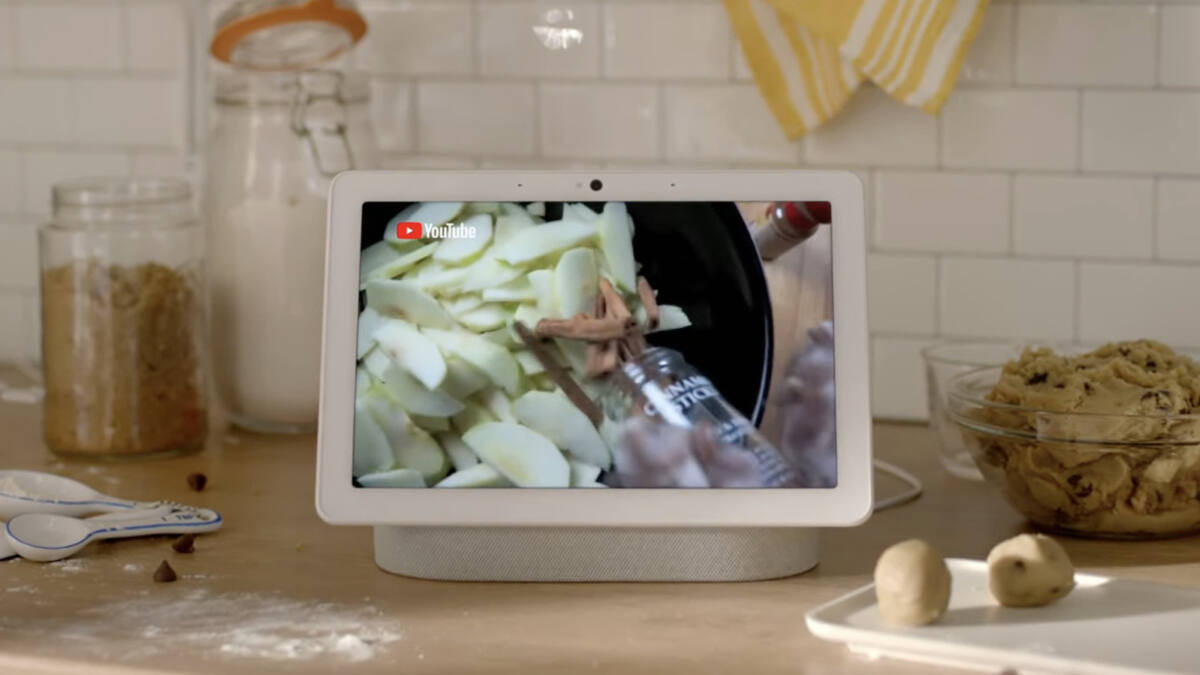
Google is loosening the reins on Gemini for Home, and that means adults can finally ask a Nest Hub how to make a margarita without getting lectured by a robot chaperone. The update also makes Gemini for Home faster, adds clearer feedback buttons on smart displays, and gives Gemini a few more personalization tricks that are meant to make it feel less like a generic speaker and more like a useful household tool.
The cocktail fix sounds small, but it says a lot about how these assistants are being tuned: the first pass is usually too cautious, then the product team spends the next round undoing its own overreach. Google is now trying to separate adult users from safeguards aimed at younger ones, while still leaving parental controls in place for people who want them.
Cocktail recipes are back on the menu
Previously, asking for a margarita recipe on Google smart home devices could trigger a blunt ”I cannot provide recipes for alcoholic beverages” response. Google says adults will now experience improved availability for general queries, including recipes for age-gated beverages, through Gemini for Home.
If that still does not work, the company points users toward Parental Control settings and the Gemini for Home response filter settings inside the Google Home app. In other words: the assistant is getting smarter, but the settings menu is still doing some of the heavy lifting.
Thumbs up, thumbs down, and more useful replies
Google is also making feedback easier to collect. On smart displays, thumbs-up and thumbs-down buttons now appear after most voice interactions, giving users a fast way to signal whether Gemini got the job done.
That feedback loop matters because assistants are only as good as the failure reports they receive. Amazon and Google have both spent years trying to turn voice assistants into something more than command machines, and the recurring problem is obvious: if the system does not know when it is wrong, it cannot get better very quickly.
Faster alarms and a more personal Home Brief
Google says Gemini for Home now delivers faster and more personalized responses. One example: if you tell it your nanny’s name is Alice, it can use that context to look for a familiar face in security camera footage when you ask whether your nanny or Alice has arrived.
There is also a new ”Home Brief” prompt for quick catch-ups on what happened while you were away, plus faster alarm setting with less waiting and less repeated prodding. That may not sound glamorous, but reliability is the feature smart home users actually remember, especially when the old alternative was shouting the same request twice like you are negotiating with a stubborn toaster.
The bigger question is whether Google can keep widening Gemini’s usefulness without making it jumpy again. Assistant products have a habit of swinging between overblocked and undercooked, and the companies that win are usually the ones that make the AI feel boring in the best possible way: quick, predictable, and less likely to scold you over a cocktail recipe.