

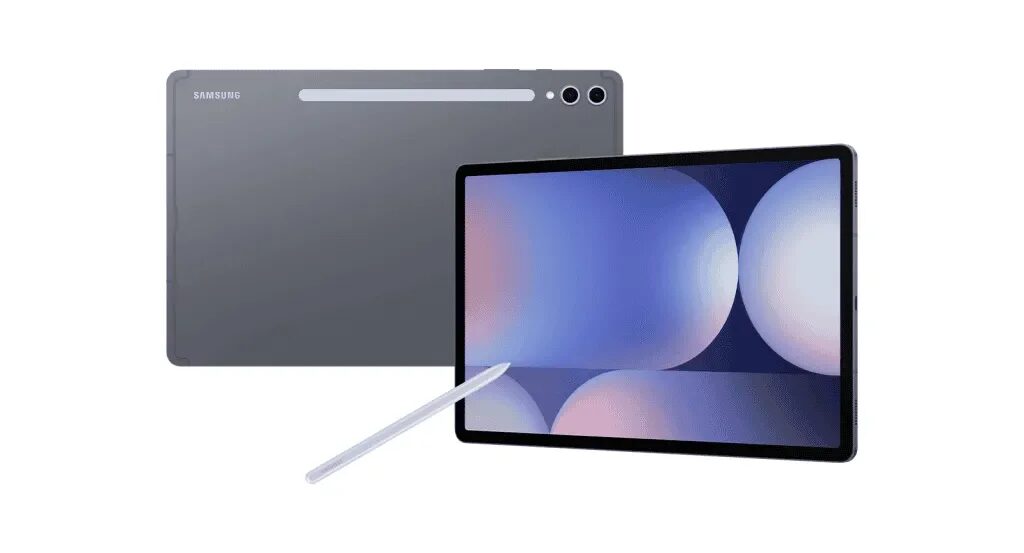
Samsung is pushing One UI 8.5 to the Galaxy Tab S10 Lite well beyond South Korea, with the update now appearing across Europe, Asia, Latin America, and the USA. The Galaxy Tab S10 Lite One UI 8.5 rollout is arriving in two firmware builds, depending on the tablet: X400XXU4CZE5 for the Wi-Fi model and X406BXXU4CZE5 for the Wi-Fi + Cellular version.
If you own the tablet, the usual drill applies: open Settings, head to Software update, then tap Download and install. Once Samsung’s servers hand over the package, Install now does the rest. The spread is also a reminder that Samsung is moving fairly quickly on this device – it launched last year with Android 15 and One UI 7.0, picked up Android 16-based One UI 8.0 in October 2025, and is already on deck for the Android 17-based One UI 9.0 update in the second half of this year.
What One UI 8.5 changes on the Tab S10 Lite
This is more than a security-patch-style shrug. One UI 8.5 brings a refreshed interface, redesigned app icons, and a Quick Panel that is more customizable. The lock screen clock widget also gets more font options, while Samsung keeps the adaptive wallpaper-based layout trick that shifts elements around objects in the background.
Samsung is clearly trying to make the tablet feel less generic and more like a polished workhorse, which is useful because midrange tablets often live or die on software polish rather than raw hardware bravado. Apple’s iPad lineup still sets the pace for tablet software support, so Samsung’s faster cadence here is doing real competitive work.
Bixby, DeX, Notes, and the rest of the bundle
The update also leans into Samsung’s productivity pitch. Bixby now understands natural language better and taps Perplexity integration for pulling information from the internet, while the Clock app adds a built-in time zone converter and weather-based alarm backgrounds. Calculator gets proactive suggestions, Samsung Health offers new sharing layouts, and Device Care is redesigned with more battery information.
There are a few small but practical upgrades too. Users can temporarily disable Auto Blocker, Samsung DeX remembers app window sizes between launches, Reminders gets early alerts, and Samsung Notes now supports tables with adjustable column widths, colours, border styles, and automatic calculations. Partial screen recording is in the mix as well, which is the sort of feature people ignore until they need it desperately.
Who gets the Galaxy Tab S10 Lite One UI 8.5 update first
The rollout is already live for Galaxy Tab S10 Lite owners in the listed regions, and Samsung usually expands these pushes in stages rather than all at once. That means some users will see the update immediately, while others may need to wait a bit for their market or carrier variant to catch up. Either way, this is the kind of software drop that keeps a cheaper tablet feeling current longer than its spec sheet might suggest.