

AI image generators are now a staple at nearly every major tech company, delivering realistic, fantastical, and vivid images in seconds. Alongside these generators, powerful editors help polish or tweak creations, transforming simple prompts into polished visuals. Google’s Nano Banana Pro, Adobe Firefly, Canva, and others offer distinct strengths suited to different user needs.
The AI image generation field is booming but controversial. Artists and rights holders worry models train on copyrighted works without permission or compensation. Meanwhile, some question whether current safety filters effectively block illicit or harmful content. Before diving in, it’s wise to review each tool’s privacy policies and always disclose when images are AI-created.
How to pick the right AI image generator
Your choice boils down to three factors: your goal, budget, and experience. Google’s Nano Banana Pro is a top pick for most users thanks to its photorealism and ability to embed readable text inside images. Creatives needing commercially safe content should eye Adobe Firefly. Beginners will find Canva the easiest launch point.
Google Nano Banana Pro: the all-around powerhouse
Pros: Consistent character rendering, realistic images, editable creations, readable text embedded
Cons: Slower generation time than competitors, infographics may need fact-checking
Nano Banana models disrupted the AI image generation scene in 2025, heralded for maintaining character consistency across different images. The Pro version stepped it up by combining generation and sophisticated editing capabilities.
Its standout feature is how well it handles text embedded in images. Infographics, captions, and titles that other generators render as gibberish come out crisp and readable here. While factual accuracy still requires scrutiny, no other service currently matches its skill at text placement.
Available within Google’s Gemini and integrated products like Flow and NotebookLM, Nano Banana Pro offers several free images using its ”Thinking” mode, then requires a $20/month subscription. Its photorealistic results raise the stakes on transparent AI disclosure.
Canva: the easiest entry point for beginners
Pros: Simple image creation and editing, supports many artistic styles
Cons: Free tier limits number of generations
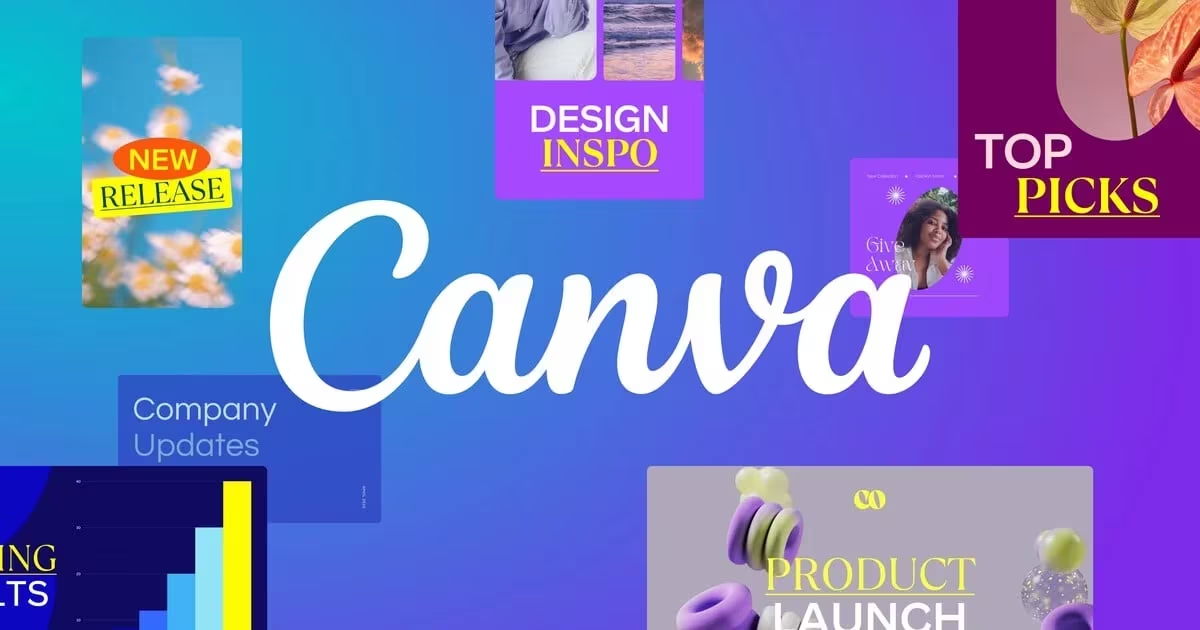
Known as one of the most user-friendly graphic editors around, Canva’s Magic Media AI generator suits newcomers perfectly. Its minimalist interface lacks complex editing tools but is easy to master in minutes.
Privacy is a highlight – Canva doesn’t train its AI models on user content, and generated images remain private, unlike many competitors. This makes it attractive for users concerned about data control. Plus, images integrate seamlessly into other Canva projects, including mobile apps.
Adobe Firefly: a commercial-safe pro tool
Pros: Commercially safe outputs, deep Adobe Creative Cloud integration
Cons: Not as strong in photorealism as rivals
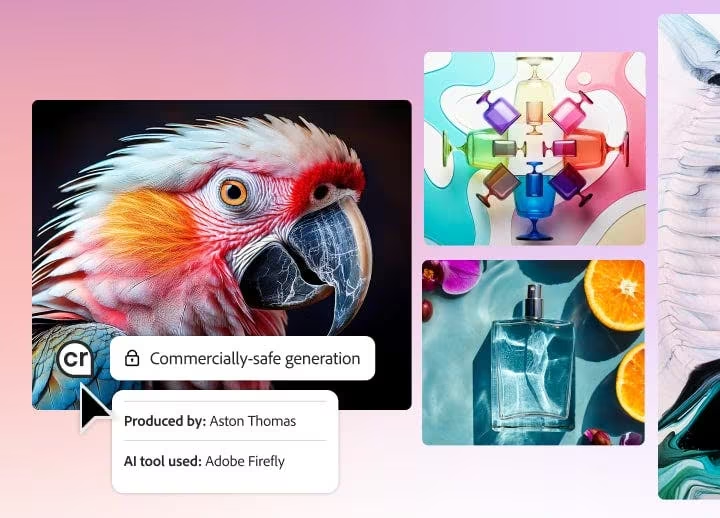
Built right into Adobe’s Creative Cloud, including Photoshop, Firefly is an obvious choice for professional designers and illustrators. It offers extensive customization of styles, aspect ratios, and other parameters before generation.
Its defining advantage lies in its training data: Firefly models learn only from licensed Adobe Stock assets and public domain images, never using user uploads. This approach eliminates copyright worries, making Firefly’s outputs safe for commercial projects. If you’re an Adobe Creative Cloud subscriber, Firefly access may come bundled. It also supports third-party models.
Stable Diffusion: for DIY and tech-savvy users
Pros: Fast generation speed, extensive editing features
Cons: Confusing ecosystem due to open-source nature
Stable Diffusion is a household name in the AI image generation world. Its open-source models excel at producing detailed, vibrant artwork.
Stability AI offers some of the most comprehensive editing tools available. However, the open code creates fragmentation: Stable Diffusion runs on the official Stability AI platform, third-party services, or locally on your own hardware. Privacy policies, costs, and features differ across these options. Official Stability AI subscription costs $10/month and lets you opt out of training data contributions.
Midjourney: creative output for artistic projects
Pros: Highly creative results, wide stylistic range, active Discord community
Cons: Tends to produce overly realistic images of recognizable franchise characters
Midjourney has carved out a niche as the go-to for striking artistic expression and imaginative visuals. It excels at brainstorming, storyboarding, and creative concept work but is less suited for photorealistic or stock-photo-like images.
Recent updates improved prompt accuracy and added handy scaling and editing tools. Notably, all images are public by default and visible in a shared gallery; private generation is reserved for paid plans. Midjourney is currently facing lawsuits from Disney, Universal, and Warner Bros. for alleged copyright infringement over generating iconic characters.
OpenAI: the easy option for ChatGPT users
Pros: Free and paid ChatGPT accounts include it, produces varied creative styles
Cons: No post-generation editing, struggles with text in images
OpenAI’s image generator is fully integrated into ChatGPT, making it the natural choice if you already rely on that platform. While it delivers diverse and imaginative images, text embedded in pictures is unstable. The lack of editing tools means mistakes can’t be fixed after generation. A $20/month subscription removes training data usage and unlocks more features.
Comparison table of top AI image models
| Model | Best for | Price | Style & features | Developer | Latest version |
|---|---|---|---|---|---|
| Nano Banana Pro | Universal choice for any AI image creation | Free, paid plans from $20/month | High character consistency, photorealistic | Nano Banana Pro (Gemini 3 Pro Image) | |
| Adobe Firefly | Professional content creators | Plans from $10/month, included in some Adobe subscriptions | Versatile tool, great for commercial use | Adobe | Adobe Firefly Image Model 5 |
| OpenAI | ChatGPT users | Free and paid plans from $20/month | Good for cartoonish and stylized images | OpenAI | GPT-Image-1 |
| Canva | Beginners and casual users | Free, paid plans from $13/month | Supports many artistic styles | Canva | Canva AI / Magic Media |
| Stable Diffusion | Open source enthusiasts | Cost varies; Stability AI subscription from $10/month | Works well in various styles, including realistic | Stability AI, open source | Stable Diffusion 3.5 |
| Midjourney | Creative brainstorming and art projects | Plans from $10/month | Excels in detailed, surreal images | Midjourney | Midjourney V7 |
Key factors when choosing an AI image generator
Prompt accuracy. A good generator faithfully reproduces the described scene with all details intact, minimizing distortions. The fewer iterations needed to reach your goal, the better.
Visual glitches. All generators sometimes ”hallucinate,” adding extra fingers, distorting faces, or omitting elements. The best models minimize these errors and offer quick correction capabilities.
Generation speed. Most generators deliver results within two minutes. Those finishing in 10-30 seconds offer much smoother daily workflows.
Privacy policy. Understand how your data and images are handled: whether your content is used for further training, if your outputs become public, and how rights issues are managed.
- Can I use AI-generated images commercially? It depends. Adobe Firefly is explicitly designed for commercial safety with licensed training data. Other services vary, so reading their terms before commercial use is crucial.
- Why do some generators handle text better? It’s down to model architecture and training data. Most treat images as pixel blobs, resulting in blurry or distorted letters. Nano Banana Pro’s specialized design and extensive text-image training sets it apart.
- Are AI generators safe privacy-wise? Data protection varies widely. Canva doesn’t train on user uploads and keeps images private. Midjourney makes creations public by default. Running Stable Diffusion locally offers greatest user control. Always review privacy policies before signing up.
- Is a paid subscription worth it? Free tiers suit occasional use. For frequent or professional projects, paid plans remove generation limits, unlock advanced editing, and provide access to more powerful models.
AI image generators are rapidly evolving tools reshaping creative workflows. Google Nano Banana Pro leads in photorealism and text clarity, Adobe Firefly reassures professionals with copyright-safe outputs, and open-source Stable Diffusion invites deep customization. Expect ongoing advances in realism, editing capabilities, and ethical frameworks. Watching how companies balance innovation with copyright and data concerns will define the next generation of AI creativity.