

Apple has rolled out critical security updates for older iPhone models that no longer support the latest iOS versions. If your device is running iOS 15 or iOS 16, this update is essential to protect against a recently uncovered hacking threat targeting these older phones. The updates fix serious vulnerabilities that put users’ personal data and banking credentials at risk.
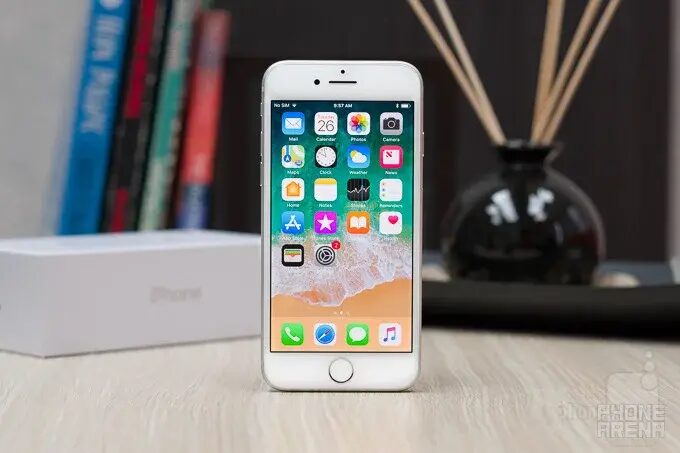
The new releases include iOS 15.8.7 (build 19H411) and iOS 16.7.15 (build 20H380). iPhone models like the iPhone SE, 6S, and 7 receive iOS 15.8.7, while iPhone 8, 8 Plus, and iPhone X get iOS 16.7.15. These devices cannot upgrade to iOS 17 or later, making these updates their last line of defense. Apple also issued similar patches for older iPads, such as the 5th-generation iPad and early iPad Pro models from 2015 to 2017, which remain vulnerable without the update.
The push to fix these older systems comes after discoveries by Google’s Threat Intelligence Group revealed an exploit kit named ”Coruna.” This malware targets iPhones running iOS 13 through iOS 17.2.1, exploiting flaws that let attackers break into devices simply by getting users to visit a compromised website-often disguised as a fake crypto or gambling site.
Once infected, Coruna can scan text messages and photographs, using Optical Character Recognition (OCR) to extract sensitive information such as banking details or passwords. The malware shifts from a reconnaissance phase into an active theft phase, leveraging stolen credentials to access victims’ financial accounts. Intriguingly, Coruna can even download tailored hacking modules if it detects specific banking apps, making it a highly personalized threat.
Apple’s security updates close the vulnerabilities exploited by Coruna. Users of older devices must install the patches immediately by navigating to Settings > General > Software Update. Without these updates, these iPhones and iPads remain susceptible to attacks that could compromise personal and financial data.
For users seeking additional protection, Apple’s Lockdown Mode offers an extra line of defense. When activated via Settings > Privacy & Security > Lockdown Mode, it restricts device behavior to guard against sophisticated cyberattacks like Coruna. However, it is a restrictive feature intended as a last-resort ”panic button” during active threats.
This wave of security fixes underscores the risks older devices face as they fall out of Apple’s mainstream update cycle. While newer models quickly upgrade to iOS 17 and later with enhanced security layers, millions still rely on older hardware that remains exposed without these crucial patches. Installing these updates is one of the few ways to keep aging iPhones safely connected in a world where cyber threats evolve rapidly.