

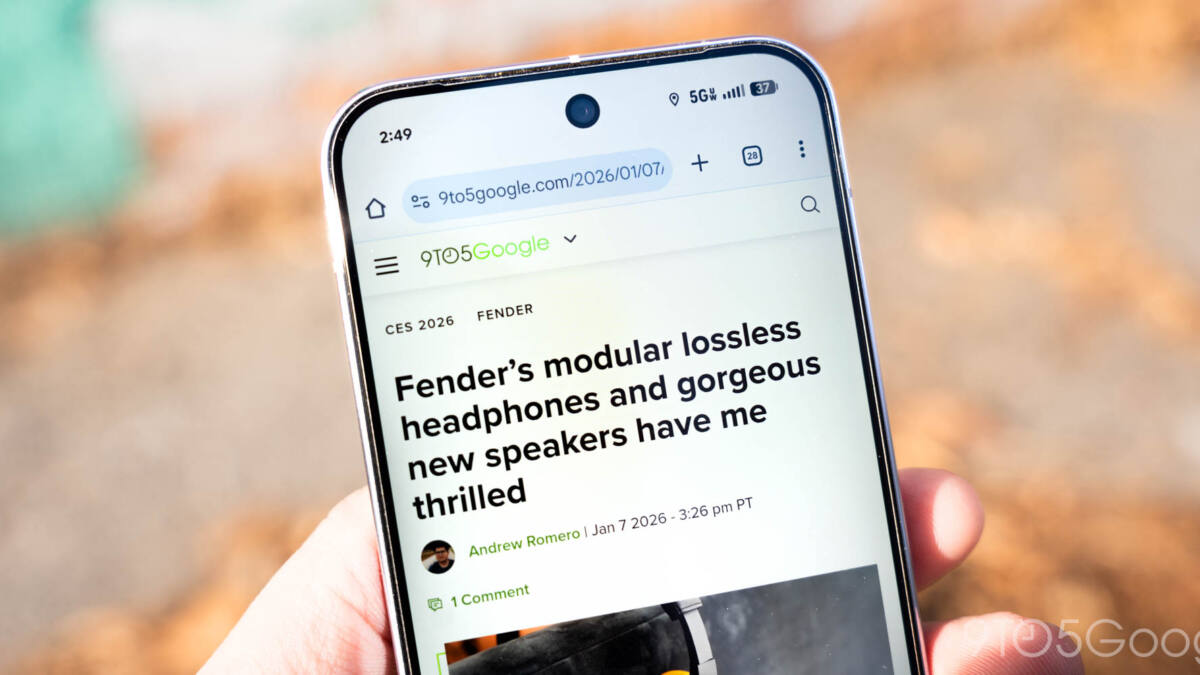
Tiny change, familiar argument: Chrome 145 for Android is rolling out with a slightly redesigned Home icon in the address bar – but the update is best read as another episode in Chrome’s long-running struggle over toolbar real estate and feature bloat.
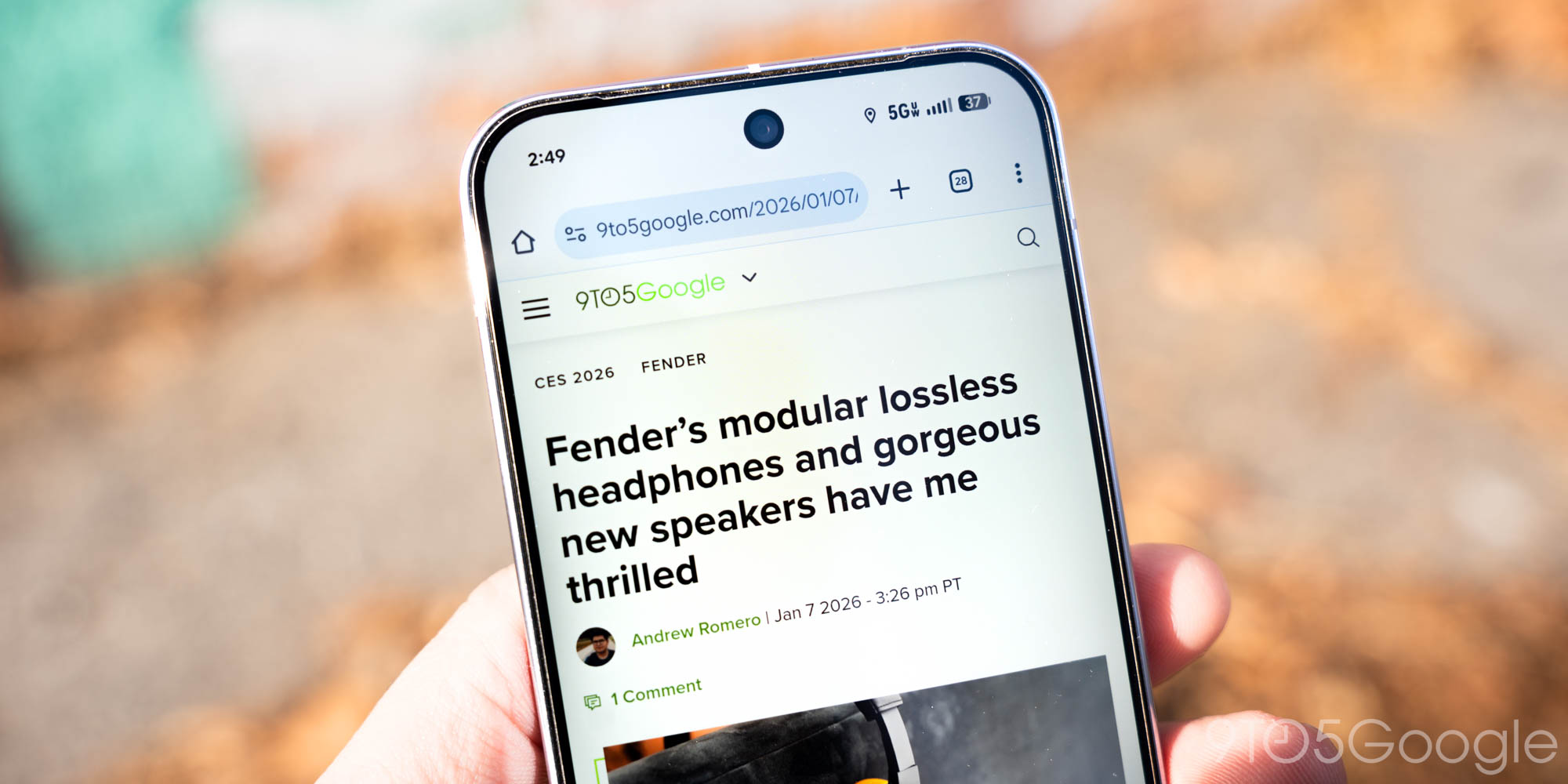
The new Home glyph now sits to the left of the Omnibox, with sharper edges, a roof that aligns flush with the house frame and a tiny door. Google has already used this style on desktop Chrome, and it’s now appearing more widely on Android builds as Chrome 145 rolls out.
What changed – and what you can do about it
Functionally nothing major: the Home icon still opens your chosen home content. If you’d rather reclaim that pixel real estate, go to Settings > Homepage to disable entirely, or switch from the New Tab Page to a custom web address. (On desktop, tap ”Customize Chrome” in the bottom-right corner of the New Tab Page for ”Toolbar” to make changes.)
Google lists this tweak as the main user-facing change in Chrome 145 for Android. But the icon swap is really a visible symptom of two broader trends: consistent cross-platform branding, and an ever-growing set of features that compete for the same narrow strip of UI at the top of the browser.
Why a little icon matters
At small sizes, iconography carries affordance. A door added to a house glyph is a clearer cue for ”home” than a stylized roof, which helps discoverability for casual users. For designers and brand teams, porting the desktop treatment to mobile removes one more inconsistency across platforms.
For many power users, though, the constant trimming and repositioning of icons isn’t neutral. Address-bar and toolbar pixels are finite. Over the past few years Chrome has accumulated new UI elements – pinned tabs, AI side panels and inline assistants among them – and each one nudges or shrinks the space where you type URLs and read page context.
Who wins and who loses
Winners: Google’s product and brand teams. A single icon set across desktop and mobile reduces design debt and simplifies visual language for new Chrome features.
Losers: users who value a minimal, uncluttered address bar. Small UI changes accumulate into real usability costs – less room for long URLs, fewer characters visible in the Omnibox and more accidental taps when icons are closer together. Accessibility could be affected too: higher visual similarity between compact icons makes precise targeting harder for some users.
How other browsers handle this
Safari on iOS has generally favored a minimalist chrome, keeping fewer persistent icons and letting the page breathe. Firefox offers deeper toolbar customization, letting users move or remove buttons more freely. Microsoft Edge and niche browsers such as Brave have taken different stances – some add vertical tab panes or side panels to free horizontal space, others surface extra controls only when you ask for them.
Chrome’s approach has been incremental: add a feature, then find room for it. The consequence is a steady erosion of the simple address bar experience many users expect.
What to expect next
If you follow Chrome’s feature rollout, you’ll see more UI occupants arriving: pinned tabs on mobile, AI helpers in side panels and new toolbar shortcuts. Each new item will prompt small adjustments to iconography and spacing until the Omnibox is a negotiated territory rather than a given.
Practical prediction: Google will keep unifying icons between desktop and mobile, and offer basic toggles so most users aren’t forced to live with unwanted bits of chrome. Power users who want a sparse bar will need to dig into Settings > Homepage or similar toggles regularly – or switch browsers that make customization easier.
Verdict
On its own, the Home icon tweak in Chrome 145 is harmless. Taken together with a steady drip of new features, though, it highlights a simple truth: when a product tries to be everything to everyone, the spaces that let users focus get crowded. If Google wants a clean address bar to survive, it will need to give users clearer controls – not just new icons.
CONTENT_END