

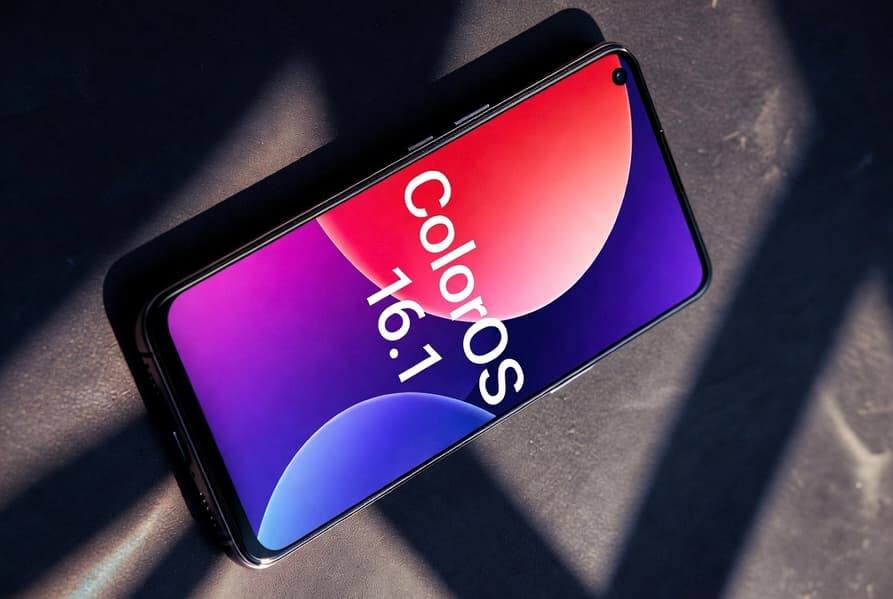
Oppo has started rolling out ColorOS 16.1, and this is not the sort of ”minor update” that quietly fixes a few bugs and disappears. The Android 16-based build brings a visibly different interface, more AI features, and a surprising crossover trick: Quick Share now supports AirDrop, which should make life a lot easier for people bouncing between Android phones and Apple devices.
The first phones to get ColorOS 16.1 are the Find X9 series, with Reno 15 and Find X8 models next in line. Oppo also says the new Find X9s and Find X9 Ultra will ship with ColorOS 16.1 preinstalled, which is the cleanest way to avoid explaining to buyers why their brand-new phone is already waiting for an update.
Live Space turns the lock screen into a live dashboard
The biggest interface change is Live Space, a capsule-shaped element at the bottom of the screen that surfaces music, timers, delivery updates, and notifications without forcing you to open the app. It works with taps and swipes, and Oppo says it ties into Google Maps and media playback to make the lock screen feel more active. Samsung and Apple have both spent years nudging users toward this kind of glanceable UI; Oppo is just trying to make it feel less like a widget graveyard.
Oppo also redesigned parts of the interface with Contour Glow, a softer lighting effect around UI elements, while the camera app now uses translucent layers, floating panels, and a new layout for controls. Animation has been polished too, because a smooth interface can cover a lot of sins and, to be fair, often does.
ColorOS 16.1 AI features expand on Oppo phones
ColorOS 16.1 leans hard into AI. MindPilot AI supports ChatGPT, Gemini, and Perplexity for contextual queries, while AI Bill Manager is designed to analyse spending and budgets. AI Menu Translation can translate menus and prices through the camera, and it works offline with language packs, which is the sort of feature that sounds niche until you are staring at a handwritten restaurant bill in another language.
- MindPilot AI with ChatGPT, Gemini, and Perplexity support
- AI Bill Manager for expenses and budgeting
- AI Menu Translation with offline language packs
- Improved document scanning with tables and handwriting recognition
- Audio Sharing for two devices at once
- Expanded Quick Share with AirDrop support
A practical update, not just a prettier one
There are also smaller but useful additions, including AI-based desktop organization, better document scanning, and Audio Sharing that can send sound to two devices simultaneously. The bigger story here is not the branding; it is Oppo trying to make ColorOS feel more like a system that can live comfortably across ecosystems, especially as rivals keep tightening their own software walls.
The next question is whether these features stay limited to Oppo’s newest flagships or quickly trickle down to more affordable devices. If the company wants ColorOS 16.1 to matter beyond launch week, wider rollout speed will matter almost as much as the features themselves.