

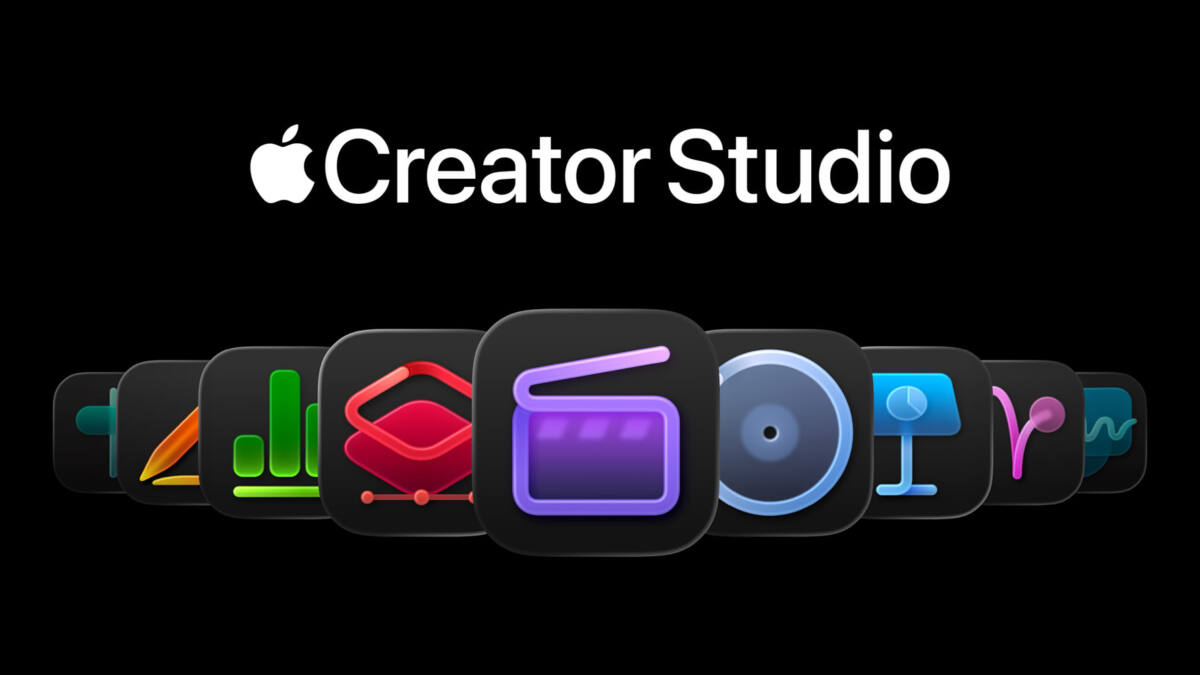
Apple has pushed fresh Creator Studio updates across Logic Pro, Pixelmator Pro, Photomator, and Final Cut Camera. The new releases add spatial-audio preview tools, new RAW support, a pile of keyboard shortcuts, and a cleaner app icon for Apple’s camera app, while the subscription bundle itself stays priced at $12.99/month or $129/year after a free trial.
That pricing is doing a lot of work here. Apple is clearly using software breadth as the selling point for Creator Studio, because the company still has to convince people that a bundle of pro apps is more than a nice discount. The latest updates help: they make the suite feel less like a static package and more like something Apple intends to keep stitching into its broader creative stack.
Logic Pro adds Dolby Atmos previewing
Logic Pro’s most interesting change is Dolby Atmos Mix preview, which lets Mac users export a lightweight, shareable file and hear how a spatial mix will sound when streamed on Apple Music. Apple says the preview is playable on iPhone, iPad, or Mac, but the feature is Mac-only for now, which feels very Apple: the studio trick is universal, the setup tax is not.
The app also gets a new Step Reflex Pack, a sample collection pitched around modern garage, two-step beats, rave-friendly synths, deep basslines, and vocal chops. Apple says it works on both Mac and iPad, alongside general bug fixes and performance improvements, including restored Sound Library patches for Mac users.
- Dolby Atmos Mix preview for Mac
- Step Reflex Pack on Mac and iPad
- Bug fixes and performance improvements
- Missing Sound Library patches restored on Mac
Pixelmator Pro gets broader RAW support
Pixelmator Pro, along with the Creator Studio versions of Pixelmator and Photomator, is getting a camera-friendly update that adds support for compressed RAW images from the Sony Alpha ILCE-7M5, FUJIFILM GFX 100S II, and FUJIFILM GFX 100RF. Apple also lists support for High Efficiency RAW files from the Nikon Z5II and Nikon Z50II, plus Panasonic LUMIX DC-S1RM2 RAW images captured in High Resolution mode.
That may sound niche, but this is exactly how pro-photo software wins loyalty: one more camera, one less conversion step, fewer excuses to jump to Adobe. Apple also added updated template and mockup categories, improved Illustrator compatibility for SVG exports, a one-touch before-and-after comparison, and new keyboard shortcuts that should save time for anyone who lives inside layers all day.
- Compressed RAW support for Sony Alpha ILCE-7M5, FUJIFILM GFX 100S II, and FUJIFILM GFX 100RF
- High Efficiency RAW support for Nikon Z5II and Nikon Z50II
- RAW editing for Panasonic LUMIX DC-S1RM2 in High Resolution mode
- New templates, mockups, and iPhone 17 mockups
- Improved SVG compatibility with Adobe Illustrator
Final Cut Camera gets a new icon
Apple also updated Final Cut Camera, Pages, Keynote, Numbers, MainStage, Motion, and Compressor. Final Cut Camera now has a new app icon that matches the Creator Studio style, while Apple says the rest of the updates focus on performance improvements and stability enhancements.
It is a small cosmetic shift, but it fits Apple’s larger pattern: unify the look, keep the apps in motion, and make the bundle feel like a coherent product instead of a grab bag. The bigger question is whether Apple keeps adding enough pro-facing features to justify the subscription, or whether Creator Studio settles into the familiar role of ”good enough if you already live in Apple land.”