

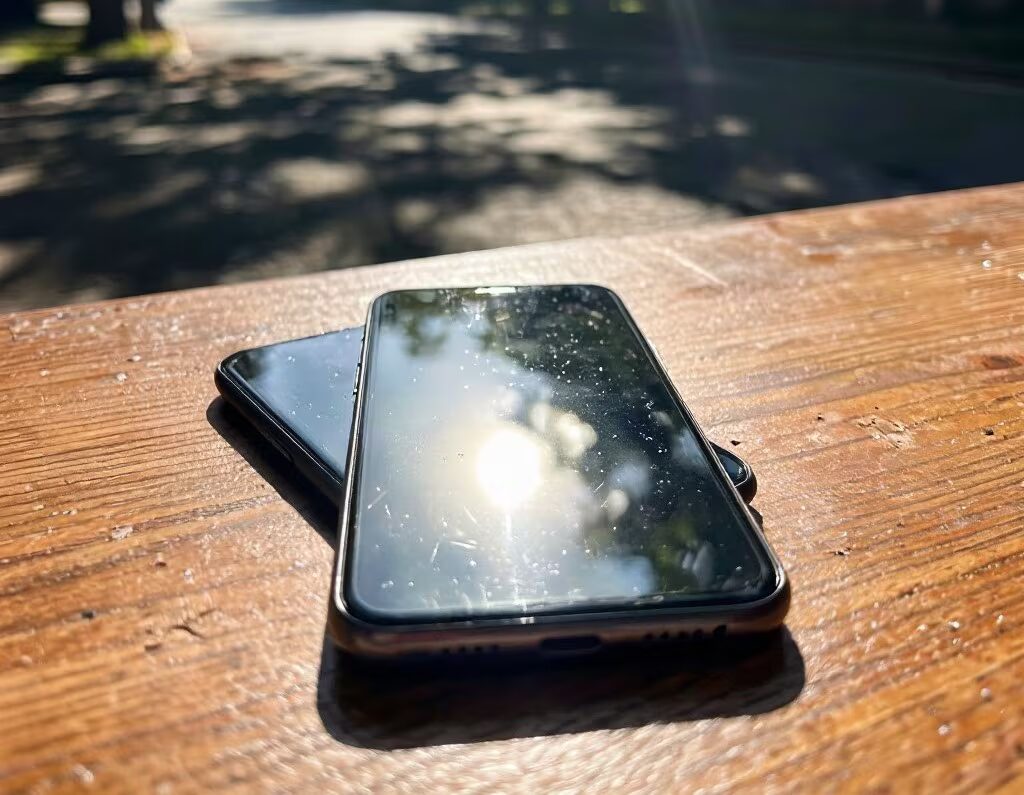
Smartphone tech and chargers have improved leaps and bounds in recent years, but smartphone overheating in summer remains a stubborn issue. Even on the sunniest days, your phone is almost always with you-often exposed to direct sunlight without any protection. Five minutes baking under a hot midday sun might seem harmless, but it can silently damage your device.
To help you avoid those overheating headaches and keep your phone safe this summer, here are seven practical tips to prevent your device from getting a ”sunstroke.”
Keep your phone out of direct sunlight
This one’s fundamental but often ignored. It’s easy to absentmindedly leave your phone on a café table under blazing sun without thinking about the risks. Try to be mindful: keep your device in the shade, in your bag, or anywhere sunlight can’t reach. If you have no other option, avoid placing it screen-up-heat tends to build more under the glass.
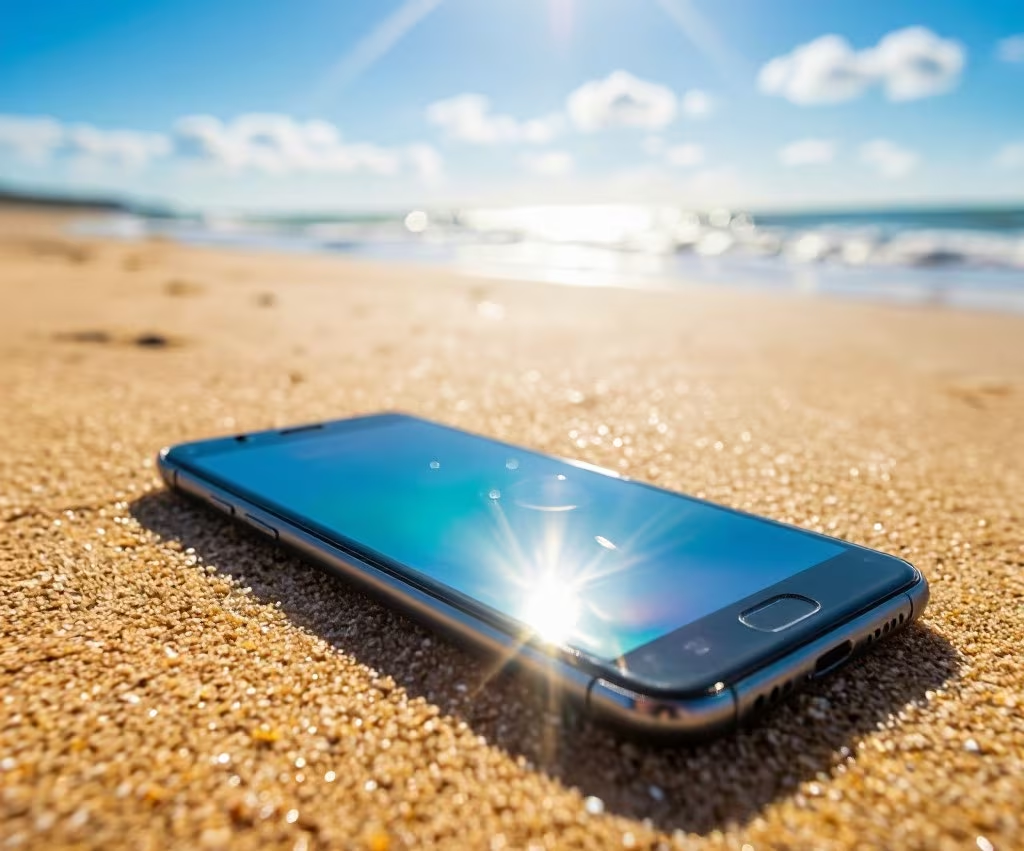
If you’re at the beach without an umbrella, cover your phone with something light-colored like a cotton T-shirt or towel. White fabric reflects sunlight, unlike dark materials that soak up heat.
Remove your phone case to improve cooling
Phone cases primarily protect your device-but in hot weather, especially if your case is leather or silicone, they can trap heat and throttle your phone’s cooling. If your phone is safely put away, consider taking off the case to let heat escape more easily.
Modern alternatives like tempered glass panels that protect the back of the phone or slim bumpers offer decent protection without trapping as much heat. If you spend a lot of time outdoors, swapping to one of these during summer could keep your phone cooler.
Limit heavy apps and background tasks
Your phone doesn’t have to be running intense tasks to get hot in the sun-the external heat alone strains the processor. Chunky games or video editing outdoors only multiply the heating problem, stressing both inside and out.
To reduce the load, close unnecessary background apps and switch off Wi-Fi, Bluetooth, and mobile data when not in use. It’s a simple step that can ease your phone’s burden on hot days.
Avoid fast charging in hot conditions
Fast charging speeds up your phone’s battery top-up but also pumps extra heat into its components. Charging outdoors or in a hot room can push it into overheating territory quicker.
Some phones let you disable fast charging in settings. If yours doesn’t, try switching to wireless charging (if supported) or using a lower-power charger during hot spells.
How to cool down an overheated phone
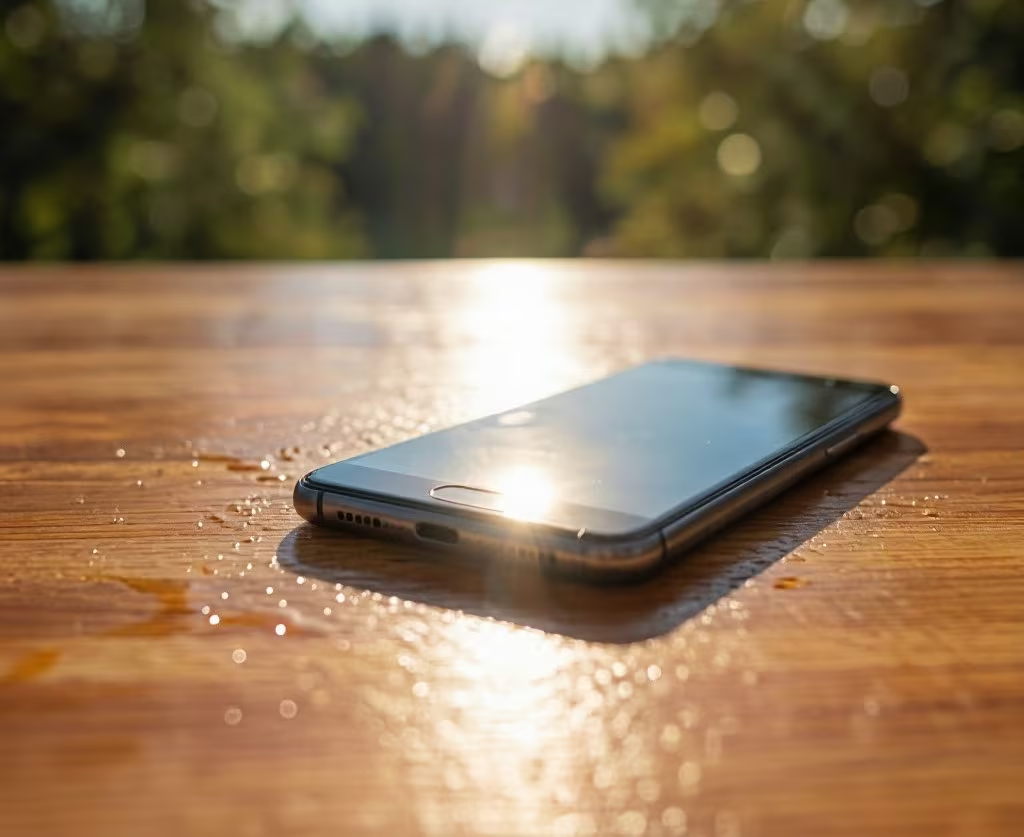
If your phone is so hot it’s uncomfortable to hold, cool it down immediately-just don’t dunk it in water or toss it in the fridge. The safest move is to place it on a cool, hard surface like stone, tile, or metal, which can gently draw heat away without shocking the components.
If you don’t have such surfaces, aim a fan or gentle airflow at your device to lower the temperature gradually. For heavy users who rely on their phone during heatwaves, a specialty cooling pad designed for smartphones might be worth considering.
Tweak your software settings to reduce phone heat
Besides physical precautions, adjusting software settings can help keep your phone cooler on hot days. Activating battery saver mode reduces background activities that generate heat. Enabling ”Do Not Disturb” cuts down on notifications that wake your phone unnecessarily.
If you have time, disable or limit push notifications from less important apps to reduce processor activity and heat generation.
Protect your phone from heat inside your car
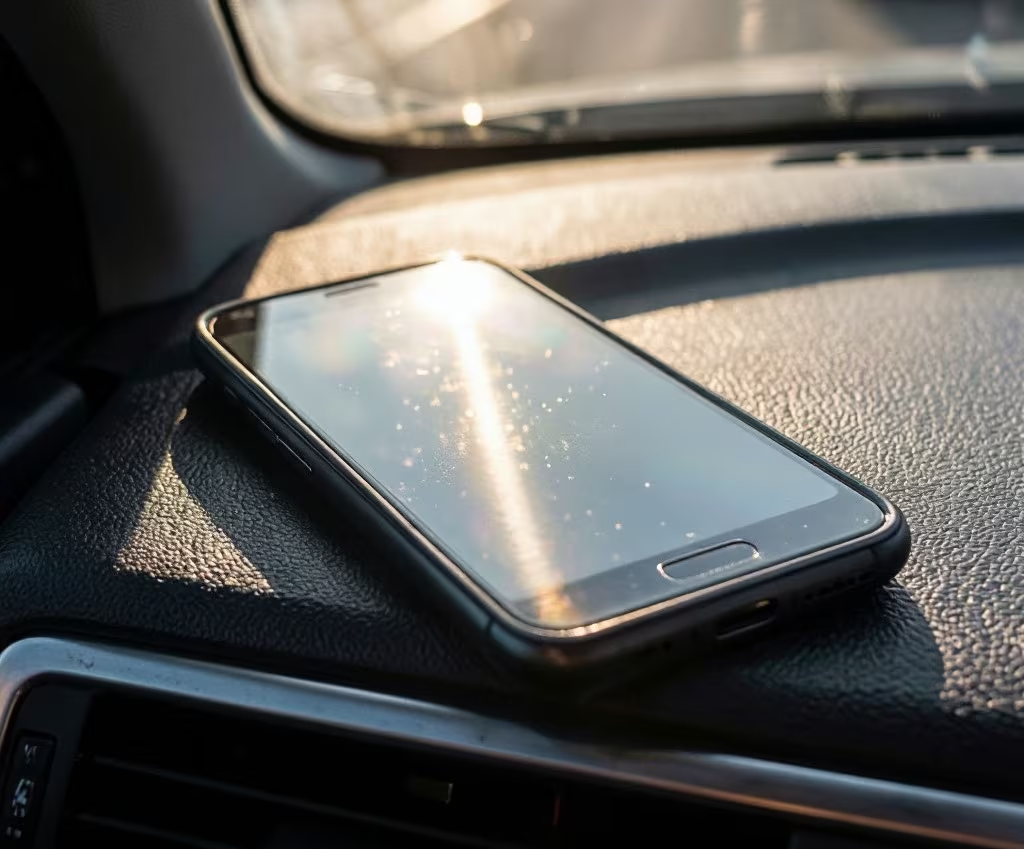
If you spend a lot of time driving or plan a long road trip, here’s a critical tip: never leave your phone on the dashboard or under the windshield-even for just five minutes. The trapped heat can quickly overheat your device.
If you use your phone for navigation, mount it on a holder near the air conditioner vent. This setup keeps it cooler while in use. If you’re not actively using it, stash your phone in the glove compartment or a shaded spot near the armrest where it won’t bake under sunlight.
Smartphone heat management is a global concern, with brands like Apple, Samsung, and Google incorporating thermal safeguards in hardware and software. Still, exposure to intense sun remains a key external factor not always accounted for by device cooling systems. Following these steps can help bridge that gap and prolong your phone’s performance and lifespan during scorching conditions.
Looking ahead, smartphone makers might do more to integrate active cooling or dynamic thermal management that responds to environmental heat, not just processor load. But until then, these practical tips are your best defense against summer smartphone overheating.