

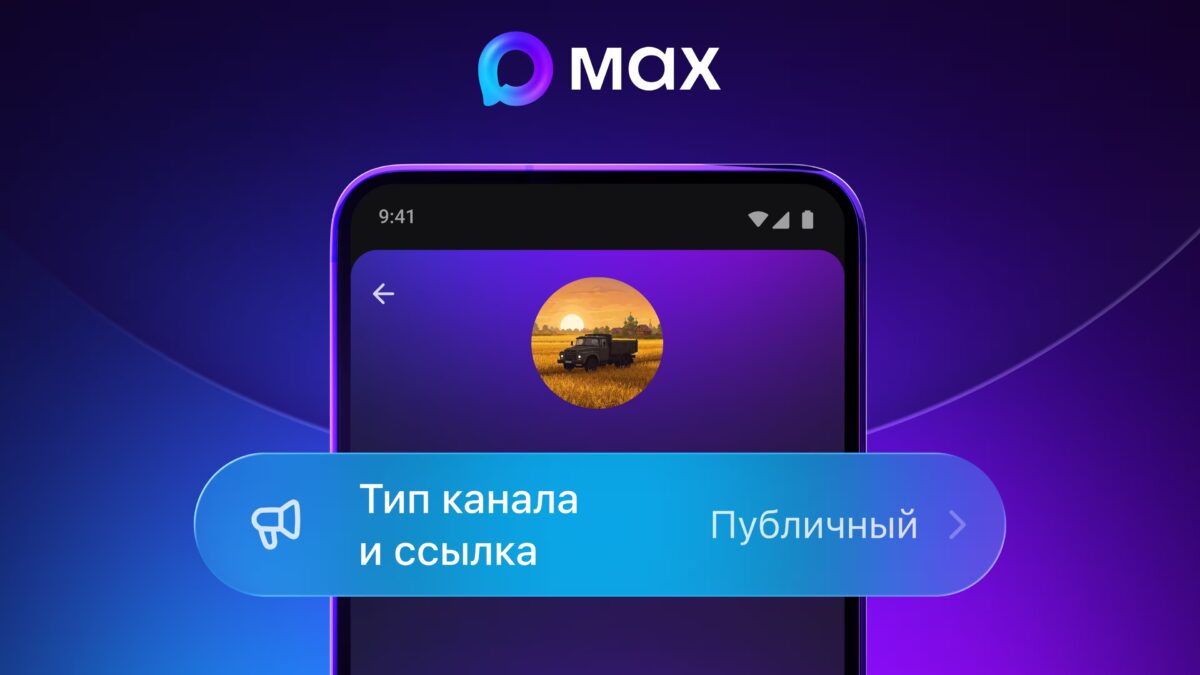
Setting up a public channel on MAX messenger for Android involves a few steps:
- Tap the ”+” icon in the Chats section
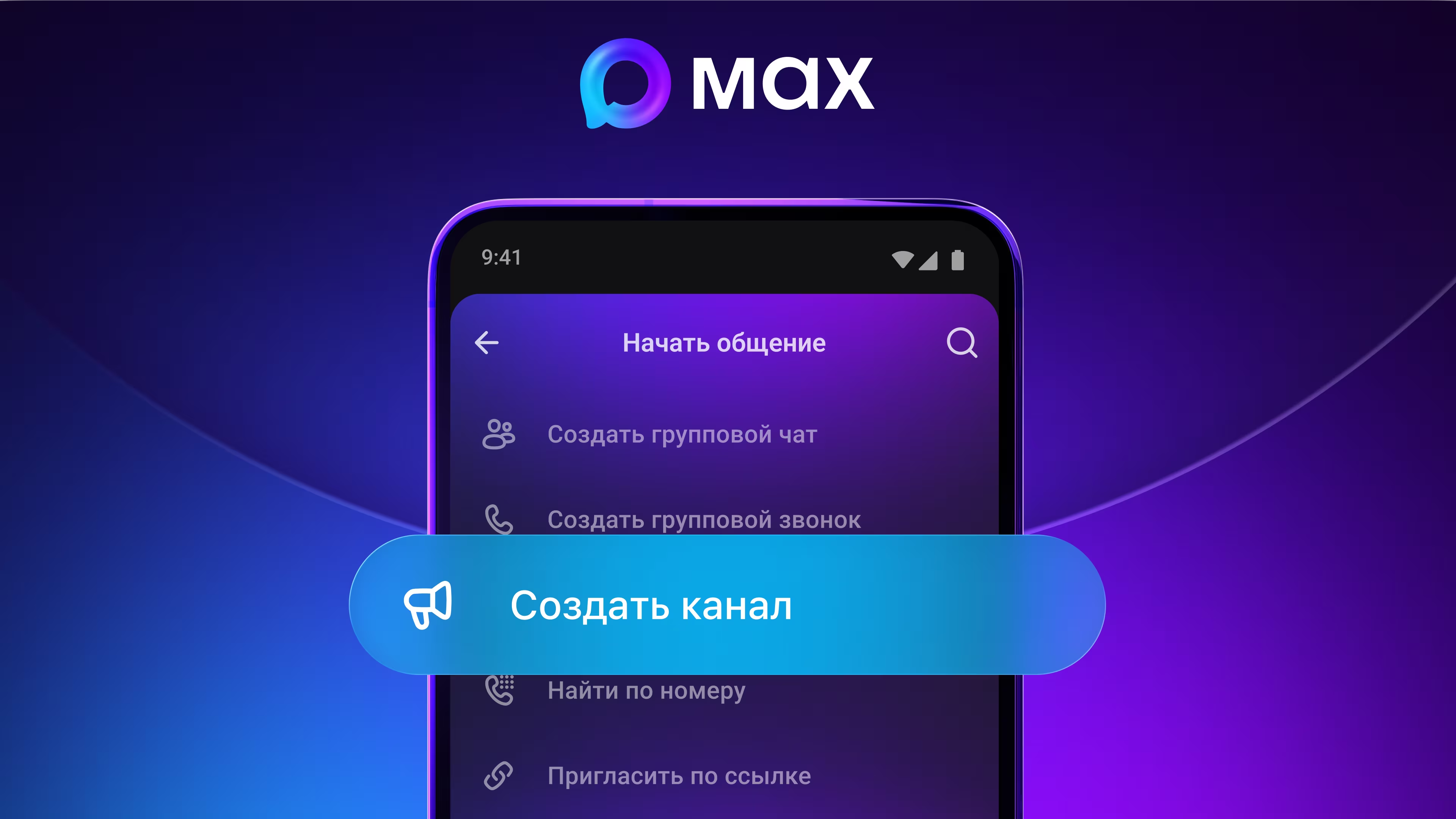
- Select ”Create channel”
- Add a photo, title, and description for the channel
- Upload documents to verify your Digital ID through the app
- Toggle channel status from private to public
- Choose a custom nickname for your public channel URL
MAX messenger’s channel growth compared to Telegram and WhatsApp
MAX messenger’s rapid expansion to over 10 million channels and 430 million subscribers highlights its aggressive push in social broadcasting, particularly in Russia and neighboring countries. Unlike Western platforms such as Telegram and WhatsApp, which have long supported public channels, MAX’s growth demonstrates a shift in regional messaging dynamics.
The role of Digital ID verification in MAX public channels
Digital ID verification is required to create public channels on MAX messenger. This security feature ensures that channel creators are verified, adding a trust layer to the broadcasting experience. Users without a Digital ID can complete their verification during channel creation or in their profile settings ahead of time.
As MAX messenger competes with established messaging giants, the effectiveness and acceptance of Digital ID verification will be critical. It could either enhance user trust or potentially limit appeal among content creators wary of additional verification steps.
MAX messenger for Android now lets users create public channels, joining a wave of platforms expanding broadcast features. Desktop and web versions will get this capability within days, broadening access for MAX’s huge user base.
Public and private channels on MAX topped 10 million in July, drawing a combined audience of 430 million subscribers. This explosive growth puts MAX among the top messaging apps worldwide in terms of content broadcasting.
- Over 10 million public and private channels as of July
- Combined channel audience reached 430 million subscribers
- Creating a public channel requires the user’s Digital ID verification
To set up a public channel, users tap the ”+” icon in the Chats section, select ”Create channel,” then add a photo, title, and description before confirming. The process then requires linking the user’s Digital ID by uploading documents through the app.
After verification, toggle the channel’s status from private to public and choose a custom nickname for the channel URL.
Existing private channels can be switched to public via channel settings. Users without a Digital ID can set it up during channel creation or beforehand in their MAX mobile profile. Digital ID acts as a security layer verifying channel creators.
How to create public channels on MAX messenger Android
Setting up a public channel on MAX messenger for Android involves a few steps:
- Tap the ”+” icon in the Chats section
- Select ”Create channel”
- Add a photo, title, and description for the channel
- Upload documents to verify your Digital ID through the app
- Toggle channel status from private to public
- Choose a custom nickname for your public channel URL
MAX messenger’s channel growth compared to Telegram and WhatsApp
MAX messenger’s rapid expansion to over 10 million channels and 430 million subscribers highlights its aggressive push in social broadcasting, particularly in Russia and neighboring countries. Unlike Western platforms such as Telegram and WhatsApp, which have long supported public channels, MAX’s growth demonstrates a shift in regional messaging dynamics.
The role of Digital ID verification in MAX public channels
Digital ID verification is required to create public channels on MAX messenger. This security feature ensures that channel creators are verified, adding a trust layer to the broadcasting experience. Users without a Digital ID can complete their verification during channel creation or in their profile settings ahead of time.
As MAX messenger competes with established messaging giants, the effectiveness and acceptance of Digital ID verification will be critical. It could either enhance user trust or potentially limit appeal among content creators wary of additional verification steps.