

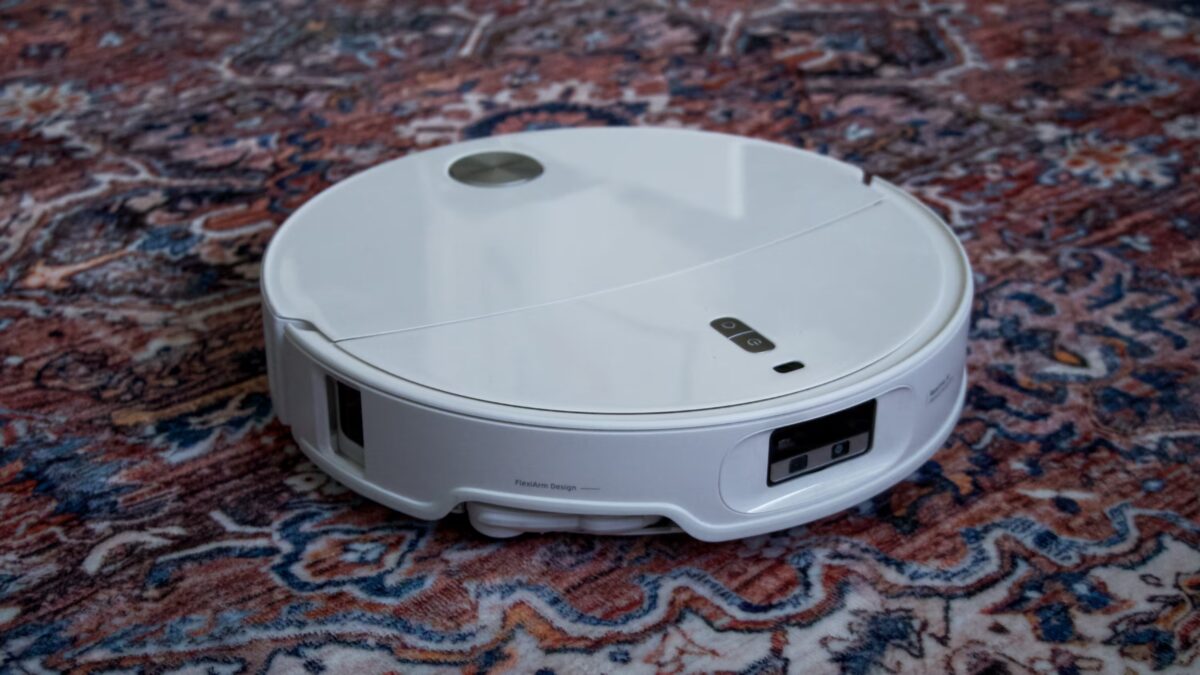
Two and a half years ago, I bought a top-tier Roborock vacuum cleaner, confident it was the peak of robotic cleaning tech. It did keep my apartment dust-free, but mopping demanded my constant attention, and it had an annoying habit of sucking up my slippers. When offered the chance to test the new Roborock Qrevo Edge 2 Pro, promising to fix those issues, I jumped at it.
Roborock Qrevo Edge 2 Pro specs
| Feature | Specification |
|---|---|
| Suction power | 25,000 Pa (Max+ mode) |
| Robot height | 7.98 cm |
| Battery capacity | 6,400 mAh |
| Runtime | Up to 290 minutes (quiet mode) |
| Charging time | ~4 hours |
| Threshold crossing | Up to 4 cm |
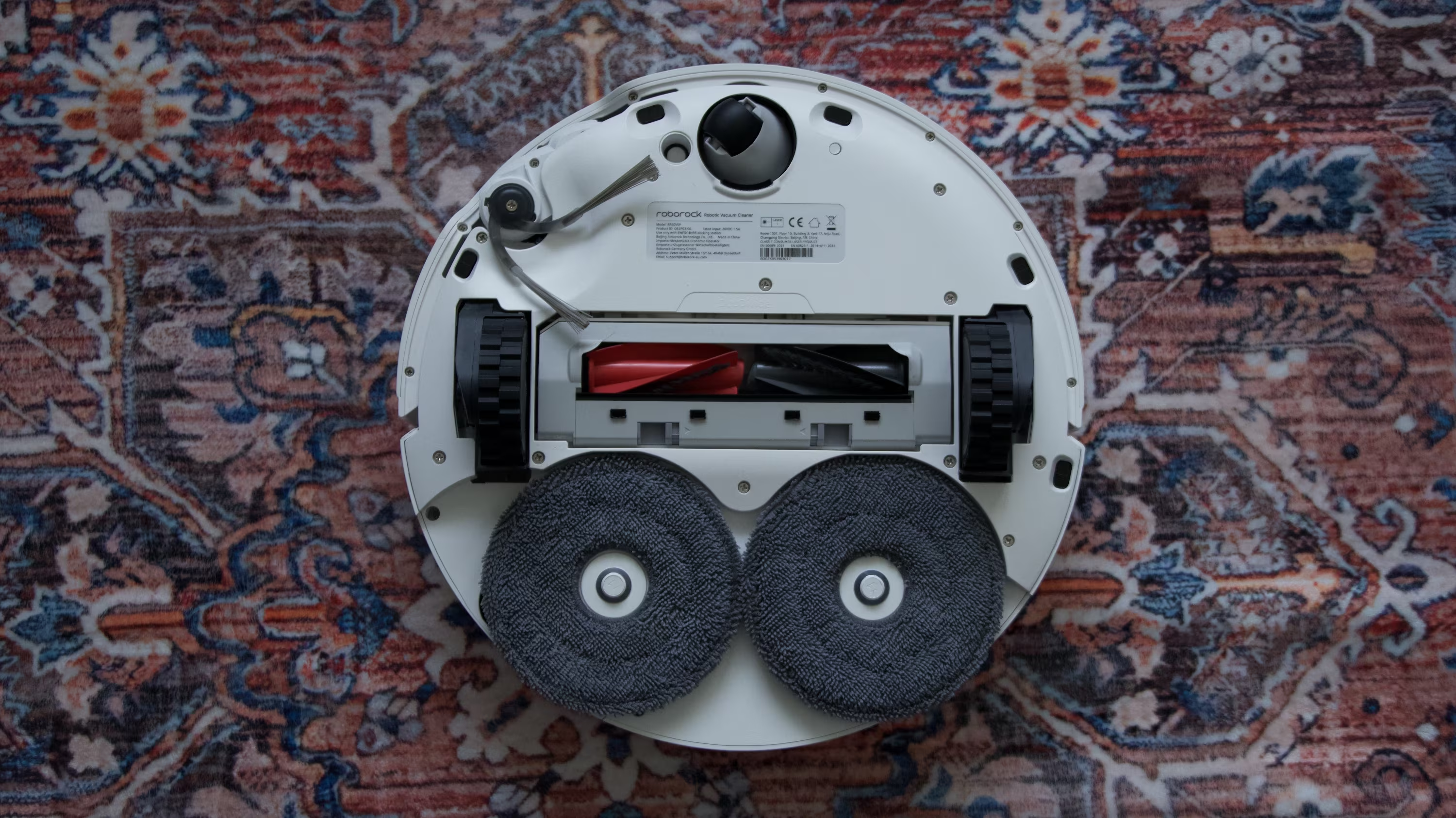
| Mop system | Two rotating pads, up to 200 RPM, pressure up to 12 N |
| Mop lift | 10 mm (auto-detach when entering carpets) |
| Main brush | DuoDivide brush (0% hair tangling, SGS certified) + FlexiArm Arc side brush |
| Navigation | RetractSense LiDAR (retracts under furniture) + dToF sensor |
| Obstacle recognition | Reactive AI, identifies 200+ object types including cables and shoes |
| Noise level | ~63 dB (Balanced mode) |
| Chassis | AdaptiLift: three-wheel, independent height adjustment |
| Mop cleaning in dock | 100°C hot water |
| Bacteria elimination | Removes 99.99%+ E. coli (TÜV Rheinland certified) |
| Allergen removal | Removes >99.9% dog/cat dander and dust mites (SGS certified); safe around pets, babies, and pregnant women (TÜV SÜD certified) |
| Mop drying | Warm air |
| Auto dustbin emptying | Yes |
| Auto detergent dosing | Yes |
| Voice assistant | Built-in (works offline), integrates with Yandex Alice |
| App support | Roborock App (iOS/Android) |
| Connectivity | Wi-Fi (2.4 GHz only) |
| Color | White |
| Price in Russia | Approx. 100,000 rubles (launch May 29, 2026) |
What’s in the box with Roborock Qrevo Edge 2 Pro
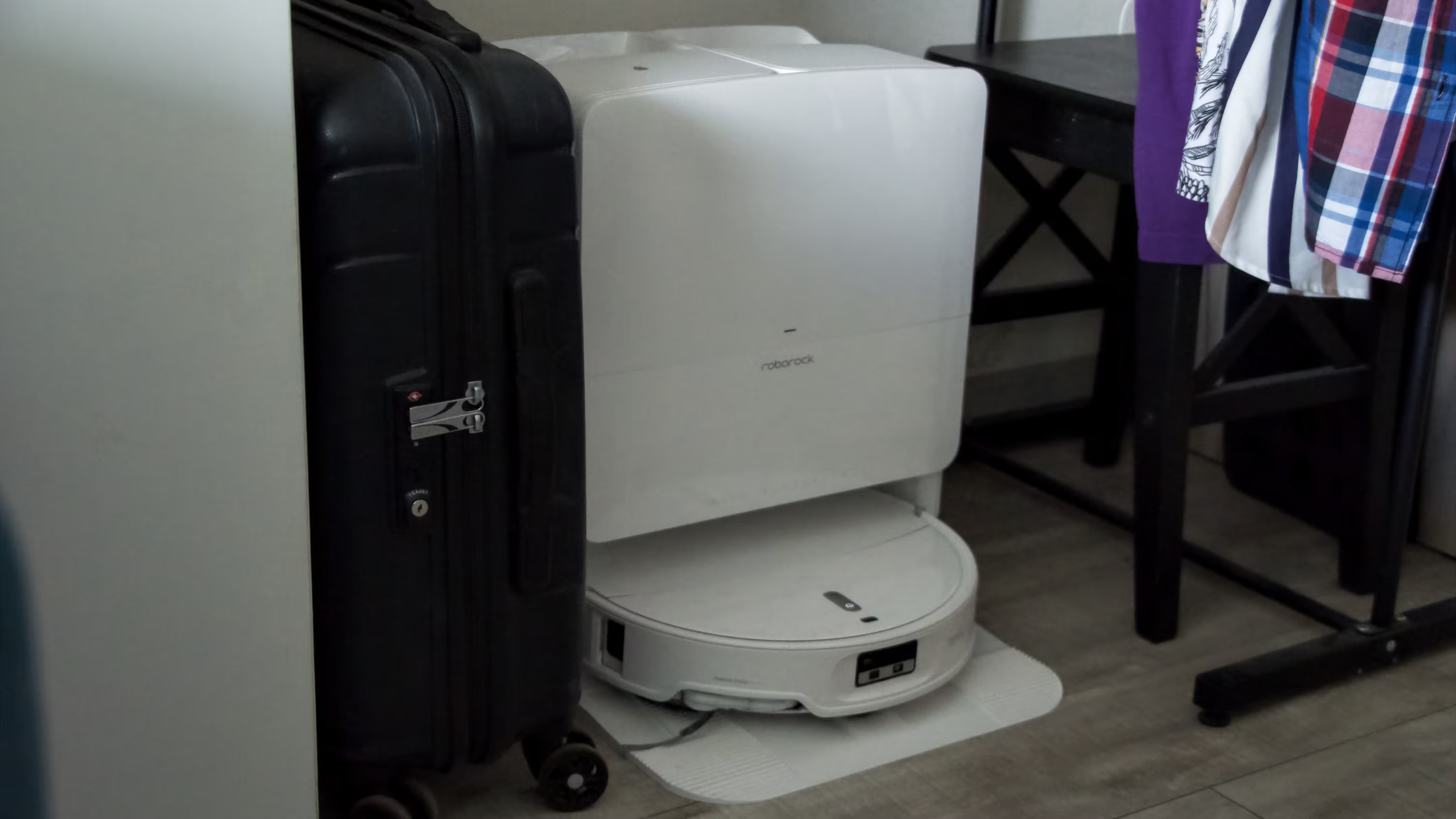
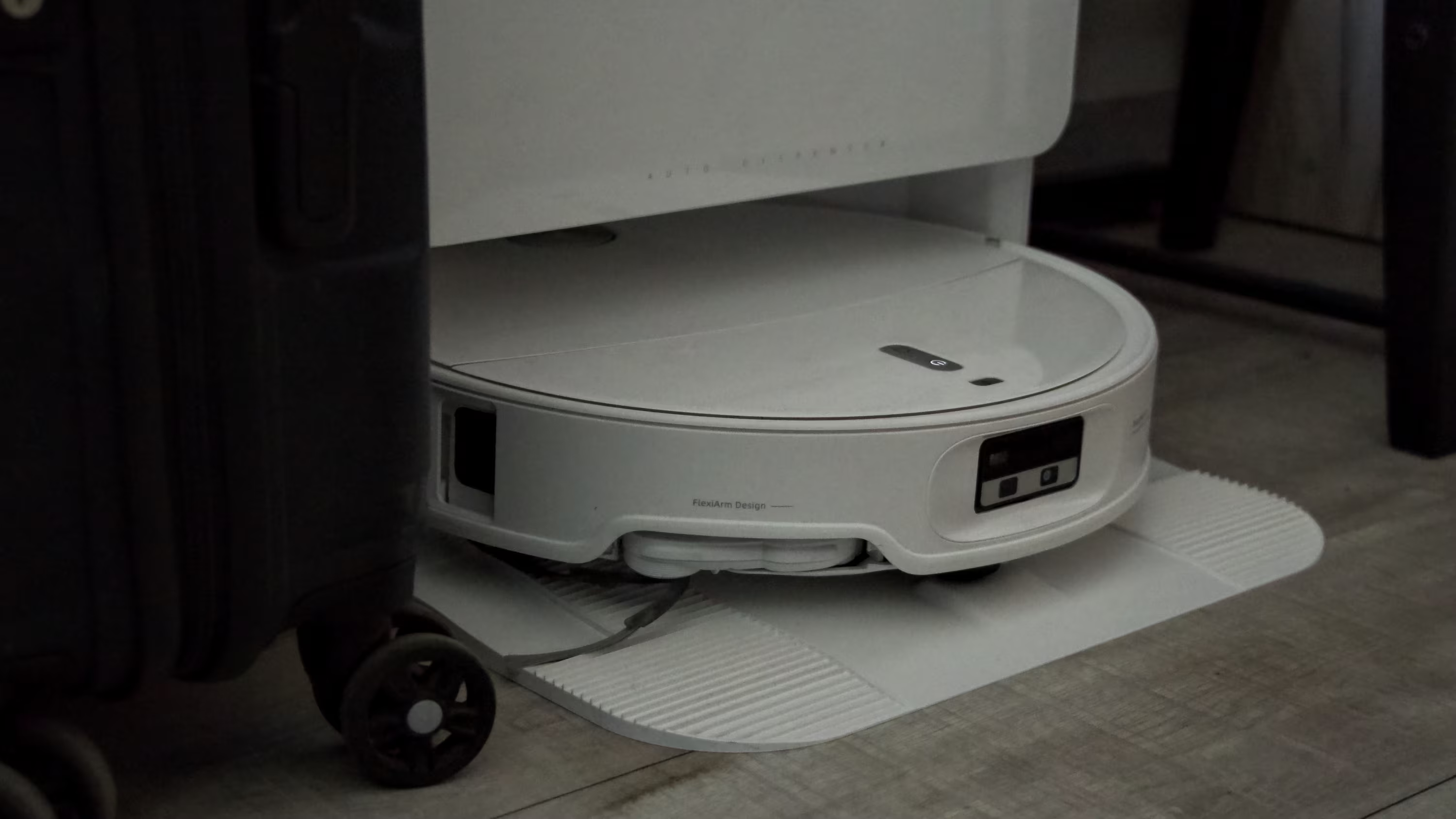
The box itself is huge-my modest apartment wasn’t ready for such a ”treasure chest.” Inside, you get the vacuum, a dock with two tanks (clean and dirty water), a dust bag, two magnetic mop cloths, and a power cable. That’s it. No extra mop cloths, no spare dust bags-just the essentials for operation.
Setting up the Roborock Qrevo Edge 2 Pro
Honestly, the minimal kit is enough. Just download the Roborock app, plug in the dock, dock the vacuum, hold two buttons on the device, and it enters pairing mode. Select the vacuum on your phone, enter your Wi-Fi password, and you’re ready to start cleaning.
One frustrating quirk: it only connects to 2.4 GHz Wi-Fi. In 2026, this is surprising since even cheap smart bulbs and sensors support 5 GHz. Attempts to connect to a 5 GHz network failed, forcing me to switch my phone’s Wi-Fi band back to 2.4 GHz. Given how congested 2.4 GHz bands are in apartment buildings, the vacuum’s internet connection might be a bit unstable.
First run experience with Roborock Qrevo Edge 2 Pro
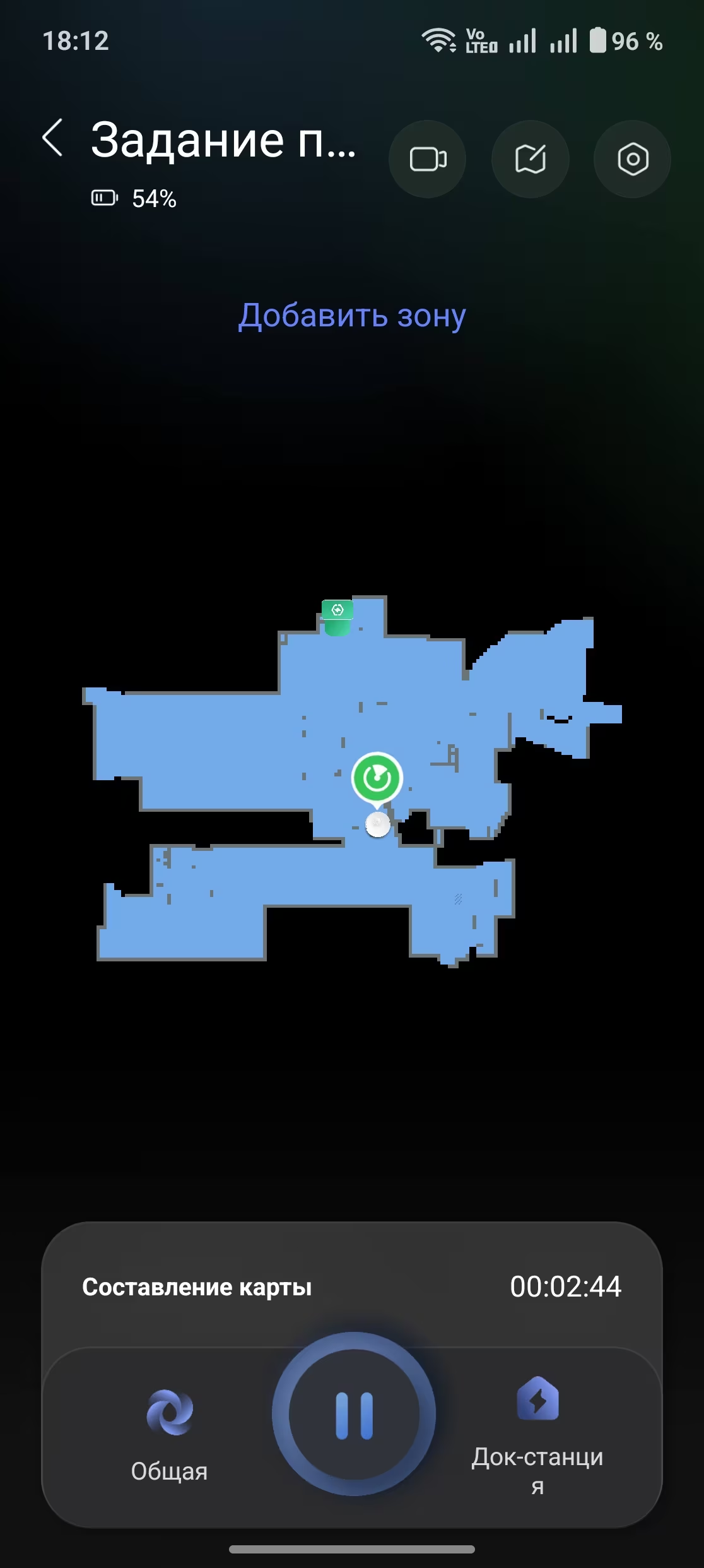
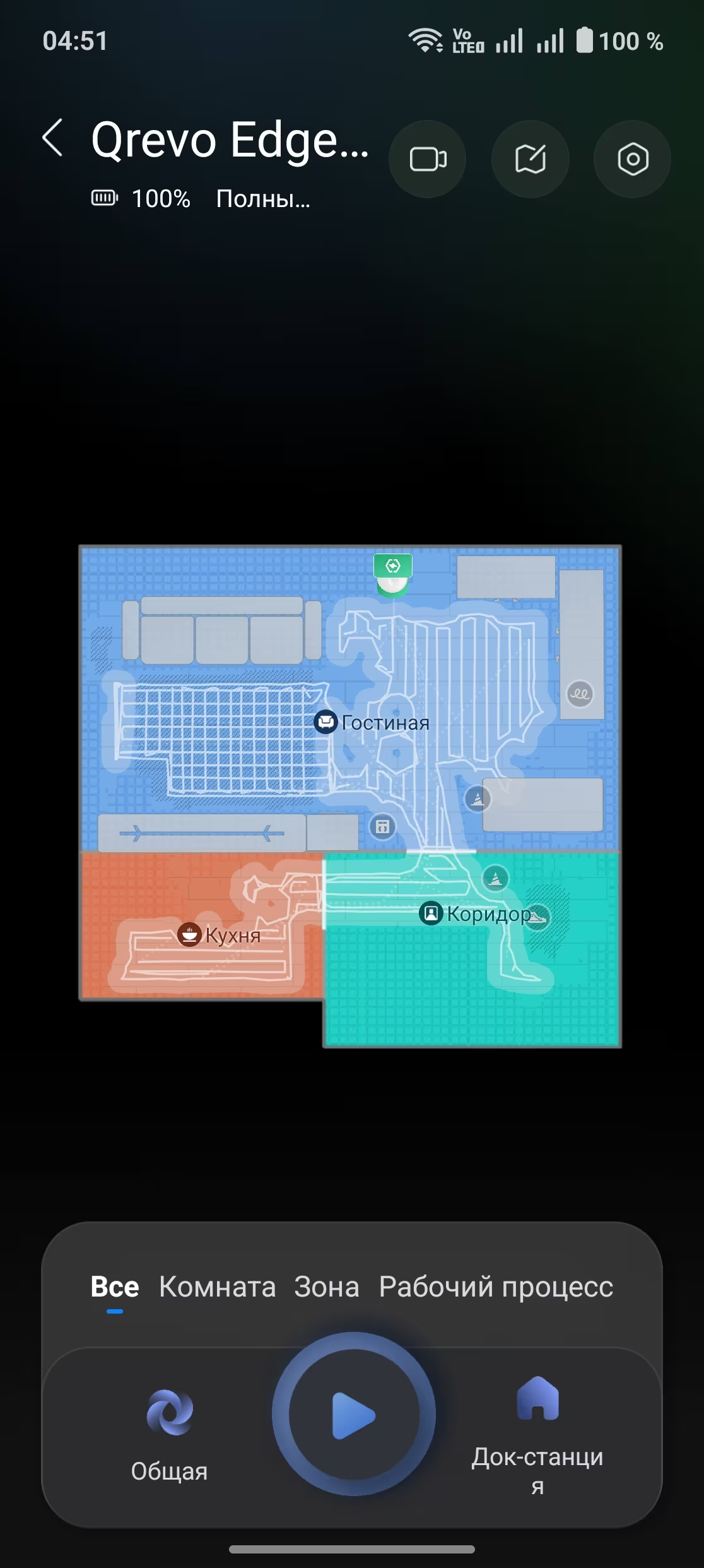
Once connected, the app walks you through a quick three-card tutorial and then lets you start cleaning. The Qrevo Edge 2 Pro promptly rolls out and surveys the apartment. It only takes about two and a half minutes to map my place using a combo of camera and LiDAR-no tedious corner-by-corner scouting needed. Walls and furniture edges are detected without physically bumping into them, and the map forms live on your phone screen.
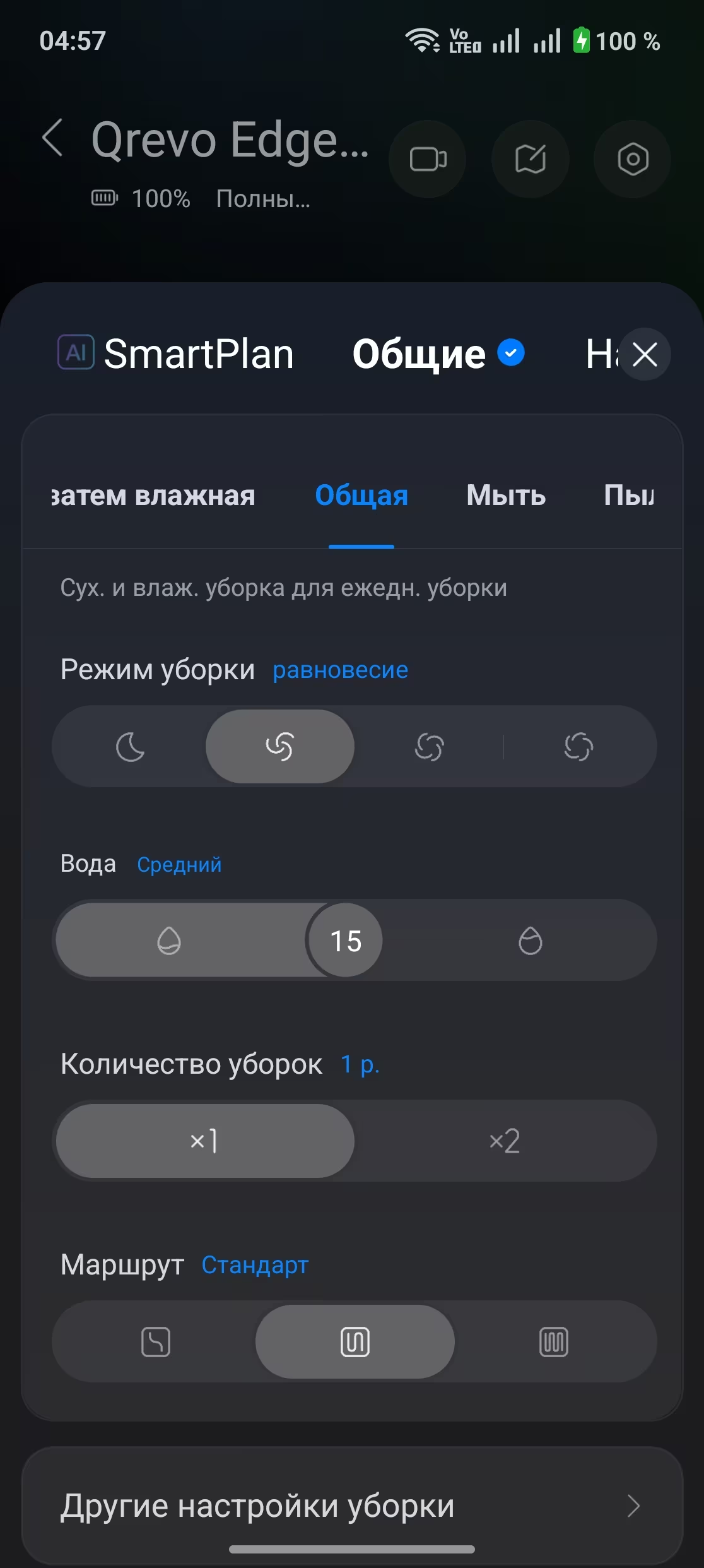
This initial map is rough but gets refined during each cleaning session. You can already edit it on your phone-name rooms, set custom cleaning preferences per room, and schedule the vacuum to switch automatically between dry and wet cleaning, returning to base as needed.
Object recognition and carpet detection in Roborock Qrevo Edge 2 Pro
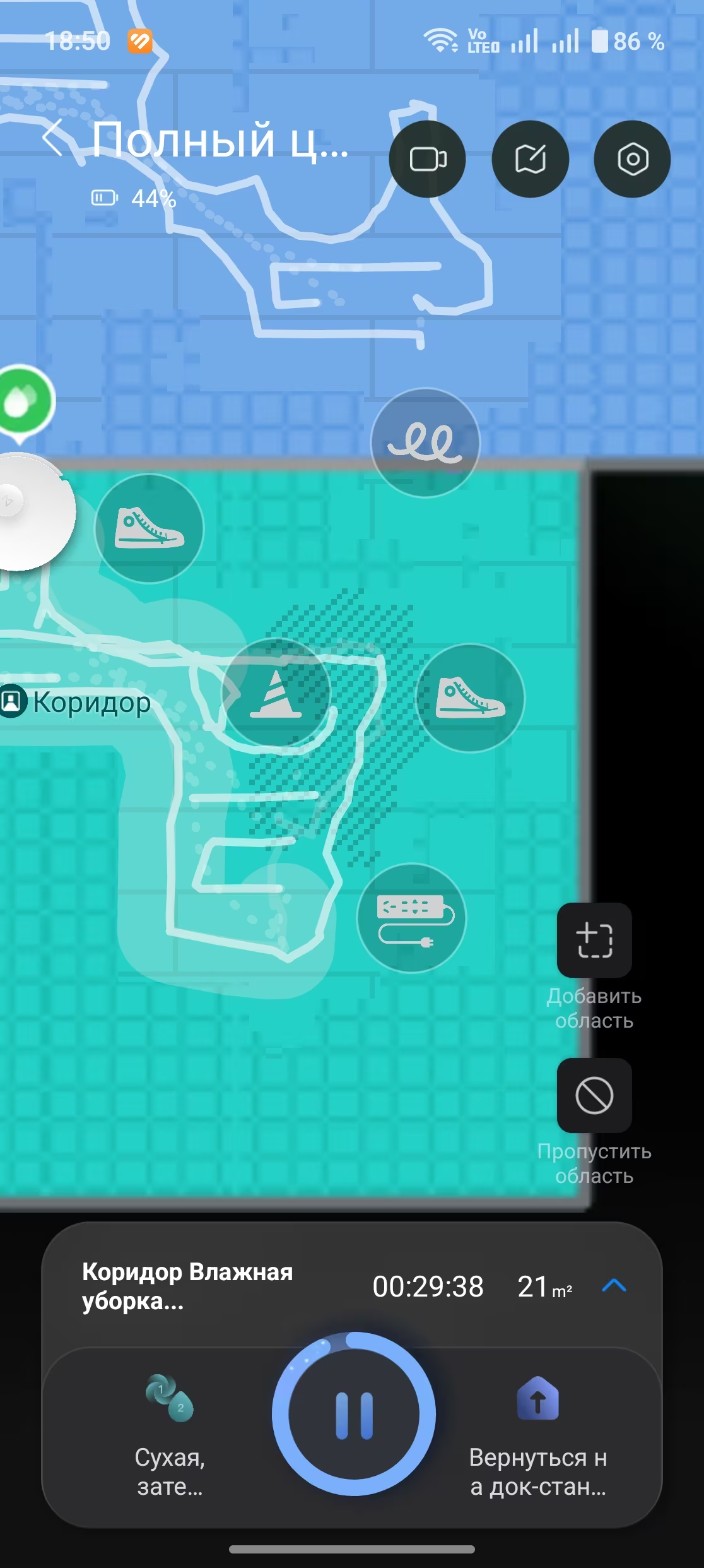
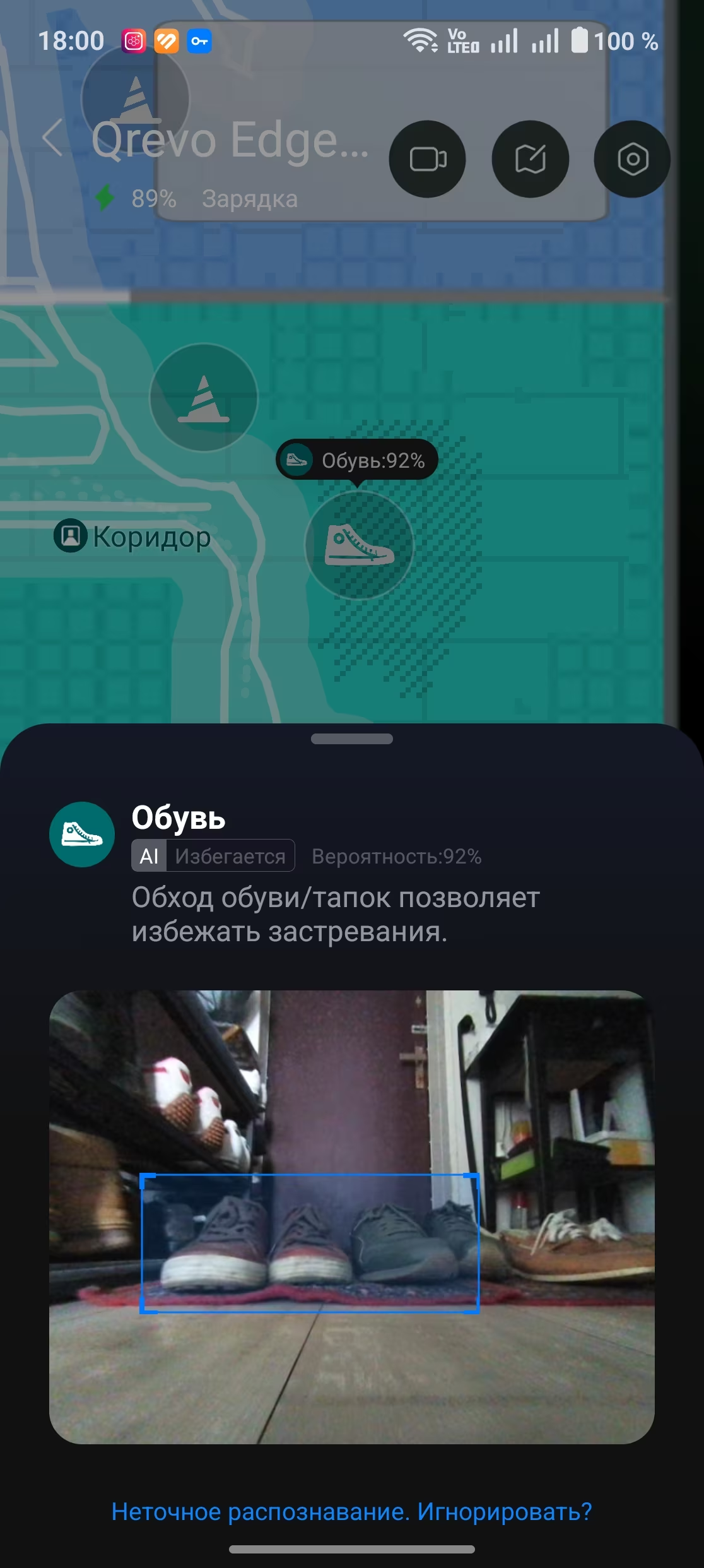
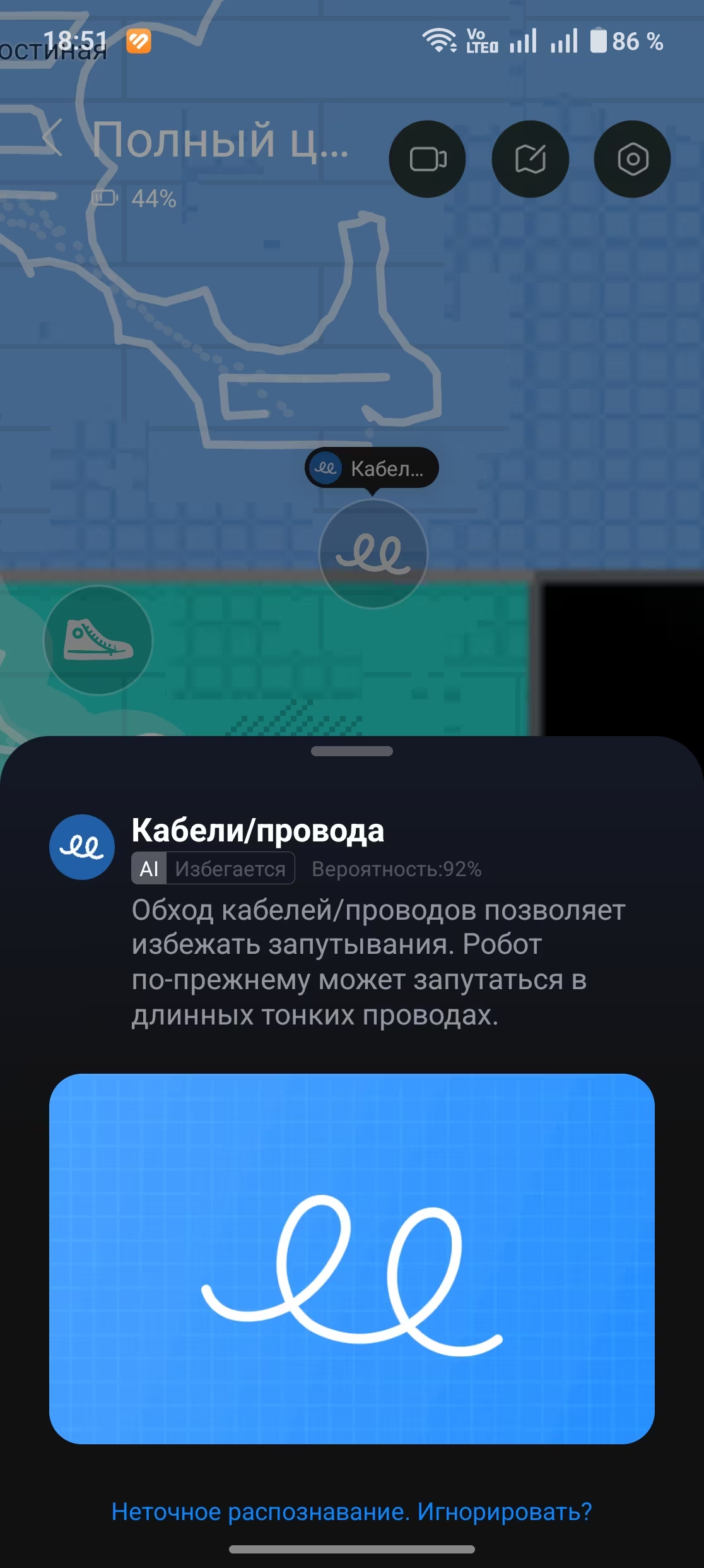
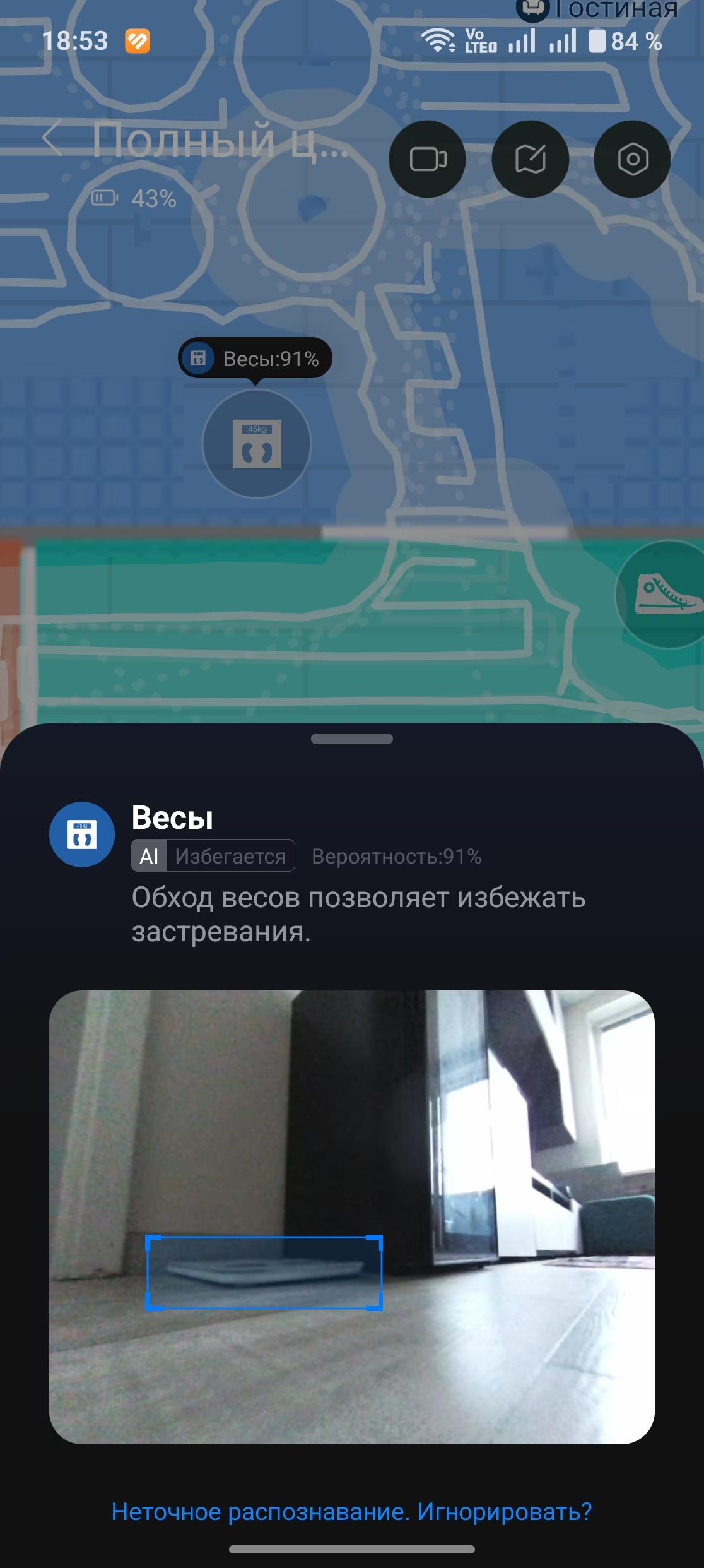
This model excels at recognizing objects scattered around your home. While carpet detection is increasingly standard in robot vacuums, identifying cables, shoes, bathroom scales, and even pet messes still feels futuristic. Each object is marked on the cleaning map, and if you allow camera access, you can see photos of these items on your app.
Even better, it automatically marks carpets on the map-no more fiddling with manual boundaries. When it transitions from mopping to carpet, it backs off, lifts the mop pads, then re-enters the carpeted area at a higher suction power. Whether it’s cleaning the carpet or just passing over it, the vacuum always adjusts suction accordingly.
It even distinguishes large carpets from smaller rugs-a subtlety most humans miss. You can program it to clean big carpets separately, after which it empties itself and continues mopping the rest of the apartment. It can also differentiate between long and short pile carpets, adjusting its cleaning strategy accordingly.
Voice control and connectivity in Roborock Qrevo Edge 2 Pro
You don’t need a full smart home setup to control this vacuum by voice. Just say ”Hello Rocky” and tell it what to do, like ”mop the kitchen floor.” It’ll comply, narrating its actions aloud.
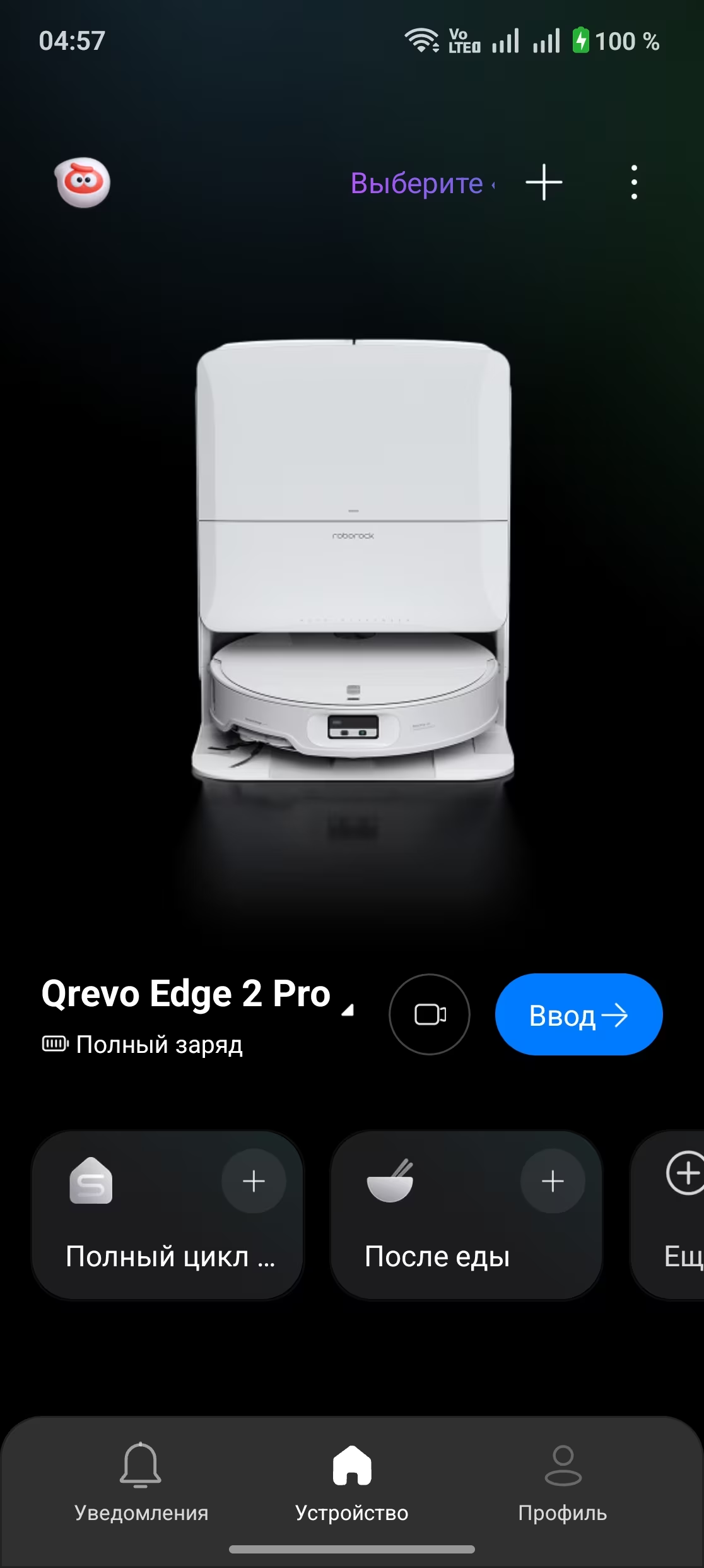
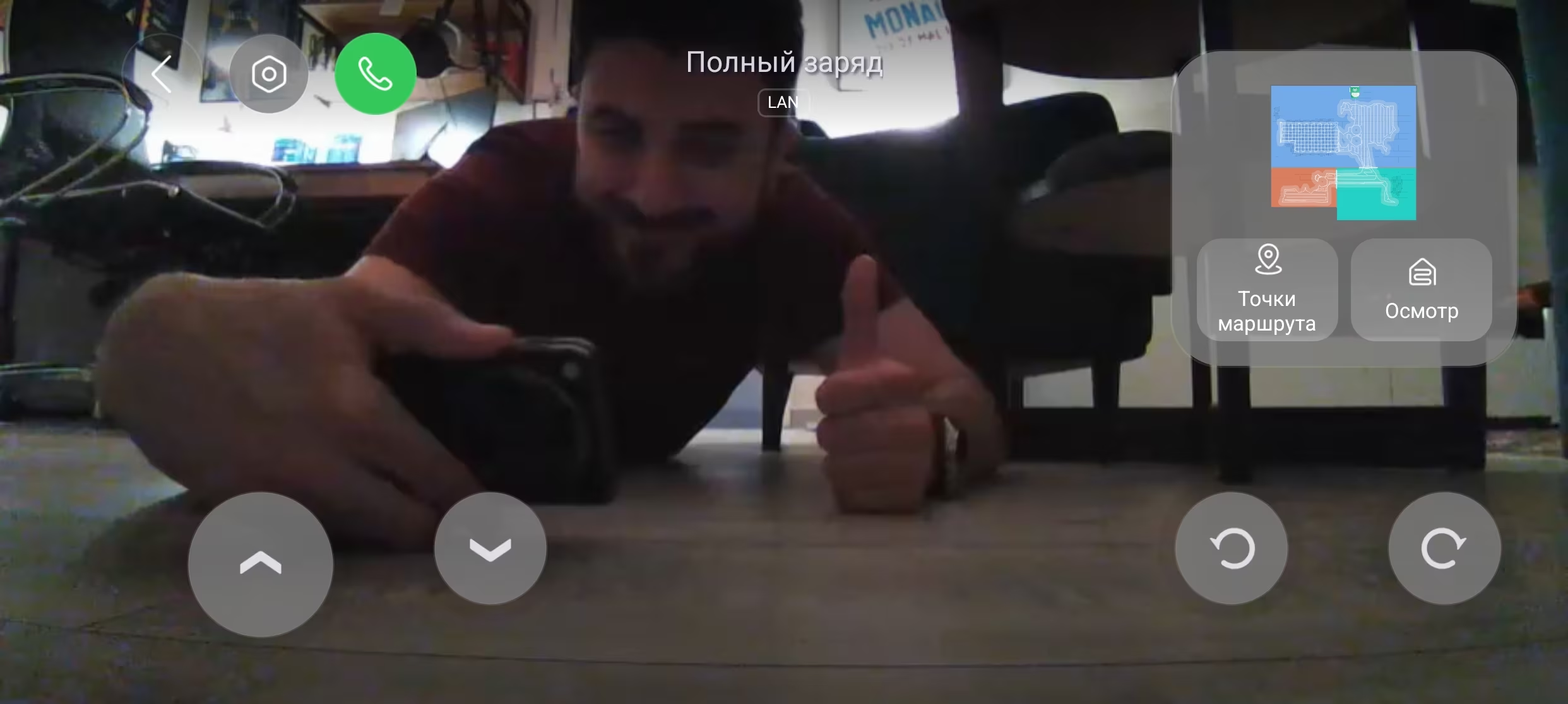
Thanks to built-in microphones and speakers, you can even call the vacuum and speak to family members through it. The camera activates, allowing a video chat and letting you remotely drive it to the room where your conversation partner is located.
Beware: manual control via smartphone sometimes lags severely, often ignoring commands or executing them with up to a 10-second delay.
Cleaning performance of Roborock Qrevo Edge 2 Pro
Back to the main point-cleaning. The Qrevo Edge 2 Pro performs brilliantly. Compared to my old Roborock, it’s much quieter, and the floors actually look cleaner. The mop pads don’t just glide around like last time-they rotate to scrub dirt effectively.
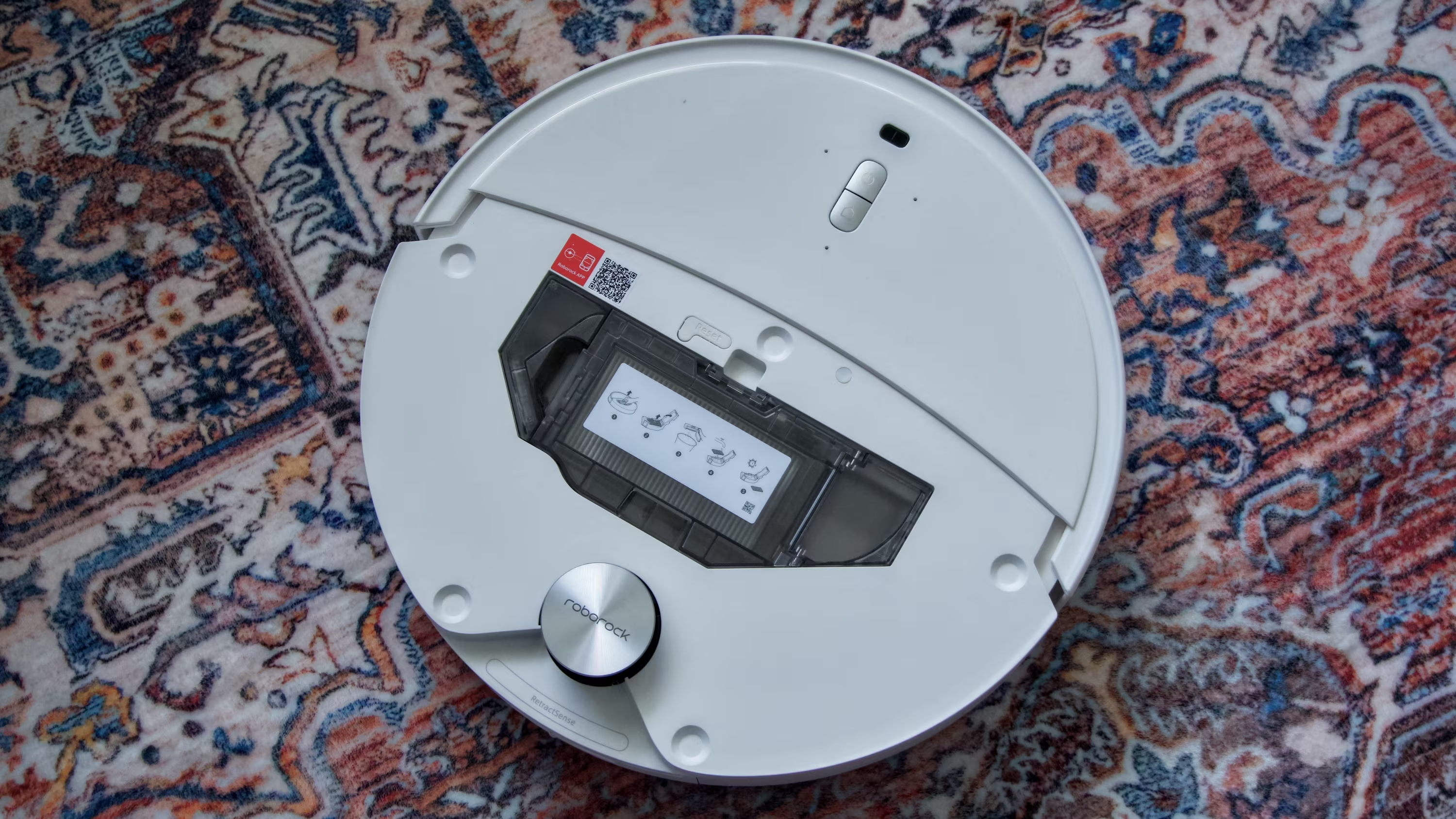
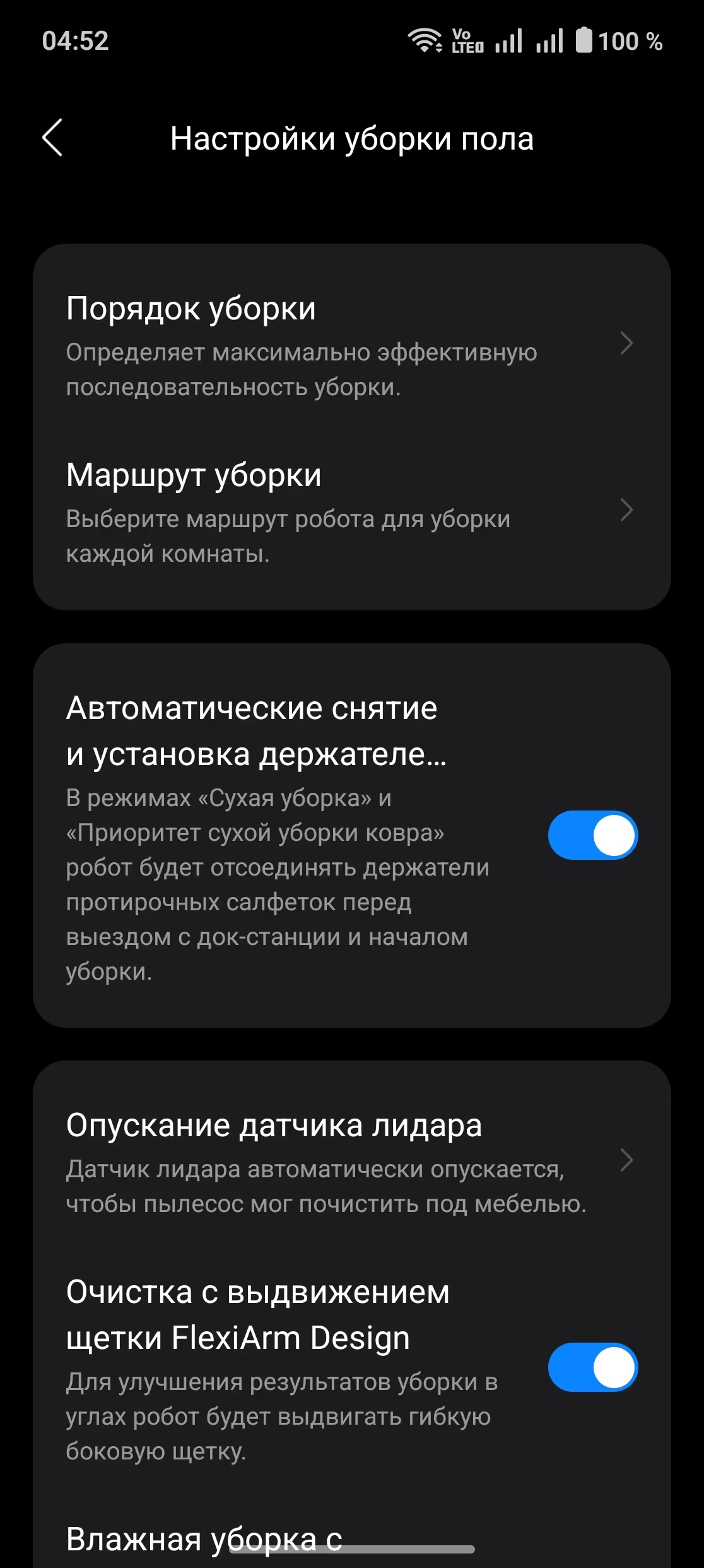
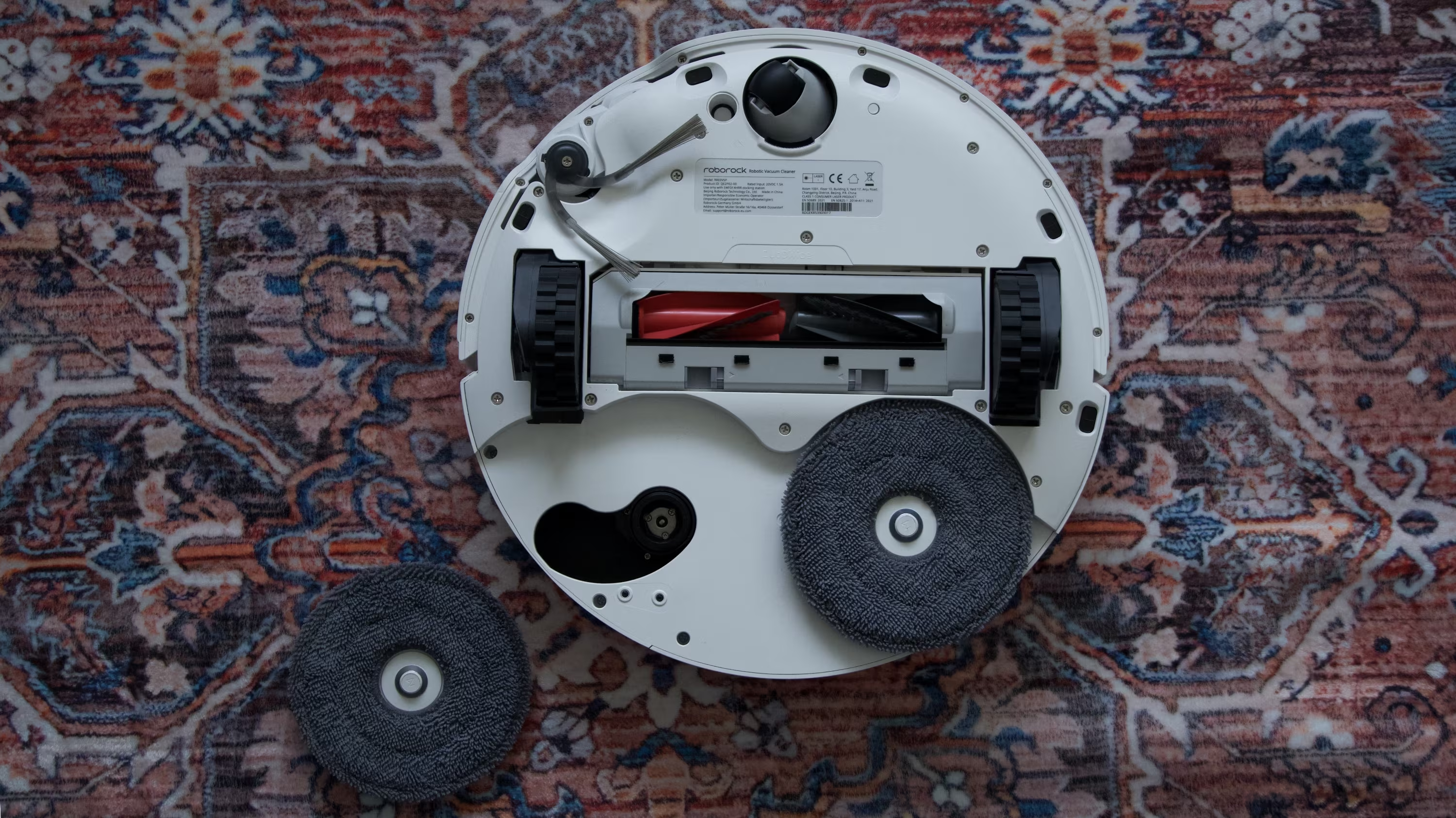
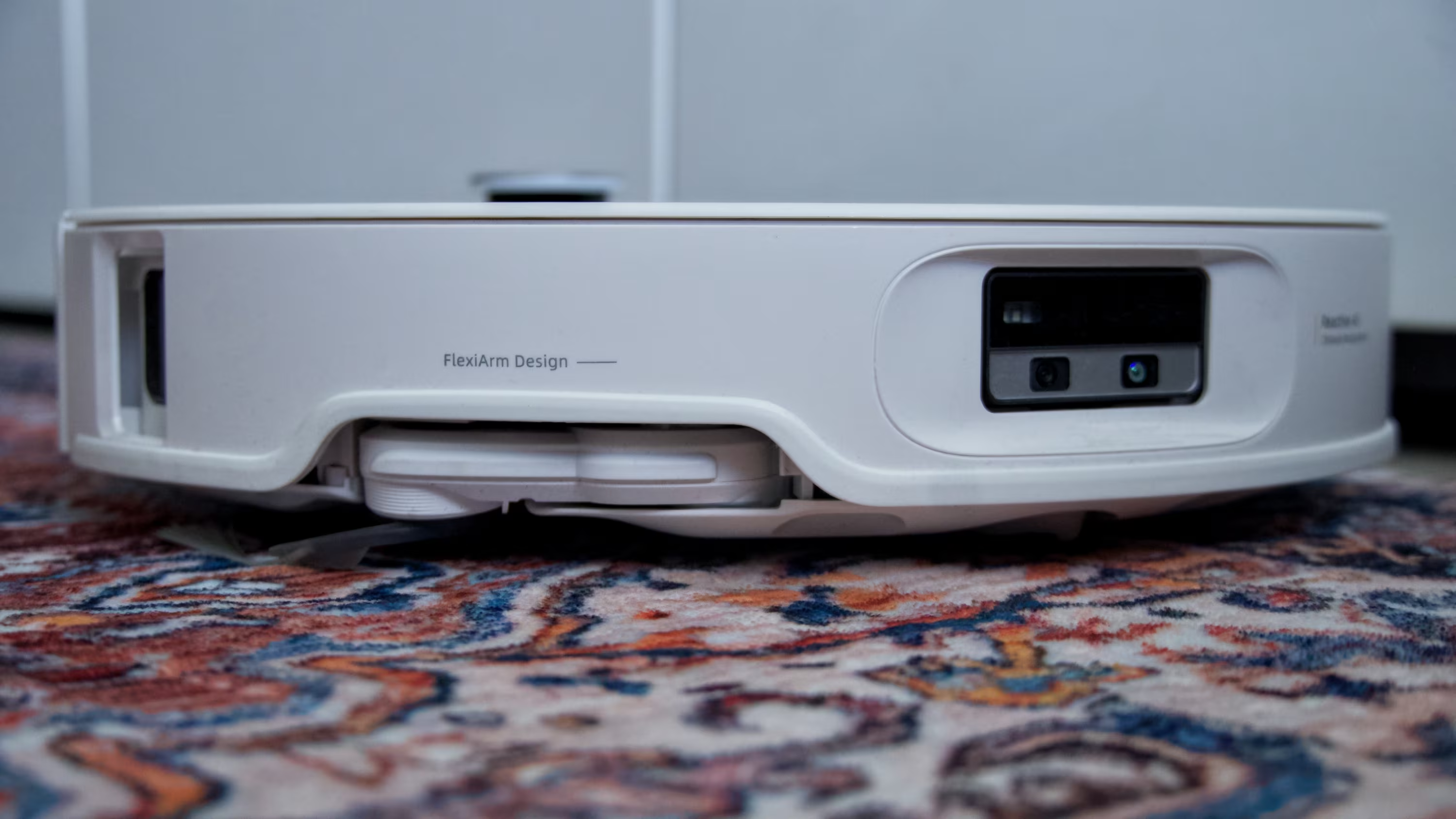
It can spot tough stains and will pause to scrub them thoroughly, returning to base if needed to clean its pads before tackling the mess again. The adjustable mop arms extend beyond the robot’s round chassis, reaching corners and under furniture edges for better cleaning coverage.
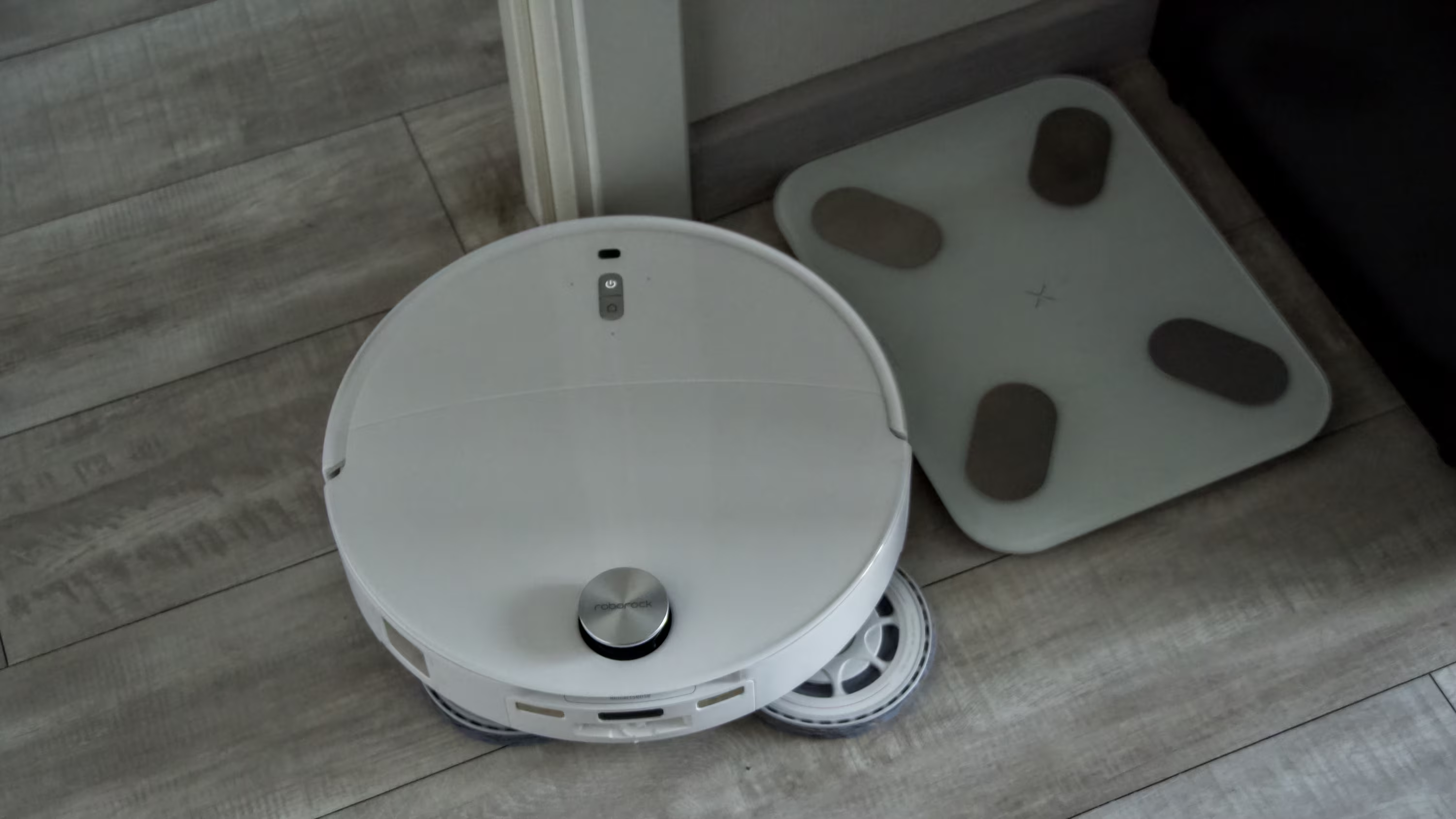
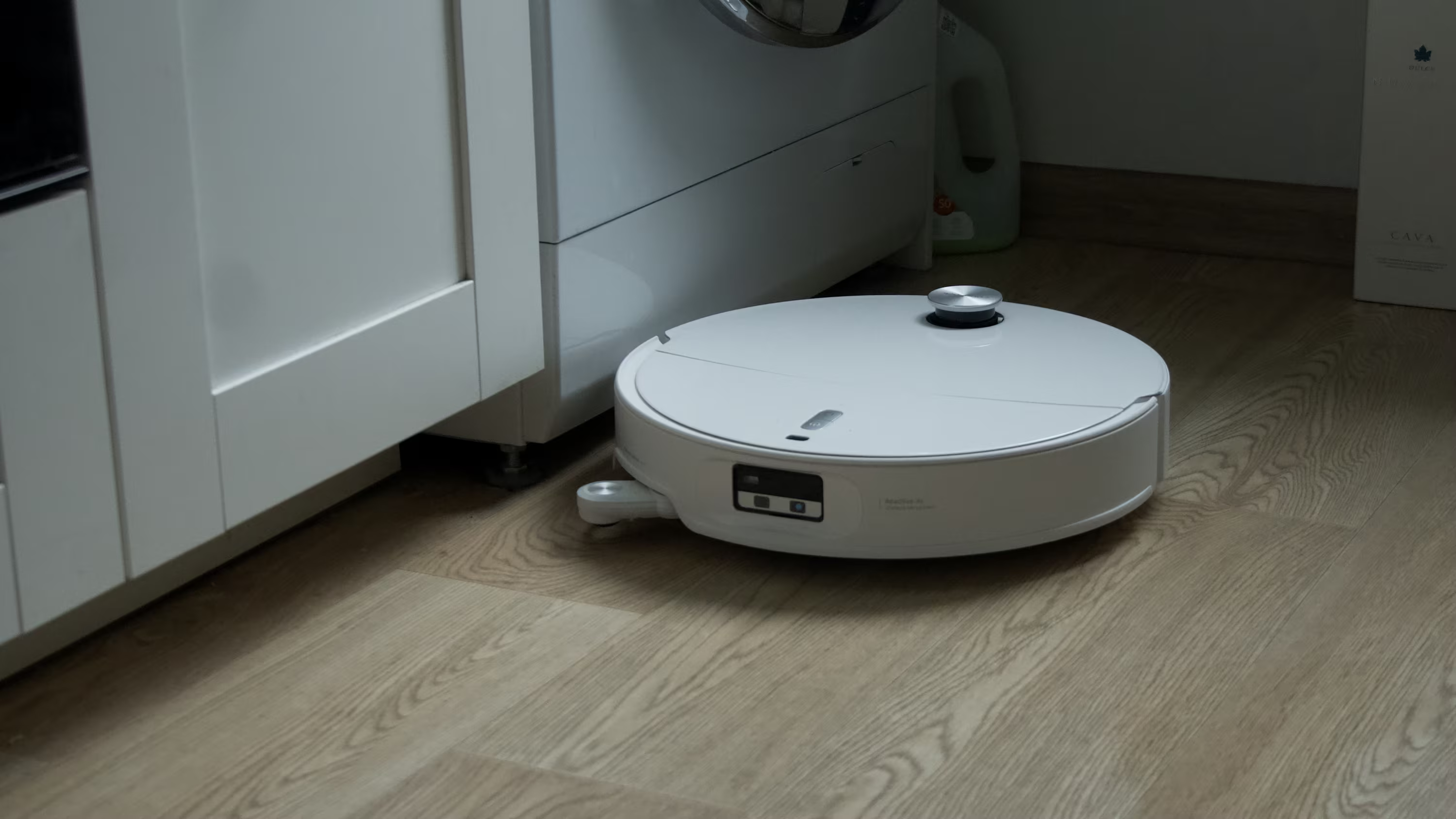
A bright front light helps the vacuum navigate and spot debris even in total darkness. Its extending side brush can shovel dust and crumbs from those hard-to-reach corners like a pro.
Maintenance of the Roborock Qrevo Edge 2 Pro
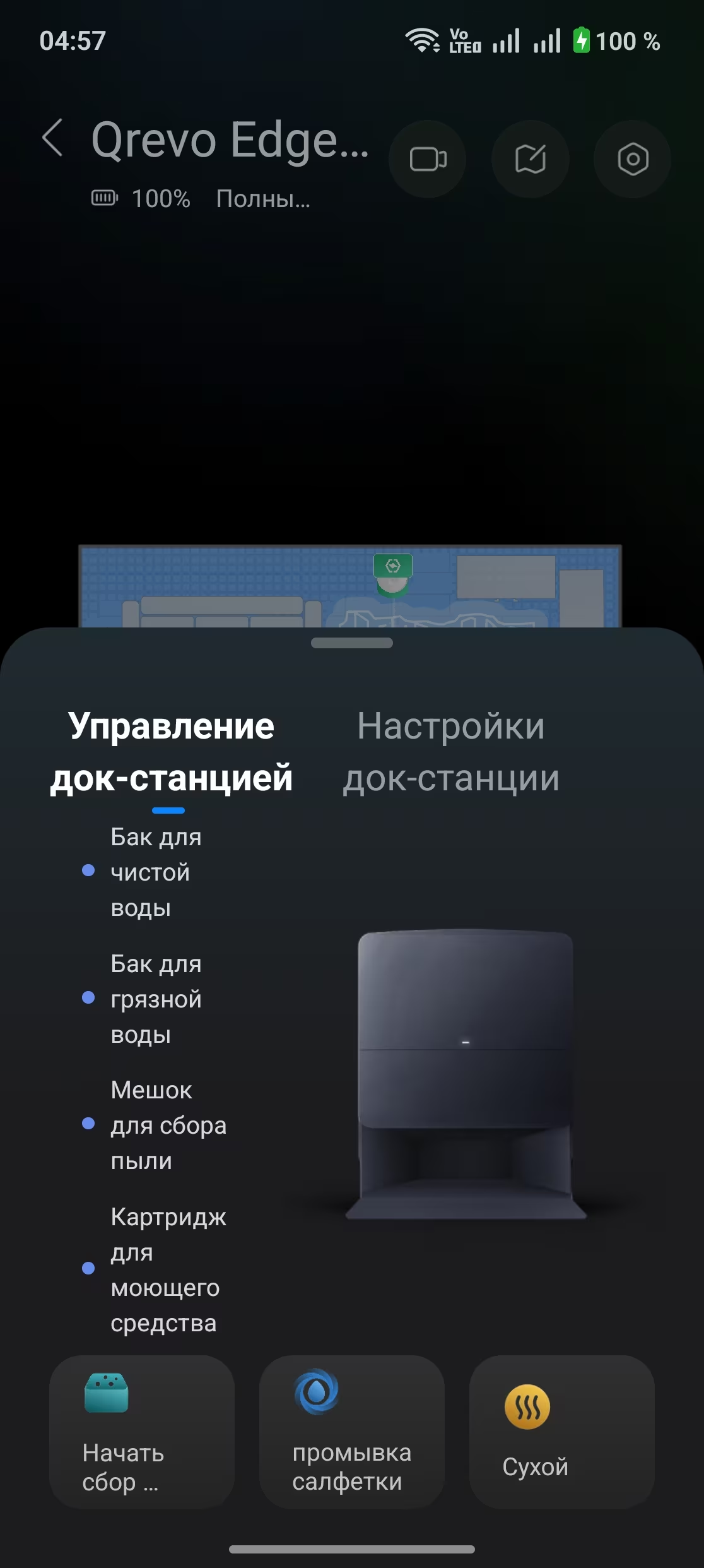
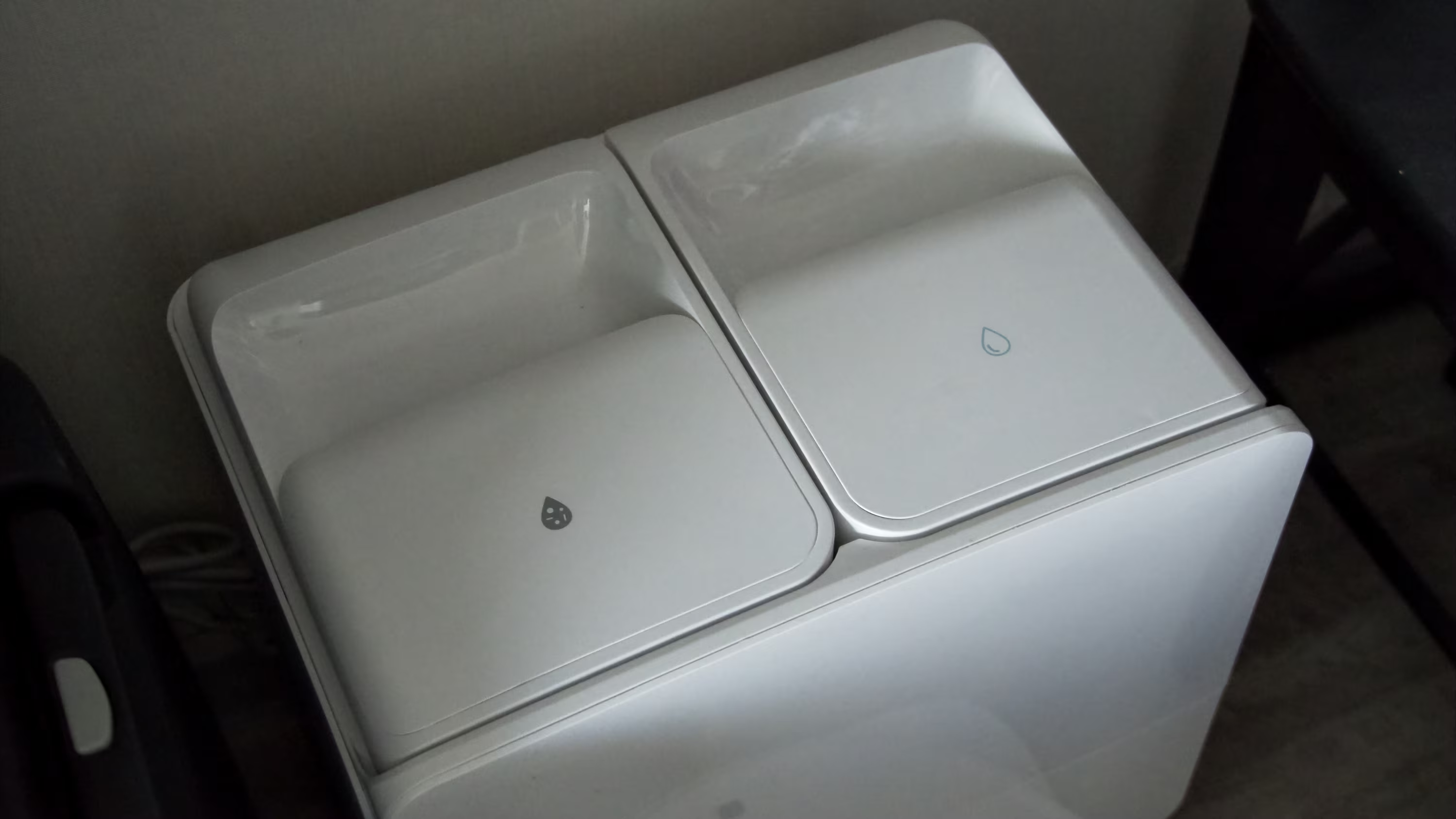
Most of the maintenance happens right at the dock: two large water tanks (one clean, one dirty), the dust bag compartment, and a small detergent container. All have simple access with clear icons-no manual needed. Initial assembly and setting up the station are intuitive.
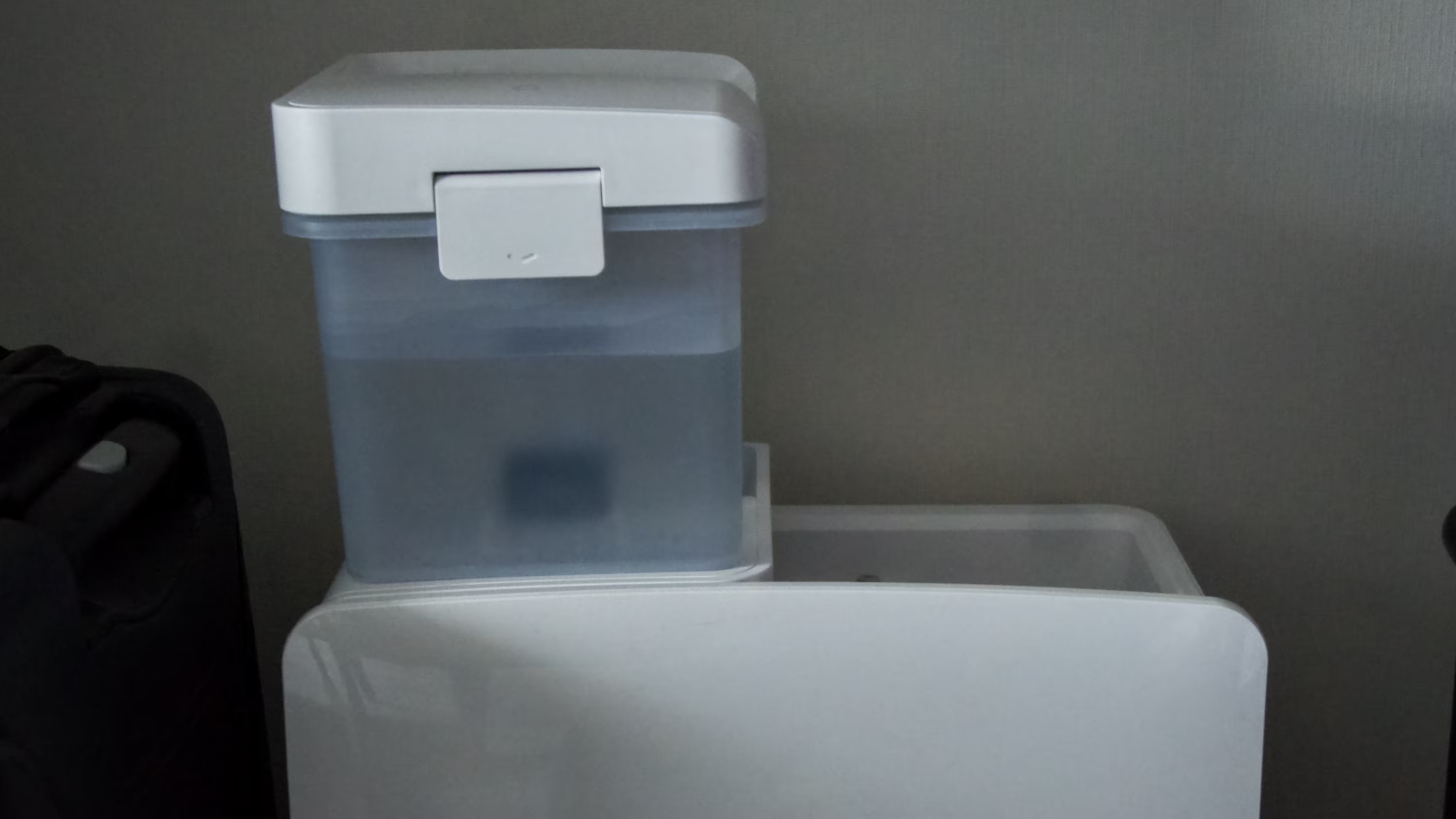
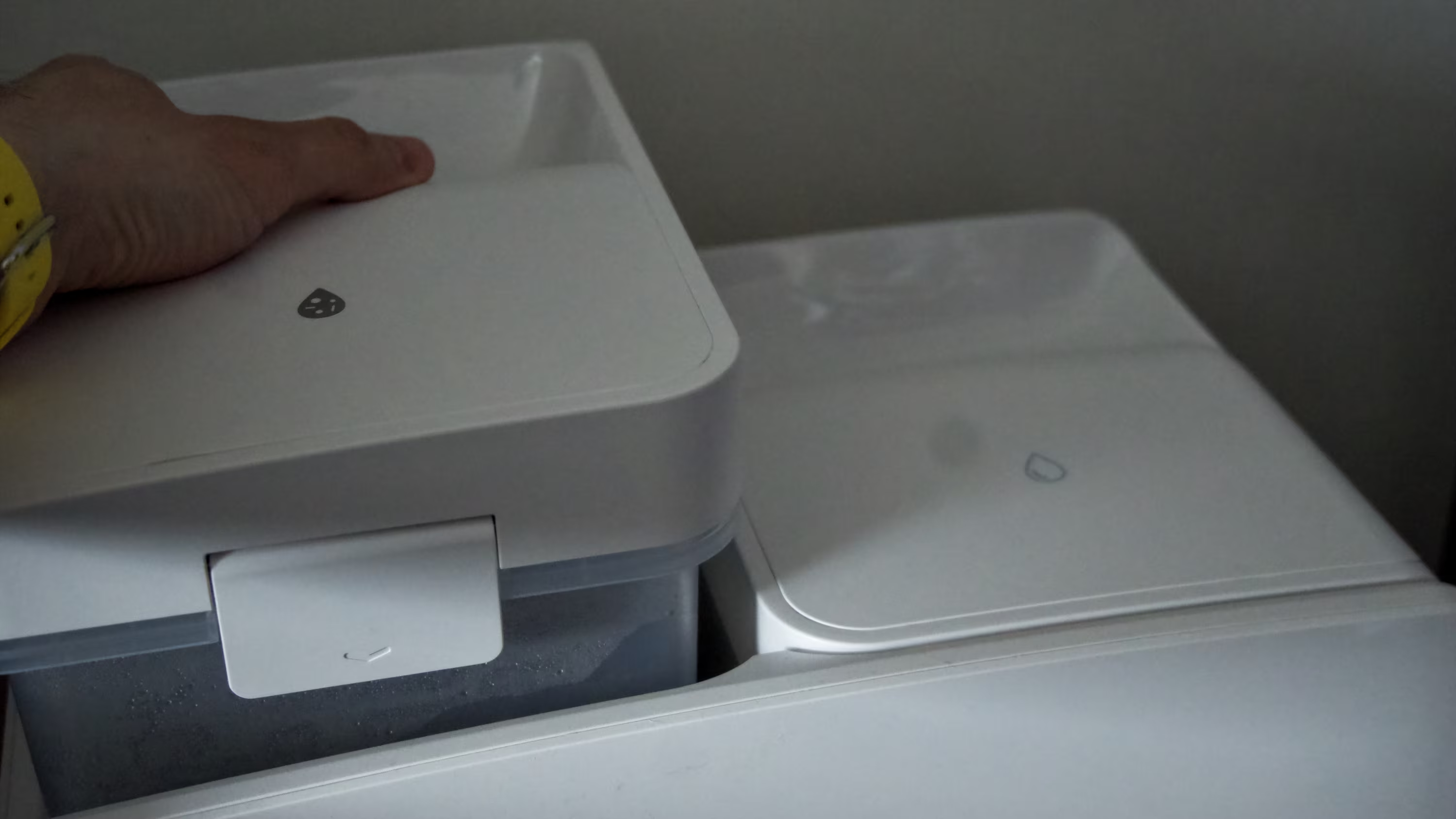
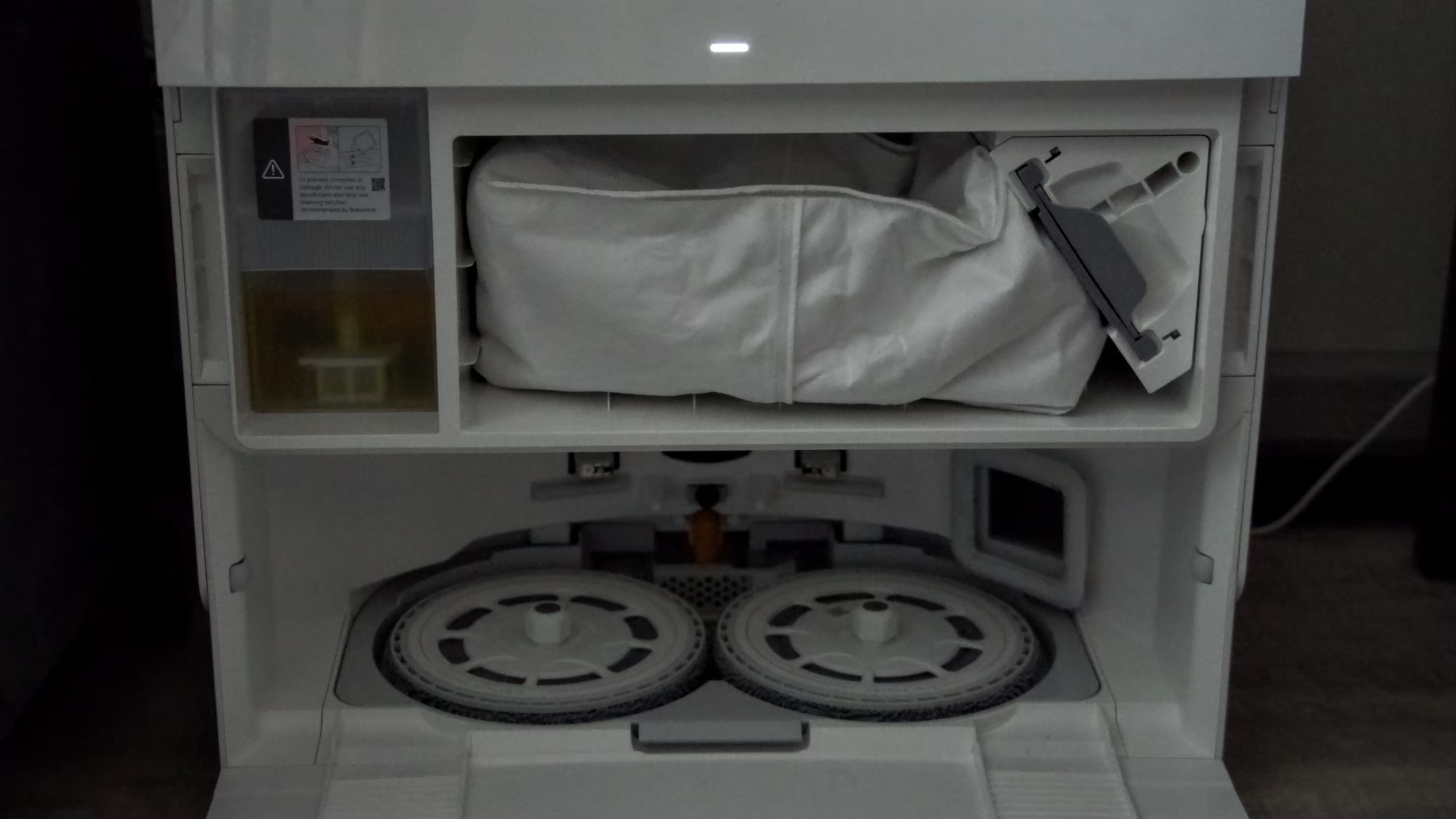
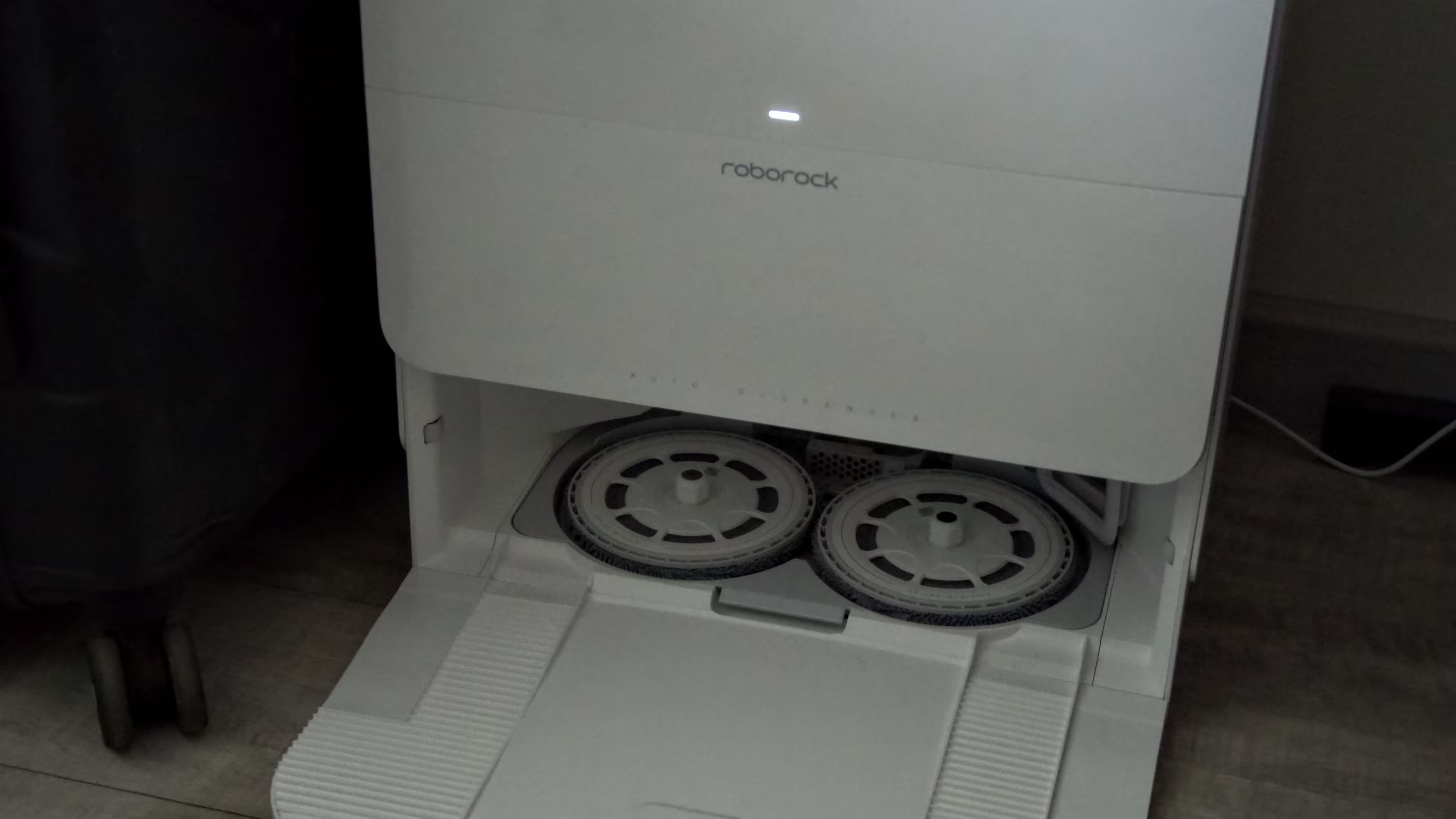
If you’re new to robot vacuums, you might wonder about the small container next to the dust bag-that’s for cleaning detergent. The manufacturer recommends specially formulated concentrates for robot mops, so using other cleaners is at your own risk. My previous Roborock handled a basic floor cleaner concentrate for two and a half years without issue, but I can’t guarantee this for the Qrevo Edge 2 Pro or vouch for warranty coverage if you ignore guidelines.
Final thoughts on Roborock Qrevo Edge 2 Pro vacuum cleaner
As I hinted from the start, this vacuum is outstanding. It cleans better than any robot I’ve tried, operates quietly, and boasts advanced smarts. The advanced carpet recognition alone justifies considering it for your home. The Roborock Qrevo Edge 2 Pro feels like a household appliance that truly improves daily life. Maybe it sounds like high praise, but my floors are undeniably cleaner. If a gadget makes life easier, why not welcome it?
Pros and cons- Excellent floor cleaning
- Advanced spatial mapping and object recognition
- Quiet operation
- Rich feature set
- Very user-friendly
Cons:
- Only supports 2.4 GHz Wi-Fi networks
- Significant lag during manual remote control
Rating: 9.8/10
Roborock’s Qrevo Edge 2 Pro pushes robot vacuum tech further than most competitors. Its real-time mapping and object identification best many Western rivals. However, its exclusive 2.4 GHz Wi-Fi support feels outdated in 2026, potentially affecting stability in dense living environments. The voice control and video call features hint at future multifunctional home robots. With home automation becoming standard, expect models like this to reshape household chores-though connectivity and remote responsiveness remain points to watch.