

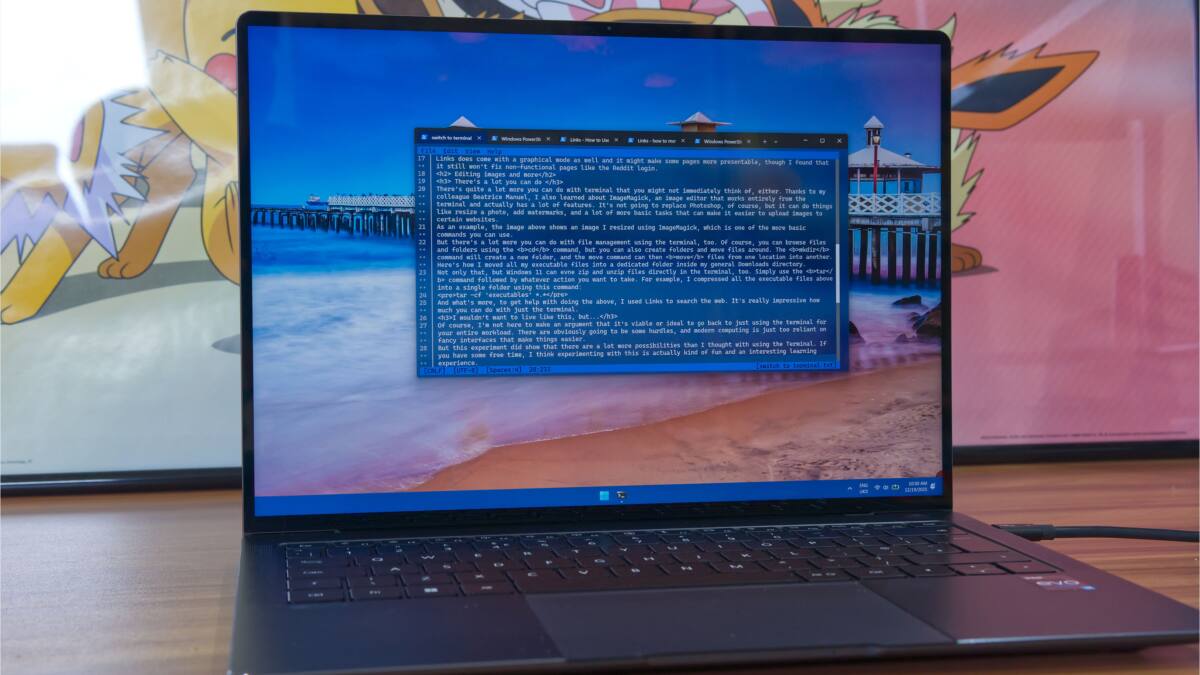
Microsoft is quietly turning Windows Console into a much better terminal, borrowing a pile of features from the open-source Windows Terminal codebase and shipping them first in Canary build 29558.1000. That means the oldest part of the command-line stack is finally getting upgrades users have wanted for years: faster scrolling, better paste handling, regex search, Sixel image support, and an optional Direct3D rendering path.
The twist is familiar by now. Microsoft still owns the platform, but the open-source community keeps doing the sharpest work on top of it. Windows Terminal has been the flashy face of that effort; Windows Console is the engine underneath. Now some of the good parts are moving down into the engine, which is great news for anyone still using PowerShell, WSL, or older console workflows.
Windows Console gets Windows Terminal features
The Canary release adds a fairly long list of improvements. Some are flashy, some are the kind of plumbing work nobody notices until it breaks, and some are long overdue enough to make you wonder how they survived this long.
- Optional new Atlas/Direct3D rendering path, enabled with UseDx in HKCU\Console
- Regular expression search in the Find dialog
- Bold font rendering in the original engine
- Paste reliability fixes for characters the output code page could not represent
- Accessibility updates for legacy MSAA and parts of UI Automation
- Snap-on-input changes for better behavior with VT processing, WSL, and PowerShell
- OSC 52 clipboard support
- Sixel image support
- Alt + Numpad clipboard text fix
- Scrolling speed improvements of up to about 10x in some scenarios
- Rectangular selection fixes for Edit > Mark
That mix tells you where Microsoft’s priorities are headed: less polish theater, more practical cleanup. The clipboard and rendering fixes are the kind of changes that make daily terminal use feel less flaky, and the performance bump will matter most to people who treat the command line like a workbench rather than a novelty.
Why Canary matters for terminal users
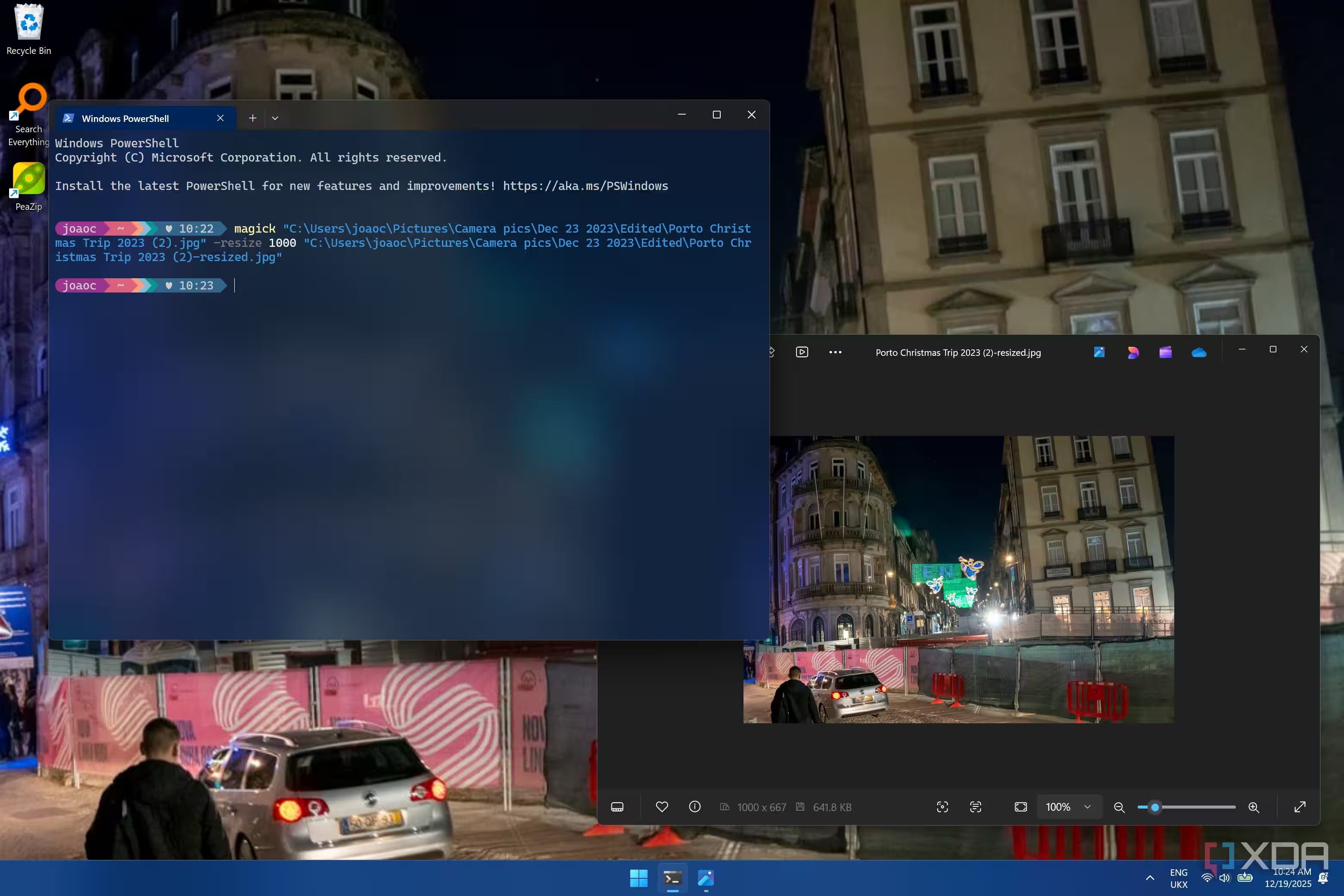
Canary is still the first stop in Microsoft’s public testing pipeline, so this is not arriving on your machine any time soon unless you enjoy living dangerously. The features still have to pass through Dev, Beta, and Release Preview before they land broadly, which gives Microsoft plenty of time to break them in public or, ideally, fix them before the rest of us have to care.
Even so, the direction is pretty clear. The company is taking ideas that proved themselves in Windows Terminal and pushing them into the older console layer, which is a sensible move after years of making users choose between modern features and legacy compatibility. If Microsoft keeps doing that, Windows’ command-line tools may end up better because the open-source side refused to wait politely.
What to watch in the next builds
The real question is how much of Windows Terminal’s future eventually becomes Windows Console’s present. If this round is any clue, Microsoft is happy to keep merging the useful bits, and that could make the built-in console far less of an embarrassment for power users. The remaining open question is whether the company will keep the pace once the easy wins are done.