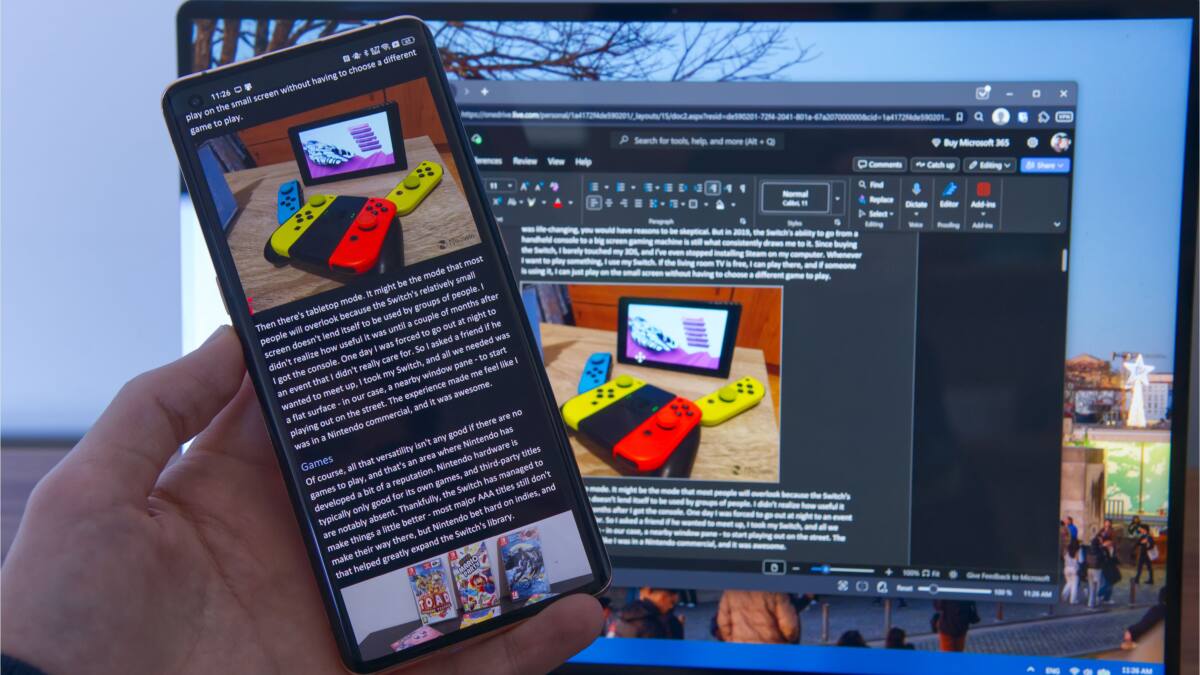
Microsoft’s Windows 11 includes a feature called Cross-device Resume, designed to let users pick up work on their PC right where they left off on their phone. While this feature aims to bridge mobile and desktop experiences-similar to the smooth handoff between Apple’s devices-its usefulness is currently limited. Narrow phone compatibility and support for only a few apps leave most users unable to fully benefit from seamless device switching.
Cross-device Resume is part of the broader Phone Link ecosystem, which strives to create a unified experience between Windows PCs and smartphones. However, it supports only phones from Samsung, Oppo, Honor, Vivo, and Xiaomi. This excludes major Android brands such as Google Pixel, OnePlus, and Motorola. For instance, Vivo’s integration of Cross-device Resume works solely with its own web browser, highlighting the fragmented approach in Microsoft’s implementation.
The feature currently supports just three applications:
- Microsoft 365 Copilot – enables continuation of documents between phone and PC if files are stored on OneDrive and the phone is supported
- Spotify – although it includes its own device switching method, limiting Cross-device Resume’s added value
- Other apps – do not leverage this feature at all
Importantly, the connectivity is one-directional, allowing task transfer from phone to PC only. This limits real-world workflow, as users cannot easily move tasks back from PC to phone.
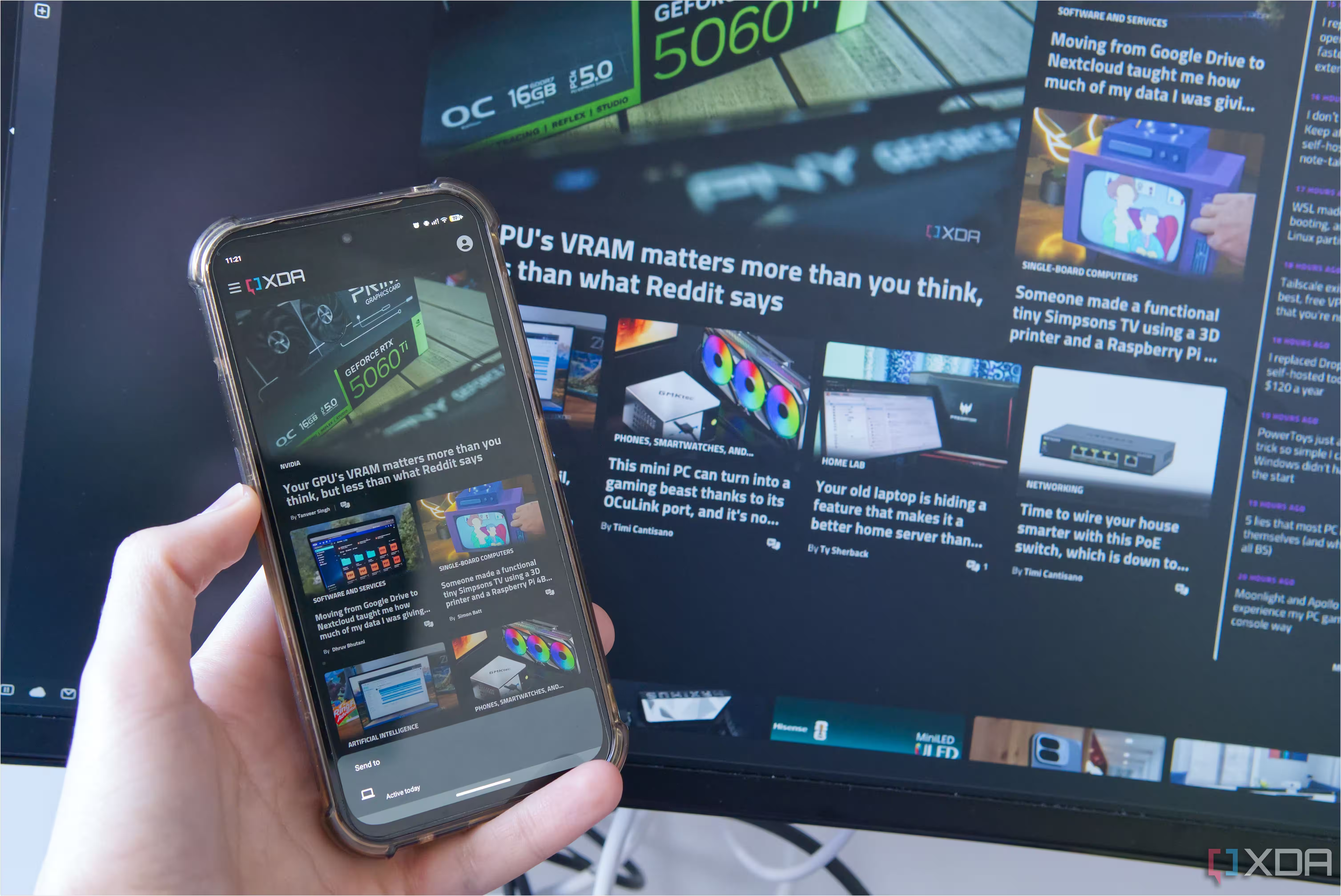
Cross-device workflow is not a new concept, but Microsoft’s solution currently falls short compared to Apple’s iOS and macOS ecosystem. Apple’s tightly integrated environment supports a wide range of app handoffs, while Windows must navigate the diverse and fragmented Android ecosystem without centralized control. Many app developers instead provide their own syncing tools. For example, the Vivaldi browser offers direct tab sharing across devices with full bidirectional support, independent of Windows or Phone Link. Similarly, Google Maps provides seamless desktop-to-phone navigation sharing outside Microsoft’s framework.
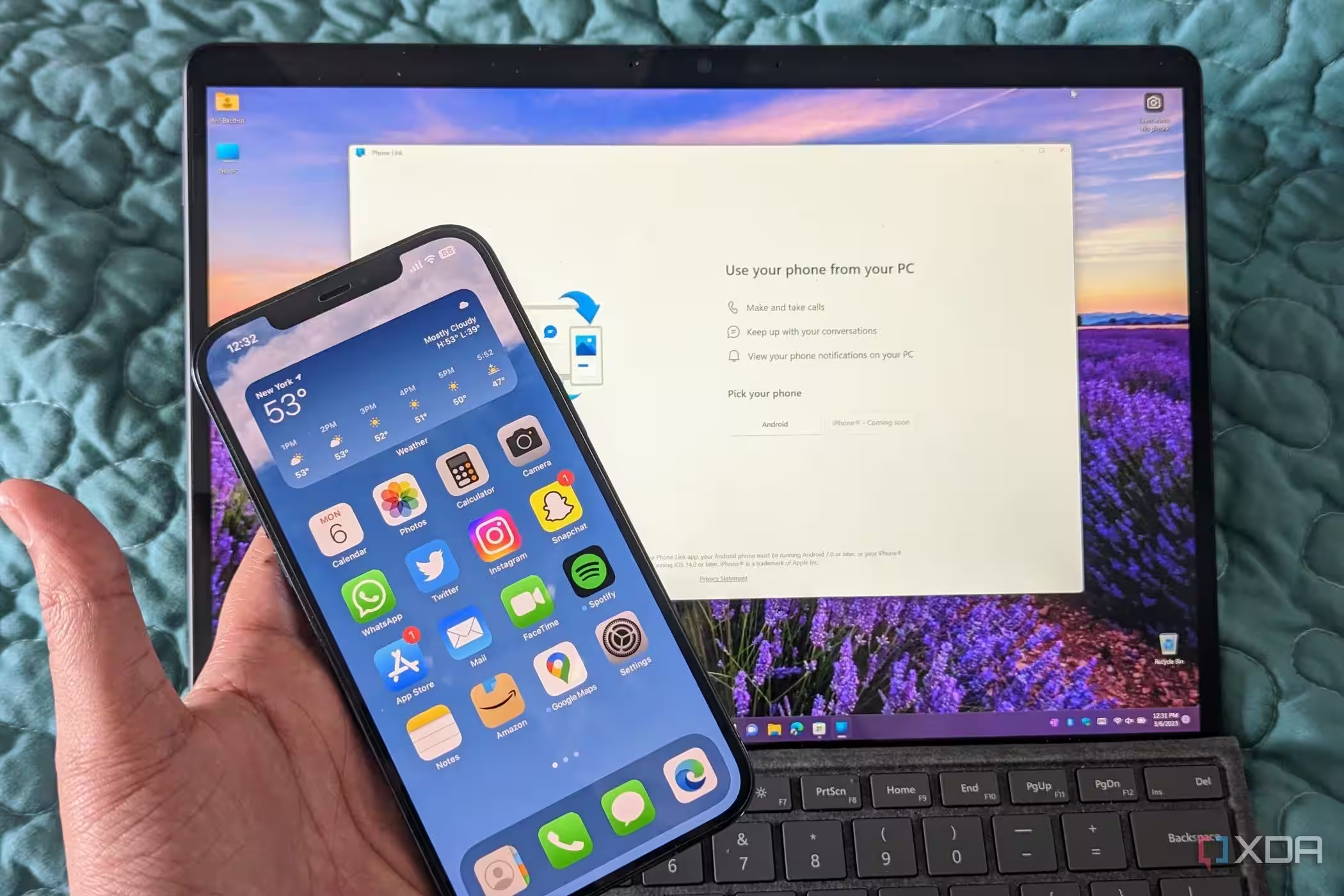
Despite its drawbacks, Phone Link offers practical features such as:
- Making calls, viewing notifications, answering texts, and browsing phone photos on PC
- Running select Android apps on Windows, limited to Samsung and Oppo devices
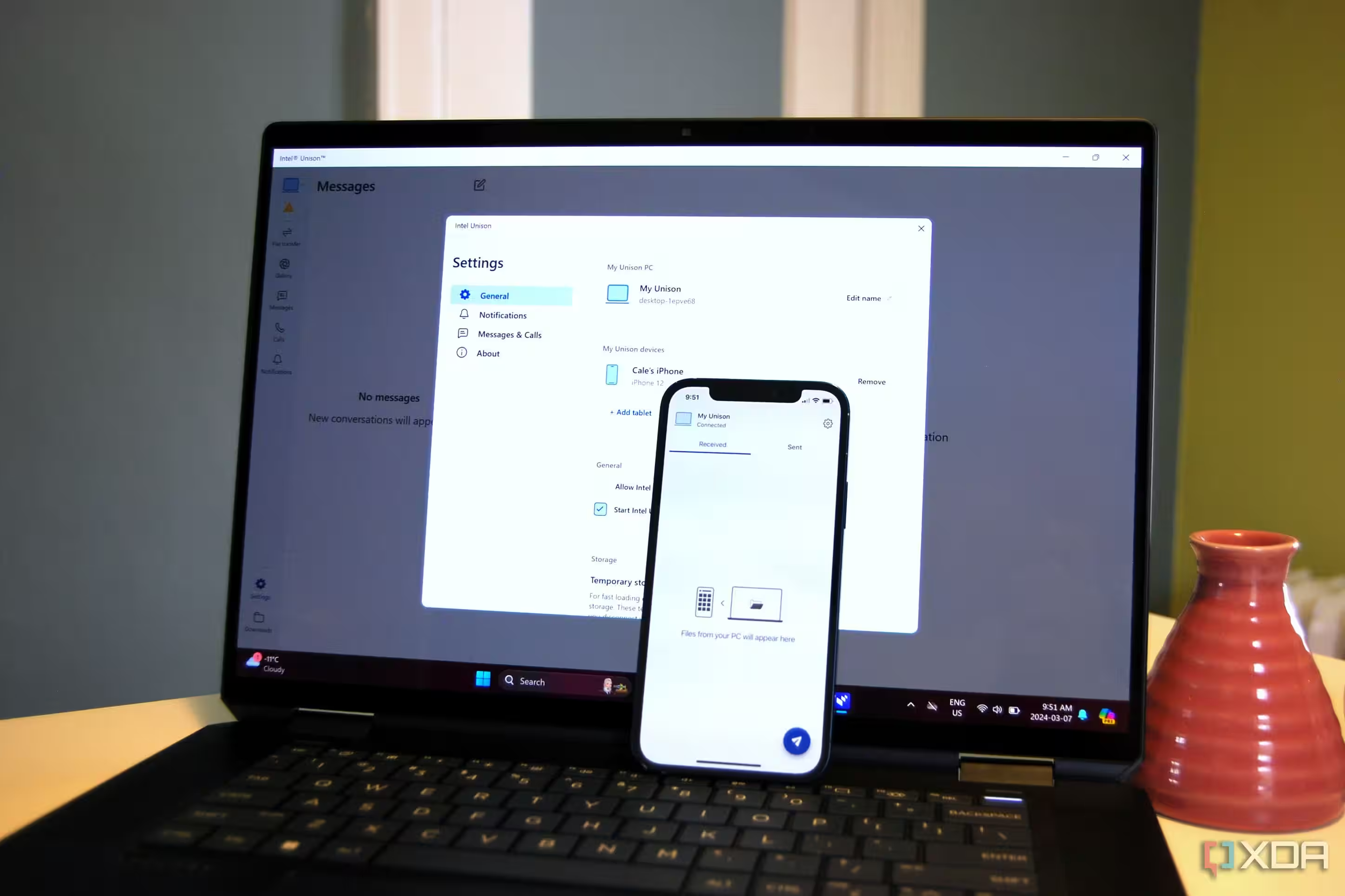
- Basic functionality for iPhone owners, including calls and SMS, though excluding Cross-device Resume
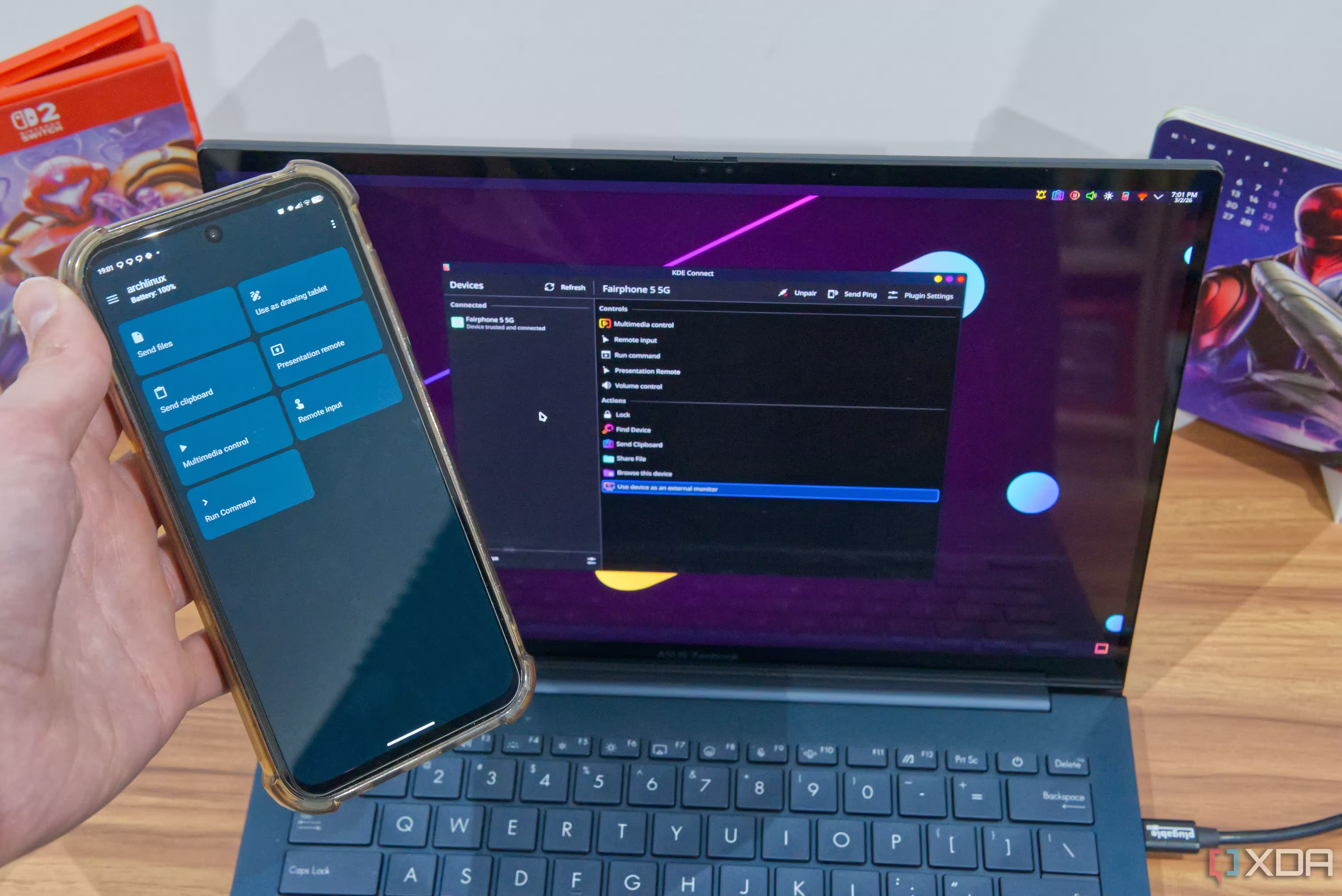
Alternatives to Phone Link often offer richer integration. For example, KDE Connect supports flexible device interactions, like using the phone as a presentation remote or mouse input, demonstrating the potential of more open and inclusive integration. Microsoft’s challenge remains navigating the fragmented Android landscape and relying on limited manufacturer partnerships to deliver key features.
Windows users hoping for hassle-free mobile-to-PC transitions will find Cross-device Resume promising but currently insufficient. Without expanding phone and app support, and enabling two-way syncing, it remains a convenience rather than a necessity. As competing ecosystems refine their cross-device capabilities, Microsoft faces a choice: broaden access or continue relying on niche partnerships, risking losing seamless device continuity to alternatives.