


If your GPU fans froze, your game black‑screened, or Windows blue‑screened after a driver update, you weren’t unlucky – you were unlucky enough to hit a bad Game Ready driver.
NVIDIA has pulled the GeForce 595.59 WHQL Game Ready driver, released alongside Resident Evil Requiem, after users reported a string of serious problems. The company is advising affected users to roll back to 591.86 WHQL while it investigates.
February 26, 11 a.m. PT update: We have discovered a bug in the Game Ready and Studio 595.59 WHQL drivers and have removed the downloads temporarily while our team investigates. For users that have already installed this driver and are experiencing issues with fan control, please roll back to 591.86 WHQL.
NVIDIA app users can reinstall their previous driver by clicking the three dots in the Drivers tab.
What the driver was breaking
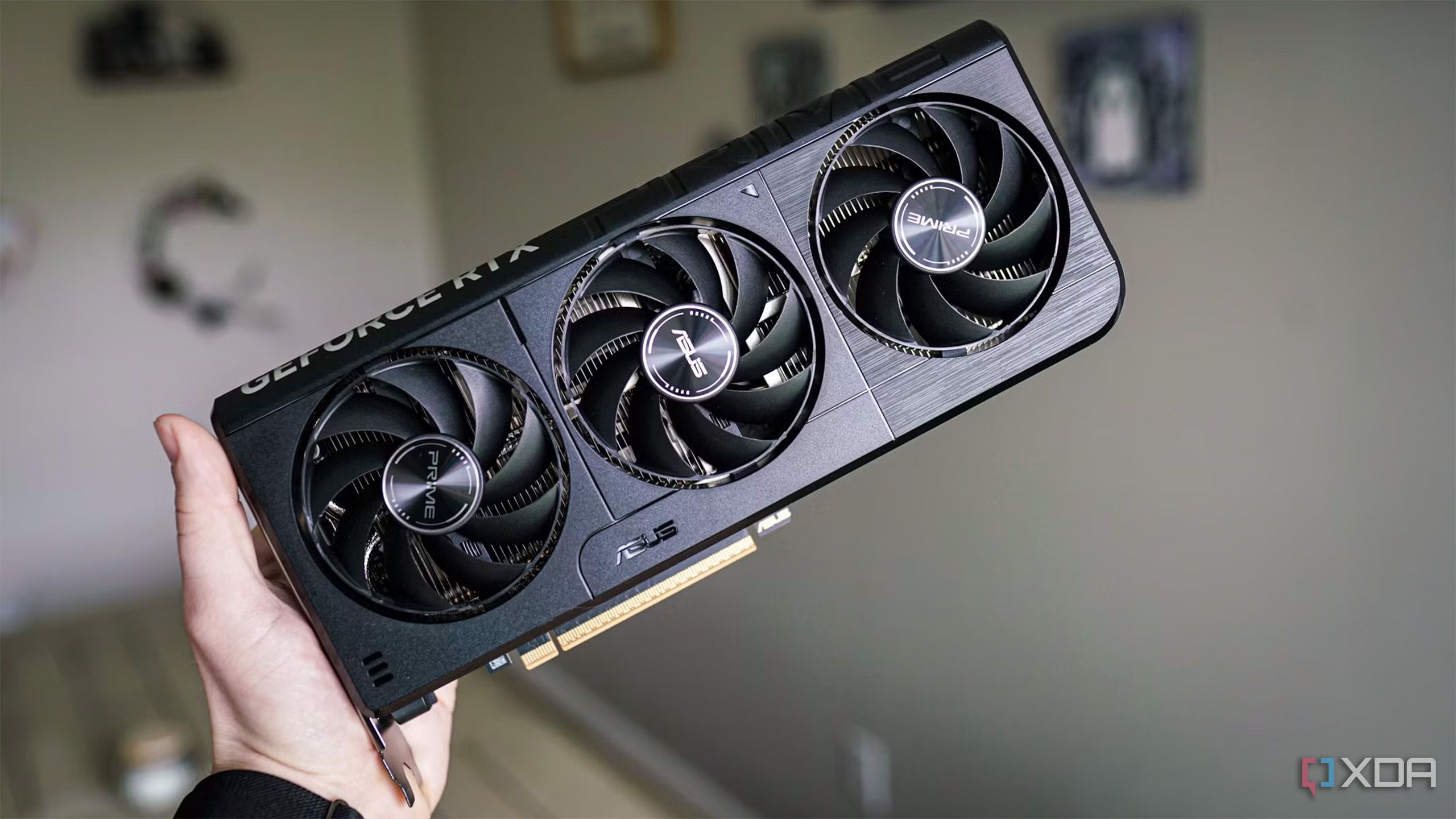
Reports collected in vendor forums and feedback threads show a mix of frightening and frustrating behavior: fans that stop spinning, fan curves being ignored, sensors disappearing from monitoring tools, boost clocks not applying, sudden black screens and freezes, and BSODs with VIDEO_TDR_FAILURE / nvlddmkm Event ID 153. Some players also saw in‑game performance drop – particularly in Unreal Engine 5 titles – until they rolled the driver back.
How to fix it now
If you updated to 595.59 and are seeing any of those symptoms, the fastest option is to reinstall 591.86 WHQL. GeForce Experience (the NVIDIA app) offers a quick rollback: Open the Drivers tab, click the three dots next to the installed driver, and choose to reinstall the previous version.
If you prefer a clean slate, use a driver cleaner (Display Driver Uninstaller is commonly used by enthusiasts) and then install 591.86 from NVIDIA’s driver repository. If hardware control problems persist after rolling back, shut down the system and check fan headers and BIOS settings – the safest move is to avoid heavy loads until you confirm cooling is working normally.
Why this matters beyond a stalled fan
GPU drivers do more than unlock frame rates. They sit between the operating system, the game, and the card’s firmware, and control power, clocks, and thermal behavior. When that software layer breaks, it can cause reduced performance, erratic thermals, or, in the worst case, push hardware into unsafe temperature territory. That raises not just inconvenience but real risk for temperature‑sensitive systems.
Game‑specific ”Game Ready” drivers are meant to tune cards for a title’s launch, but they also compress testing cycles. The tradeoff is obvious: ship optimizations quickly, or avoid pushing changes that could destabilize core hardware control. NVIDIA has chosen quick rollouts for years; occasionally a batch goes wrong, and 595.59 is the latest example.
What users should do going forward
If you care about stability over marginal performance gains, delay Game Ready updates for a day or two after a major release. Check vendor forums and the driver feedback thread before you update. Keep restore points, and bookmark the previous known‑good driver version so you can roll back quickly if needed.
For those who manage multiple machines or stream/record professionally, consider switching GeForce Experience to manual updates and testing new drivers on a single machine first. And if you run a preconfigured fan curve in software, confirm the curve survived an update – drivers touching thermal controls sometimes undo or ignore third‑party profiles.
What likely happens next
NVIDIA will probably issue a hotfix or a new WHQL release after reproducing and patching the regression. Expect a clean‑install recommendation and a short support note explaining the root cause. Meanwhile, this is a reminder that driver updates are not routine maintenance; they’re software patches with the potential to change low‑level behavior. Treat them with proportionate caution.
And if your system shows any sign of cooling failure after an update – fans that don’t spin, rising temperatures, throttling – shut it down and revert the driver immediately. Gaming should excite you; your PC overheating should not.