


VSCO is beefing up its AI-powered editing arsenal with five fresh tools designed to help photographers streamline complex adjustments. Since launching its AI Lab last year, the app has steadily introduced features to ease the photo editing grind, now totaling eight AI-driven tools focused on everything from resolution enhancement to object removal.
Originally featuring upscale and object removal tools with a prompt-based interface launched in January, VSCO’s AI Lab has expanded substantially. This latest update includes five new AI photo editing tools:
- Dehaze: Revives dull outdoor shots by restoring contrast and color in hazy or overcast conditions.
- Denoise: Cleans up grain, dust, and high-ISO noise while preserving photo texture.
- Hairstyle: Refines hair volume and shape without making it look artificial.
- Restore: Brightens faded colors, sharpens details, and repairs damage like scratches on old photos.
- Simplify: Trims background distractions and crowd clutter to sharpen focus on the subject, ideal for busy scenes.
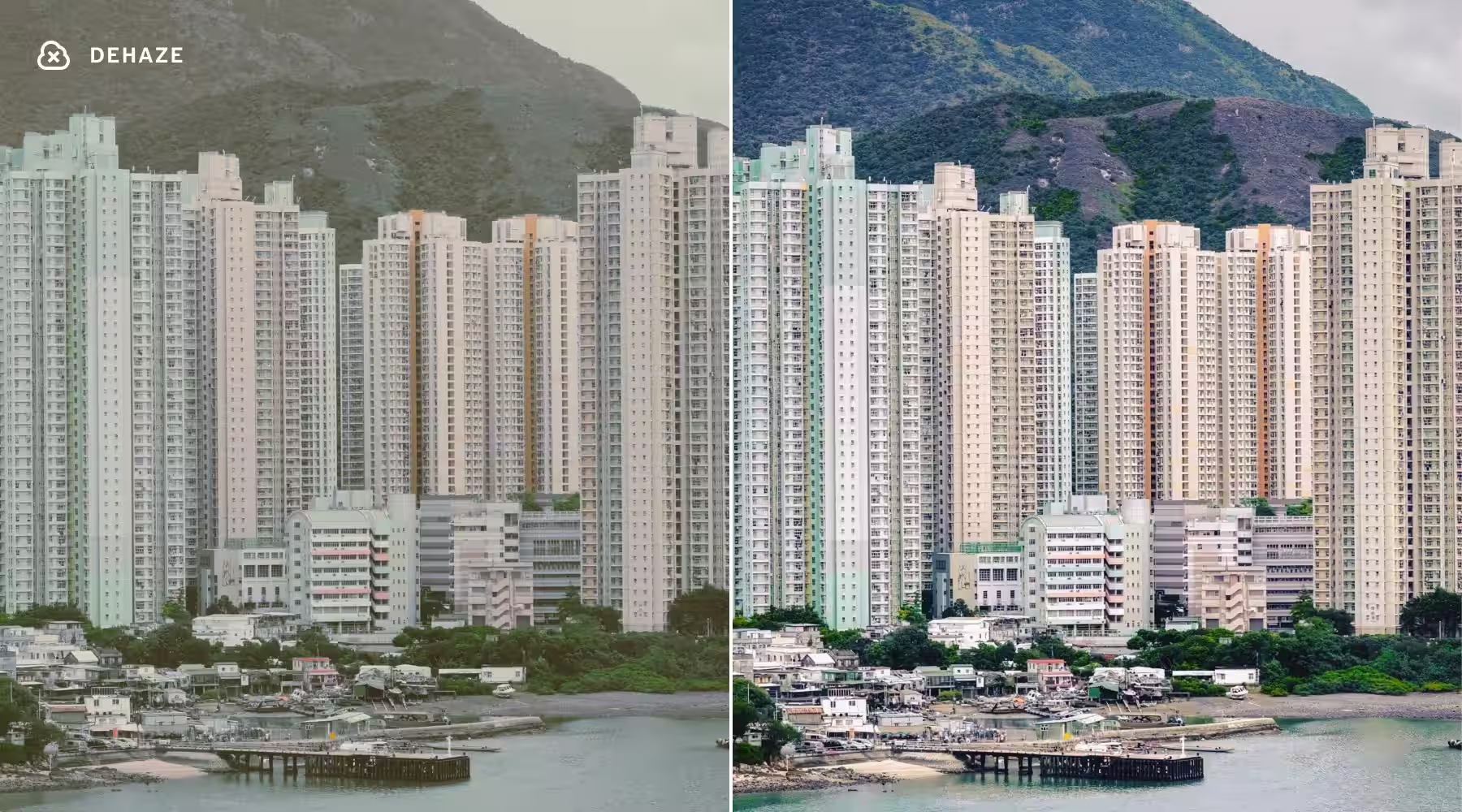
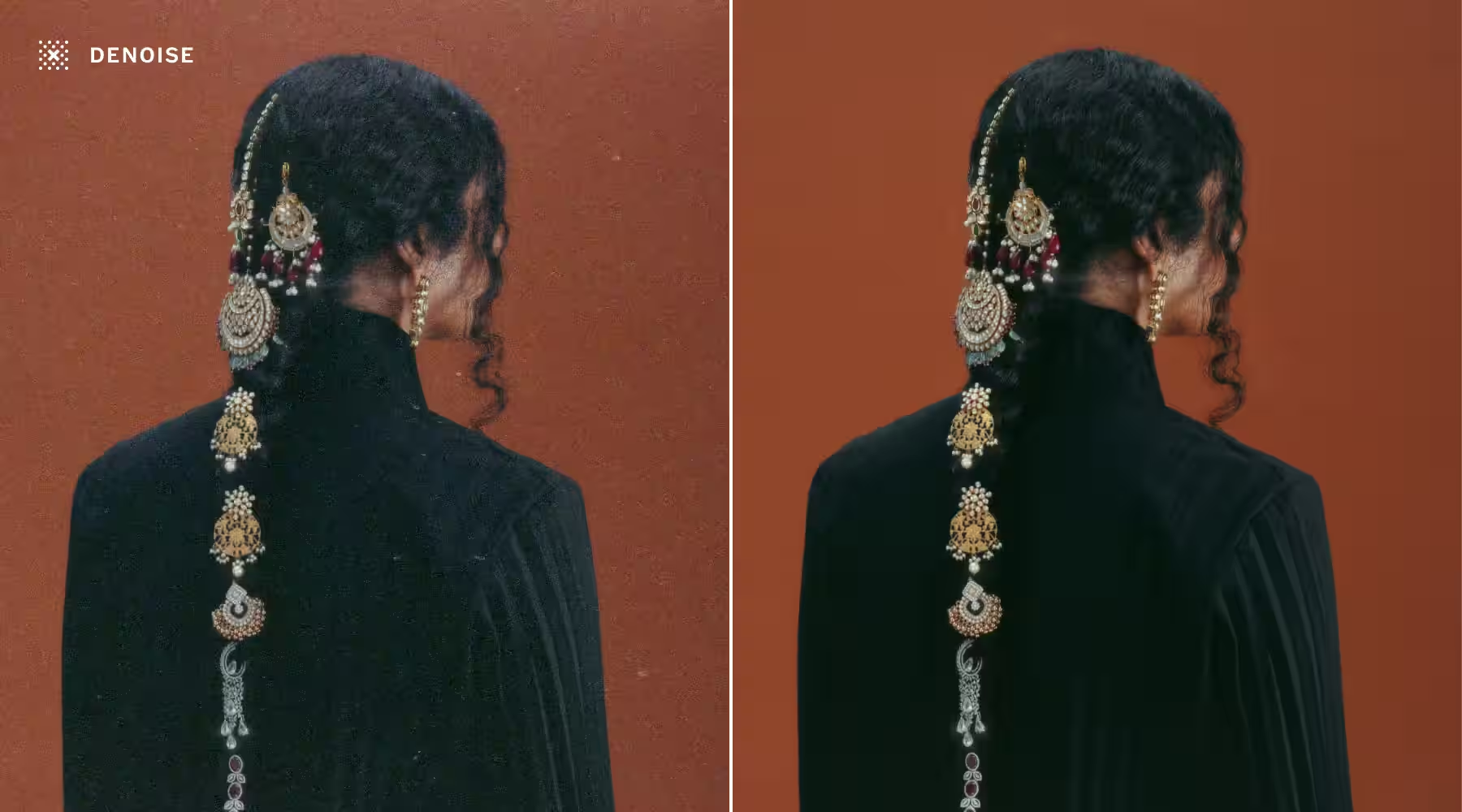

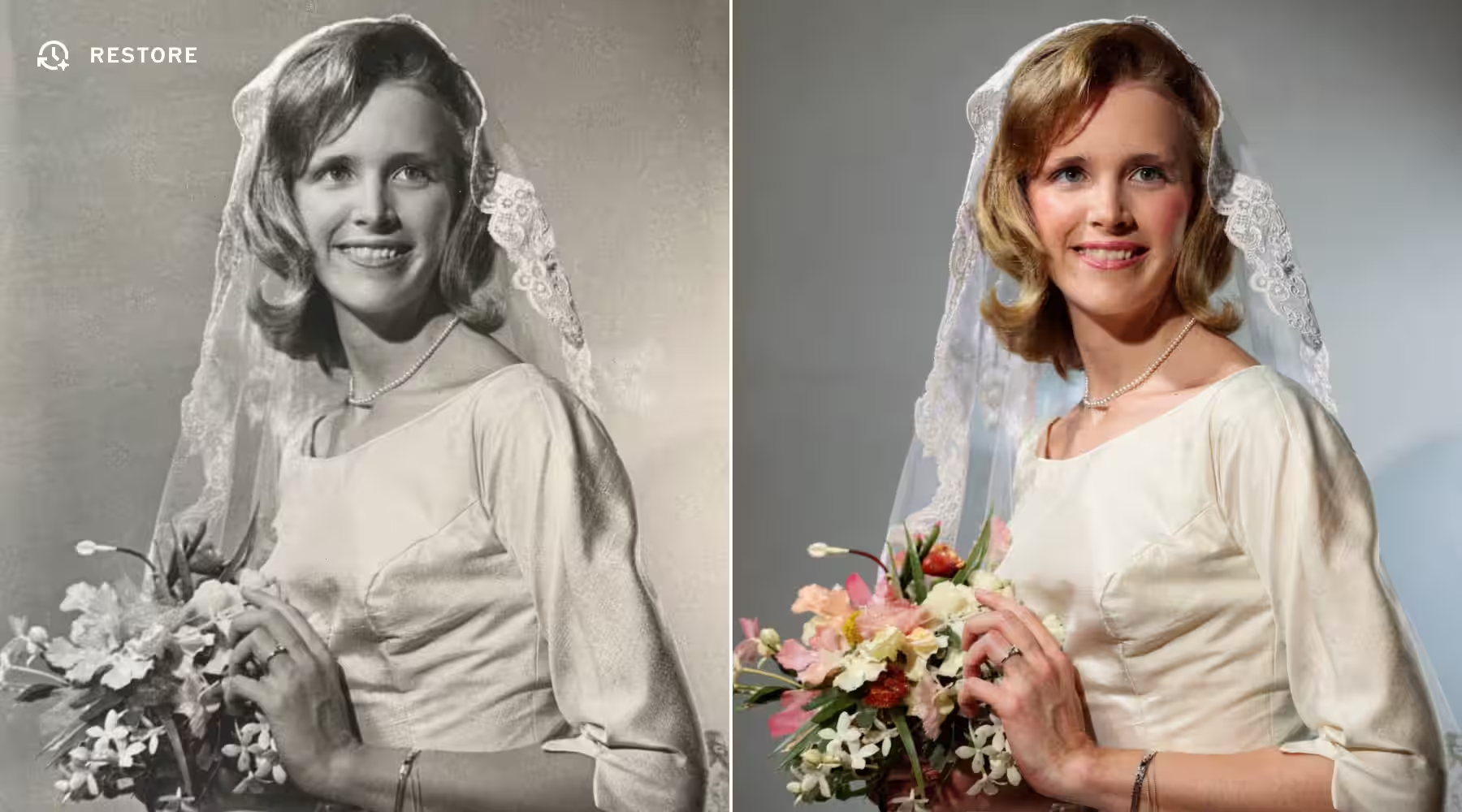
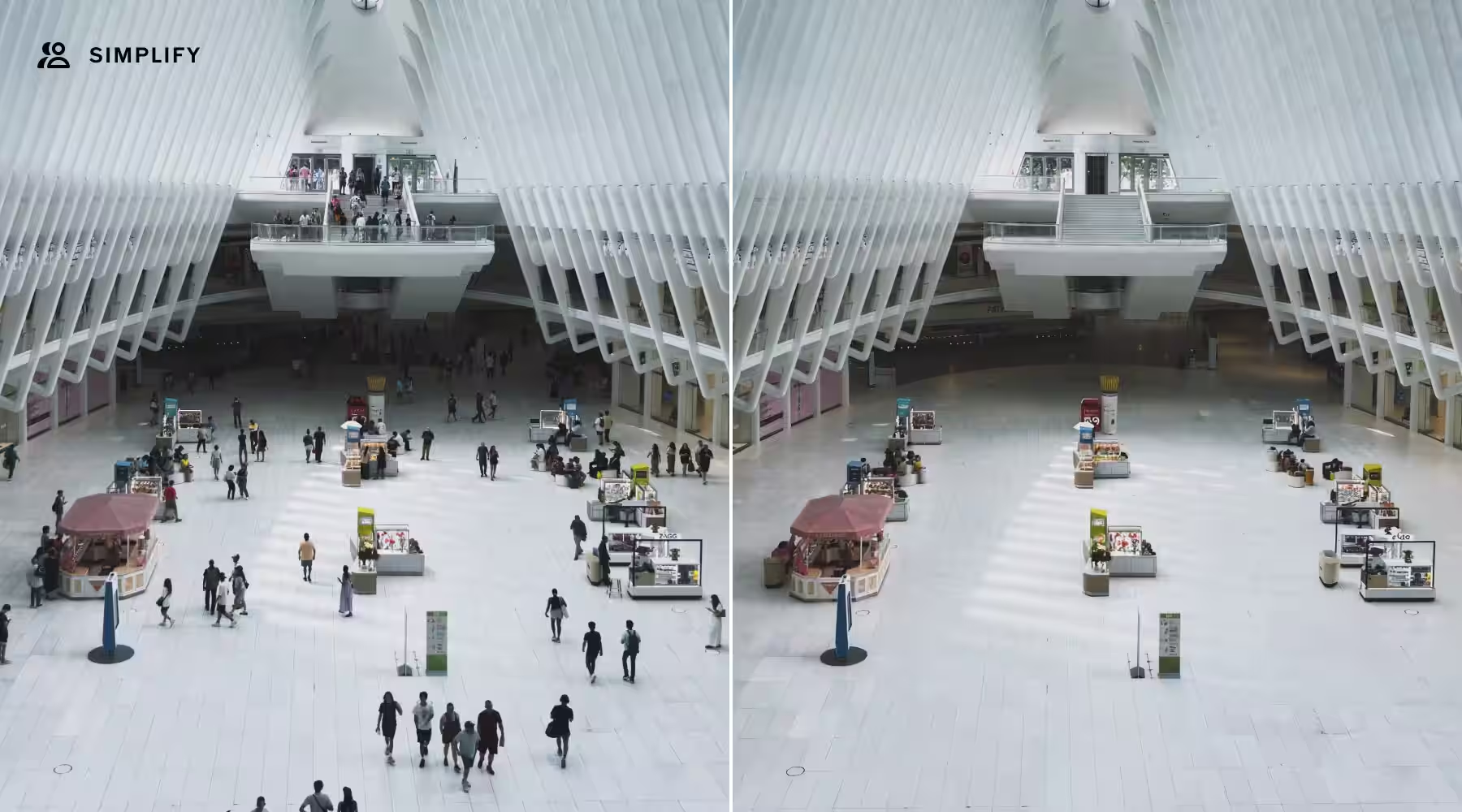
These new AI photo editing tools showcase VSCO’s commitment to combining intuitive design with machine learning techniques, appealing to both casual users wanting quick fixes and professionals seeking more precise control. The Simplify feature stands out as a direct answer to common urban and event photography challenges where background clutter often detracts from the subject.
While AI-driven editing tools are becoming standard across creative apps-Adobe Photoshop, Luminar AI, and others have offered similar noise reduction and restoration features-VSCO’s approach of packing multiple handy options into its mobile-focused interface makes it an attractive choice for photographers working on the go.
The AI Lab’s evolution also hints at a future where user creativity gets a boost from reliable automation, cutting down tedious editing tasks. As AI models improve, tools like Hairstyle tweaking and photo restoration could become even more nuanced and natural-looking, pushing mobile photography editing closer to professional desktop workflows.