

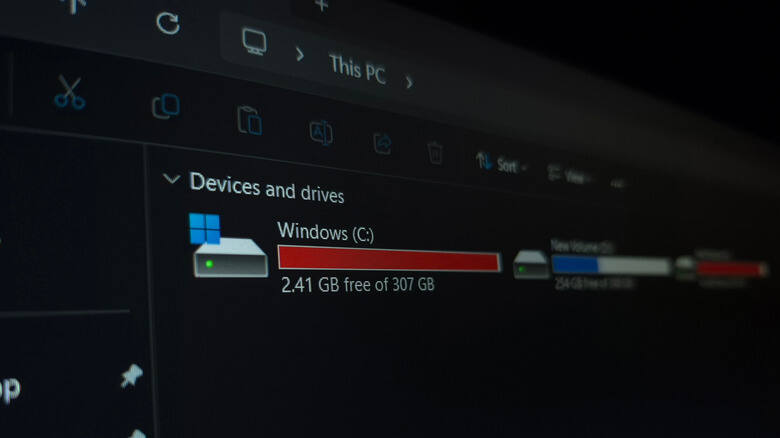
If your SSD has started feeling oddly sluggish, TRIM may already be built into Windows and helping. The command tells the drive which blocks are no longer in use so it can keep writing data efficiently instead of slowing down as it fills up.
That matters because SSDs are fast, but they are not magic. Once storage gets crowded, performance can drop, especially on smaller drives packed with games, apps, and operating system junk. TRIM is one of those boring background features that quietly keeps the whole setup from turning into a very expensive bottleneck.
What TRIM does on an SSD
Think of TRIM as the SSD-era cousin of disk defragmentation, except it works differently under the hood. Instead of shuffling files around like an old hard drive utility, it tells the SSD which data blocks are no longer needed so they can be reused more efficiently.
That improves write performance and helps extend the drive’s lifespan. Windows supports it natively, which is handy because most people would rather not babysit storage health in a PowerShell window every week.
How to check whether Windows is already using TRIM
The easy route is inside This PC. Open the drive’s properties, head to Tools, then Optimize, and check whether scheduled optimization is turned on. If it is set to On, Windows is already running TRIM on a weekly basis.
There is also a manual check using PowerShell with administrator privileges. Run fsutil behavior query DisableDeleteNotify. If both values are zero, TRIM is enabled and doing its job in the background.
Why leaving TRIM on is the smart move
Disabling it would be a strange hill to die on. SSD prices can swing all over the place, and storage is too important to treat lightly when a built-in maintenance feature is already doing the work for free.
The bigger picture is simple: modern SSDs are far better than old hard drives, but they still need housekeeping. TRIM is the kind of unglamorous feature that most users never think about right up until performance starts dipping, and then it looks a lot smarter than buying a new drive too early.
When a slow SSD points to something else
If TRIM is already on and the drive still feels slow, the usual suspects are not mysterious. A nearly full SSD, older hardware, or a heavily loaded system can all make Windows feel less snappy, even if the storage itself is perfectly healthy.
The open question is how many users will ever check it. My guess: not many. But the next time a machine feels tired, this is one of the first settings worth confirming before you start blaming the SSD for crimes it may not have committed.