

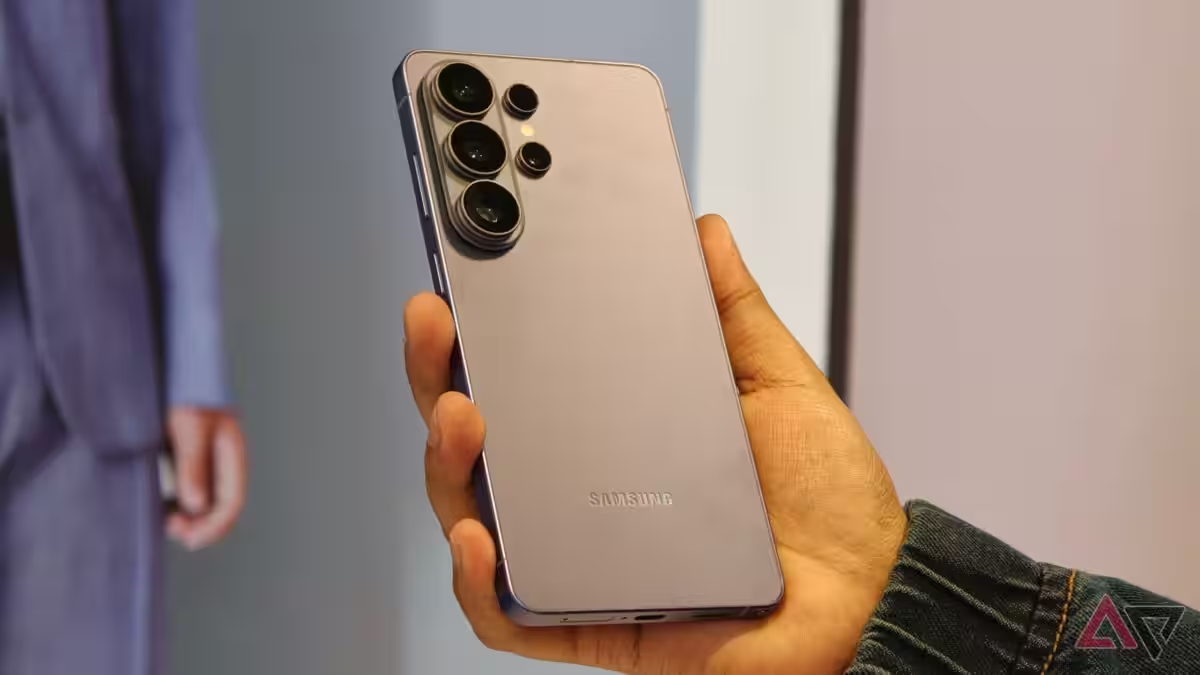
For years Android’s version of Live Photos has felt like a blunt instrument: you either save a short video with every shot or you don’t. That wastes space and turns motion captures into a feature people disable rather than use. Samsung’s Galaxy S26 fixes that with a simple, overdue improvement – and it pairs the change with a gimbal-like Horizon Lock on the S26 Ultra. Both moves say the same thing: software smarts matter more than raw megapixels.
The Galaxy S26 adds an Auto mode for Motion Photos that only records the short video clip when the camera detects movement in the scene. There’s a practical exception: the phone will save a motion photo any time it detects human faces or pets, even if there isn’t obvious motion. That tweak turns Motion Photos from a default storage hog into a targeted capture tool – useful when you actually want the extra context and otherwise invisible when you don’t.
Why this matters: Motion Photos typically take two to three times more storage than a still image because the camera saves a short video alongside the photo. By saving motion clips selectively – and prioritizing people and pets – Samsung keeps the memorable moments without filling your phone with redundant footage.
Google’s Pixel phones already offered an Auto Motion Photos option, so Samsung is catching up rather than inventing. It’s also letting you change or silence the camera sound for motion captures, a minor convenience for anyone annoyed by camera chimes.
Horizon Lock: gimbal vibes without extra gear
On the video side, Samsung has added Horizon Lock to the S26 Ultra – an action-camera-style stabilization that keeps the horizon level even when you tilt or rotate the phone dramatically. Early clips look impressively smooth; the effect is the same trick action cams and small gimbals have used for years, and Apple already offers comparable stabilization modes on recent iPhones.
Samsung hasn’t changed the S26 Ultra’s rear camera hardware substantially, so Horizon Lock appears to be a software and processing trick – likely leaning on the Snapdragon 8 Elite Gen 5’s ISP performance. That suggests the feature is tied to the new chipset and may not be backported to last year’s Galaxy S25 Ultra or other 2025 flagships.
What Samsung gains, and who loses
This update does three things at once: it makes a long-standing feature actually useful for most people; it reduces storage waste; and it gives the S26 line a neat, marketable video trick. Consumers win when software decisions prioritize real usage patterns over feature checklists. Phone photographers and casual users both benefit.
The losers are predictable: older hardware that can’t match the new chipset’s processing, and buyers who expected every software enhancement to be universal across recent models. Samsung hints that One UI 8.5 could bring Motion Photo improvements to the Galaxy S25 and Z Fold 7, but Horizon Lock’s reliance on newer silicon makes it a likely hardware-gated feature.
Verdict and what to watch next
Smart defaults beat feature overload. Samsung’s selective Motion Photos are the kind of useful refinement that should have come years ago, and Horizon Lock shows how much difference clever processing can make. The caveat is strategic feature gating: expect Samsung to lean on chipset capabilities to reserve headline features for newer phones.
Watch for two things in the weeks after launch: whether One UI 8.5 actually brings Auto Motion Photos to 2025 models, and whether Samsung finds a way to offer Horizon Lock more widely or keeps it as a flagship exclusivity to push upgrades. Either way, the S26 lineup proves the camera race is increasingly about software judgment, not just bigger sensors.