

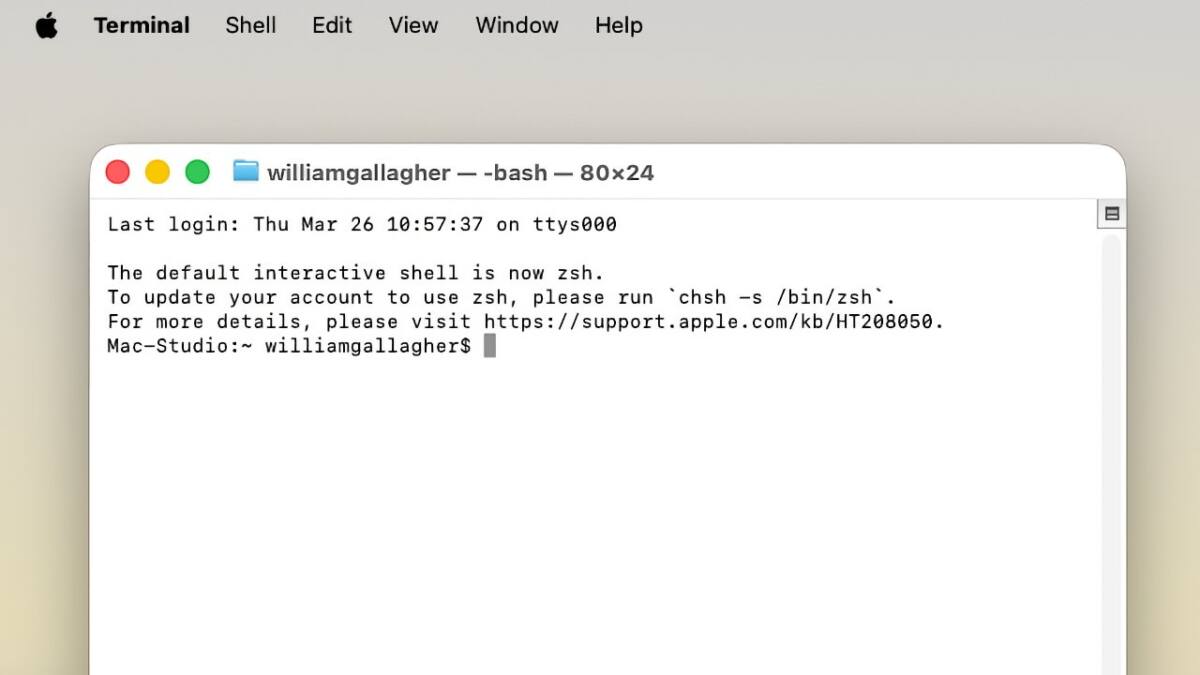
Apple has introduced a new safety feature in macOS 26.4 that alerts users when they attempt to paste potentially dangerous commands into the Terminal app. Terminal, a powerful tool for controlling Mac systems through text commands, can be risky in inexperienced hands or when scammers convince users to run malicious instructions. This update aims to stop such attacks by warning users before they execute suspicious commands.
Spotted by a Twitter user going by Mr Macintosh shortly after macOS 26.4’s public release on March 24, 2026, the alert reads: ”Possible malware, Paste blocked.” It explains that scammers often trick users into pasting harmful commands via websites, chat, apps, files, or even phone calls, emphasizing that ”Your Mac has not been harmed.” The user is then presented with options to either cancel the paste or ignore the warning and proceed.
However, the macOS 26.4 Terminal malware warning isn’t fully rolled out or universally triggered – AppleInsider couldn’t replicate the warning, suggesting it might be in a testing phase or limited deployment. This inconsistency leaves questions about how the detection mechanism works and whether the alert appears every time a suspicious paste is attempted. According to the user who first reported it, the warning shows only once per session, which may reduce annoyance for power users but could be less protective for Terminal novices repeatedly targeted by scams.
This addition thoughtfully addresses a longstanding vulnerability: users blindly pasting commands in Terminal effectively bypass macOS security layers, handing full control to potential attackers. While Apple has never been lax about security, this hands-on warning is a straightforward, user-friendly deterrent. It’s surprising macOS 26.4 introduces this now, given the number of previous support cases and scam reports involving Terminal misuse.
The feature’s limited visibility means it’s unclear exactly what commands trigger the alert or how Apple classifies ”potential malware” in this context. One hopes Apple will expand and refine this protection widely across future macOS updates, as Terminal remains an essential yet risky feature, especially for less technical users. Until then, caution is still the best policy when copying commands from unofficial sources.