

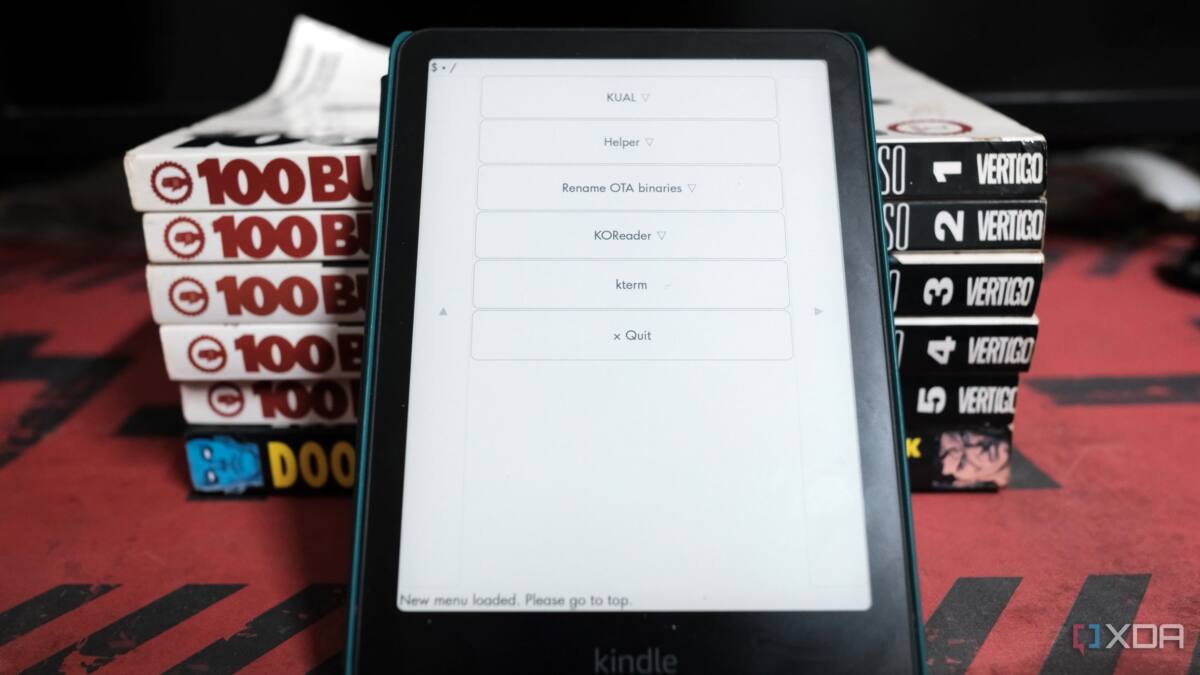
When it comes to smart home displays, most people assume a dedicated E Ink panel is the obvious choice-after all, those ghostly monochrome screens sip power and stay visible in any light. But if you have an old Kindle gathering dust, it might surprise you by outperforming most standalone E Ink devices at a fraction of the hassle. The secret lies in the Kindle’s touchscreen, built-in Wi-Fi, and the thriving community hacks that let you run custom software for smart home integration.
Many hobbyists start with bare E Ink screens paired with microcontrollers like the ESP32. These setups look sleek and consume almost no power, but lack one key feature: interactivity. Most don’t come with a touchscreen, so you’re stuck with a static dashboard that only feeds you info instead of letting you tap to adjust lights, fans, or other connected gadgets. By contrast, Kindles feature a responsive touchscreen and solid hardware, including Wi-Fi and decent battery life, originally designed for reading but repurposed perfectly for smart home command centers.
Jailbreaking a Kindle to install the Kindle Unified Application Launcher (KUAL) is an important step. This unlocks the device’s potential, enabling you to run WebSocket-based dashboards connected to systems like Home Assistant. Unlike setups that merely take screenshots of your smart home view and push them to a static display, Kindles can handle real-time interaction. Adding remote access tools like Tailscale lets you manage your home network from anywhere, turning the Kindle into a truly portable smart home control panel.
Of course, this isn’t plug-and-play. The setup requires some comfort with jailbreaking and network configuration. Plus, not all Kindle models support every browser or control method, so your mileage may vary. But compared to cobbling together a bespoke E Ink display from a bare panel, these hurdles are minor. The Kindle combines polished hardware with a solid ecosystem and established developer tools, making it the low-cost, high-reward champion of E Ink smart home displays.
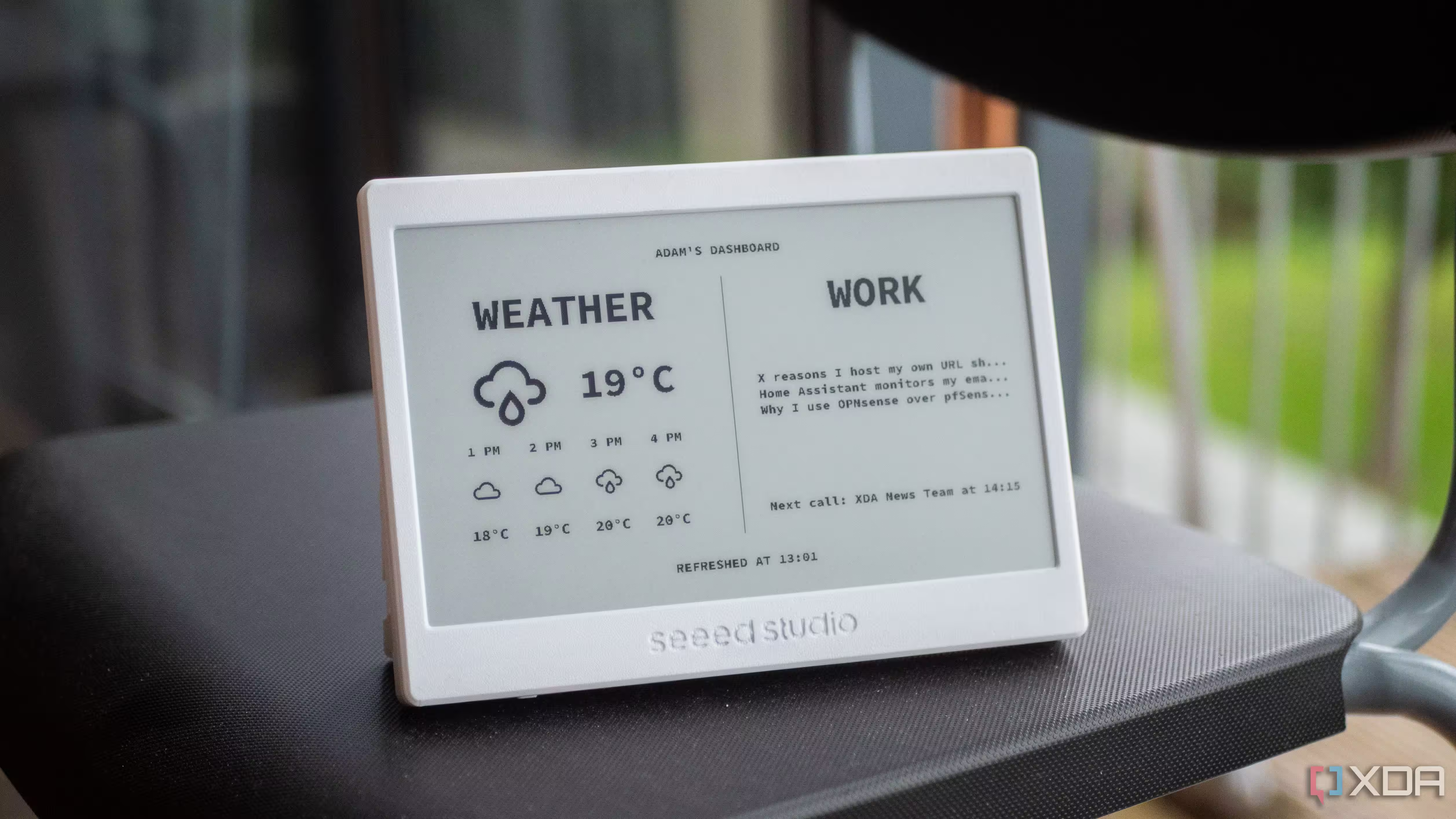
E Ink remains the ideal technology for energy-efficient smart home dashboards – its reflective screen is easy to read in all lighting conditions and draws power only when updating the display. Dedicated products like Seeed Studios’ 7.5-inch E Ink display or industrial devices such as the reTerminal series offer ready-made alternatives but typically cost more and often lack touch input.
In contrast, Kindle’s combination of ready hardware, touchscreen interactivity, and widespread user support makes it the cheapest route to a capable E Ink smart display. While companies experiment with dedicated E Ink tablets and kits requiring complex builds, repurposing a Kindle leverages years of technical refinement and the massive install base.
If you’re looking to upgrade your smart home command setup without breaking the bank, dust off that Kindle and start exploring the growing world of customized Home Assistant dashboards tailored for it. Your smart home deserves a display equally smart – no soldering iron needed.