

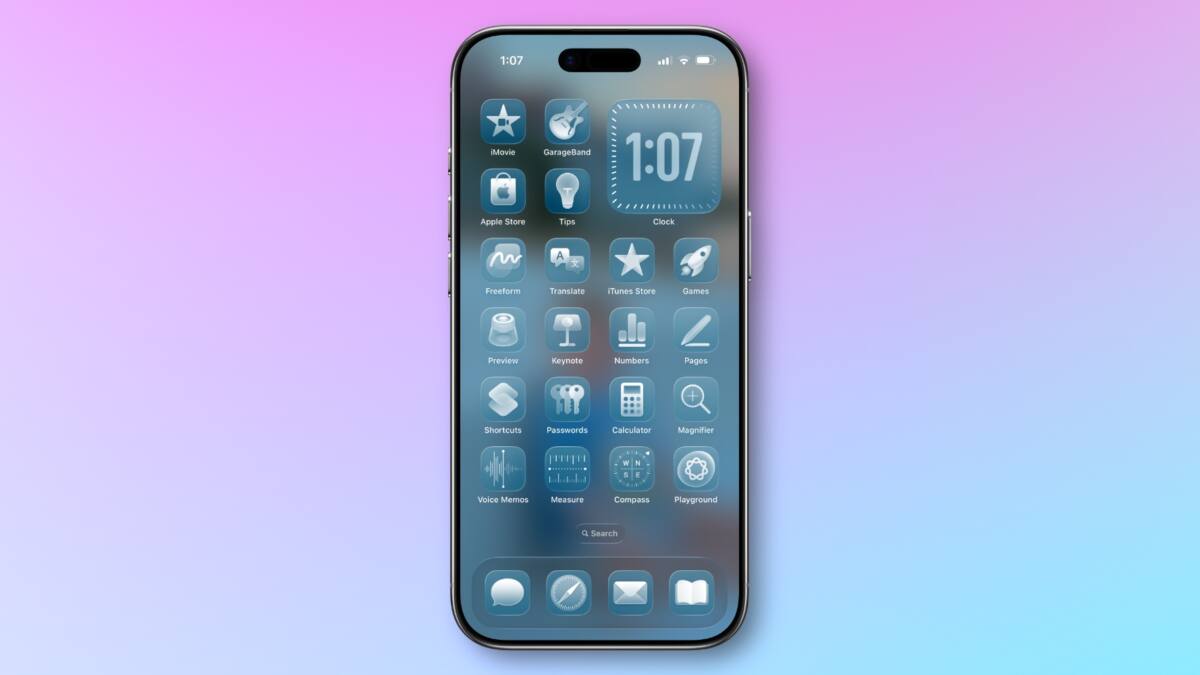
Apple is rolling out iOS 26.4 with fresh customization options aimed at tweaking the Liquid Glass interface on iPhones. This update introduces two notable settings, giving users more control over the visual flair of Apple’s signature design language. One is a brand-new ”Reduce Bright Effects” toggle that tones down flashing and highlighting animations, while the other is an improved ”Reduce Motion” feature designed to limit screen motion more reliably than before.
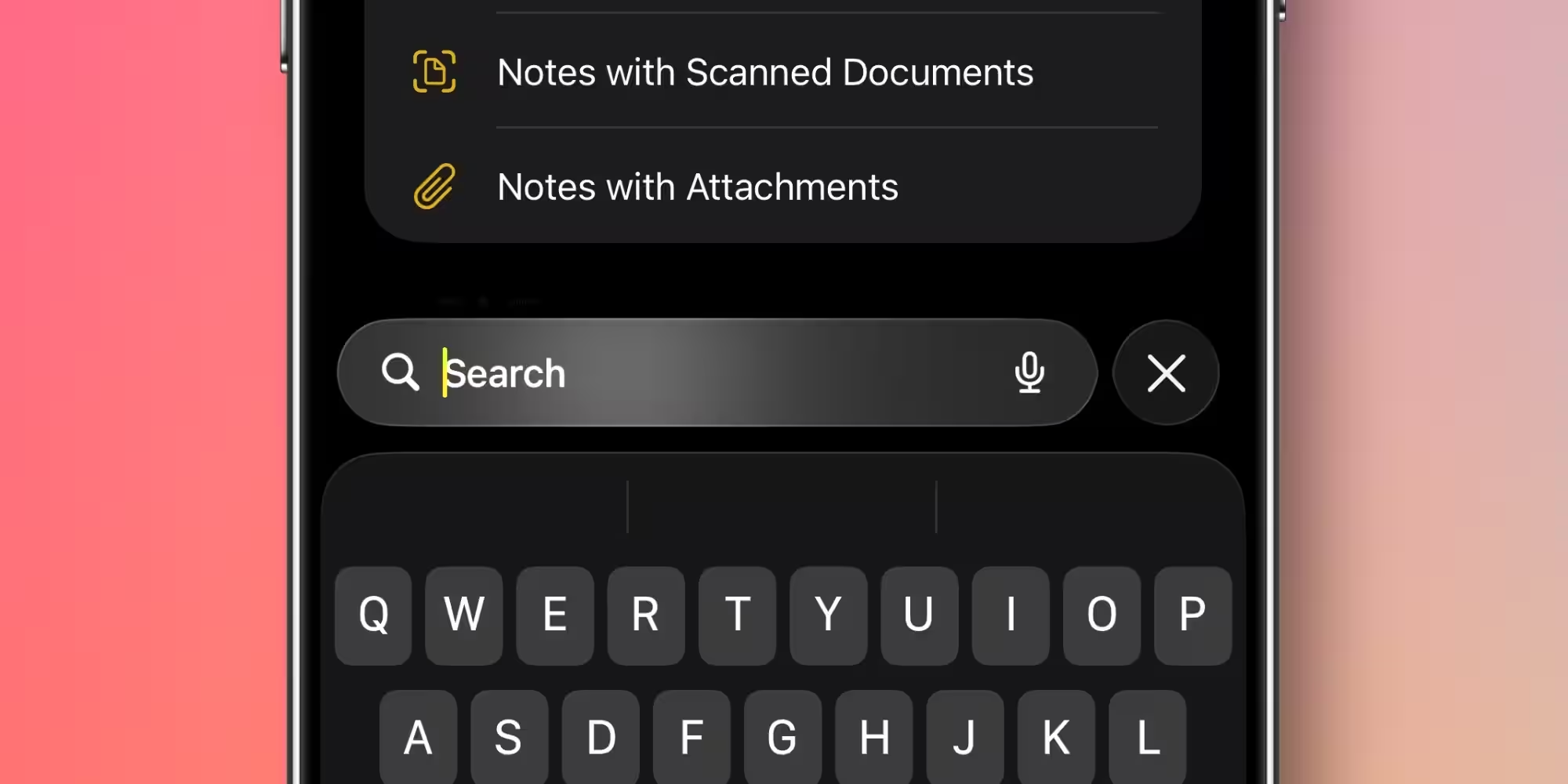
The ”Reduce Bright Effects” option targets the sometimes intense flashing effects seen when tapping buttons or typing on the keyboard, aiming to create a calmer visual experience. It can be enabled via Settings > Accessibility > Display & Text Size. Meanwhile, the familiar ”Reduce Motion” setting, located in Settings > Accessibility > Motion, has evolved. It now more effectively dials back the animated transitions and swirling effects associated with Liquid Glass, addressing complaints from users sensitive to movement since the initial iOS 26 release.
These enhancements highlight Apple’s ongoing commitment to making visual experience options more nuanced and accessible. Industry chatter hints that the next major iOS version, iOS 27, might let users customize Liquid Glass intensity via a slider, offering even finer control over the interface’s characteristic translucency and blur effects. Until that arrives, the incremental iOS 26.4 improvements provide practical fixes and preferences tailored for users sensitive to bright flashes or rapid animations.
Apple continues to refine its user interface accessibility and customization, recognizing the diversity of user comfort levels with dynamic effects. This balances Apple’s modern design ethos with an inclusive approach-an area where some competitors have lagged. By reducing motion and brightness effects, iOS becomes friendlier to those prone to motion sickness or sensory overload, helping maintain smooth adoption of the Liquid Glass style.
Will you try these new toggles to personalize your iPhone’s Liquid Glass look and feel? Let the debate begin as Apple inches closer to giving users full control of Liquid Glass aesthetics.