

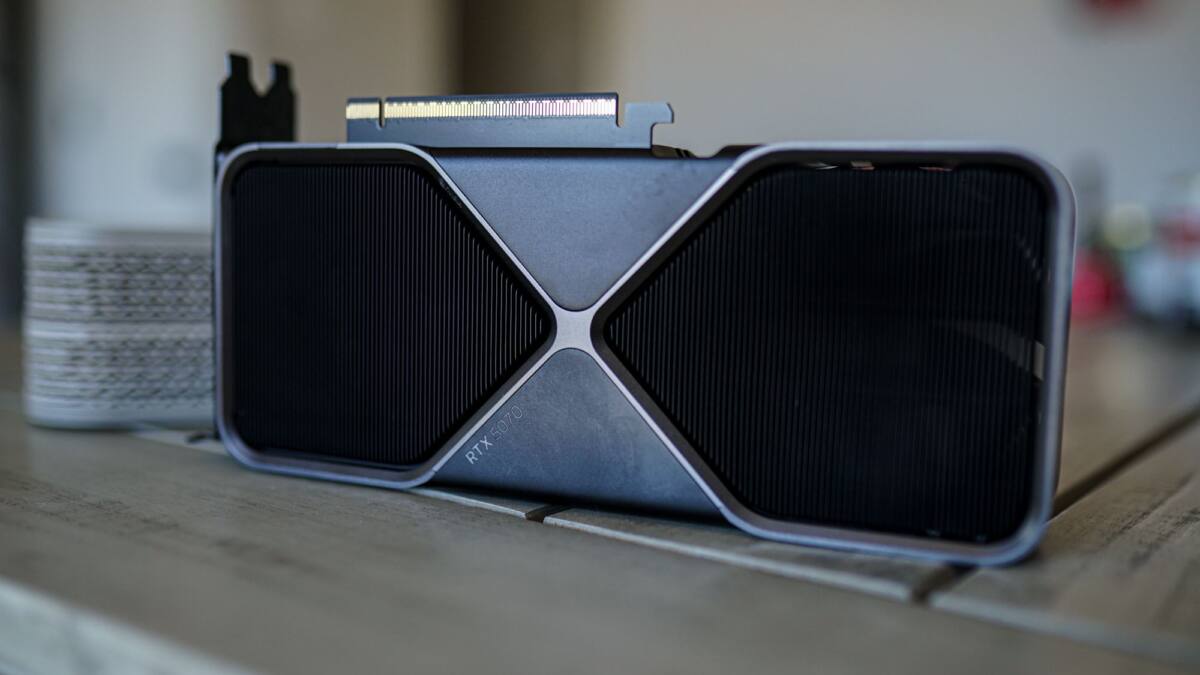
A shiny new graphics card can still feel oddly underfed. If your frame rates are up but the experience is not, the problem is usually not the GPU itself – it is the rest of the PC quietly refusing to keep up.
That gap matters more now because high-end GPUs are being bought as complete gaming upgrades, not just raw-FPS machines. The catch is that a stronger card only looks impressive on paper if the CPU, RAM, and even the monitor can feed it properly.
GPU usage that never stays high
If your card is sitting well below full load in demanding games, that is a red flag. In modern AAA titles, usage should usually hover close to max; if it keeps bouncing around or settles in the 70-85% range, the GPU is waiting on something else, most often the CPU.
That is easy to miss at 1440p or 1080p, where lighter scenes can naturally reduce load. But the pattern is what gives the game away: a new GPU should not be loafing in places where it ought to be working hard.
High FPS that still feels stuttery
Average frame rate is a flattering liar. A game can report triple-digit FPS and still feel rough if frametimes are uneven, which is why 1% and 0.1% lows tell a more honest story.
This is where older CPUs and slower memory kits show their age. The GPU may be ready to go faster, but the frame delivery chain is jagged enough to make the whole thing feel cheap.
You are skipping the features the card was bought for
High-end GPUs are no longer just about brute force. Ray tracing, upscaling, and frame generation are part of the pitch, and ignoring all of them can leave a lot of performance – and visual quality – on the table.
That does not mean frame generation is a must-have everywhere. For competitive shooters, the latency hit is still a bad trade; for slower single-player games, it can make a big difference to perceived smoothness. The smarter move is to match the feature to the genre instead of treating every toggle like a moral choice.
- Watch GPU usage during gameplay with a monitoring tool.
- Check 1% and 0.1% lows, not just average FPS.
- Use ray tracing, upscaling, and frame generation where they make sense.
- Fix CPU, RAM, or display bottlenecks before blaming the graphics card.
The uncomfortable truth is that a high-end GPU cannot save a lopsided build. If the weakest part of the system is still the weakest part, that is the part setting the ceiling – and your expensive new card is just wearing a cape while standing in line.